


Memorigi ToDo-Liste & Aufgaben
Spiele auf dem PC mit BlueStacks - der Android-Gaming-Plattform, der über 500 Millionen Spieler vertrauen.

Seite geändert am: Aug 26, 2025
Run Memorigi: To-Do List & Tasks on PC or Mac
Upgrade your experience. Try Memorigi: To-Do List & Tasks, the fantastic Productivity app from Memorigi, from the comfort of your laptop, PC, or Mac, only on BlueStacks.
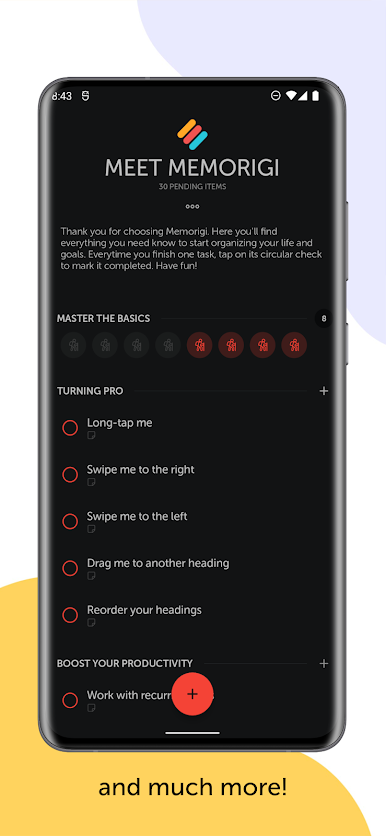
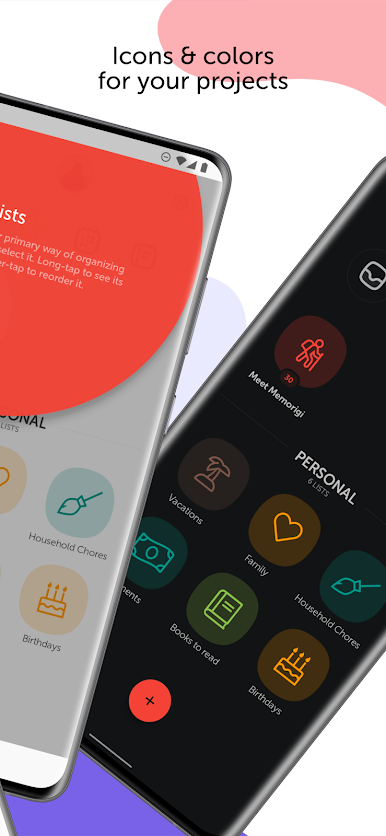
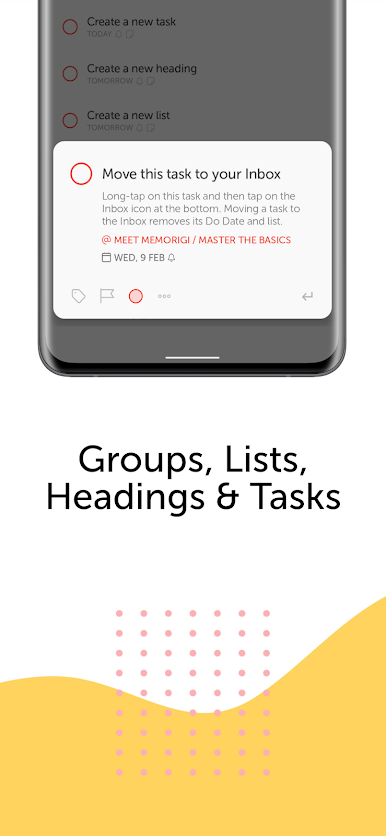
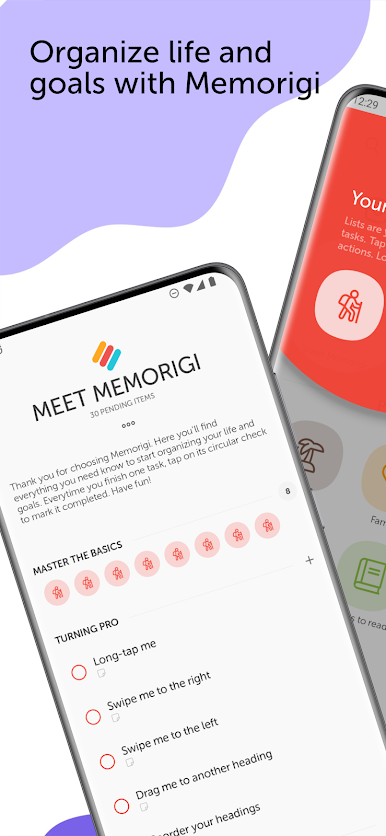
Memorigi feels like one of those list apps that actually respects time instead of wasting it. The layout is clean and calm, so it is easy to see what needs doing without getting lost in menus. Tasks live inside groups and lists, and you can add headings and tags to keep big projects from turning into a mess. Color and icons make it simple to spot work, home, bills, or workout stuff at a glance. The swipe gestures are quick for rescheduling or reordering, and on PC with BlueStacks the mouse plus keyboard makes adding tasks and moving things around feel extra smooth.
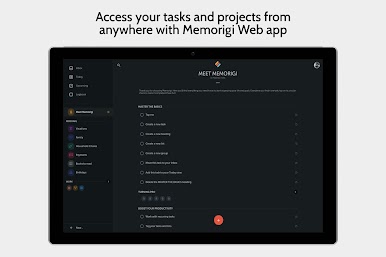
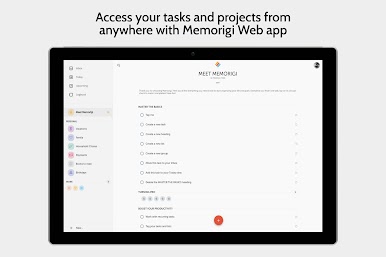
What stands out is the workflow. There is an inbox to dump ideas first and sort later, a Today screen that keeps only what matters right now, an Upcoming view for planning the next week or month, and a logbook that shows what actually got done. Reminders are strong and flexible, with recurring patterns like specific weekdays, every few hours, or even after marking something complete. Subtasks help break bigger items into steps, and you can attach files if a task needs a photo or document. There is a web version and cloud sync so lists follow between devices, and it can pull in Google Calendar so events sit next to tasks instead of living in a separate world. Little extras like Read Aloud, stats to see progress, custom tones, and the slightly bossy nag option make it practical without being heavy. Some of the deeper integrations and advanced tools are behind a paid tier, but the core planning, reminders, and organization feel solid out of the box.
Ready to experience Memorigi: To-Do List & Tasks on a bigger screen, in all its glory? Download BlueStacks now.


Spiele Memorigi ToDo-Liste & Aufgaben auf dem PC. Der Einstieg ist einfach.
-
Lade BlueStacks herunter und installiere es auf deinem PC
-
Schließe die Google-Anmeldung ab, um auf den Play Store zuzugreifen, oder mache es später
-
Suche in der Suchleiste oben rechts nach Memorigi ToDo-Liste & Aufgaben
-
Klicke hier, um Memorigi ToDo-Liste & Aufgaben aus den Suchergebnissen zu installieren
-
Schließe die Google-Anmeldung ab (wenn du Schritt 2 übersprungen hast), um Memorigi ToDo-Liste & Aufgaben zu installieren.
-
Klicke auf dem Startbildschirm auf das Memorigi ToDo-Liste & Aufgaben Symbol, um mit dem Spielen zu beginnen

