


Tech News: najnowsza technika
Graj na PC z BlueStacks – Platforma gamingowa Android, która uzyskała zaufanie ponad 500 milionów graczy!

Strona zmodyfikowana w dniu: Sep 17, 2025
Play Tech News: Latest Tech Updates on PC
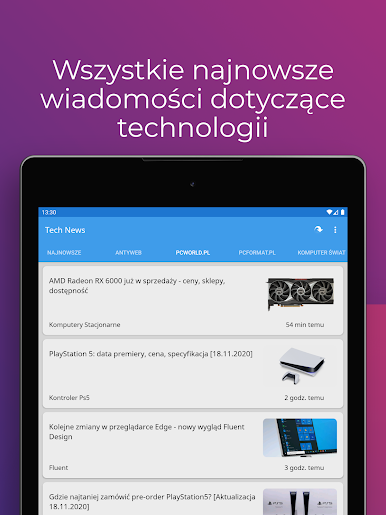
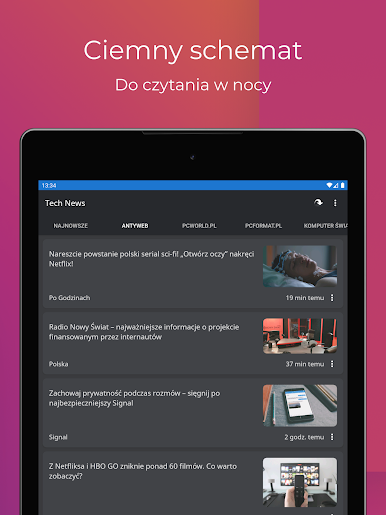
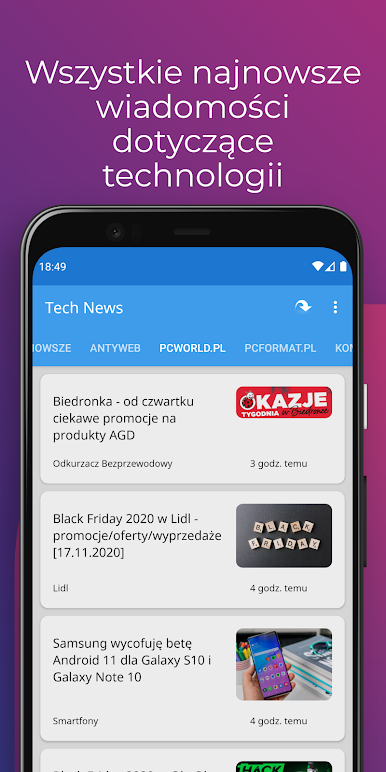
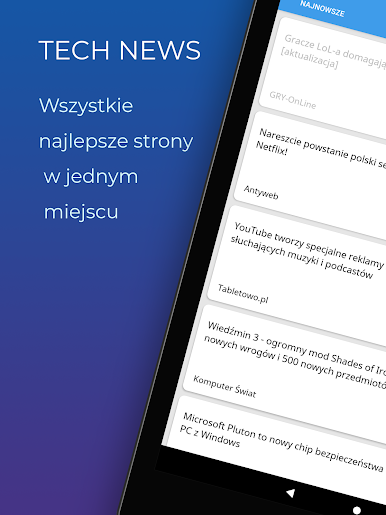
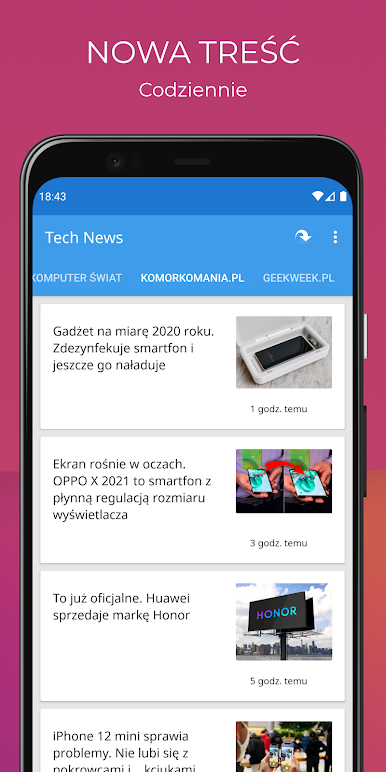
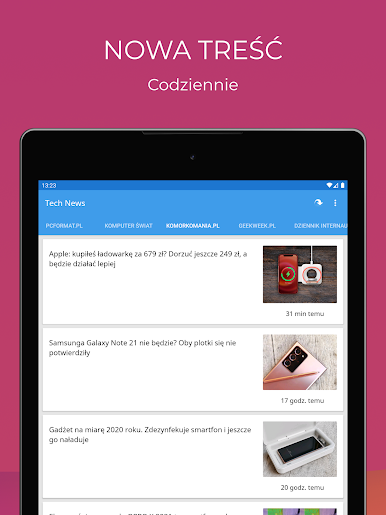
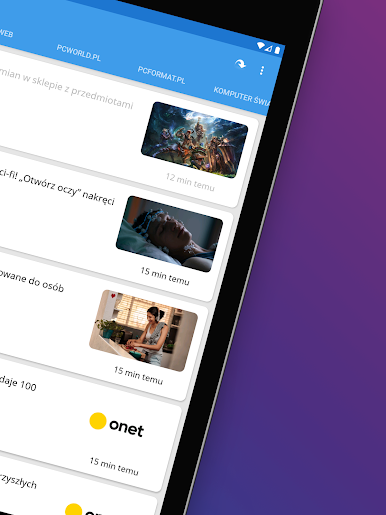
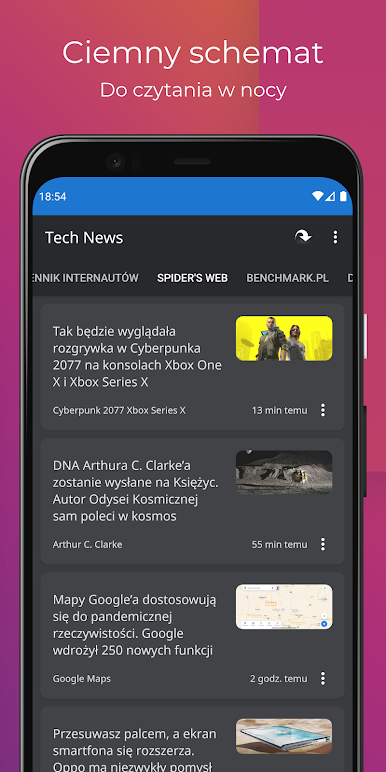
Tech News is a fast, simple, and immediate RSS feed reader designed specifically for tech enthusiasts. Unlike other news reader apps, we prioritize delivering news content without any unnecessary distractions or delays. With a clean and intuitive user interface, Tech News ensures that your focus remains on the news that matters.
Stay Connected to the Tech World
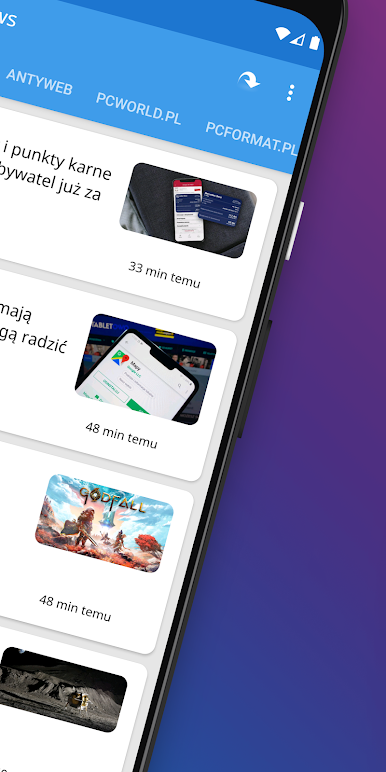
Experience a comprehensive range of tech topics including the latest in technology, hardware, smartphones, new games and apps, updates and reviews, geek stories, and much more. Our app is your gateway to the exciting world of technology.
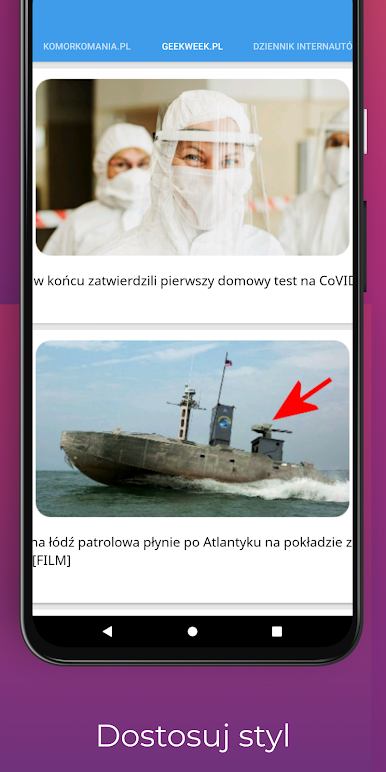
Customize Your News Feed
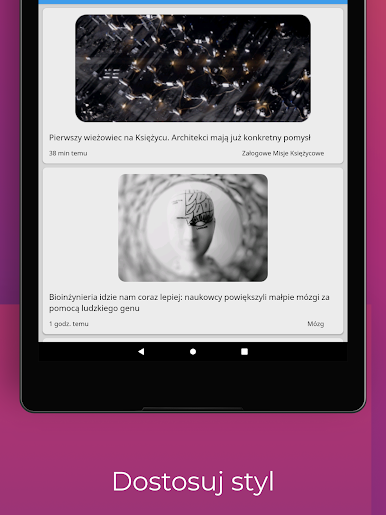
Tailor the app to suit your preferences by enabling or disabling specific news feeds. Choose only the news sources that interest you the most, and enjoy a personalized news experience tailored to your tech interests.
Tech News brings you the content from the following leading tech news websites:
- Gizmodo
- CNet
- SlashDot
- Ars Technica
- Wired
- Engadget
- TechCrunch
- Mashable
- Re/Code
- The Next Web
- GigaOM
- The Verge
- Lifehacker
- Tom's Hardware
- AnandTech
- Hacker News (YCombinator)
- VentureBeat
- ZDNet
- ReadWrite
- Tech Viral
- Tech Radar
- TechNewsWorld
- IT News
- Computer World
- Digit.in
Have a Favorite Site? Let Us Know!
If there's a tech news site you'd like to see included in our app, please reach out to us via email. We appreciate your feedback and suggestions as we strive to enhance your tech news reading experience.
Disclaimer: Tech News is an independent app that aggregates content from publicly available RSS feeds. We are not affiliated with or responsible for the content displayed from the mentioned blogs and sites. Stay informed and explore the world of technology with Tech News!

Zagraj w Tech News: najnowsza technika na PC. To takie proste.
-
Pobierz i zainstaluj BlueStacks na PC
-
Zakończ pomyślnie ustawienie Google, aby otrzymać dostęp do sklepu Play, albo zrób to później.
-
Wyszukaj Tech News: najnowsza technika w pasku wyszukiwania w prawym górnym rogu.
-
Kliknij, aby zainstalować Tech News: najnowsza technika z wyników wyszukiwania
-
Ukończ pomyślnie rejestrację Google (jeśli krok 2 został pominięty) aby zainstalować Tech News: najnowsza technika
-
Klinij w ikonę Tech News: najnowsza technika na ekranie startowym, aby zacząć grę

