


とりのおと
Jouez sur PC avec BlueStacks - la plate-forme de jeu Android, approuvée par + 500M de joueurs.

Page Modifiée le: Jan 15, 2026
Jouez とりのおと sur PC
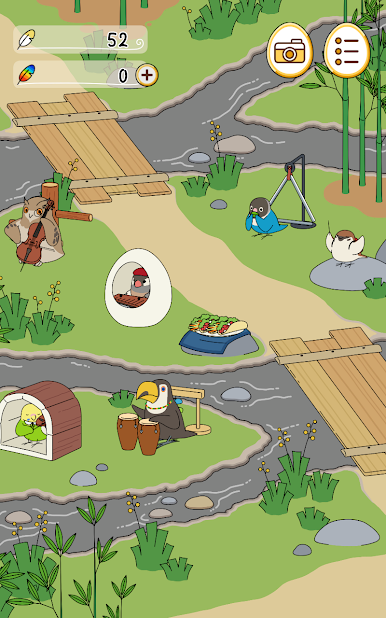
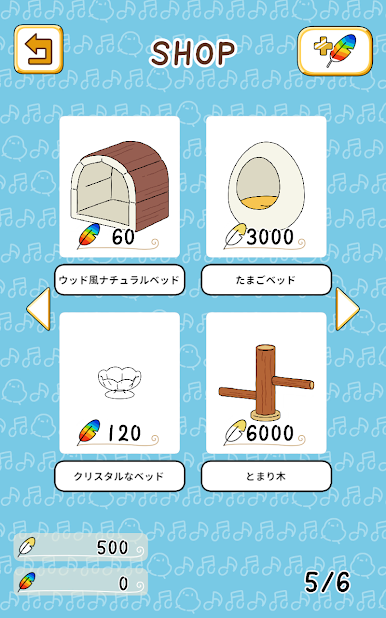
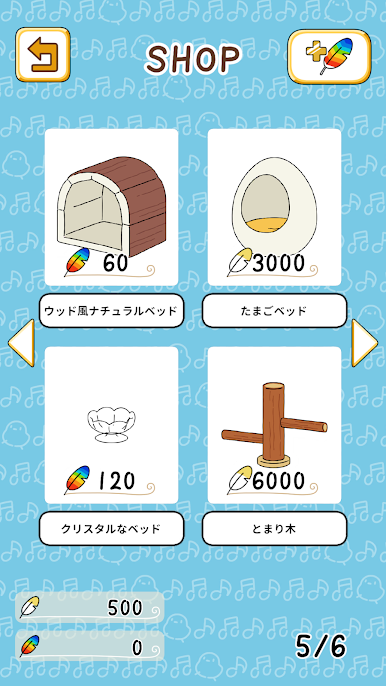
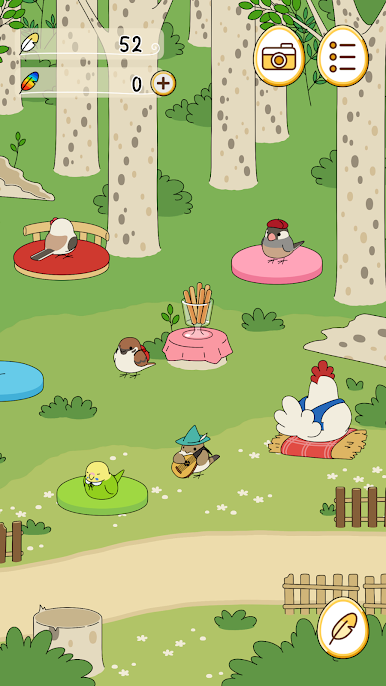
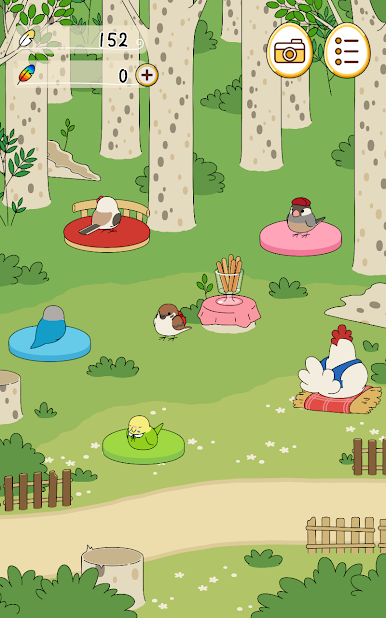
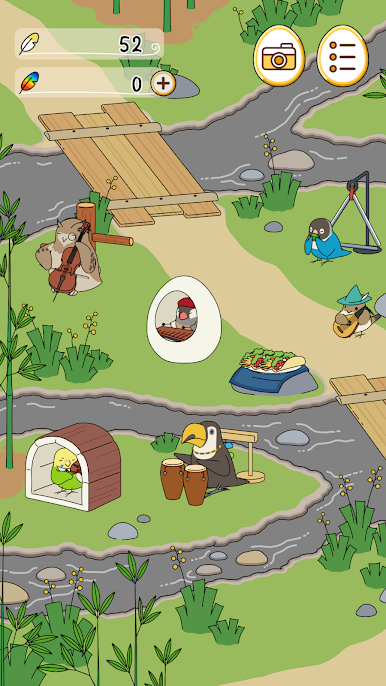
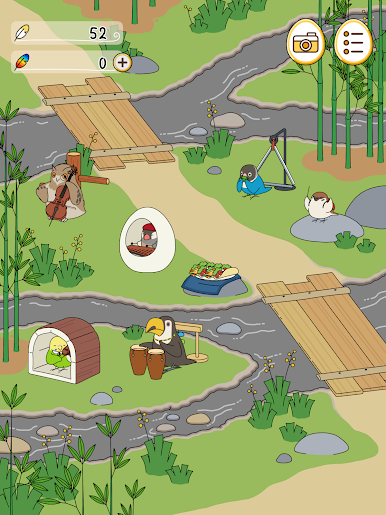
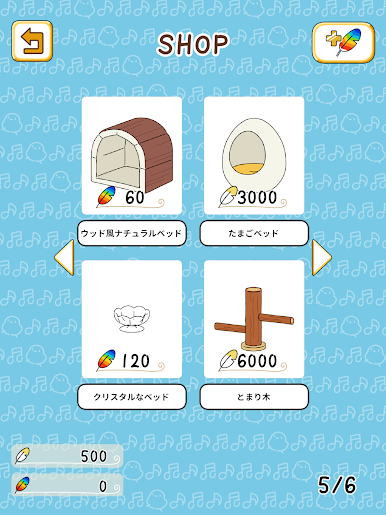
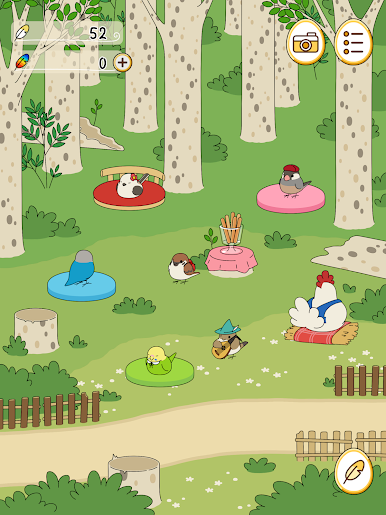
Placez de la nourriture et des marchandises sur la place
Invitons des artistes uniques !
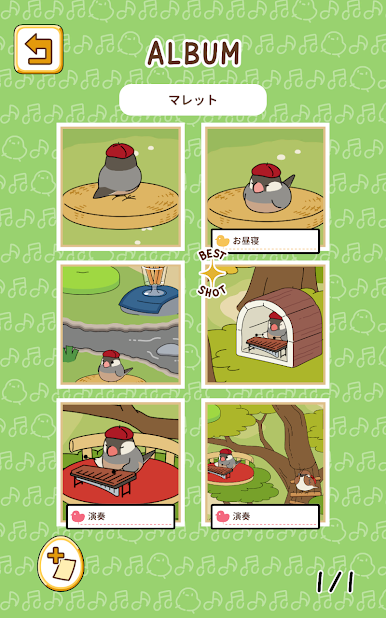
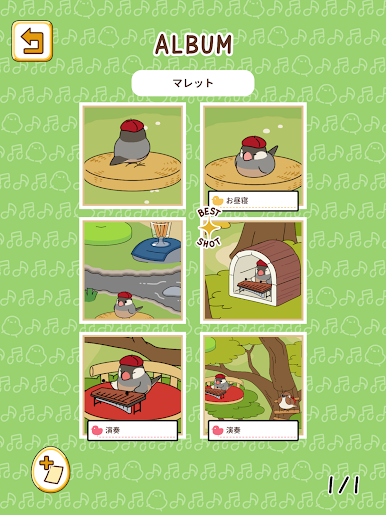
▼Collectez divers oiseaux !
Les oiseaux qui venaient sur la place se détendaient avec les marchandises.
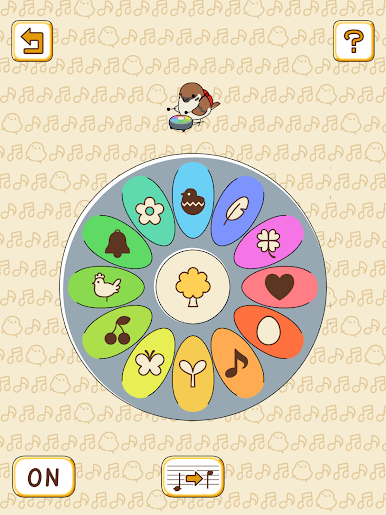
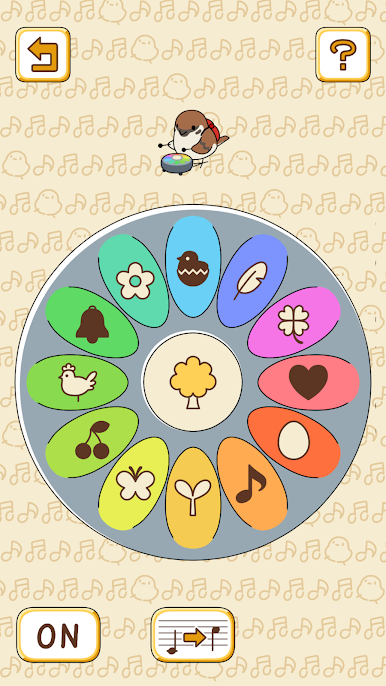
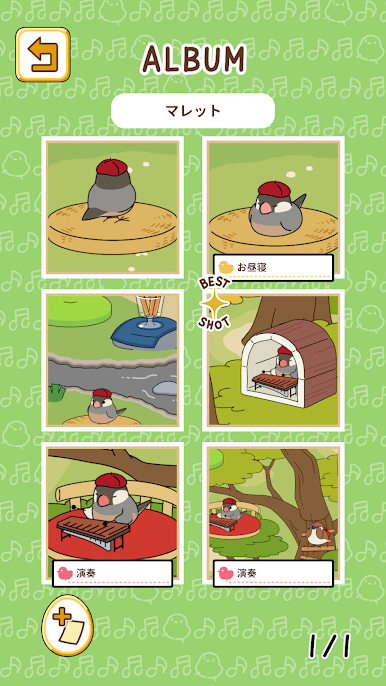
J'aime jouer librement sur mes instruments préférés.
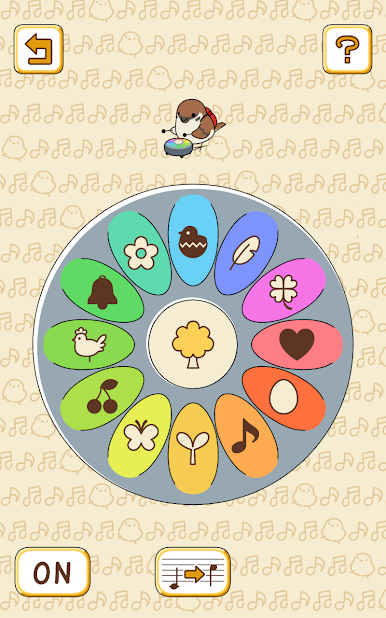
Lorsque vous agitez le bâton, il jouera avec la musique de fond.
Profitons de l'ensemble des oiseaux rassemblés !
▼Partagez avec une invitation !
En créant une invitation, vous pouvez partager le statut du carré sur SNS.
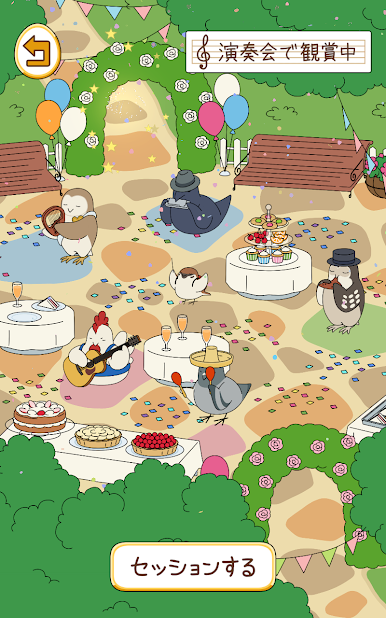
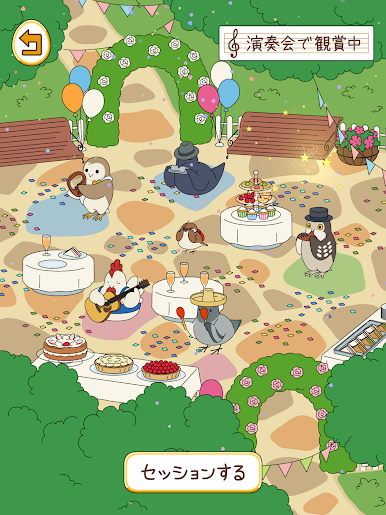
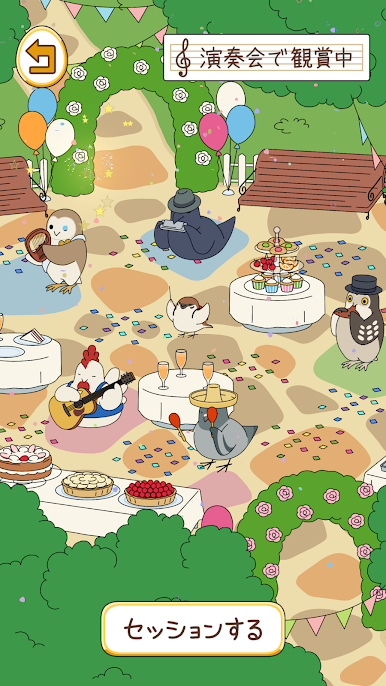
Nous organisons même des concerts luxueux avec des scènes spéciales... !
S'il vous plaît, partagez de nombreuses merveilleuses invitations à des concerts !
▼Faisons une séance lors d'un concert !
Si vous recevez l'invitation partagée, vous pouvez vous rendre au concert.
Lors des concerts, nous changeons les membres interprètes et ajoutons de merveilleuses productions.
Vous pouvez le rendre encore plus luxueux et le partager.
Veuillez décorer les invitations que vous avez reçues et créer un merveilleux concert.
◇« Tori no Oto » est recommandé pour ces personnes !
・J'aime Neko Atsume
・J'aime les personnages mignons
・Je ne suis pas doué pour les jeux d'action.
・Je recherche un jeu auquel je peux jouer pendant mon temps libre quotidien.
·J'aime les oiseaux
・ Vous recherchez des jeux auxquels on peut jouer gratuitement
※Remarques※
・Cette application de jeu peut être appréciée gratuitement jusqu'à la fin, mais elle contient du contenu payant.
・Cette application de jeu met beaucoup d'efforts dans le son. Nous vous recommandons de désactiver le mode silencieux ou de mettre en sourdine.
©Hit-Point

Jouez à とりのおと sur PC. C'est facile de commencer.
-
Téléchargez et installez BlueStacks sur votre PC
-
Connectez-vous à Google pour accéder au Play Store ou faites-le plus tard
-
Recherchez とりのおと dans la barre de recherche dans le coin supérieur droit
-
Cliquez pour installer とりのおと à partir des résultats de la recherche
-
Connectez-vous à Google (si vous avez ignoré l'étape 2) pour installer とりのおと
-
Cliquez sur l'icône とりのおと sur l'écran d'accueil pour commencer à jouer

