

Sony | Creators' App
在電腦上使用BlueStacks –受到5億以上的遊戲玩家所信任的Android遊戲平台。

Run Sony | Creators' App on PC or Mac
Multitask effortlessly on your PC or Mac as you try out Sony | Creators’ App, a Photography app by Sony Corporation on BlueStacks.
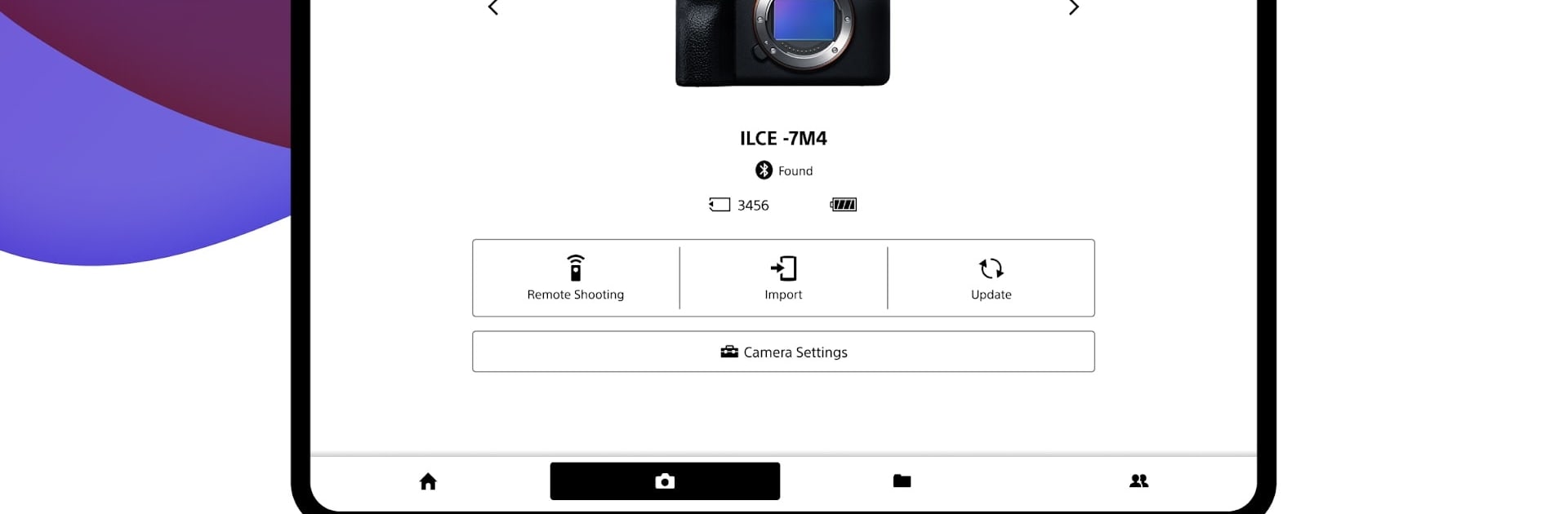
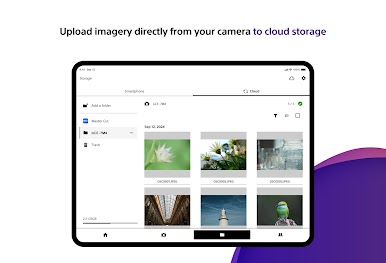
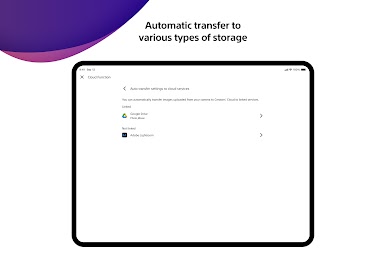
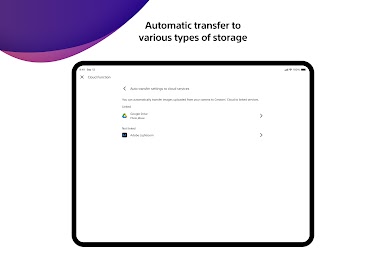
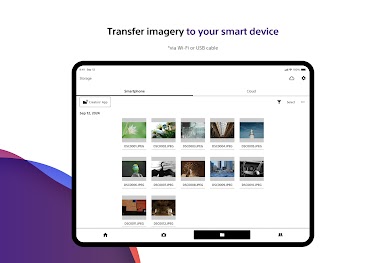
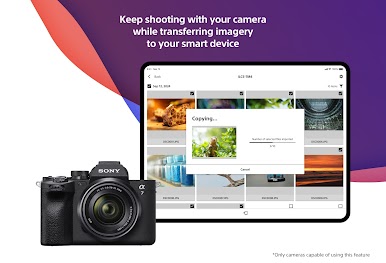
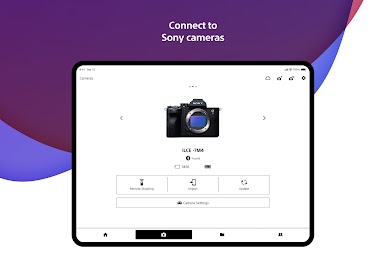
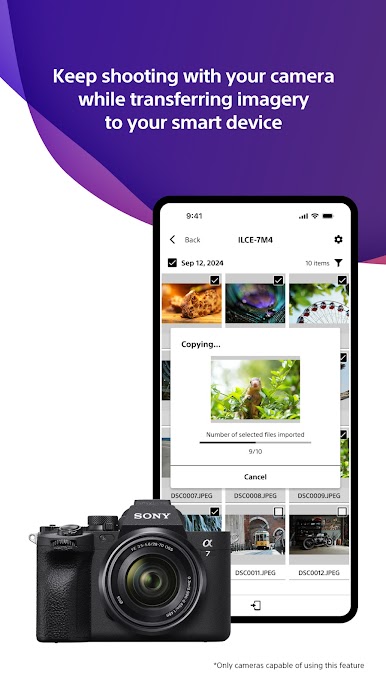
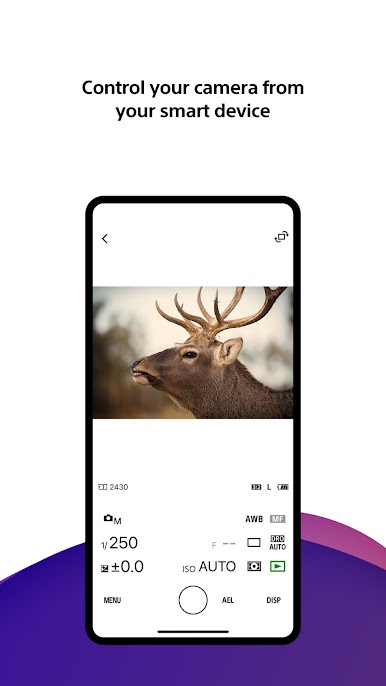
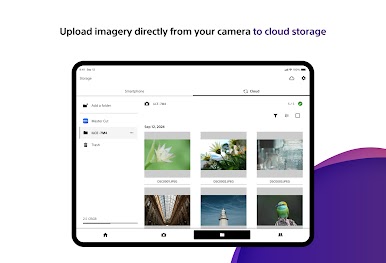
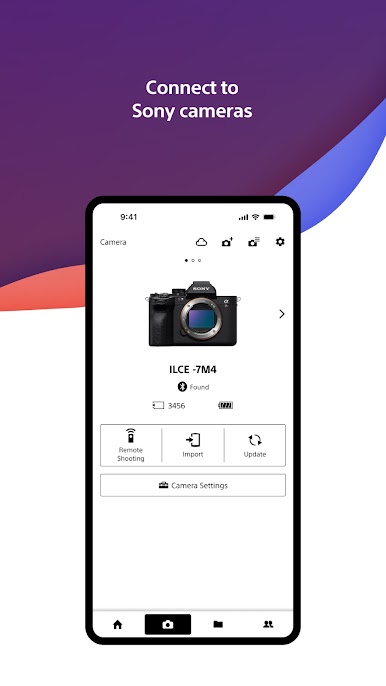
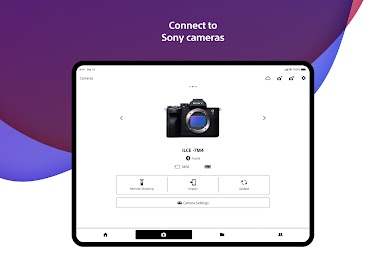
This app feels like a helpful camera sidekick that lets a phone do more than just view pictures. It turns the phone into a remote control for a Sony camera, makes moving photos and videos off the camera easy, and plugs into a cloud service where files can be stored, managed, and even touched up with cloud AI video tools. Navigating menus on a bigger screen makes things less fiddly, so running it on a laptop with BlueStacks gives the interface some breathing room and bigger previews.
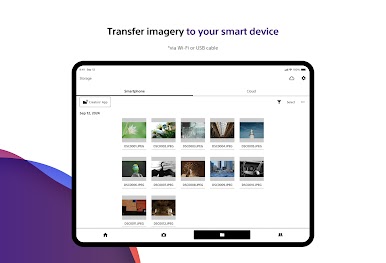
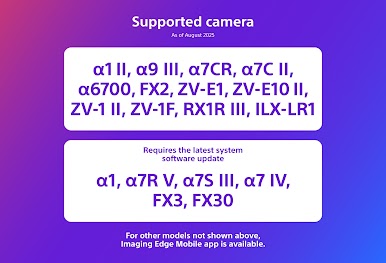
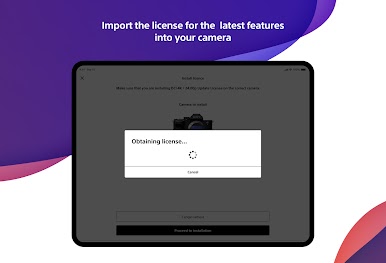
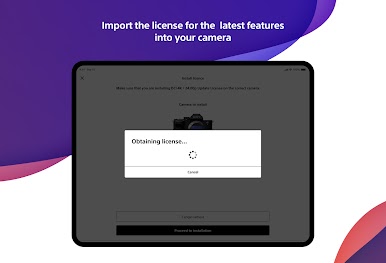
Users will notice how convenient selective transfers are — only the photos or clips flagged ahead of time can be pushed to the phone or cloud — and that transfers can happen while the camera is charging or switched off. The phone also shows battery and media info, and it is possible to save camera settings for different shooting situations and push them back to the camera, which is handy when swapping gear. Software update alerts arrive on the phone and firmware updates can be started from there. A heads up: availability depends on camera models and regions, and Android compatibility is roughly Android 11 through 15, so checking the support pages before expecting everything to work is a good idea. Overall it comes across as practical and focused on making camera work less of a hassle.
BlueStacks gives you the much-needed freedom to experience your favorite apps on a bigger screen. Get it now.


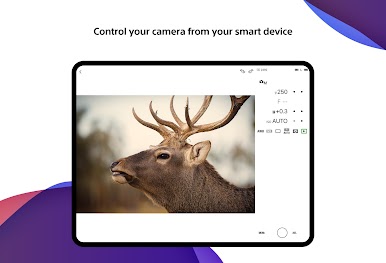
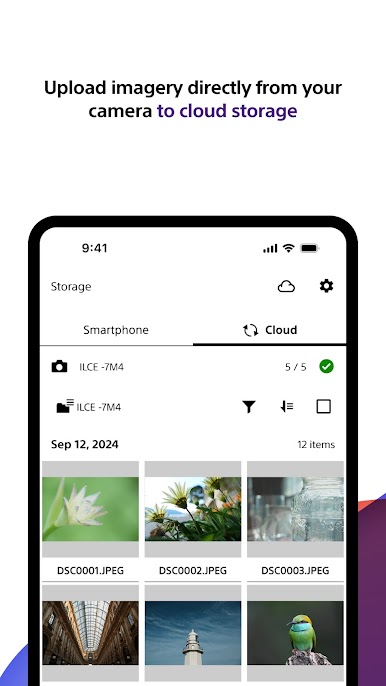
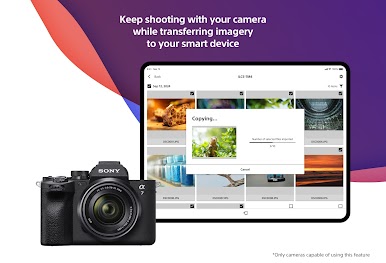
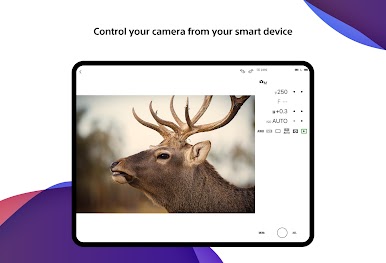


在電腦上遊玩Sony | Creators' App . 輕易上手.
-
在您的電腦上下載並安裝BlueStacks
-
完成Google登入後即可訪問Play商店,或等你需要訪問Play商店十再登入
-
在右上角的搜索欄中尋找 Sony | Creators' App
-
點擊以從搜索結果中安裝 Sony | Creators' App
-
完成Google登入(如果您跳過了步驟2),以安裝 Sony | Creators' App
-
在首頁畫面中點擊 Sony | Creators' App 圖標來啟動遊戲

