

Sun position and path
Chơi trên PC với BlueStacks - Nền tảng chơi game Android, được hơn 500 triệu game thủ tin tưởng.

Trang đã được sửa đổi vào: Nov 17, 2025
Run Sun position and path on PC or Mac
What’s better than using Sun position and path by siranet? Well, try it on a big screen, on your PC or Mac, with BlueStacks to see the difference.
About the App
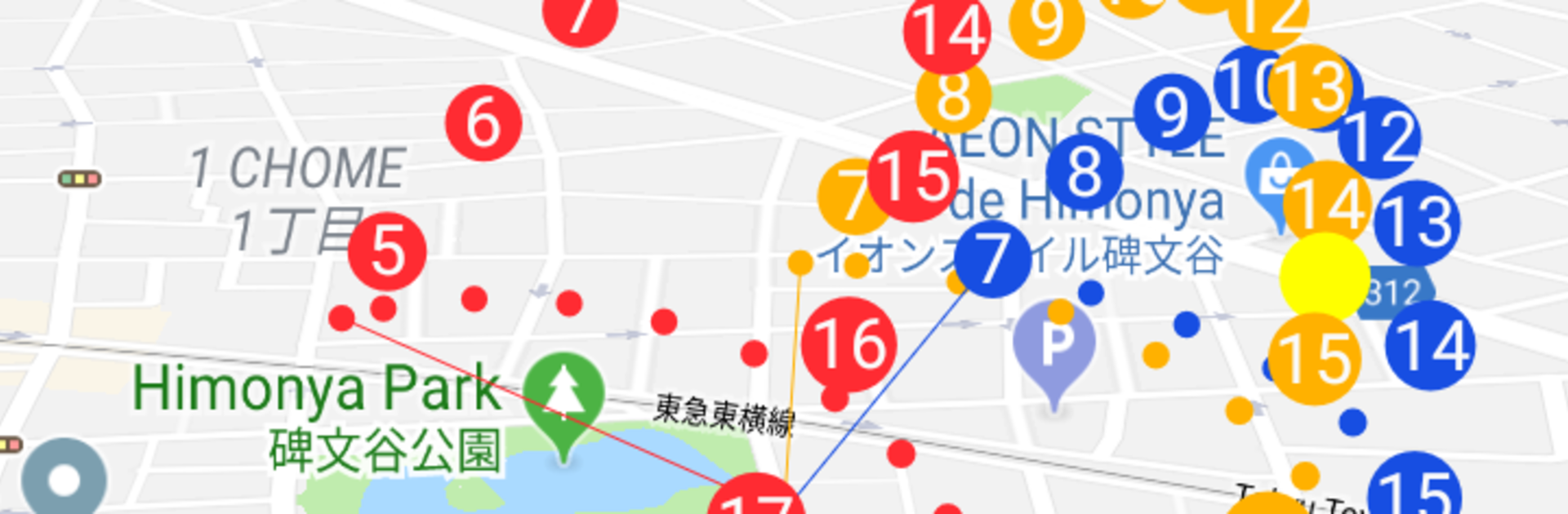
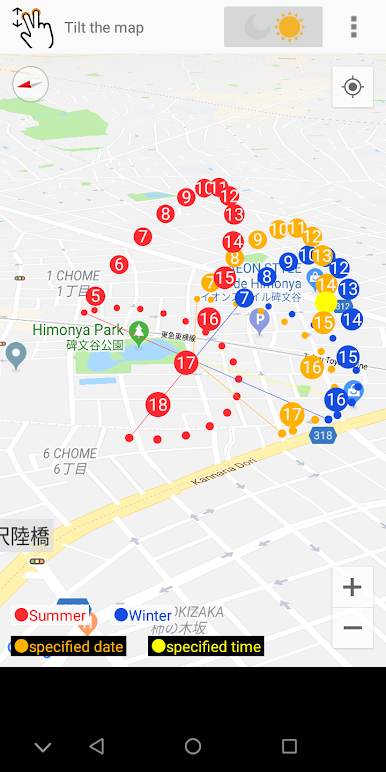
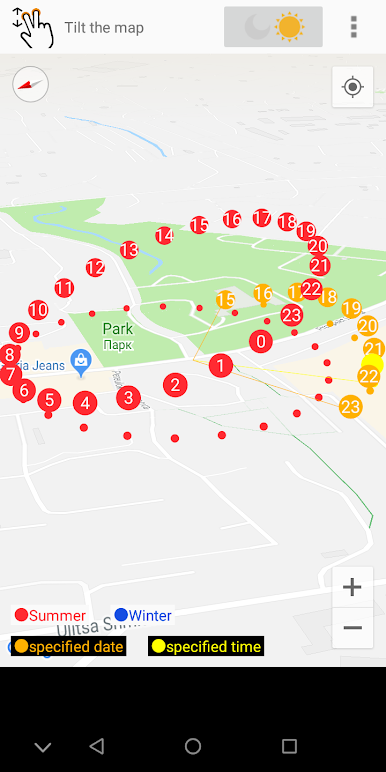
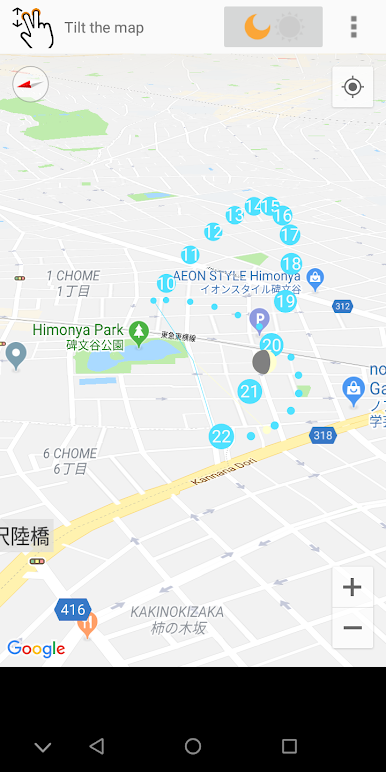
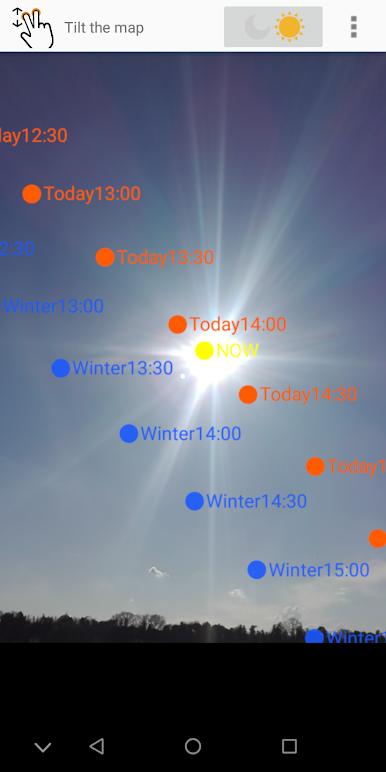
Sun position and path from siranet is a clever Tools app that shows exactly where the sun will be—right now or during another season—so you can plan with confidence. Point your phone at the sky and watch a smooth AR overlay trace the sun’s path across your camera view. Prefer a broader view? Jump to any spot on a 3D map and preview how light and shade change there throughout the year.
App Features
- AR sky view: Hold up your device and see the sun’s position and path layered over your camera, making it easy to understand where light will fall.
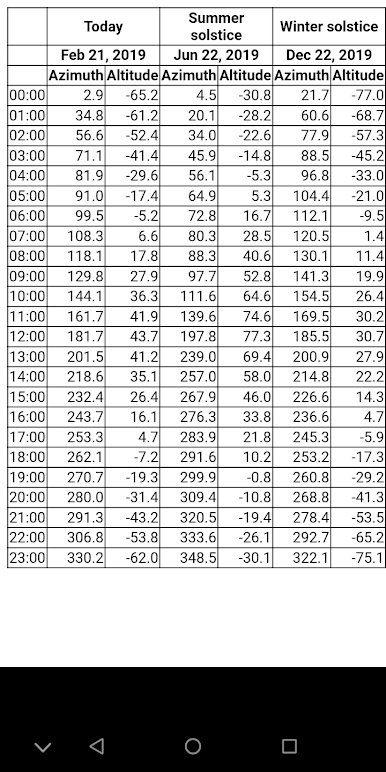
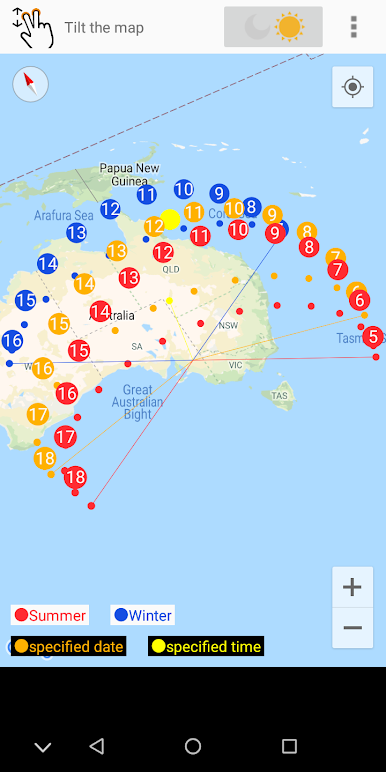
- Seasonal preview: Explore how the sun shifts with the seasons so you can plan for summer brightness or winter light without guesswork.
- 3D trajectory anywhere: Pick a location on the globe and visualize the sun’s arc in 3D to understand lighting from morning to evening.
- Practical planning: Handy for photography, placing solar panels, setting up a garden, remodeling, buying a home, or simply checking which spots will be shaded.
- Quick on-the-go checks: Standing in a park or on a job site? Open the app to see where and when shadows will appear.
- Clear, visual insights: Get a simple, visual picture of sun altitude and direction so you don’t have to interpret complicated charts.
- Desktop-friendly option: Prefer a bigger screen while planning? Run Sun position and path on your computer with BlueStacks for extra space while exploring maps and paths.
Big screen. Bigger performance. Use BlueStacks on your PC or Mac to run your favorite apps.
Chơi Sun position and path trên PC. Rất dễ để bắt đầu
-
Tải và cài đặt BlueStacks trên máy của bạn
-
Hoàn tất đăng nhập vào Google để đến PlayStore, hoặc thực hiện sau
-
Tìm Sun position and path trên thanh tìm kiếm ở góc phải màn hình
-
Nhấn vào để cài đặt Sun position and path trong danh sách kết quả tìm kiếm
-
Hoàn tất đăng nhập Google (nếu bạn chưa làm bước 2) để cài đặt Sun position and path
-
Nhấn vào icon Sun position and path tại màn hình chính để bắt đầu chơi

