


[Premium] Sephirothic Stories
Spiele auf dem PC mit BlueStacks - der Android-Gaming-Plattform, der über 500 Millionen Spieler vertrauen.

Seite geändert am: Oct 24, 2018
Play [Premium] Sephirothic Stories on PC or Mac
[Premium] Sephirothic Stories brings the Role Playing genre to life, and throws up exciting challenges for gamers. Developed by KEMCO, this Android game is best experienced on BlueStacks, the World’s #1 app player for PC and Mac users.
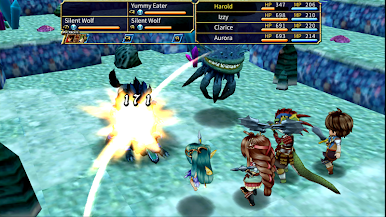
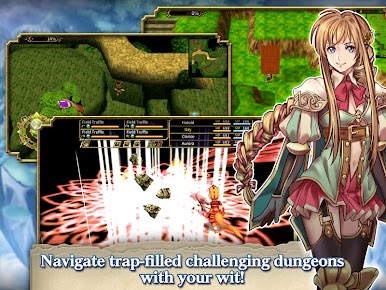
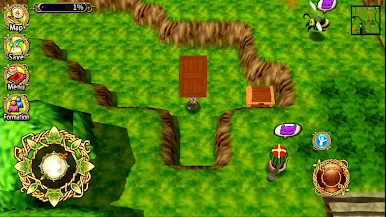
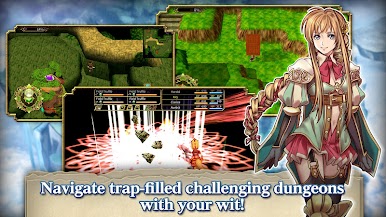
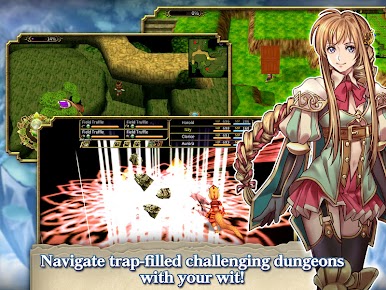
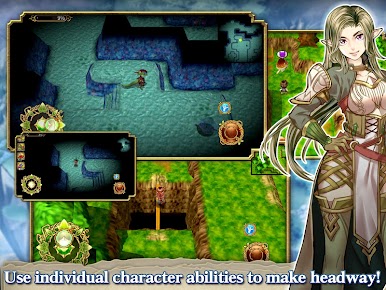
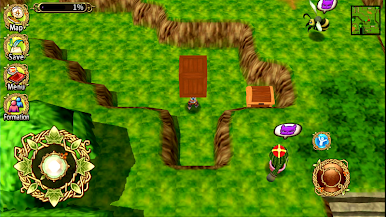
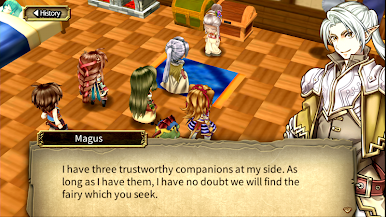
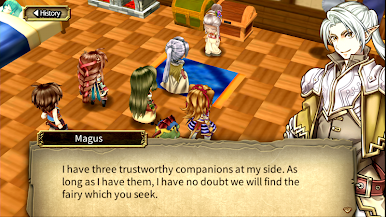
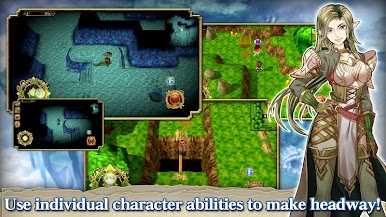
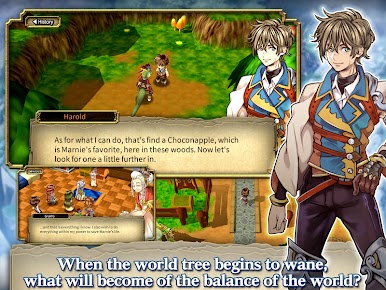
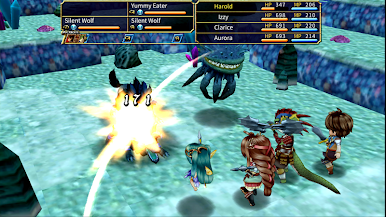
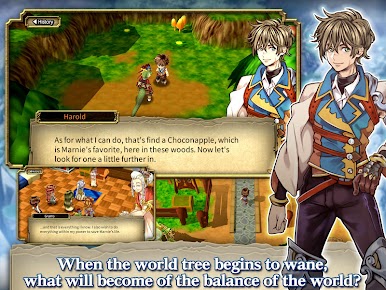
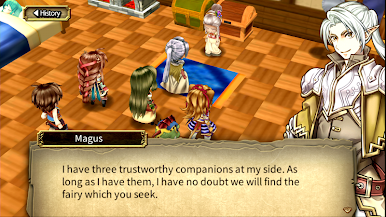
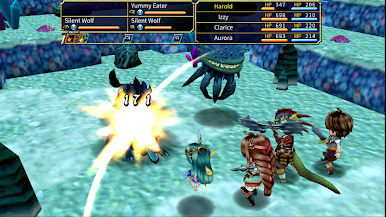
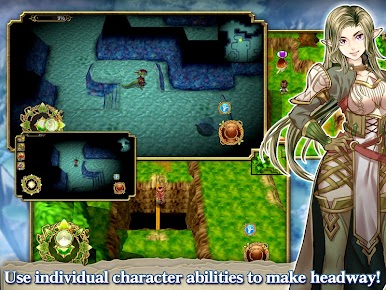
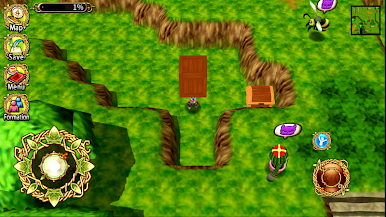
Sephirothic Stories plays like a comfy, old-school JRPG with a twist. The world of Shendoah is fading as the great tree weakens, people are turning into monsters, and a small party heads out to figure out what is really going on. Battles are classic turn based, but the dungeons are the fun part. Each character brings a field ability that actually matters, so swapping the party leader lets you sense enemies, see farther in dim areas, or cross rope lines over pits. The layouts throw in light puzzles and traps that ask for a bit of thought instead of just walking from fight to fight, which keeps runs through caves and ruins from feeling lazy.
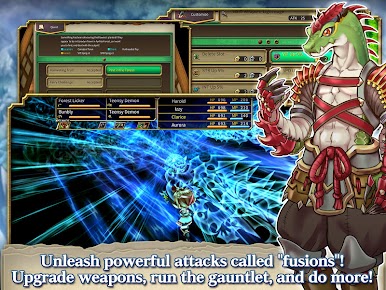
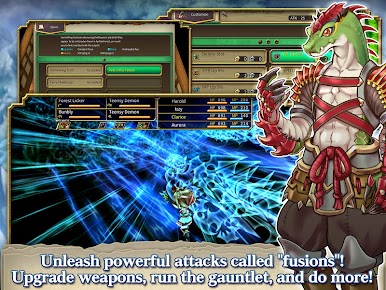
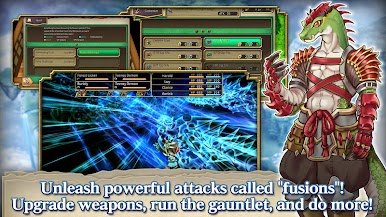
Fusion attacks are the big payoff in combat. Pair skills with an ally and you get chunky combined moves that feel great when set up right. The Premium release drops in 1000 bonus SEP, which helps with early upgrades, but the game is fully playable without spending more. Controller support is in, the pixel art and menus read clean on a monitor, and running it on PC with BlueStacks makes the whole thing feel like a small retro RPG on a handheld, just bigger and sharper. It offers English and Japanese, it plays fine offline, and the pacing leans toward SNES-era comfort with a steady mystery. Only heads-up is that some devices have had support quirks, so PC can be the easier route.
Ready to top the leaderboard? We bet you do. Let precise controls and sharp visuals optimized on BlueStacks lead you to victory.


Spiele [Premium] Sephirothic Stories auf dem PC. Der Einstieg ist einfach.
-
Lade BlueStacks herunter und installiere es auf deinem PC
-
Schließe die Google-Anmeldung ab, um auf den Play Store zuzugreifen, oder mache es später
-
Suche in der Suchleiste oben rechts nach [Premium] Sephirothic Stories
-
Klicke hier, um [Premium] Sephirothic Stories aus den Suchergebnissen zu installieren
-
Schließe die Google-Anmeldung ab (wenn du Schritt 2 übersprungen hast), um [Premium] Sephirothic Stories zu installieren.
-
Klicke auf dem Startbildschirm auf das [Premium] Sephirothic Stories Symbol, um mit dem Spielen zu beginnen

