


Smart Tools - กล่องเครื่องมือ
เล่นบน PC ผ่าน BlueStacks - Android Gaming Platform ที่ได้รับความไว้วางใจจากเกมเมอร์ 500 ล้านคนทั่วโลก

Page Modified on: Nov 4, 2025
Run Smart Tools on PC or Mac
Get freedom from your phone’s obvious limitations. Use Smart Tools, made by Smart Tools co., a Tools app on your PC or Mac with BlueStacks, and level up your experience.
About the App
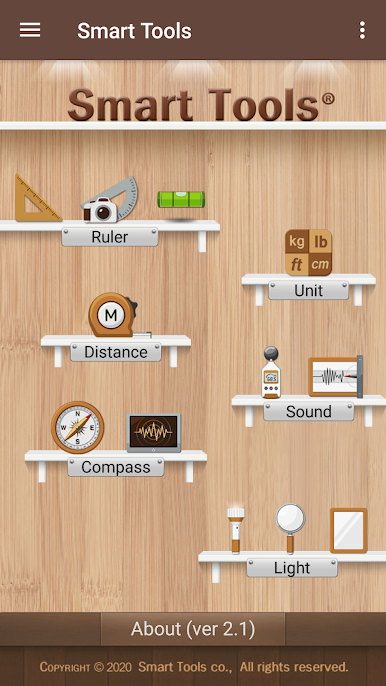
Ever found yourself wishing you had a ruler, flashlight, or even a compass right in your pocket? With Smart Tools, you can turn your device into a super-handy toolkit that’s ready to go whenever you are. It’s a Tools app from Smart Tools co. that wraps up a bunch of practical gadgets all in one place, letting you measure, convert, detect, and light your way with just a tap or two. On BlueStacks, the whole setup feels even more convenient—like having a trusty multitool for your screen.
App Features
-
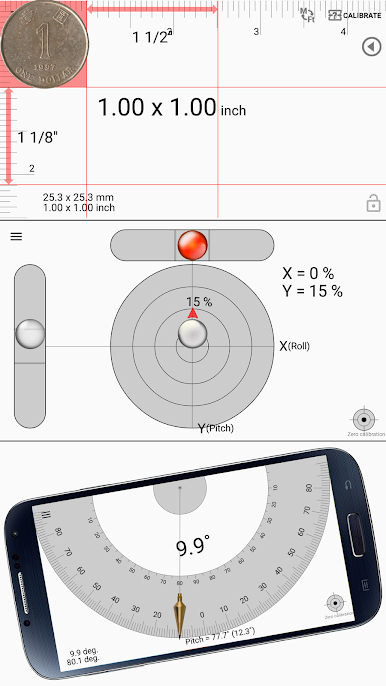
Ruler & Level Set:
Left your measuring tape at home? No worries. Use the built-in ruler to check lengths and angles or even see if that picture on your wall is straight with the level and slope finder. -
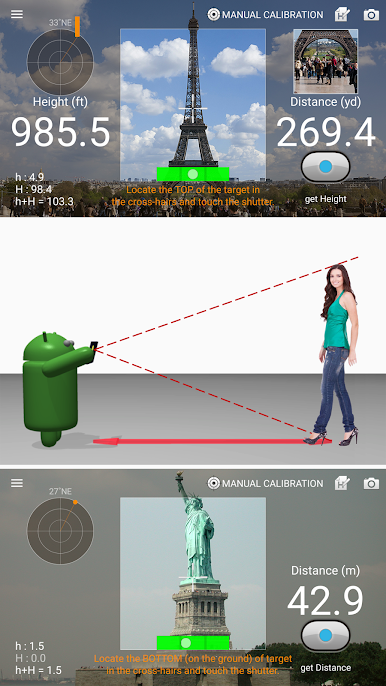
Distance & Area Tools:
Curious about the size of your backyard? Measure distances, heights, widths, or overall area—just by using your device, no fancy gadgets required. -
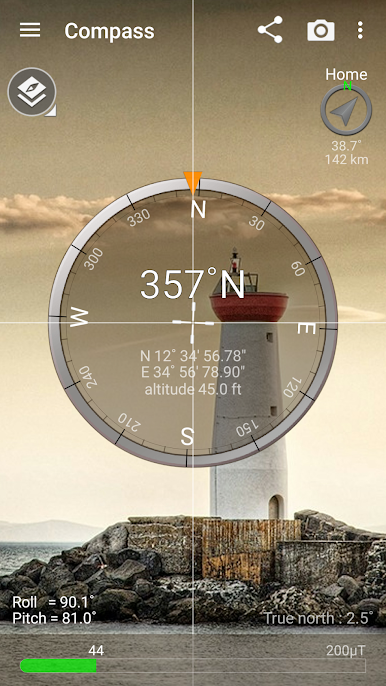
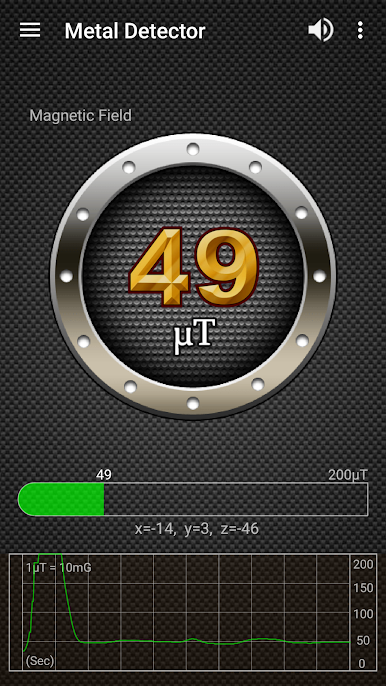
Compass & Metal Detector:
Not sure where north is, or want to check for hidden metal objects? Flip open the compass, try out the metal detector, or use the GPS functions for a bit of navigation help. (Quick heads-up: compass features work best on devices with a sensor.) -
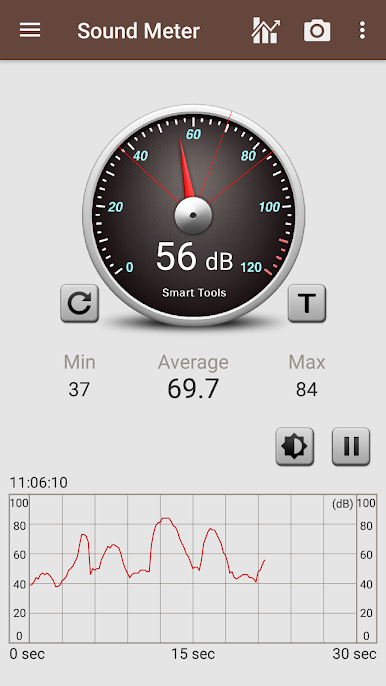
Sound Meter:
Wondering if your room’s really as quiet as you think? The sound meter checks noise levels and even detects vibrations. -
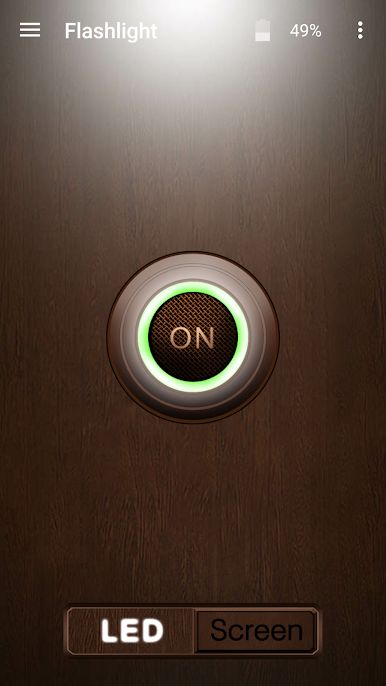
Light & Magnifier:
Use your screen or flash for a quick flashlight, zoom in with the magnifier, or just sneak a peek at your reflection with the built-in mirror. -
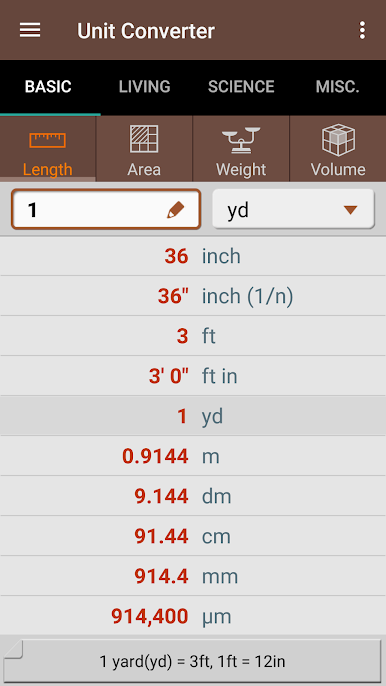
Unit Converter:
Convert all sorts of units—length, weight, temperature, and more—so you won’t get thrown off by different systems, whether you’re baking or solving homework.
No internet? No problem. Smart Tools works offline after your first couple of uses, so your tool collection’s ready even when your connection isn’t.
BlueStacks gives you the much-needed freedom to experience your favorite apps on a bigger screen. Get it now.

เล่น Smart Tools - กล่องเครื่องมือ บน PC ได้ง่ายกว่า
-
ดาวน์โหลดและติดตั้ง BlueStacks บน PC ของคุณ
-
ลงชื่อเข้าใช้แอคเคาท์ Google เพื่อเข้าสู่ Play Store หรือทำในภายหลัง
-
ค้นหา Smart Tools - กล่องเครื่องมือ ในช่องค้นหาด้านขวาบนของโปรแกรม
-
คลิกเพื่อติดตั้ง Smart Tools - กล่องเครื่องมือ จากผลการค้นหา
-
ลงชื่อเข้าใช้บัญชี Google Account (หากยังไม่ได้ทำในขั้นที่ 2) เพื่อติดตั้ง Smart Tools - กล่องเครื่องมือ
-
คลิกที่ไอคอน Smart Tools - กล่องเครื่องมือ ในหน้าจอเพื่อเริ่มเล่น

