

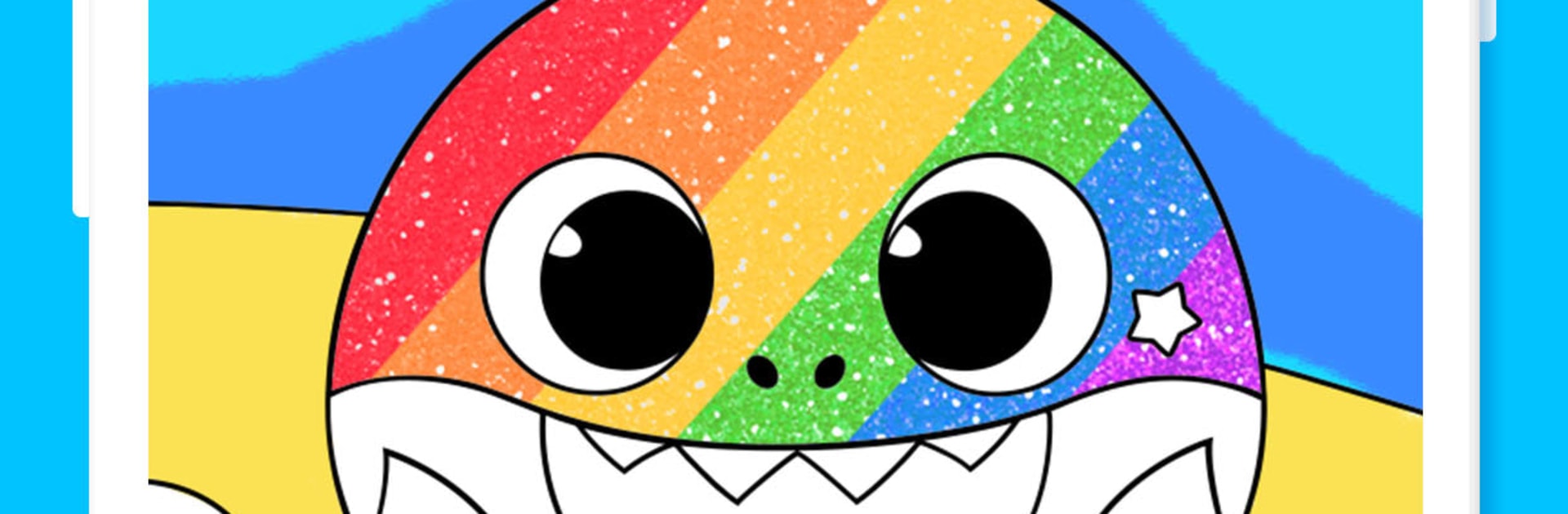
Baby Shark Coloring Book: Kids
在電腦上使用BlueStacks –受到5億以上的遊戲玩家所信任的Android遊戲平台。

Run Baby Shark Coloring Book: Kids on PC or Mac
Let BlueStacks turn your PC, Mac, or laptop into the perfect home for Baby Shark Coloring Book: Kids, a fun Education app from The Pinkfong Company.
About the App
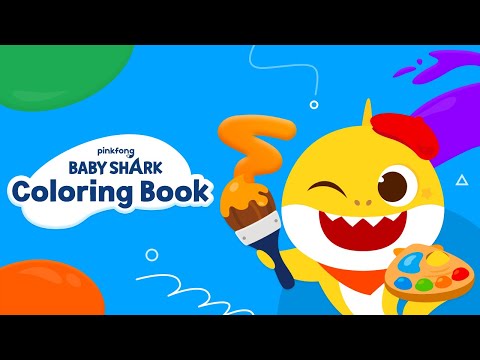
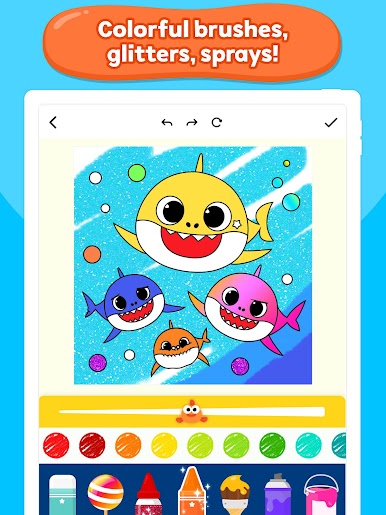
Baby Shark Coloring Book: Kids brings the Shark Family’s world to your child’s fingertips with a playful mix of coloring, drawing, and creative exploration. Designed by The Pinkfong Company in the Education genre, it’s a simple, colorful space where toddlers and preschoolers can splash colors, try new tools, and proudly show off what they made. Expect easy controls, tons of pages, and plenty of sparkly touches kids love.
App Features
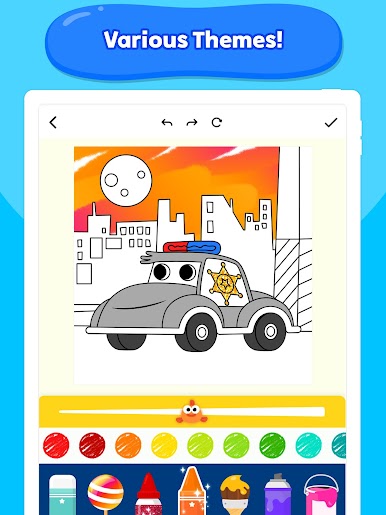
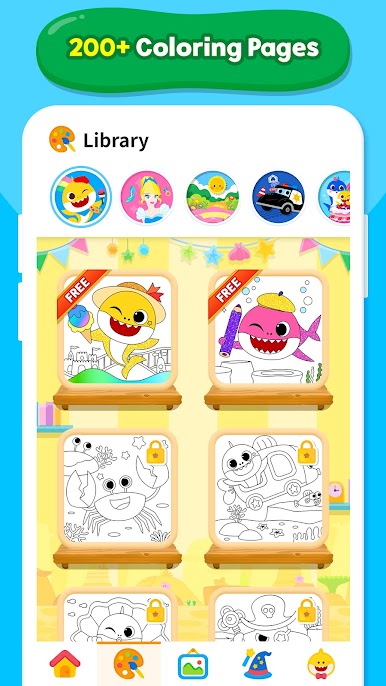
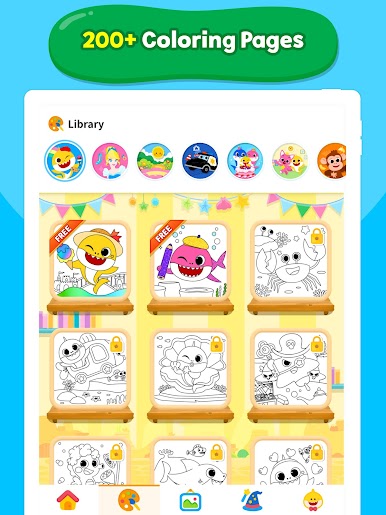
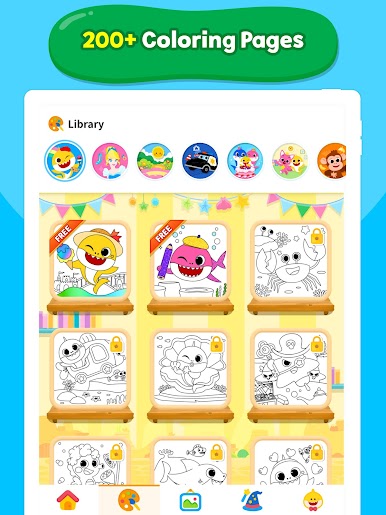
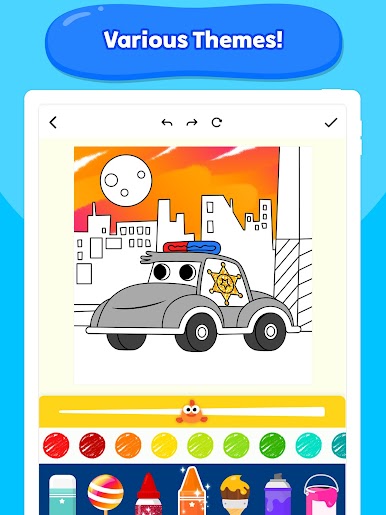
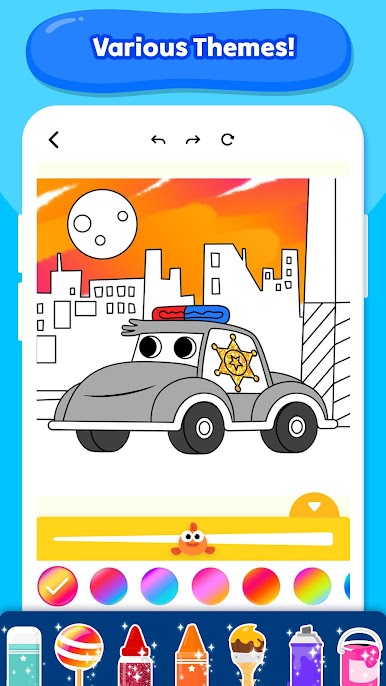
- Big library of pages: Explore 200+ coloring pages across favorite themes—Baby Shark and friends, animals, cars, princesses, dinosaurs, and more.
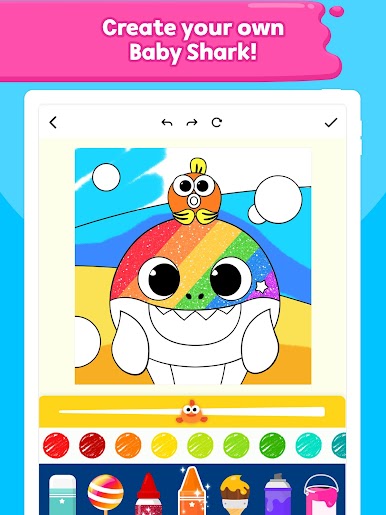
- Beloved characters: Color Baby Shark, the Shark Family, and Pinkfong, plus sea pals like fish, crabs, dolphins, and octopus.
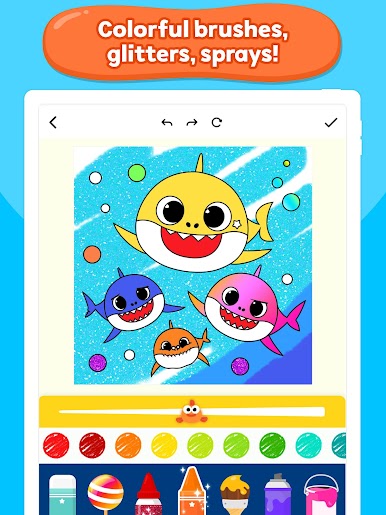
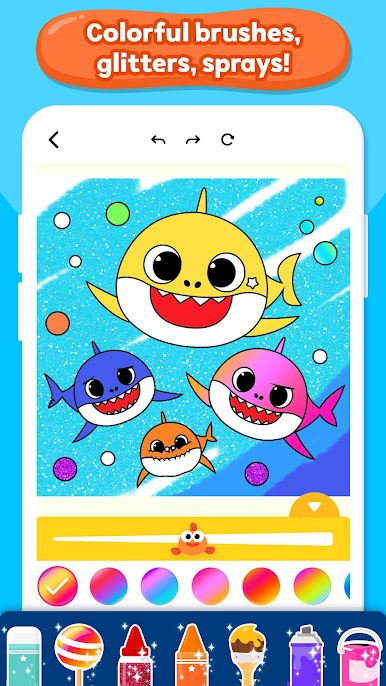
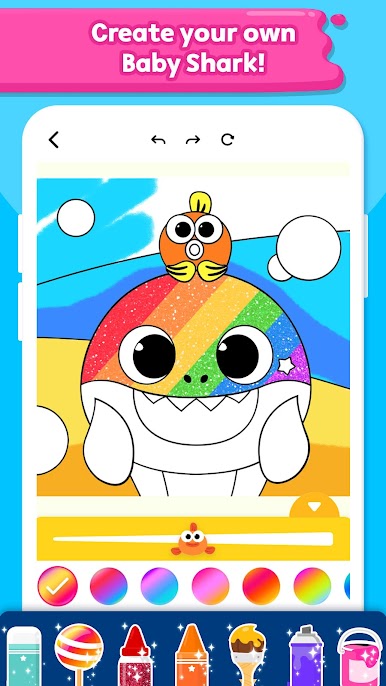
- Creative tools kids understand: Switch between crayons, color pencils, glitter pens, paint rollers, sprays, and stickers. It’s all tap-and-go simple.
- Rainbow and glitter magic: Add shimmer and bright rainbow strokes to make each picture pop without any mess.
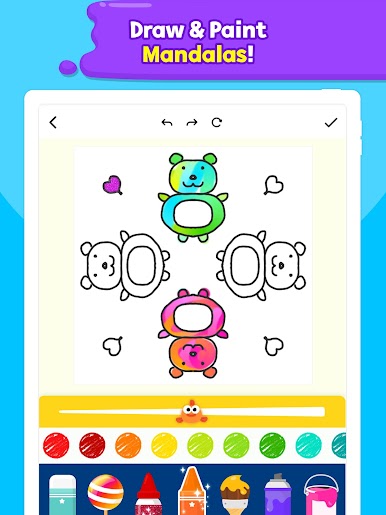
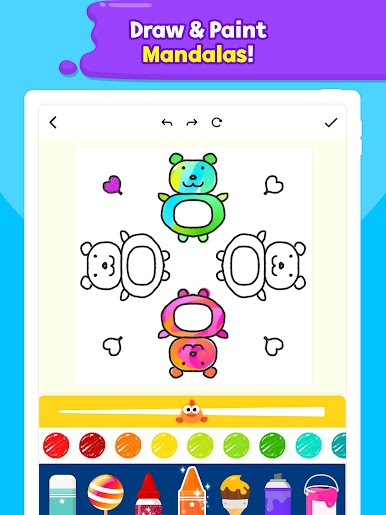
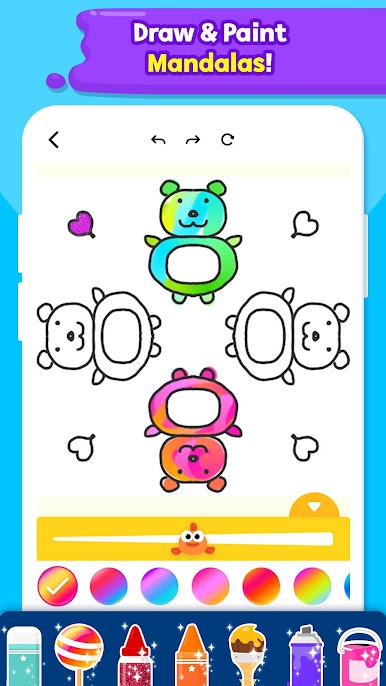
- Mandala maker: Create and color your own mandalas with a few taps—great for calm, focused coloring time.
- Gallery to showcase art: Save finished pieces to a built‑in gallery so kids can “open” their own little exhibition anytime.
- Fresh content, often: New coloring activities arrive regularly, so there’s always something new to try.
- Made for little hands: Clear layouts, big buttons, and forgiving tools help young kids create confidently.
- Learning wrapped in play: Supports color recognition, early creativity, and fine motor skills in a low‑pressure, joyful way.
- Looks great on bigger screens too: If you’d like more room to color, it also runs nicely on PC or Mac through BlueStacks.
Big screen. Bigger performance. Use BlueStacks on your PC or Mac to run your favorite apps.
在電腦上遊玩Baby Shark Coloring Book: Kids . 輕易上手.
-
在您的電腦上下載並安裝BlueStacks
-
完成Google登入後即可訪問Play商店,或等你需要訪問Play商店十再登入
-
在右上角的搜索欄中尋找 Baby Shark Coloring Book: Kids
-
點擊以從搜索結果中安裝 Baby Shark Coloring Book: Kids
-
完成Google登入(如果您跳過了步驟2),以安裝 Baby Shark Coloring Book: Kids
-
在首頁畫面中點擊 Baby Shark Coloring Book: Kids 圖標來啟動遊戲

