


KVDAntiSpy PRO
Play on PC with BlueStacks – the Android Gaming Platform, trusted by 500M+ gamers.

Page Modified on: Aug 15, 2024
Play KVDAntiSpy PRO on PC
Have you ever really thought about which apps have access to your hardware and when? Many apps can access your camera, microphone, or GPS data—often without you being aware of it.
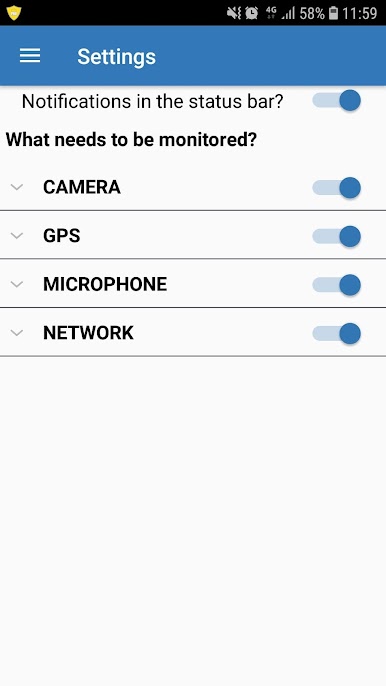
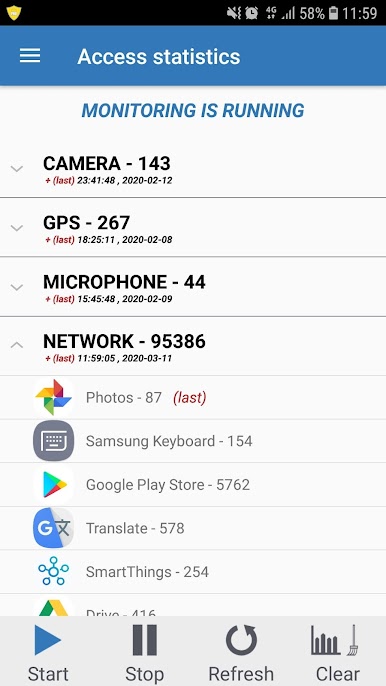
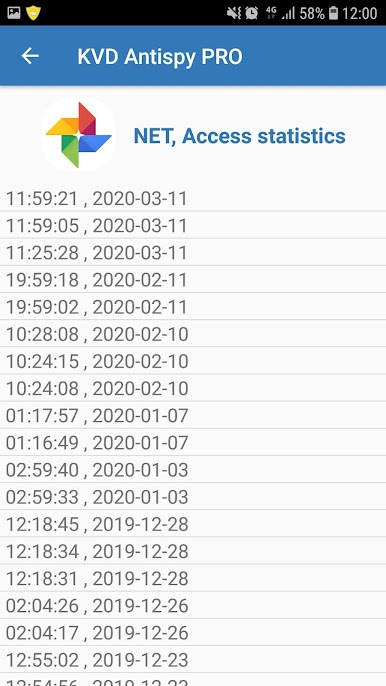
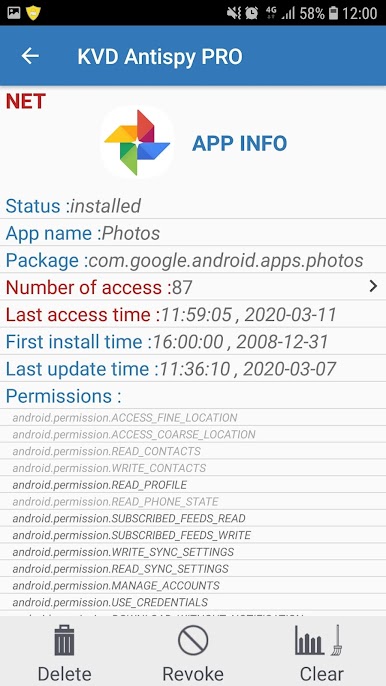
KVD AntiSpy - Anti-spyware app offers you the unique ability to see in real time which apps have access to your hardware and when.
Special features:
✔ Network monitoring (READ_PHONE_STATE permission required)
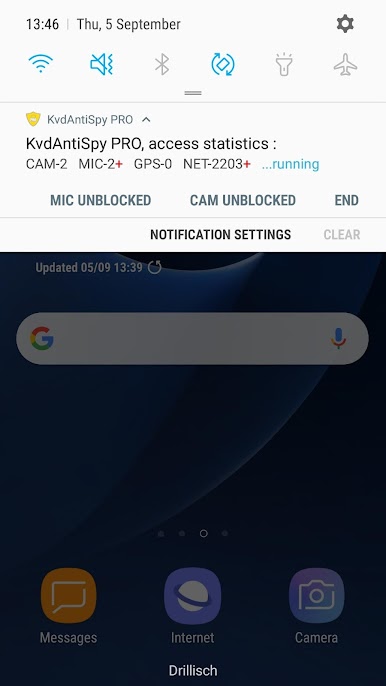
✔ Real-time display in the status bar
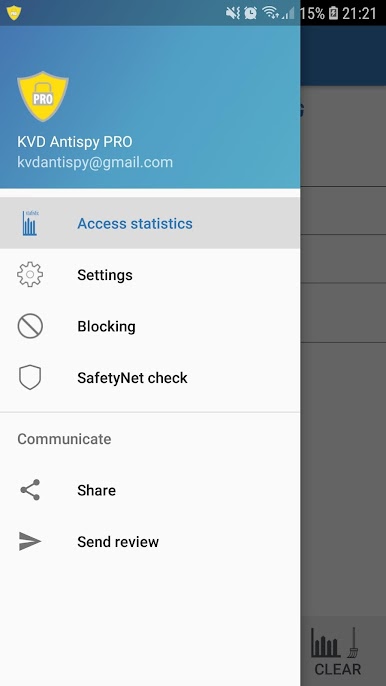
✔ Access statistics
✔ App permissions
✔ Whitelist feature
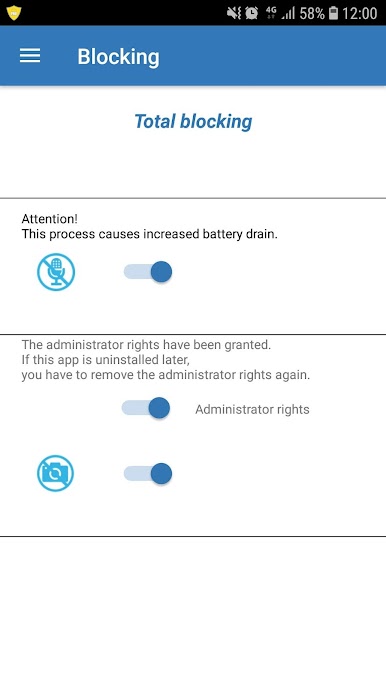
✔ Microphone blocking
✔ Camera blocking
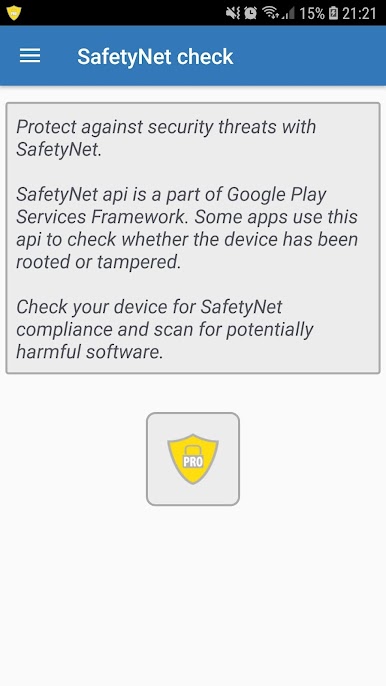
✔ SafetyNet check
✔ Rooting check
Uses the device administrator function
-----------PRO VERSION-------------
✔ No ads
✔ Additional feature - uninstall APP
✔ Additional feature - revoke permission
Before installing KVD AntiSpy PRO, please uninstall your free version of KVD AntiSpy!
If you like this anti-spy tool, please give it a rating.
Support and problem solving: kvdantispy@gmail.com
Source code purchase is available; please contact us.
Play KVDAntiSpy PRO on PC. It’s easy to get started.
-
Download and install BlueStacks on your PC
-
Complete Google sign-in to access the Play Store, or do it later
-
Look for KVDAntiSpy PRO in the search bar at the top right corner
-
Click to install KVDAntiSpy PRO from the search results
-
Complete Google sign-in (if you skipped step 2) to install KVDAntiSpy PRO
-
Click the KVDAntiSpy PRO icon on the home screen to start playing

