


Bravo Bingo-Lucky Bingo Game
Graj na PC z BlueStacks – Platforma gamingowa Android, która uzyskała zaufanie ponad 500 milionów graczy!

Strona zmodyfikowana w dniu: Dec 10, 2025
Play Bravo Bingo-Lucky Bingo Game on PC or Mac
Bravo Bingo-Lucky Bingo Game brings the Board genre to life, and throws up exciting challenges for gamers. Developed by TRIWIN, this Android game is best experienced on BlueStacks, the World’s #1 app player for PC and Mac users.
About the Game
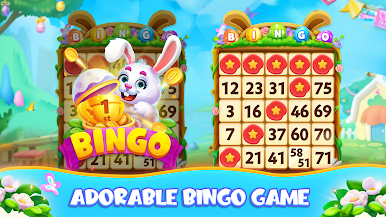
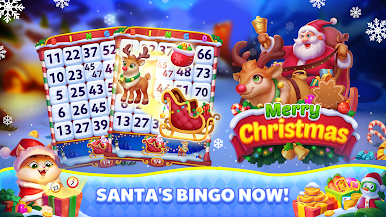
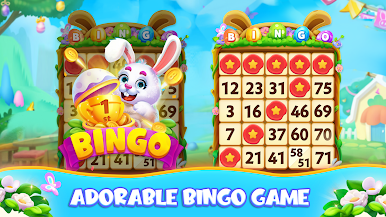
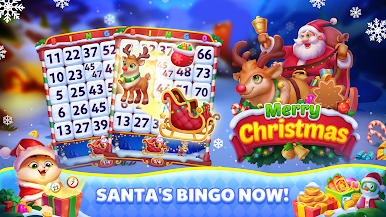
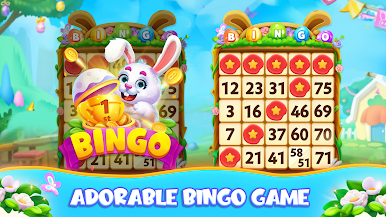
Say hello to Bravo Bingo-Lucky Bingo Game — a playful, casual bingo experience from TRIWIN. Genre: Board. Expect colorful themed rooms, quick rounds, jigsaw-style collectibles, and little surprises that keep you coming back for more.
Game Features
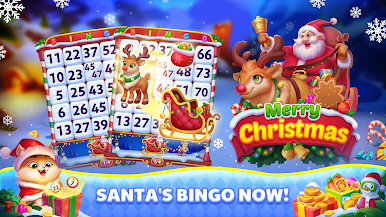
- Themed Rooms: Wander through lively islands and special-event halls, each with its own look and feel so every bingo night has a different vibe.
- Classic and Pop Modes: Play traditional 75-ball bingo or try the faster pop-style rooms when you want something more frantic.
- Puzzle Collectibles: Win puzzle pieces during games and slot them into jigsaw boards for extra rewards — it’s a nice twist if you like collecting things while you play.
- Bonus Flow: Daily freebies and power-ups arrive regularly, helping you stay competitive without spending a ton.
- Gallery Rewards: Save souvenirs and complete collections to unlock bigger prizes and bragging rights.
- Social Play: Invite friends or jump into public rooms — there’s friendly competition and easy chatter while numbers get called.
- No Real-Money Gambling: Games are for fun, focused on casual play and in-app purchases rather than real-money betting.
- Play on PC: If you prefer a bigger screen, you can run Bravo Bingo-Lucky Bingo Game smoothly using BlueStacks for a relaxed desktop setup.
Start your journey now. Download the game on BlueStacks, invite your friends, and march on a new adventure.



















Zagraj w Bravo Bingo-Lucky Bingo Game na PC. To takie proste.
-
Pobierz i zainstaluj BlueStacks na PC
-
Zakończ pomyślnie ustawienie Google, aby otrzymać dostęp do sklepu Play, albo zrób to później.
-
Wyszukaj Bravo Bingo-Lucky Bingo Game w pasku wyszukiwania w prawym górnym rogu.
-
Kliknij, aby zainstalować Bravo Bingo-Lucky Bingo Game z wyników wyszukiwania
-
Ukończ pomyślnie rejestrację Google (jeśli krok 2 został pominięty) aby zainstalować Bravo Bingo-Lucky Bingo Game
-
Klinij w ikonę Bravo Bingo-Lucky Bingo Game na ekranie startowym, aby zacząć grę

