


Medidor de Áreas e Distâncias
Jogue no PC com BlueStacks - A Plataforma de Jogos Android, confiada por mais de 500 milhões de jogadores.

Página modificada em: Sep 13, 2025
Run GPS Fields Area Measure on PC or Mac
Get freedom from your phone’s obvious limitations. Use GPS Fields Area Measure, made by Farmis, a Tools app on your PC or Mac with BlueStacks, and level up your experience.
About the App
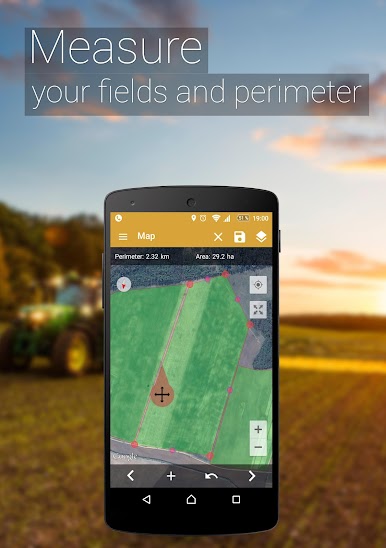
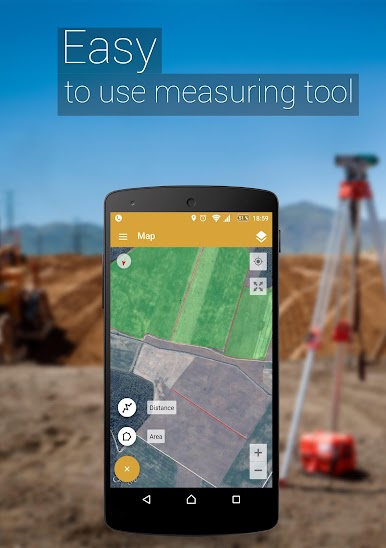
GPS Fields Area Measure, brought to you by Farmis, is a handy tool for anyone who needs to measure areas, distances, and perimeters with ease. It’s perfect for farmers, construction professionals, outdoor enthusiasts, or anyone needing precise field measurements. With intuitive controls and high accuracy, managing and sharing your maps has never been simpler.
App Features
Instant Marking and Measurement
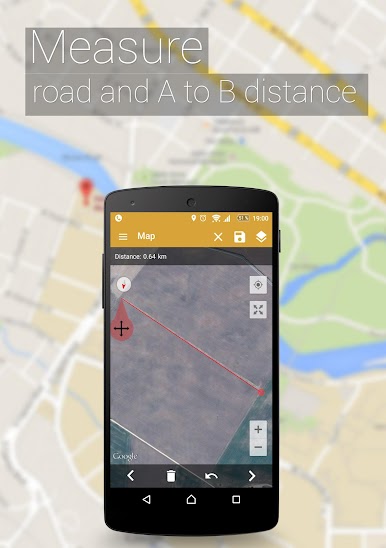
– Quickly mark areas and distances with just a few taps.
– Pinpoints are placed accurately with Smart Marker Mode.
Efficient Management Tools
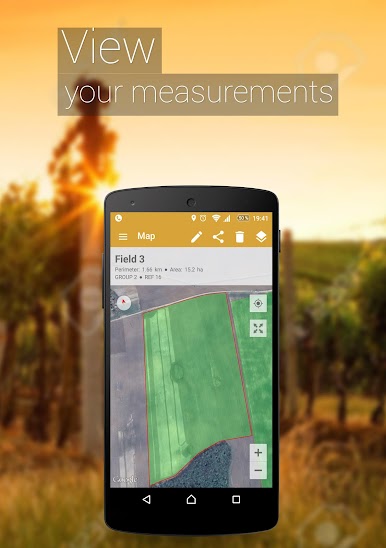
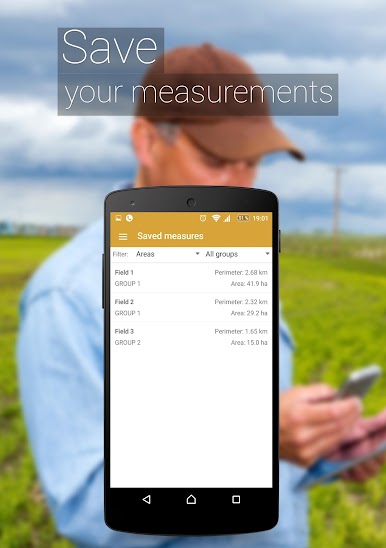
– Name, save, and edit your measurements effortlessly.
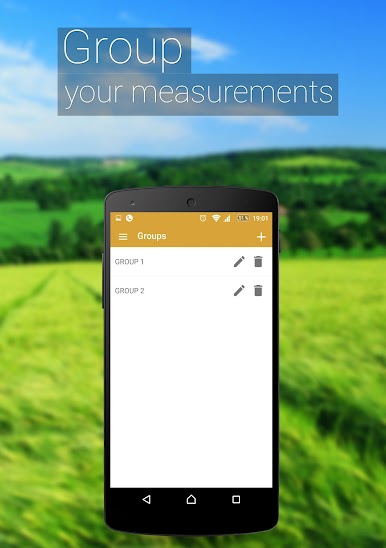
– Group multiple measurements for comprehensive analysis.
– An “Undo” button is available to correct any mistakes instantly.
Shareable Maps
– Share measured areas with friends or colleagues via auto-generated links.
Advanced GPS Functionality
– GPS tracking and Auto Measure make it easy to map while walking or driving.
– Add Points of Interest (POI) to mark boundaries, avoid obstacles, or plan routes.
Versatile Application
– Ideal for everything from farm management and land surveys to sports and construction projects.
Switch to BlueStacks and make the most of your apps on your PC or Mac.
Jogue Medidor de Áreas e Distâncias no PC. É fácil começar.
-
Baixe e instale o BlueStacks no seu PC
-
Conclua o login do Google para acessar a Play Store ou faça isso mais tarde
-
Procure por Medidor de Áreas e Distâncias na barra de pesquisa no canto superior direito
-
Clique para instalar Medidor de Áreas e Distâncias a partir dos resultados da pesquisa
-
Conclua o login do Google (caso você pulou a etapa 2) para instalar o Medidor de Áreas e Distâncias
-
Clique no ícone do Medidor de Áreas e Distâncias na tela inicial para começar a jogar

