

Forja
Juega en PC con BlueStacks: la plataforma de juegos Android, en la que confían más de 500 millones de jugadores.

Página modificada el: Nov 28, 2025
Run Forja on PC or Mac
What’s better than using Forja by SNRT? Well, try it on a big screen, on your PC or Mac, with BlueStacks to see the difference.
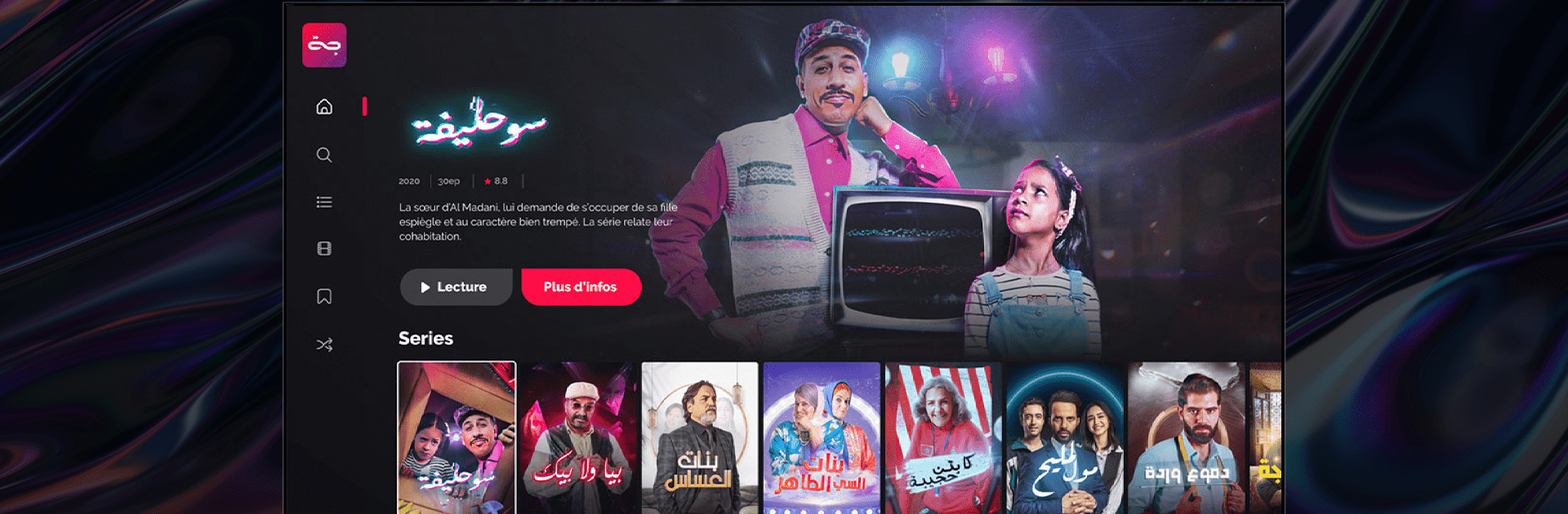
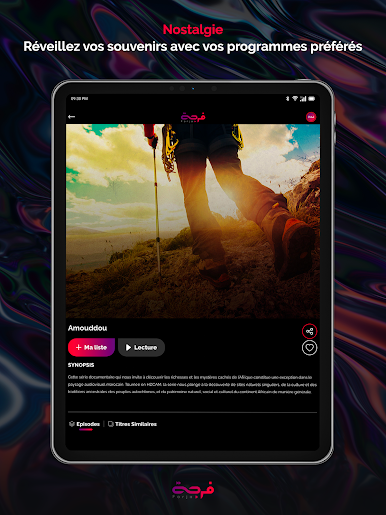
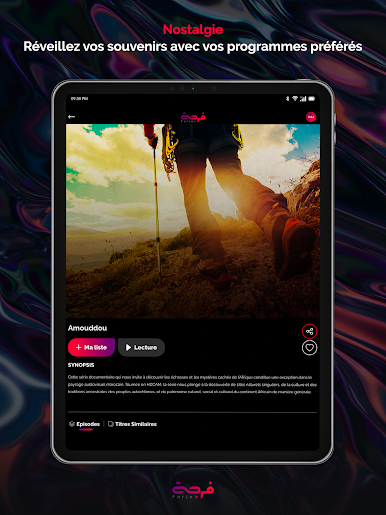
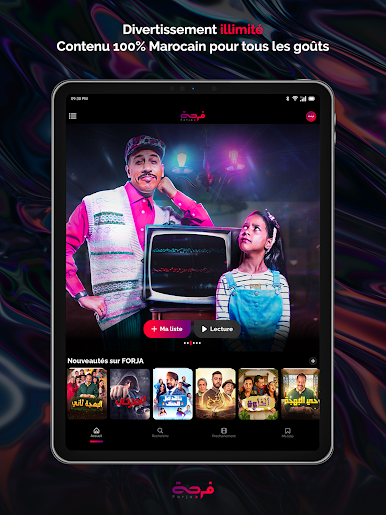
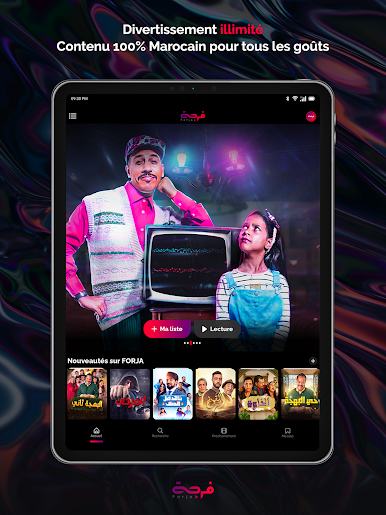
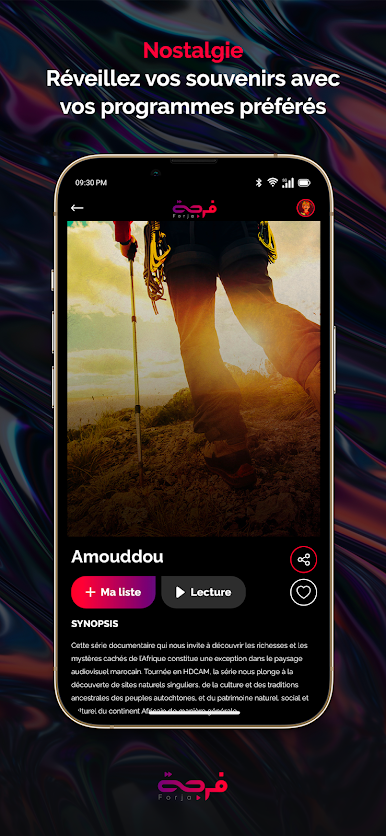
Forja is SNRT’s streaming app that sticks to Moroccan productions. Series, films, theater plays, and documentaries live here in one tidy place. The feel is focused and very local, with stories and settings that actually come from Morocco rather than the usual worldwide mix. Someone opens it, scrolls a little, and there is a clear sense of what it is about right away. It is not cluttered, which is nice.
Navigation stays simple, with big tiles, clear sections, and a player that does not get in the way. No fussy menus or strange tricks to find what matters. It loads quickly and keeps the stream smooth as long as the connection behaves. On a PC through BlueStacks, the catalog grid spreads well on a larger screen, and scrubbing with a mouse feels easier than tapping around on a phone. It also makes group watching on a monitor feel more natural.
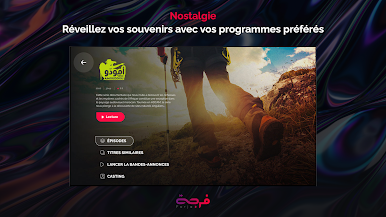
What stands out is the commitment to Moroccan culture. The catalog leans into local productions rather than chasing global trends, which makes it useful for viewers who want national cinema, TV dramas, stage work, and factual pieces in one place. It suits anyone who wants a dedicated space for Moroccan content that is available at any time and that moves across devices without much fuss.
BlueStacks brings your apps to life on a bigger screen—seamless and straightforward.














Juega Forja en la PC. Es fácil comenzar.
-
Descargue e instale BlueStacks en su PC
-
Complete el inicio de sesión de Google para acceder a Play Store, o hágalo más tarde
-
Busque Forja en la barra de búsqueda en la esquina superior derecha
-
Haga clic para instalar Forja desde los resultados de búsqueda
-
Complete el inicio de sesión de Google (si omitió el paso 2) para instalar Forja
-
Haz clic en el ícono Forja en la pantalla de inicio para comenzar a jugar

