


Aprende Hebreo Básico
Juega en PC con BlueStacks: la plataforma de juegos Android, en la que confían más de 500 millones de jugadores.

Página modificada el: Oct 19, 2025
Run Learn Hebrew Basics on PC or Mac
Upgrade your experience. Try Learn Hebrew Basics, the fantastic Education app from EnigmeX, from the comfort of your laptop, PC, or Mac, only on BlueStacks.
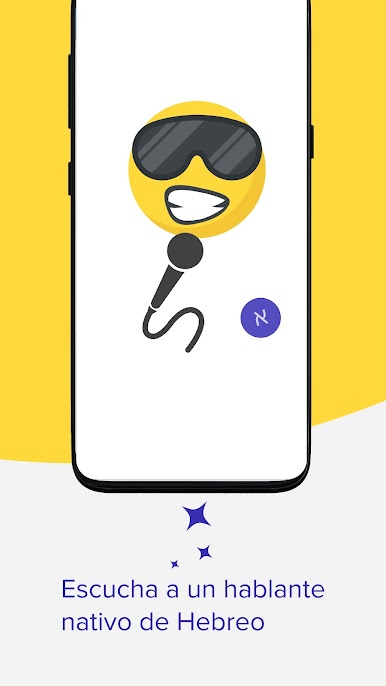
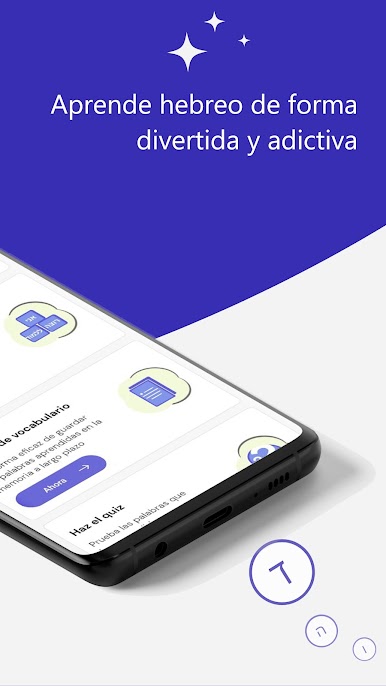
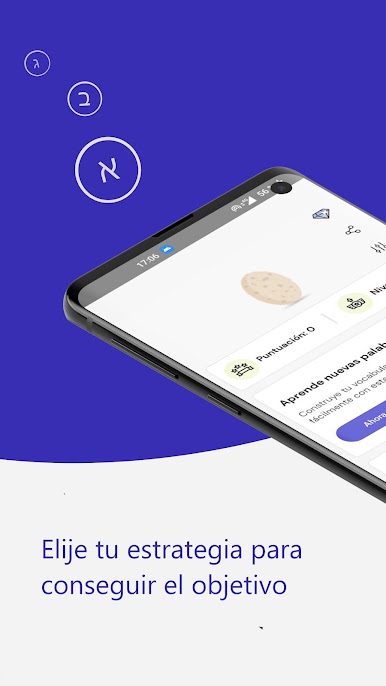
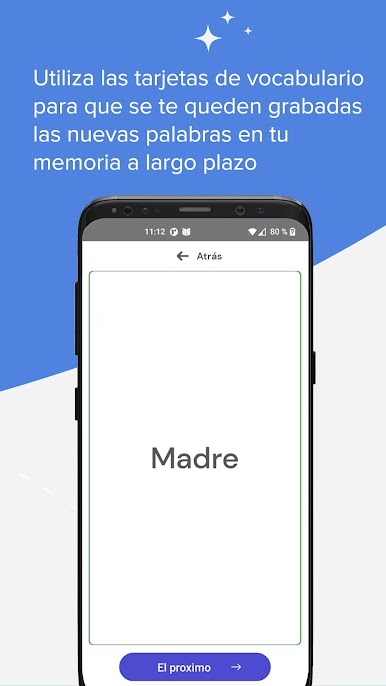
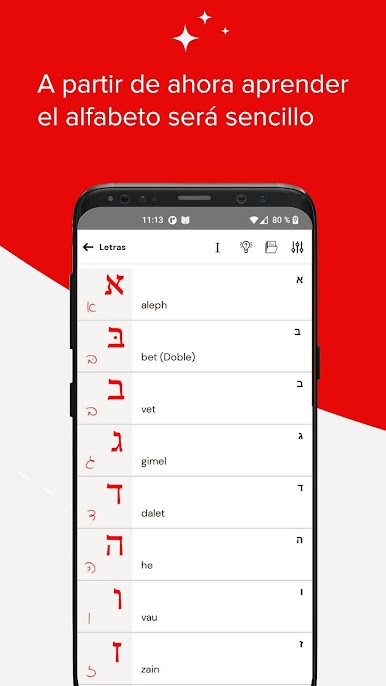
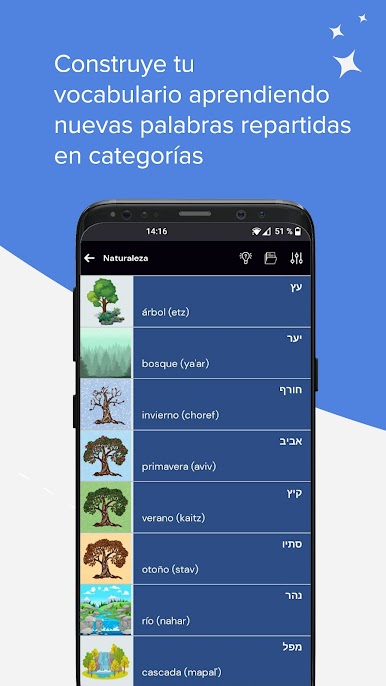
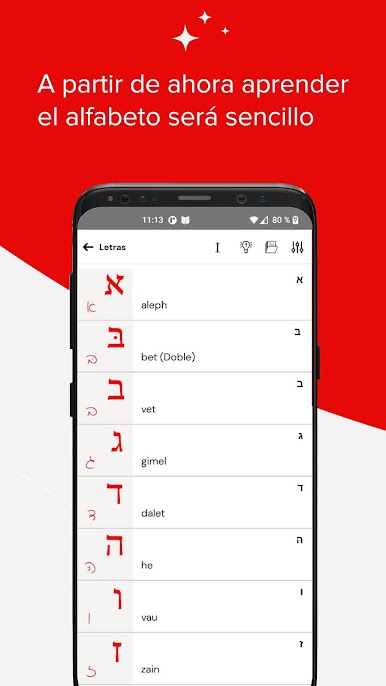
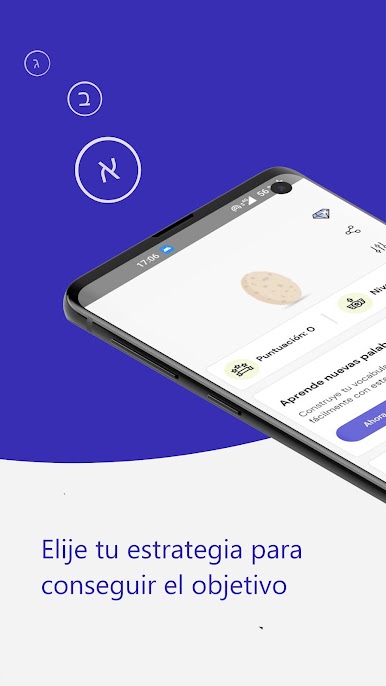
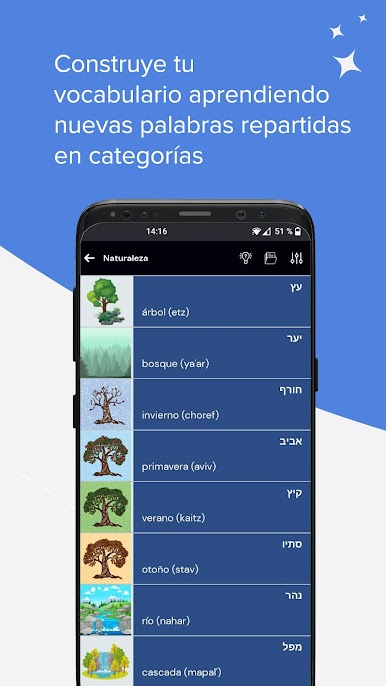
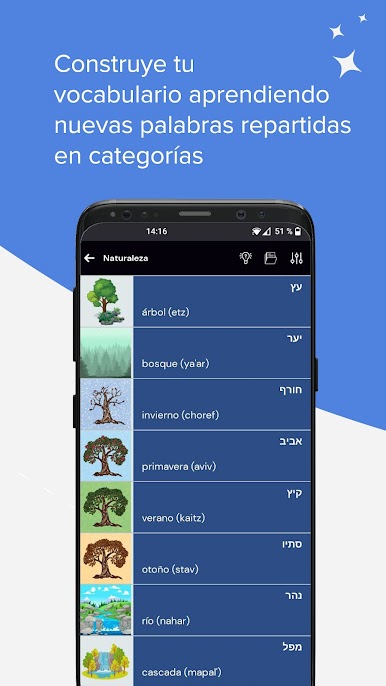
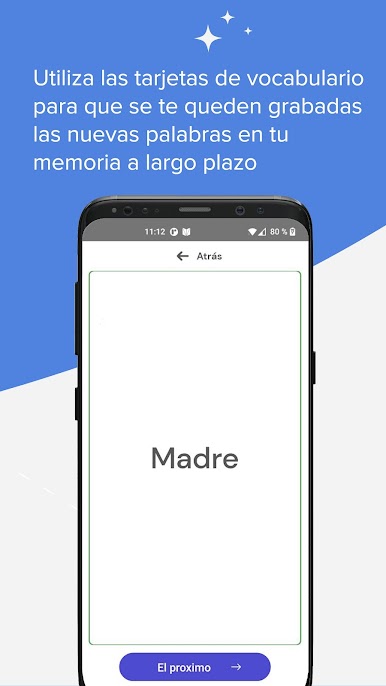
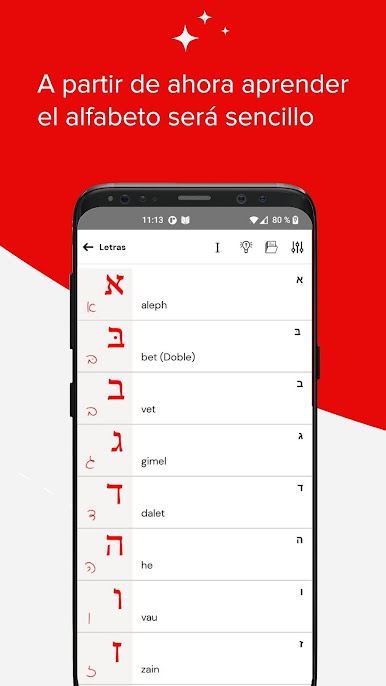
Learn Hebrew Basics is one of those apps that keeps things simple and actually useful, especially if someone just wants to pick up the basics without getting overwhelmed. The whole thing’s organized into clear categories, which makes it easier when figuring out where to start or what to focus on next. There’s translation for every word — so, you can see the Hebrew, the English, and also a little transcription to show how to pronounce it. Tapping on a word or phrase will play the audio too, which helps a lot for learning the right sounds.
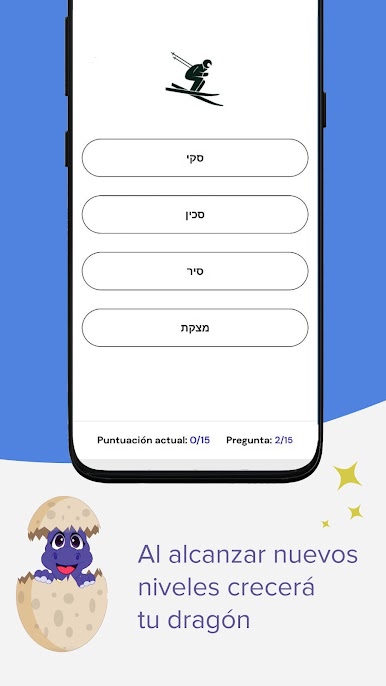
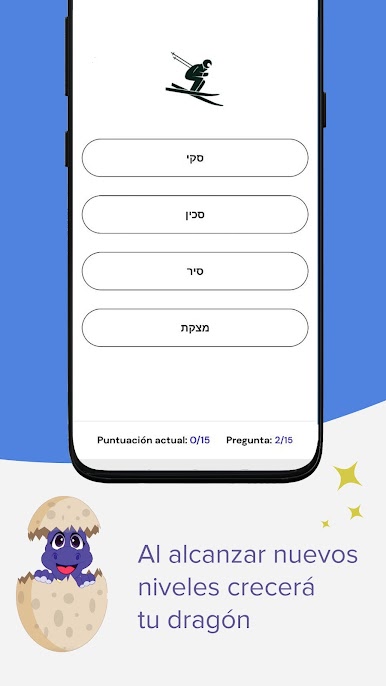
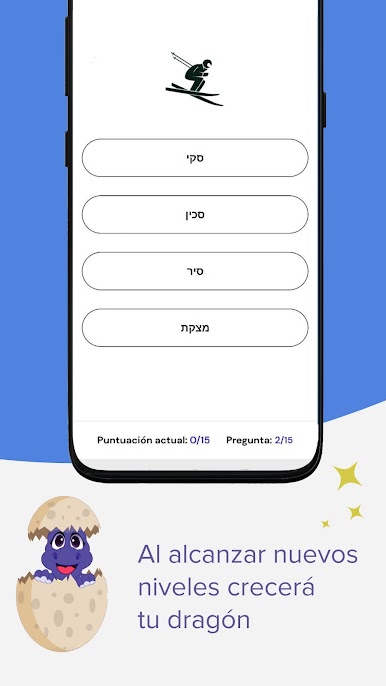
There’s a little quiz feature where it shows a word and gives four answer choices, so it’s easy to test what’s already been learned. Everything’s built around colorful flashcards, which breaks up the monotony and makes it not as dry as some other language apps. What’s cool is this one doesn’t need an internet connection, so it works offline — pretty handy if the WiFi is sketchy or you’re just not in the mood to be online. The app runs in a few different languages, not just English, which opens things up for more people. Using it on BlueStacks just means there’s that extra bit of convenience since everything’s on a bigger screen and you can click through stuff quicker. Overall, it’s straightforward, nothing too fancy, but does the job for learning basic Hebrew.
Eager to take your app experience to the next level? Start right away by downloading BlueStacks on your PC or Mac.
Juega Aprende Hebreo Básico en la PC. Es fácil comenzar.
-
Descargue e instale BlueStacks en su PC
-
Complete el inicio de sesión de Google para acceder a Play Store, o hágalo más tarde
-
Busque Aprende Hebreo Básico en la barra de búsqueda en la esquina superior derecha
-
Haga clic para instalar Aprende Hebreo Básico desde los resultados de búsqueda
-
Complete el inicio de sesión de Google (si omitió el paso 2) para instalar Aprende Hebreo Básico
-
Haz clic en el ícono Aprende Hebreo Básico en la pantalla de inicio para comenzar a jugar

