


Sudoku Gratis Italiano Offline
Gioca su PC con BlueStacks: la piattaforma di gioco Android, considerata affidabile da oltre 500 milioni di giocatori.

Pagina modificata il: Jul 6, 2025
Play Sudoku Classic Puzzle Games on PC
Key Features:
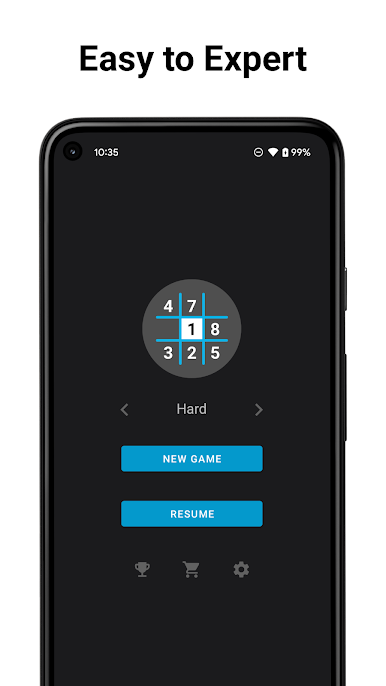
🔢 4 Difficulty Levels: Beginner, Intermediate, Advanced, and Expert for Sudoku players of all skill levels.
📵 Play Anywhere: Enjoy Sudoku puzzles both online and offline, perfect for on-the-go gaming.
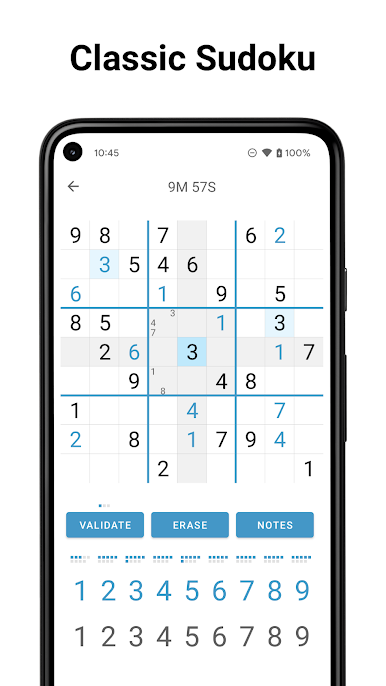
📝 Pencil Marks: Toggle on/off to assist you with note-taking during gameplay.
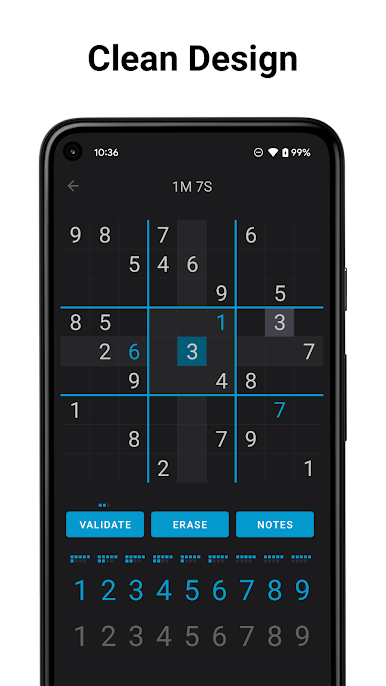
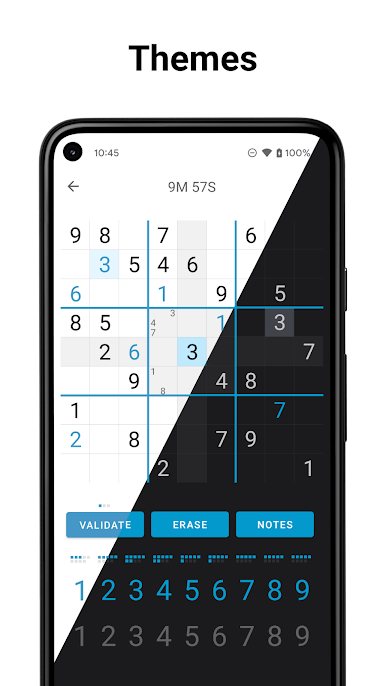
🌗 Customizable Themes: Choose between Light and Dark themes for an enhanced visual experience.
🏆 Track Your Progress: Monitor your achievements for each difficulty level and analyze your best times.
💾 Auto-save Feature: Your Sudoku game is saved automatically, allowing you to resume later, no matter the difficulty level.
🔦 Helpful Highlights: Row, column, and section highlighting for the selected cell.
↩️ Undo Option: Easily correct your moves with the "Back" button.
🎨 Intuitive & Minimalist Design: A user-friendly interface that keeps you focused on the game.
Go Premium for Added Benefits:
🚫 Remove Ads: Enjoy an ad-free experience for uninterrupted gameplay.
🎨 More Themes: Gain access to exclusive themes (coming soon!)
Sudoku is your go-to game for Sudoku puzzles anytime, anywhere—even offline! Put your brainpower to the test and conquer the Sudoku world with our top-rated app. Enjoy the best Sudoku gaming experience today!
Gioca Sudoku Gratis Italiano Offline su PC. È facile iniziare.
-
Scarica e installa BlueStacks sul tuo PC
-
Completa l'accesso a Google per accedere al Play Store o eseguilo in un secondo momento
-
Cerca Sudoku Gratis Italiano Offline nella barra di ricerca nell'angolo in alto a destra
-
Fai clic per installare Sudoku Gratis Italiano Offline dai risultati della ricerca
-
Completa l'accesso a Google (se hai saltato il passaggio 2) per installare Sudoku Gratis Italiano Offline
-
Fai clic sull'icona Sudoku Gratis Italiano Offline nella schermata principale per iniziare a giocare

