

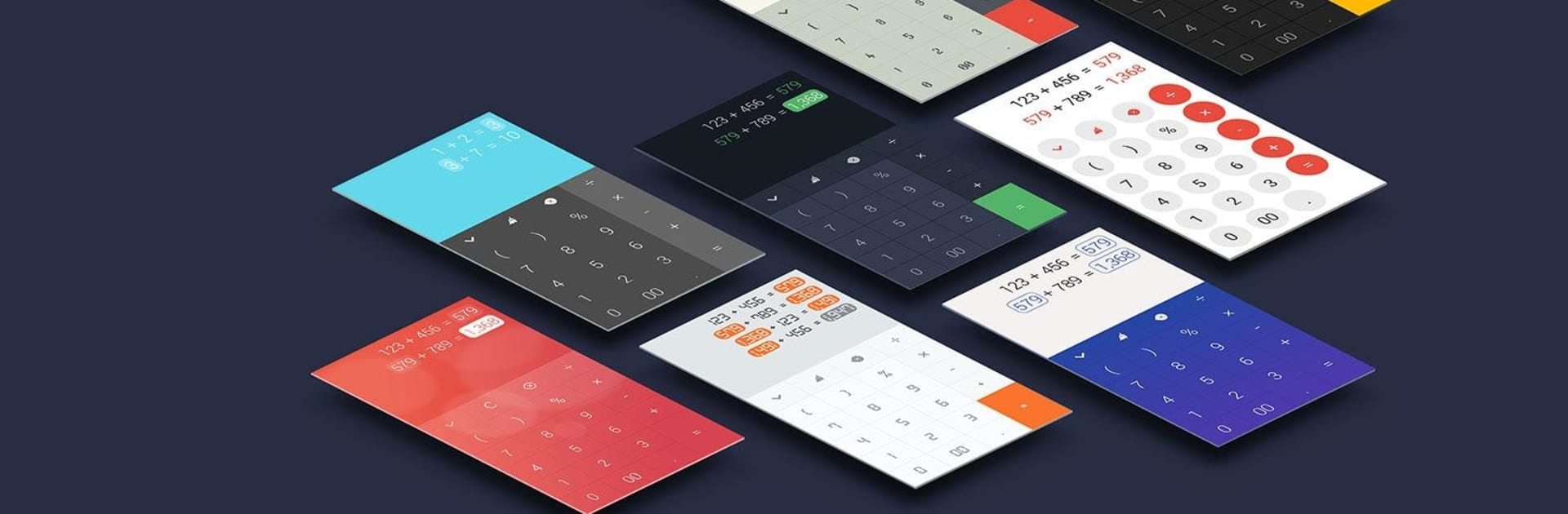
FlexCalc: Linked Calculations
5억명 이상의 게이머가 신뢰하는 안드로이드 게임 플랫폼 BlueStacks으로 PC에서 플레이하세요.

Run Calc - A new kind of Calculator on PC or Mac
Why limit yourself to your small screen on the phone? Run Calc – A new kind of Calculator, an app by todayweather.co, best experienced on your PC or Mac with BlueStacks, the world’s #1 Android emulator.
About the App
Ever wish your calculator could be a little more forgiving—or, honestly, just smarter? Calc – A new kind of Calculator from todayweather.co brings a refreshingly flexible approach to number crunching. It’s designed for folks who want more control, like being able to fix mistakes on the fly or keep a running tally of calculations—basically, it’s not your average calculator. Whether you need to tweak math as you go, pick a style that matches your vibe, or revisit old calculations, this app’s got you covered.
App Features
-
Edit As You Go
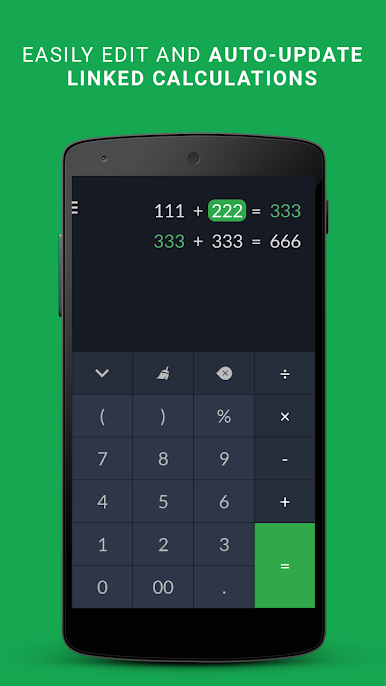
Messed up a number or picked the wrong operator? You can jump right in and fix it wherever you like, without starting over or losing track. -
Seamless History Viewing
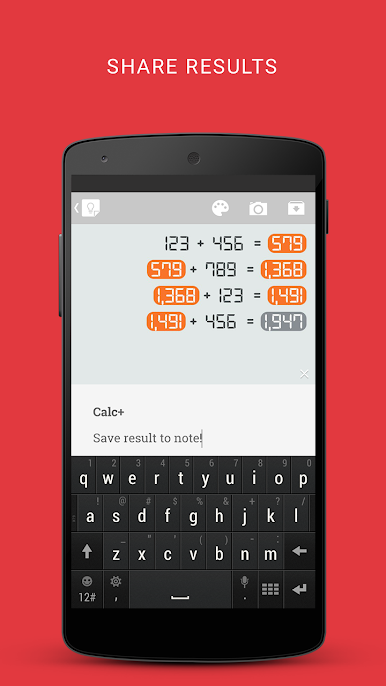
Each calculation sits on its own line, so scrolling through your operations is easy—no more trying to piece together what happened. -
Reuse Previous Results
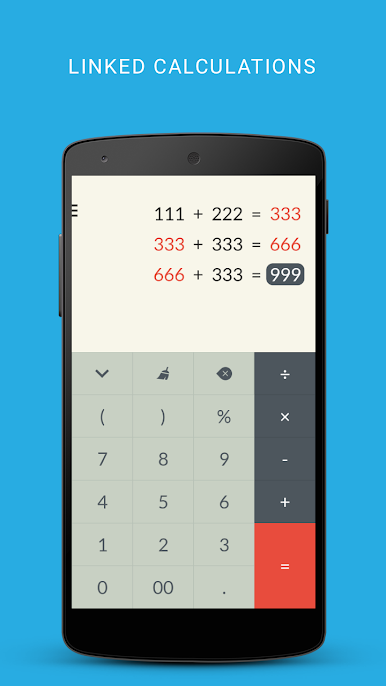
Need that last answer again? Just tap to bring your previous result into your next calculation. Handy if you’re working out a series of numbers. -
Instant Updates
Change any part of your math and Calc automatically refreshes the result—no need to re-enter the whole thing or recalculate. -
Share or Save with Notes
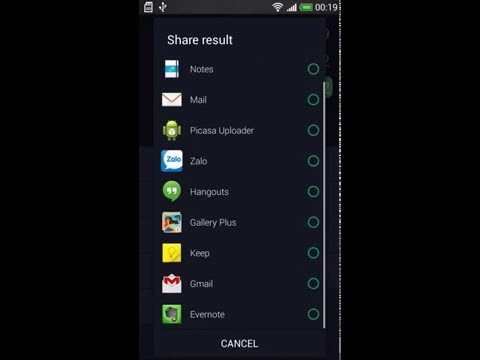
Want to keep a record or send your math to someone? It’s simple to share your full calculation history, or store it in your notes for later. -
Customizable Themes
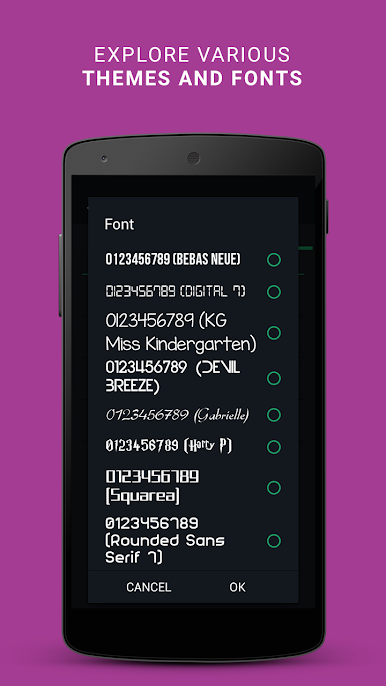
Choose a look that fits your style—Material, Android L, and other clean designs make the app feel personal. -
Continue Where You Left Off
Your calculation history sticks around, so you can jump back in anytime without missing a beat.
You can even run Calc – A new kind of Calculator on your desktop using BlueStacks if you need to work on a larger screen.
BlueStacks brings your apps to life on a bigger screen—seamless and straightforward.

PC에서 FlexCalc: Linked Calculations 플레이해보세요.
-
BlueStacks 다운로드하고 설치
-
Google Play 스토어에 로그인 하기(나중에 진행가능)
-
오른쪽 상단 코너에 FlexCalc: Linked Calculations 검색
-
검색 결과 중 FlexCalc: Linked Calculations 선택하여 설치
-
구글 로그인 진행(만약 2단계를 지나갔을 경우) 후 FlexCalc: Linked Calculations 설치
-
메인 홈화면에서 FlexCalc: Linked Calculations 선택하여 실행

