


CH Schilder
Spiele auf dem PC mit BlueStacks - der Android-Gaming-Plattform, der über 500 Millionen Spieler vertrauen.

Seite geändert am: Jul 14, 2019
Übersicht
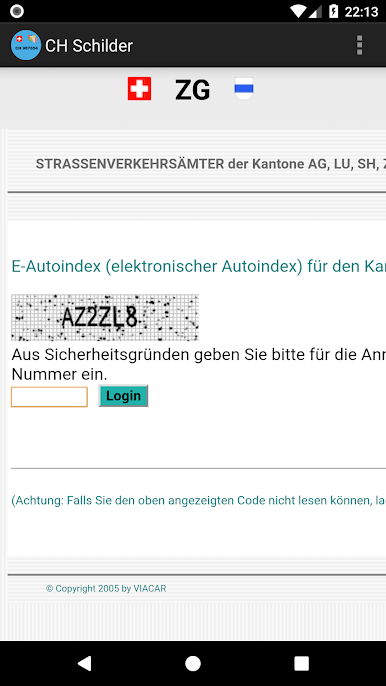
Je nach Kanton ist die Abfrage via SMS, Formular oder E-Mail möglich. Jeder Kanton regelt das auf seine Art.
CH-Schilder hat keine Verbindung zu den Kantonen oder anderen Anbietern. Abfragen von Halterinformationen können Kosten verursachen. Je nach Kanton sind die Kosten anders. CH-Schilder erhält von diesen Geldern nichts. Die Abrechnung geschieht ausschliesslich über die Anbieter der Abfrage-Services (Kantone, Telecom-Anbieter, etc.).
Was beinhaltet CH-Schilder nicht:
- Keine Registrierung bei CH-Schilder nötig
- Keine Vollbild-Werbung
- Keine E-Mail Werbung
- Kein Gewinnspiel
- Keine Gewähr für Richtigkeit und Aktualität
Markenzeichen gehören den jeweiligen Rechteinhabern.
Rechtliches zum Autoindex: Gemäss Art. 126 Abs. 1 der Verkehrszulassungsverordnung (VZV) kann der Name und die Adresse von Inhabern eines Kontrollschildes jedermann bekannt gegeben werden.
Die Benutzung der App geschieht auf eigene Verantwortung. Der Autor dieser App lehnt jede Haftung ab. Alle Daten (Name und Adresse von Haltern) sind bei Drittanbietern gelagert. Sie sind durch ihre rechtmässigen Eigentümer urheberrechtlich geschützt. CH-Schilder speichert keine Daten und kann in keinem Fall für Inhalte und Urheberrechte verantwortlich gemacht werden. Es ist Ihnen gesetzlich untersagt, die erhaltenen Daten kommerziell zu nutzen.
Titelbild by Jesse Collins on Unsplash
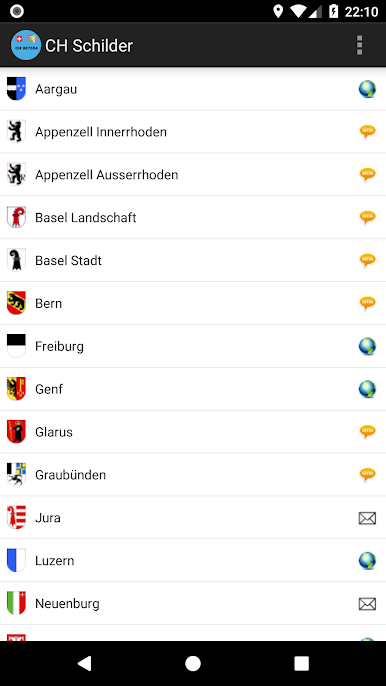
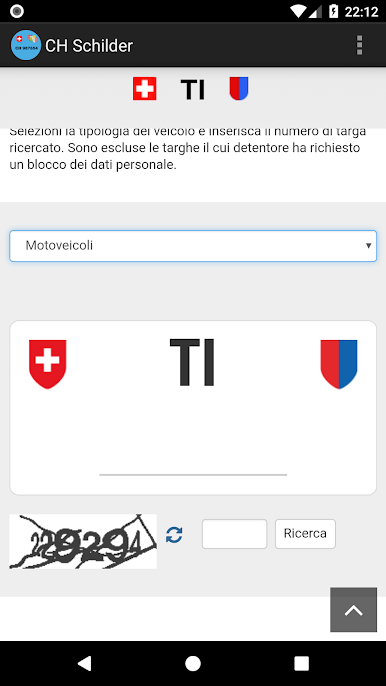
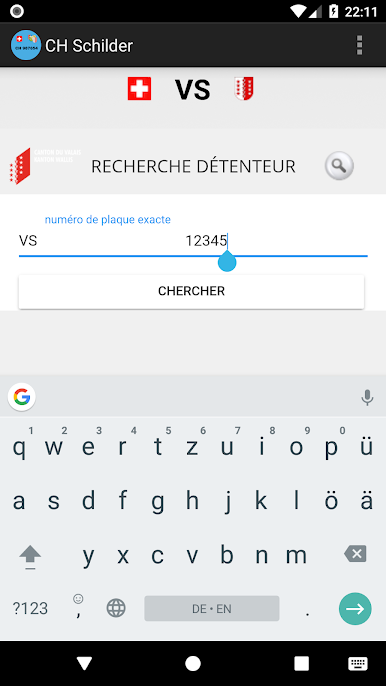
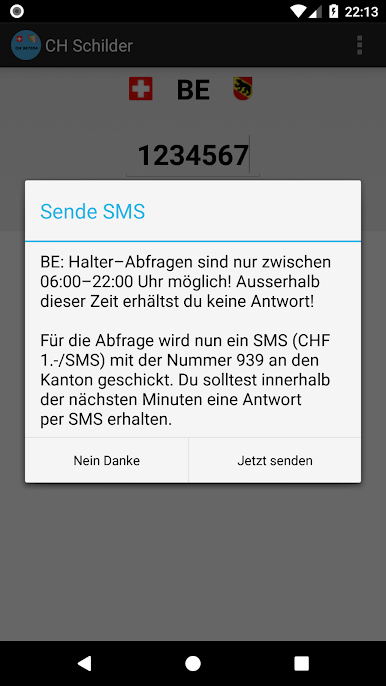
Spiele CH Schilder auf dem PC. Der Einstieg ist einfach.
-
Lade BlueStacks herunter und installiere es auf deinem PC
-
Schließe die Google-Anmeldung ab, um auf den Play Store zuzugreifen, oder mache es später
-
Suche in der Suchleiste oben rechts nach CH Schilder
-
Klicke hier, um CH Schilder aus den Suchergebnissen zu installieren
-
Schließe die Google-Anmeldung ab (wenn du Schritt 2 übersprungen hast), um CH Schilder zu installieren.
-
Klicke auf dem Startbildschirm auf das CH Schilder Symbol, um mit dem Spielen zu beginnen

