


Sederhana Music Player
Mainkan di PC dengan BlueStacks – platform Game-Game Android, dipercaya oleh lebih dari 500 juta gamer.

Play Simple Music Player - Gapless for Local Music on PC or Mac
Bring your A-game to Simple Music Player – Gapless for Local Music, the Music & Audio game sensation from JRT Studio Music Players. Give your gameplay the much-needed boost with precise game controls, high FPS graphics, and top-tier features on your PC or Mac with BlueStacks.
About the Game
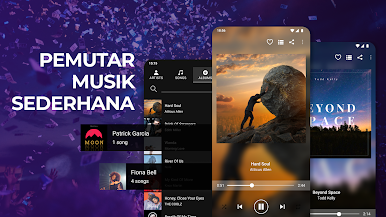
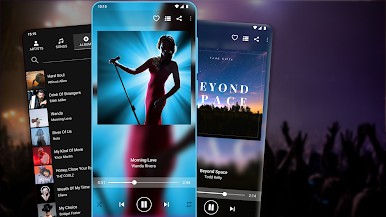
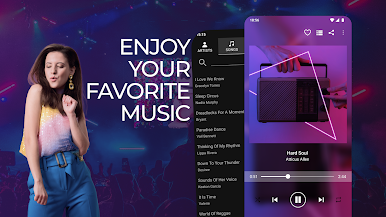
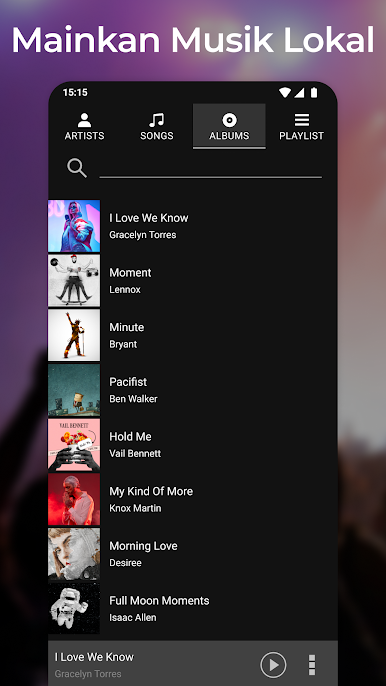
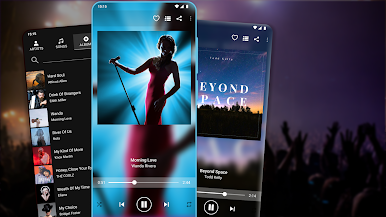
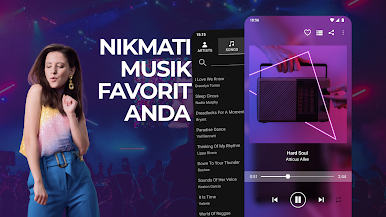
Simple Music Player – Gapless for Local Music by JRT Studio Music Players is all about bringing your personal music collection to life with zero hassle. Whether you’re chilling at home or working at your desk, this app gives you an easy way to browse, play, and organize songs saved right on your device. If you’re after a no-fuss, reliable way to enjoy your favorite albums and playlists, this is one you’ll want to check out—even more so if you’re running it on BlueStacks.
Game Features
-
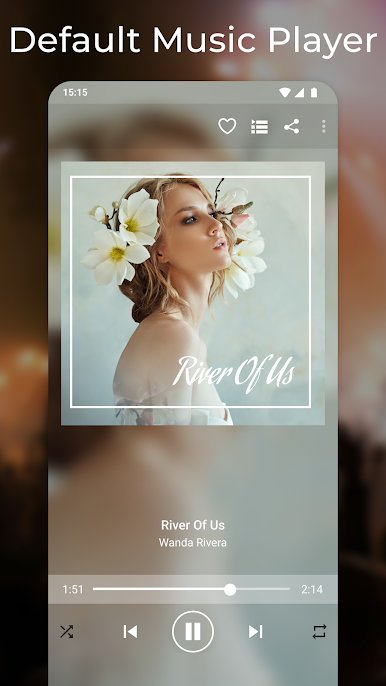
Smooth Playback Controls
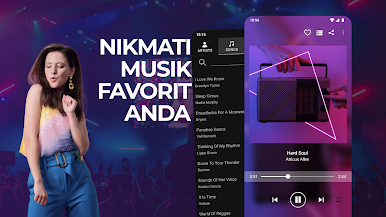
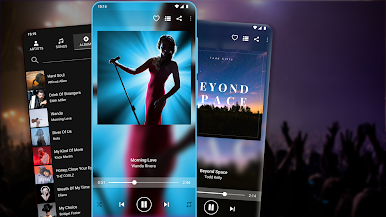
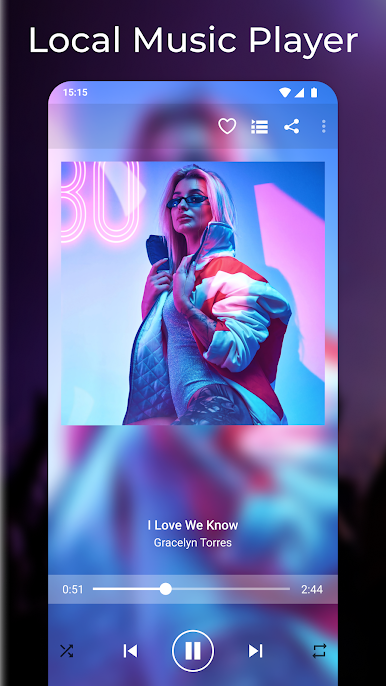
Hop between songs, pause, or skip tracks with just a tap. Everything you need for a laid-back listen is right there at your fingertips. -
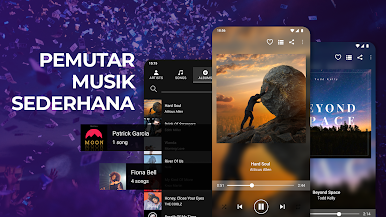
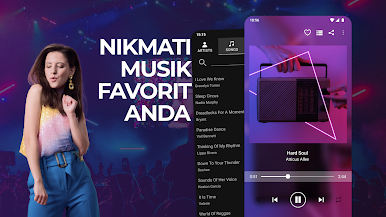
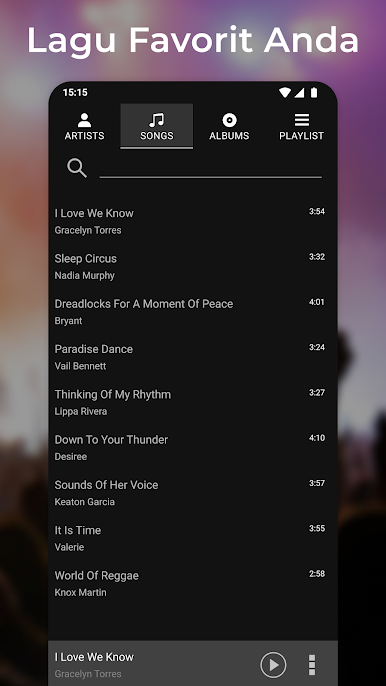
Music by Artist, Album, or Song
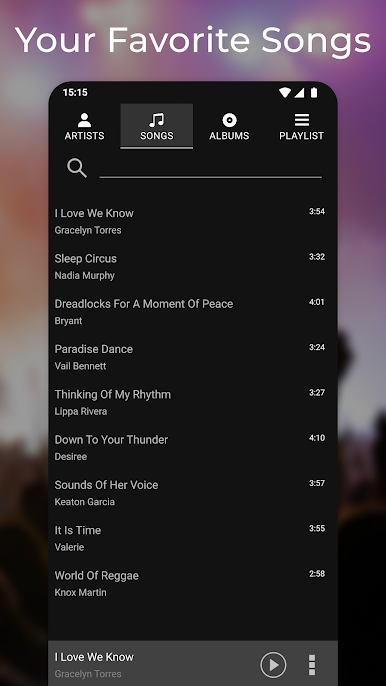
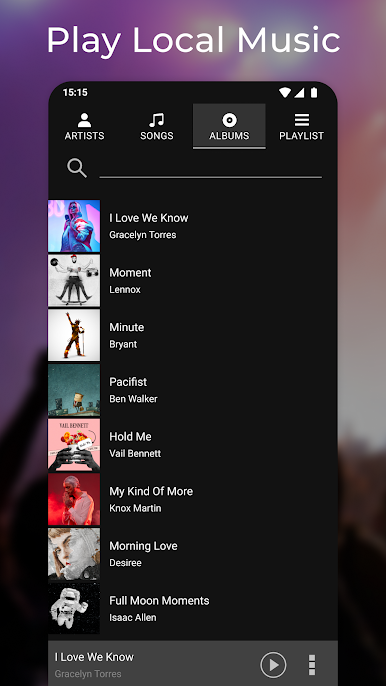
Not sure exactly what you’re in the mood for? Browse by artist, album, or song and find that perfect track without any stress. -
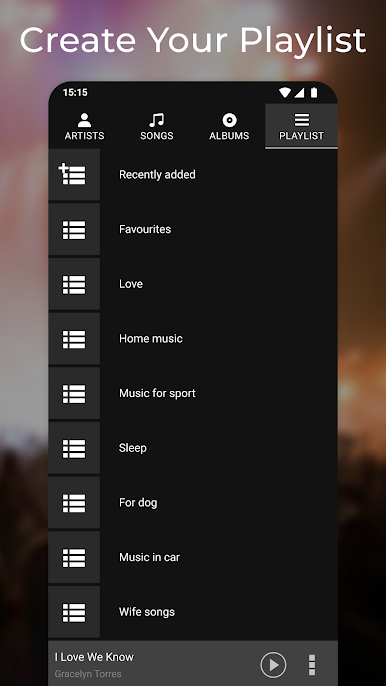
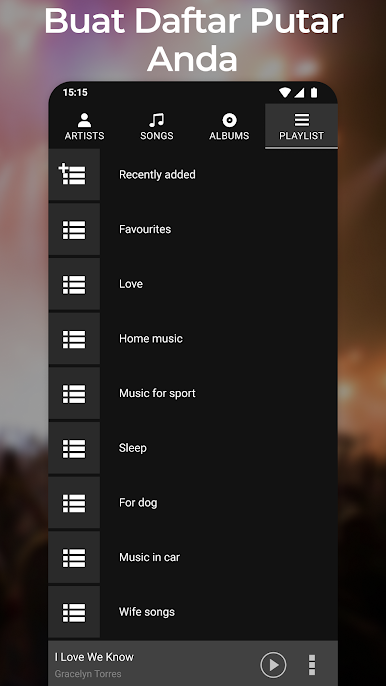
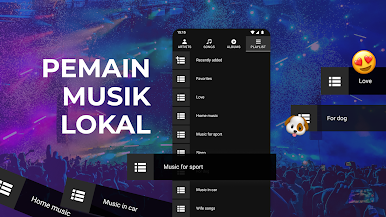
Shuffling and Playlists
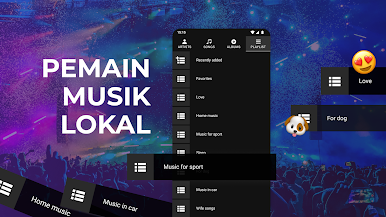
Mix it up with shuffle mode when you’re feeling unpredictable, or stick to your personal playlists for a more curated vibe. -
Easy Search Tool
Type a few letters, and let the search feature instantly bring up the tunes you’re looking for. No more endless scrolling. -
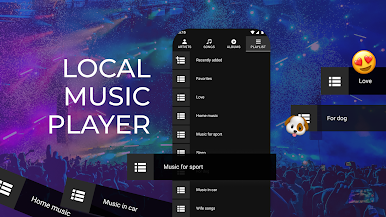
Local Music Only
Focuses on music files already on your device, giving you a distraction-free spot to control your own library—no streaming or internet required. -
Seamless with BlueStacks
Designed for local files, but works great on BlueStacks if you want to jam out from your PC without any extra hoops to jump through.
Make your gaming sessions memorable with precise controls that give you an edge in close combats and visuals that pop up, bringing every character to life.


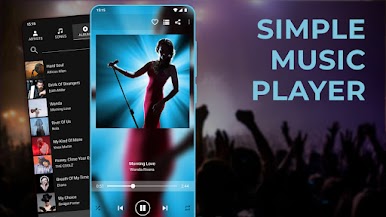
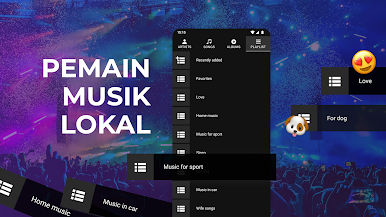
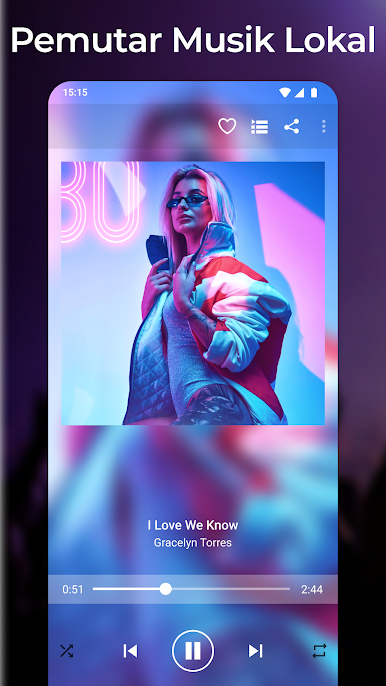
Mainkan Sederhana Music Player di PC Mudah saja memulainya.
-
Unduh dan pasang BlueStacks di PC kamu
-
Selesaikan proses masuk Google untuk mengakses Playstore atau lakukan nanti
-
Cari Sederhana Music Player di bilah pencarian di pojok kanan atas
-
Klik untuk menginstal Sederhana Music Player dari hasil pencarian
-
Selesaikan proses masuk Google (jika kamu melewati langkah 2) untuk menginstal Sederhana Music Player
-
Klik ikon Sederhana Music Player di layar home untuk membuka gamenya

