


Clinometer
Mainkan di PC dengan BlueStacks – platform Game-Game Android, dipercaya oleh lebih dari 500 juta gamer.

Main Clinometer di PC
● Gratis
● Sederhana dan Mudah
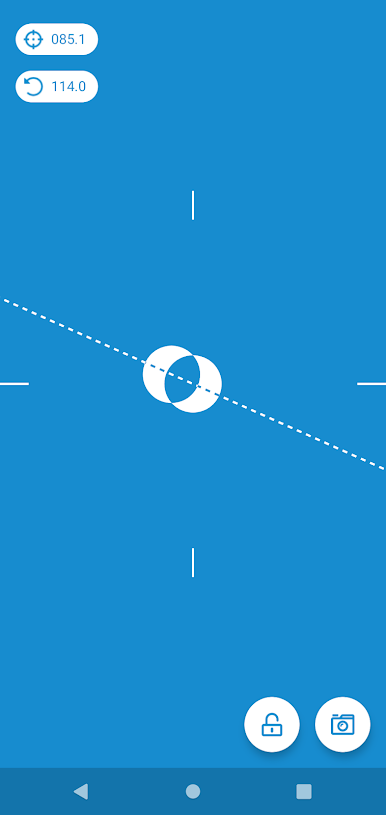
● Dapat digunakan sebagai Klinometer atau Level Gelembung
● Ukur Kemiringan menggunakan roll atau pitch
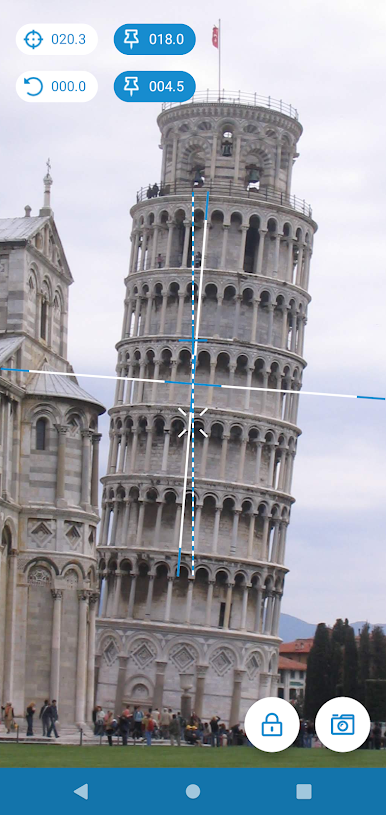
● Gunakan kamera untuk mengukur kemiringan dan ketinggian dari jarak jauh
● Pengukuran absolut atau relatif
Gulung
Ini adalah rotasi telepon di sekitar sumbu yang tegak lurus dengan layar perangkat. Gunakan untuk mengukur kemiringan dengan sisi mana pun dari ponsel Anda atau dari jarak jauh saat menggunakan kamera.
Latar Belakang
Ini adalah sudut antara bidang yang tegak lurus dengan layar perangkat dan bidang yang sejajar dengan tanah. Memegang layar ponsel Anda tegak lurus ke lantai akan memberi Anda nada mendekati nol. Gunakan untuk mengukur kemiringan permukaan saat ponsel Anda mendarat di permukaan itu atau ketinggian objek saat menggunakan kamera.
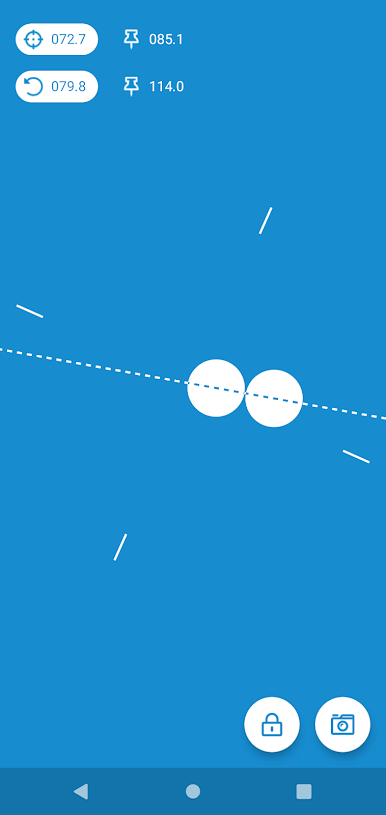
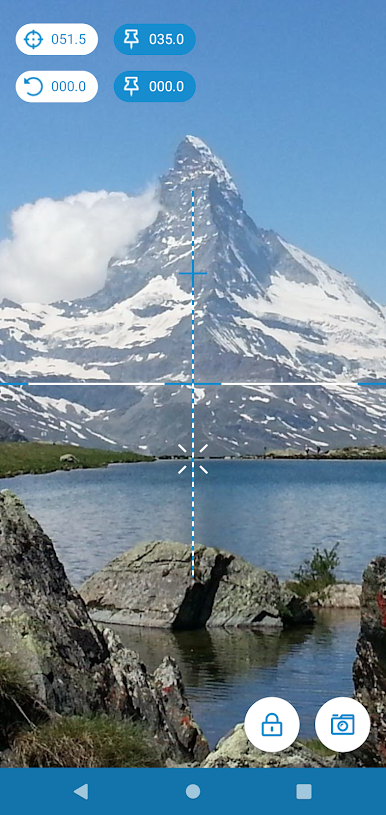
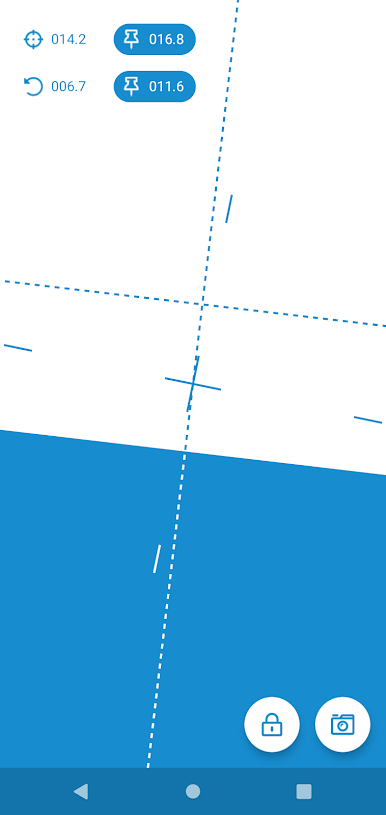
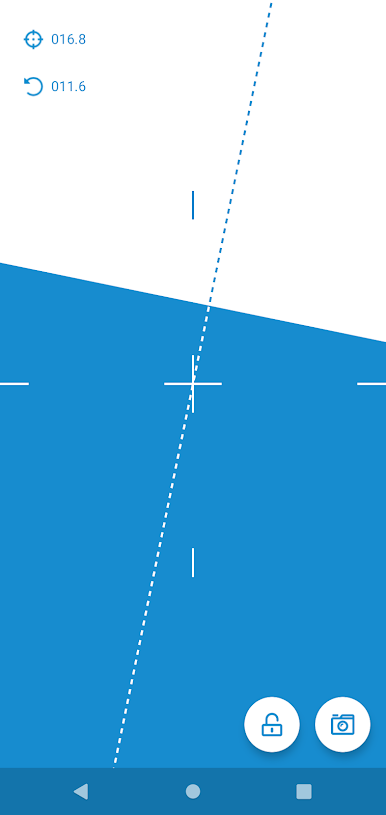
Mainkan Clinometer di PC Mudah saja memulainya.
-
Unduh dan pasang BlueStacks di PC kamu
-
Selesaikan proses masuk Google untuk mengakses Playstore atau lakukan nanti
-
Cari Clinometer di bilah pencarian di pojok kanan atas
-
Klik untuk menginstal Clinometer dari hasil pencarian
-
Selesaikan proses masuk Google (jika kamu melewati langkah 2) untuk menginstal Clinometer
-
Klik ikon Clinometer di layar home untuk membuka gamenya

