


Ukiyo-e Wallpapers - Nihonga
Play on PC with BlueStacks – the Android Gaming Platform, trusted by 500M+ gamers.

Page Modified on: Jul 28, 2025
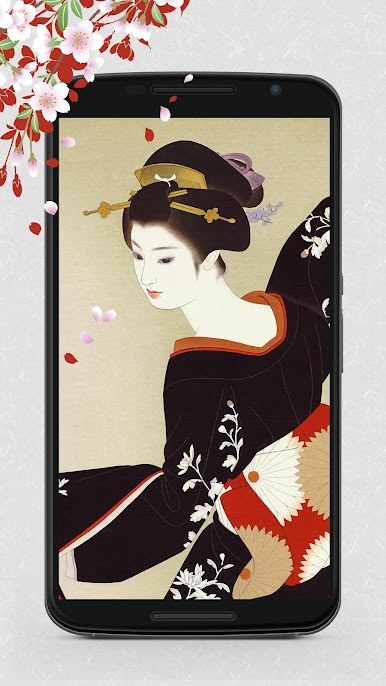
Play Ukiyo-e Wallpapers - Nihonga on PC
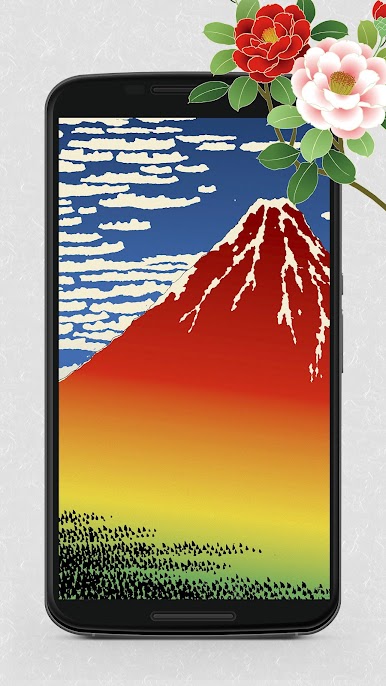
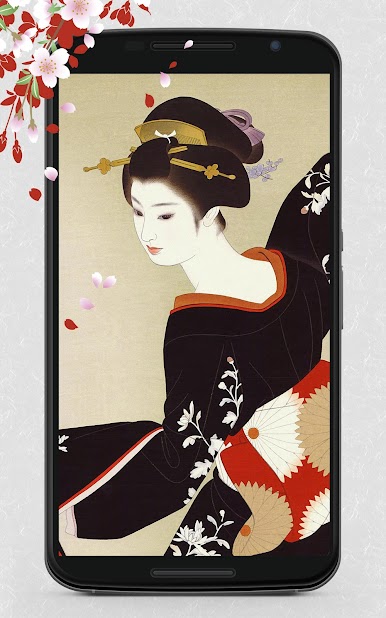
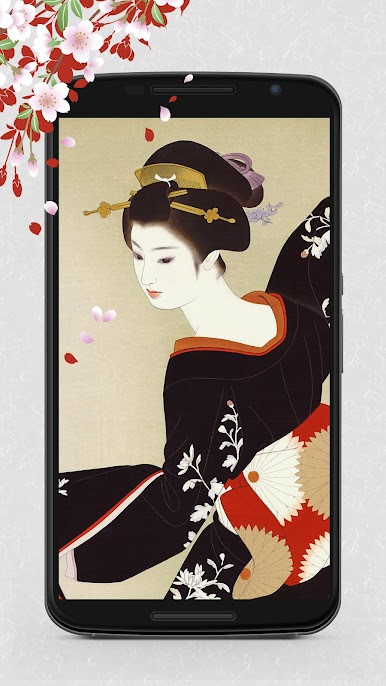
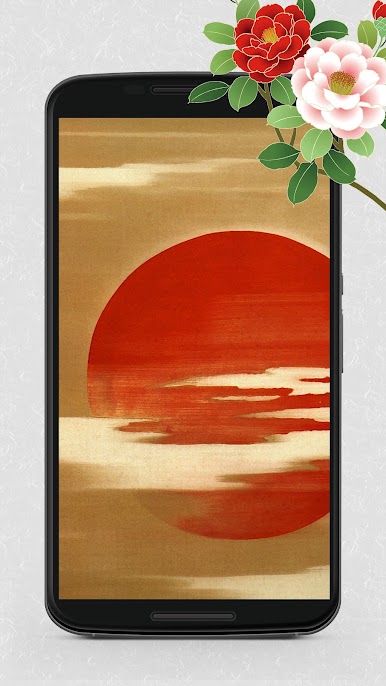
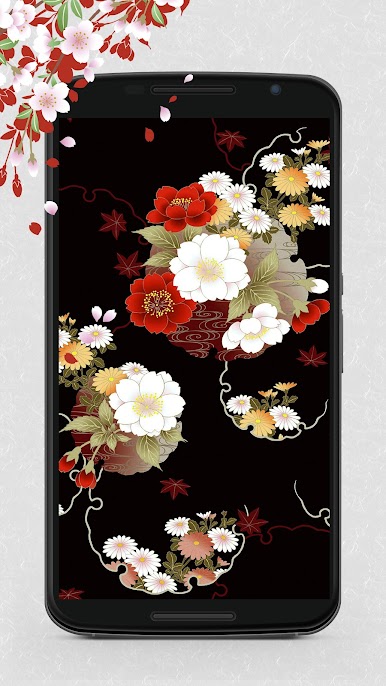
Easily save your favorite wallpapers and set them directly as your home or lock screen themes via our app. Explore our extensive gallery, including the latest and most popular wallpapers, and by bookmarking your favorites, access them anytime.
Enhance your experience with our robust photo gallery features, including thumbnail views and full-screen displays. Our app also supports sharing across multiple platforms such as Facebook, X (Twitter), LINE, Instagram, Pinterest, and email.
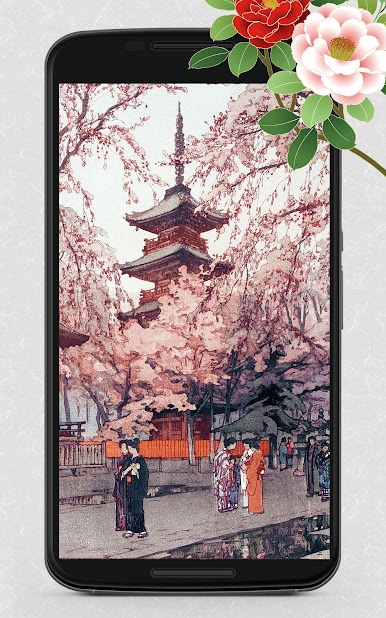
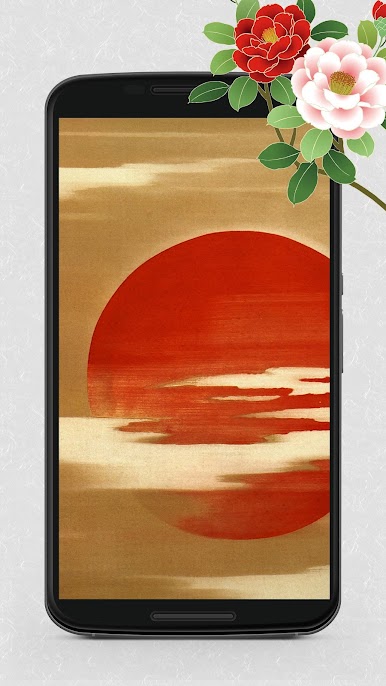
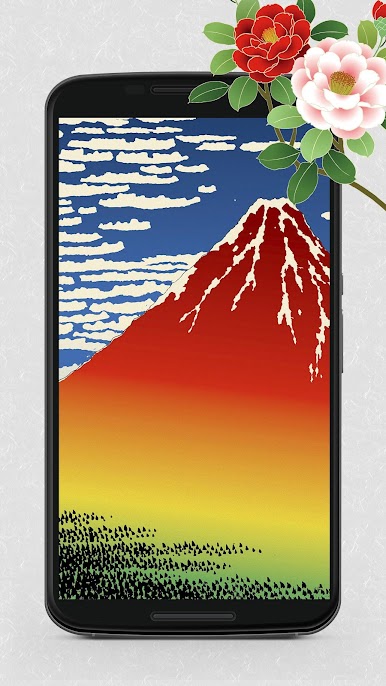
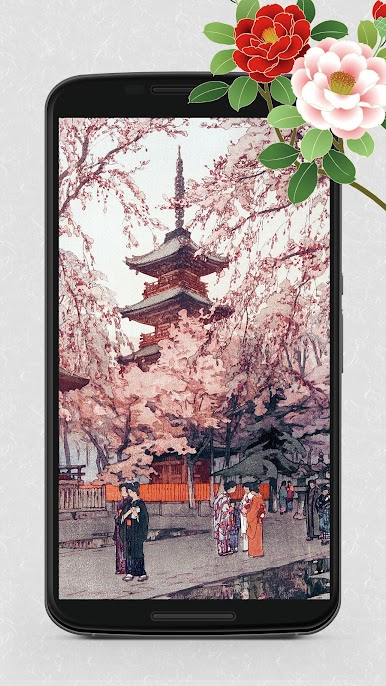
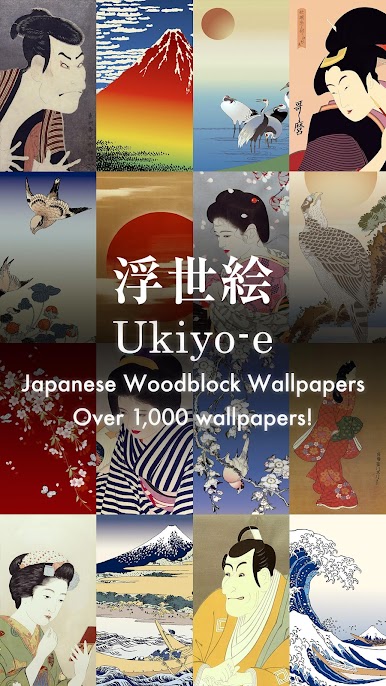
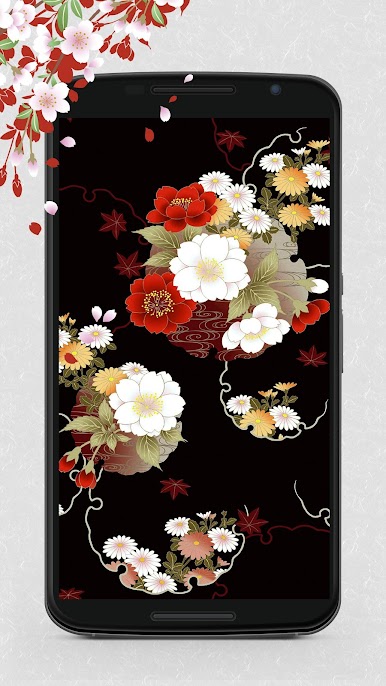
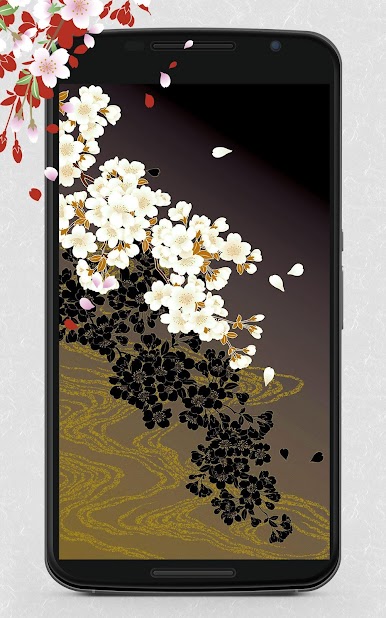
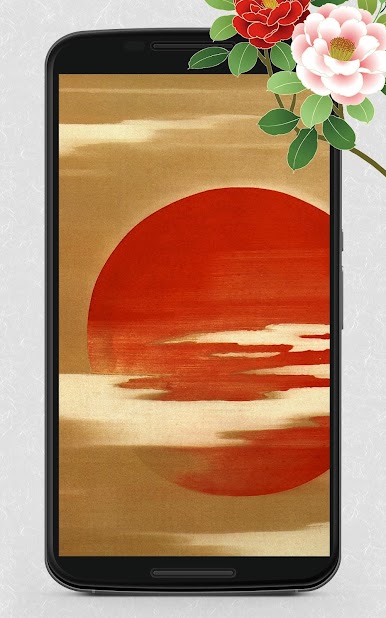
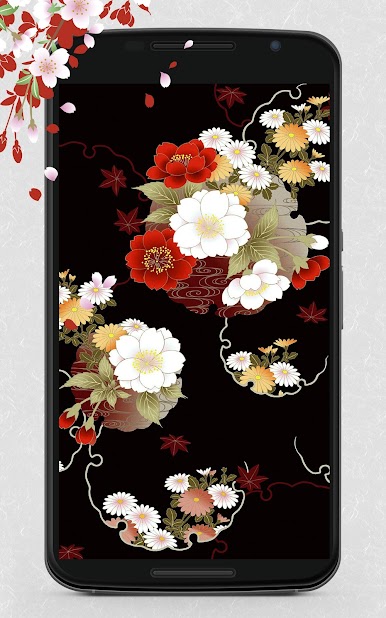
Our app emphasizes the superior quality of images, each meticulously updated by hand. Enjoy not just as a beautiful art gallery but discover more engaging backgrounds you'll love to use. From stylish and cool to charming and cute wallpapers, especially curated for women, ensure your home icons always look their best.
For those seeking unique Android smartphone or LINE chat backgrounds, this app is a must-try. Dive into our exclusive selection of luxurious wallpapers, all guaranteed to suit your tastes. Beautify your standby screen with our app and personalize it just the way you like!
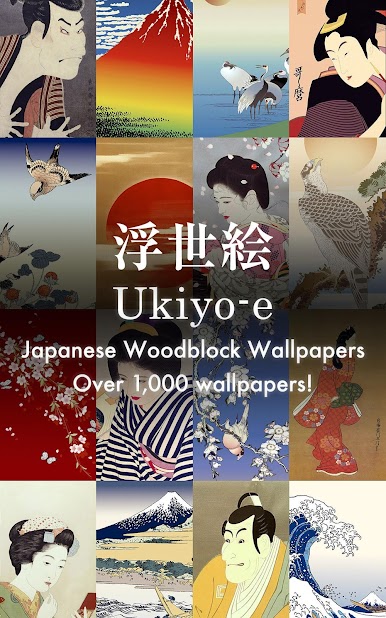
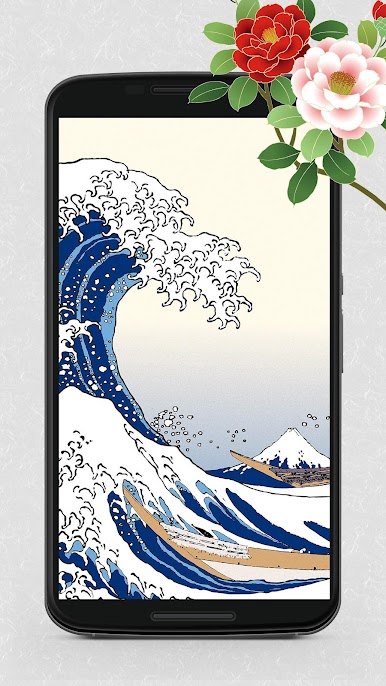
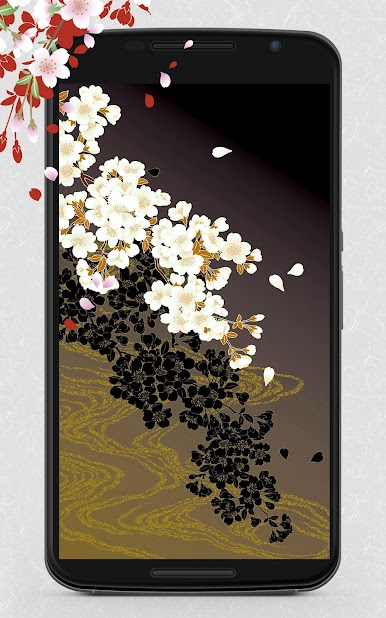
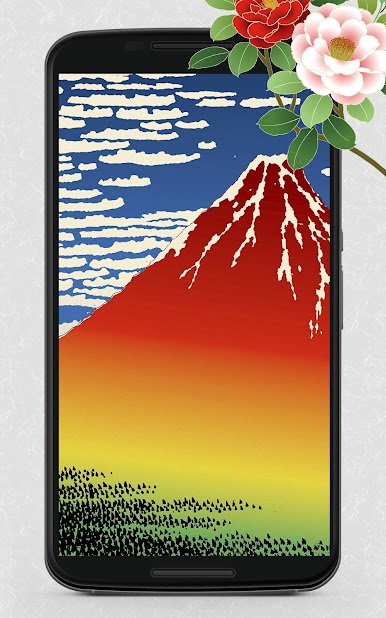
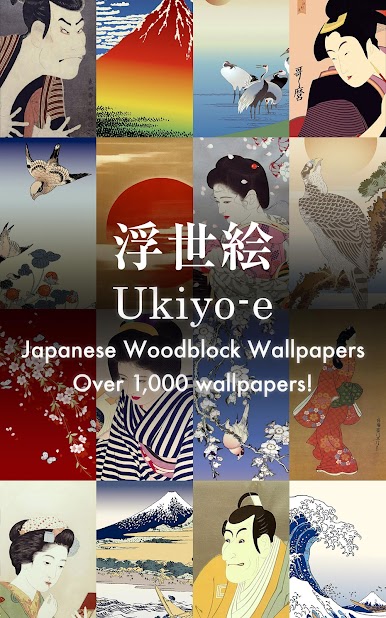
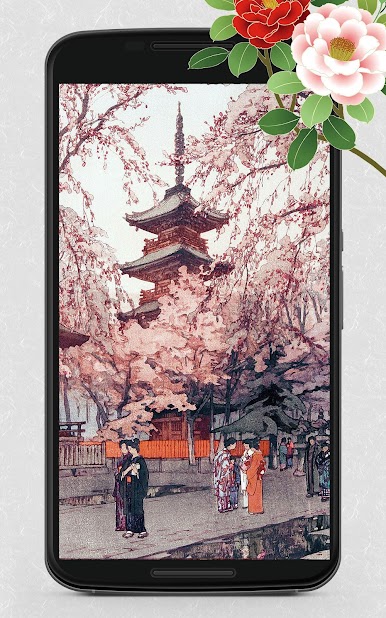
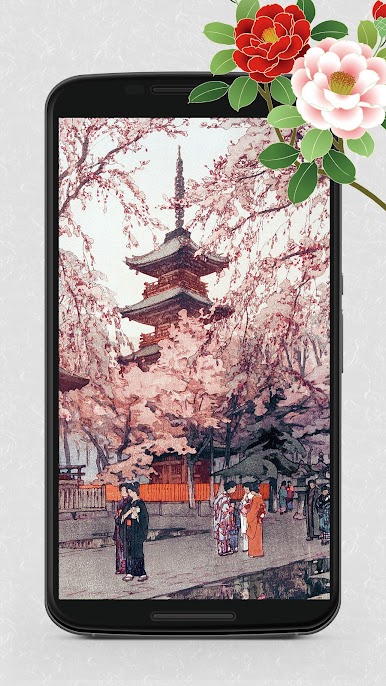
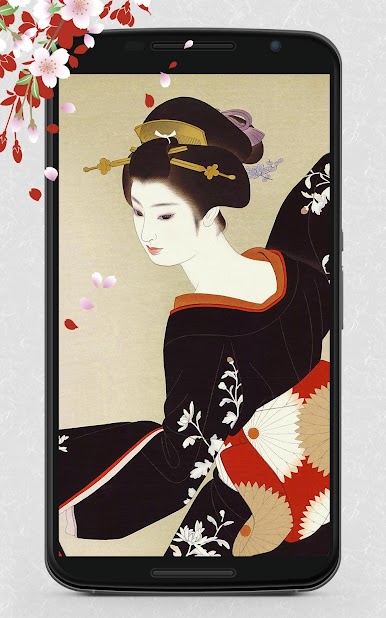
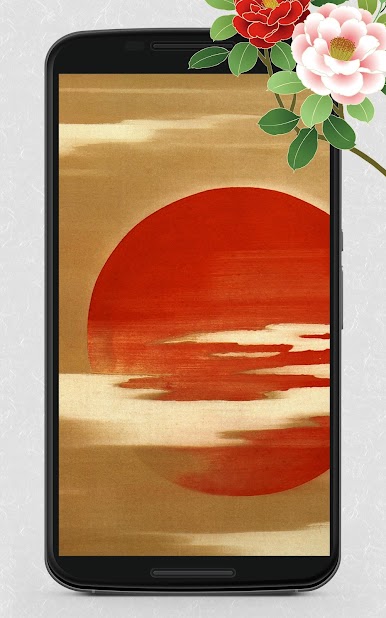
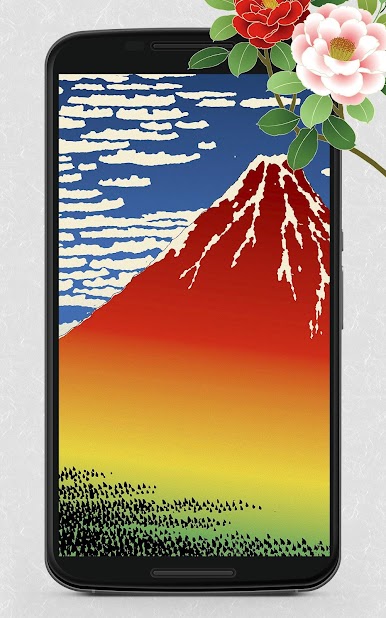
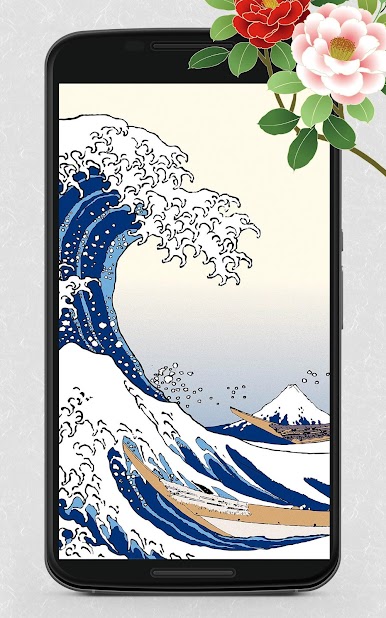
Ukiyo-e Categories include diverse eras and renowned artists, offering a rich tapestry of Japanese art and history, simplified into various periods and styles from the 1780s to modern interpretations.
Main Functions of our app include:
1. Easy browsing and wallpaper saving
2. Popular and trending wallpapers listing
3. Over 29 categorized wallpaper galleries
4. Favorites feature to quickly access beloved designs
5. Thumbnail and full-screen wallpaper views
6. Timely updates on new additions via push notifications
Wallpaper Sizes Available range from HD to 4K, ensuring compatibility and crisp visuals across all devices.
Copyright Notice: All Ukiyo-e images featured are in the public domain, thoughtfully edited and restored to bring historical artistry into your everyday digital experience.



Play Ukiyo-e Wallpapers - Nihonga on PC. It’s easy to get started.
-
Download and install BlueStacks on your PC
-
Complete Google sign-in to access the Play Store, or do it later
-
Look for Ukiyo-e Wallpapers - Nihonga in the search bar at the top right corner
-
Click to install Ukiyo-e Wallpapers - Nihonga from the search results
-
Complete Google sign-in (if you skipped step 2) to install Ukiyo-e Wallpapers - Nihonga
-
Click the Ukiyo-e Wallpapers - Nihonga icon on the home screen to start playing

