

القاموس البرونزي
Jouez sur PC avec BlueStacks - la plate-forme de jeu Android, approuvée par + 500M de joueurs.

Page Modifiée le: Oct 16, 2025
Run Bronze Dictionary on PC or Mac
Upgrade your experience. Try Bronze Dictionary, the fantastic Education app from Smart-Shopping, from the comfort of your laptop, PC, or Mac, only on BlueStacks.
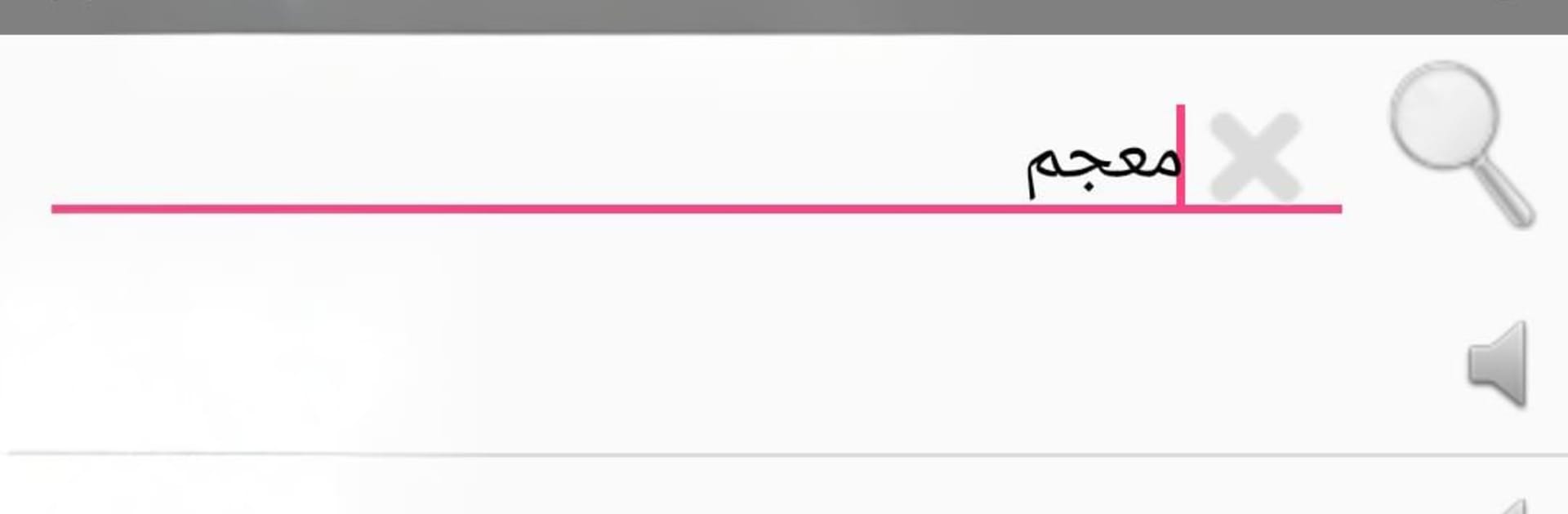
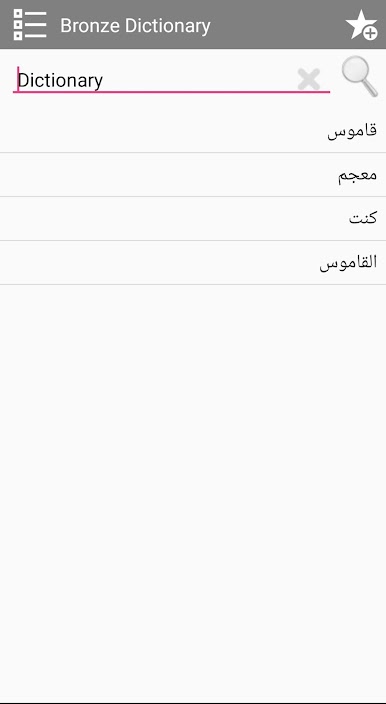
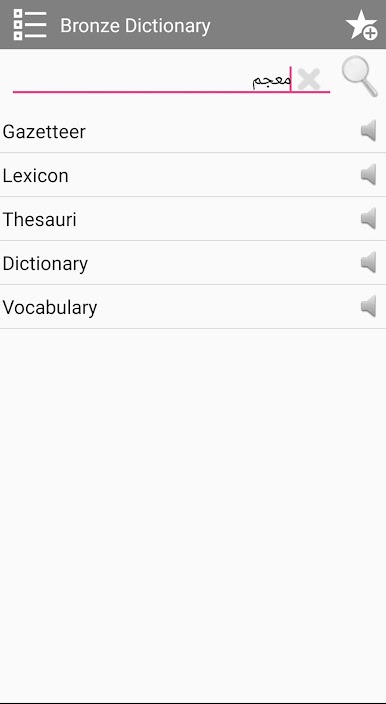
Bronze Dictionary feels like a no-fuss English to Arabic and Arabic to English lookup tool that runs fast and stays out of the way. It loads quick, searches even quicker, and does not need internet at all, which is a relief when a connection is flaky. The database is big, over a hundred thousand entries, so common words and a lot of less common ones show up with solid translations. The layout is simple and clean, just type and results appear without extra taps. There is a voice option that speaks words out loud. The speech comes through clearly, although it talks fast by default, so it is best for quick pronunciation checks rather than slow practice. Everything is free to use, and there is no account stuff getting in the way.
On BlueStacks, it works nicely with a full keyboard, which makes searching in both languages feel smooth. Copy and paste from documents or chats into the search bar is easy, then copy results right back out, so it fits well into study or work. The larger screen helps when comparing similar terms or scanning multiple results. Because it is fully offline, it keeps running on a laptop during travel or in low-signal spots. It is not fancy and it does not try to be, it just gets translations on screen fast and lets the user move on.
Eager to take your app experience to the next level? Start right away by downloading BlueStacks on your PC or Mac.
Jouez à القاموس البرونزي sur PC. C'est facile de commencer.
-
Téléchargez et installez BlueStacks sur votre PC
-
Connectez-vous à Google pour accéder au Play Store ou faites-le plus tard
-
Recherchez القاموس البرونزي dans la barre de recherche dans le coin supérieur droit
-
Cliquez pour installer القاموس البرونزي à partir des résultats de la recherche
-
Connectez-vous à Google (si vous avez ignoré l'étape 2) pour installer القاموس البرونزي
-
Cliquez sur l'icône القاموس البرونزي sur l'écran d'accueil pour commencer à jouer

