


AnyMeeting: Online Meeting
Spiele auf dem PC mit BlueStacks - der Android-Gaming-Plattform, der über 500 Millionen Spieler vertrauen.

Seite geändert am: Nov 28, 2025
Play AnyMeeting: Online Meeting on PC
audio quality, screen share viewing capabilities, and attendee controls in the palm of your hand.
Enable your employees to work from anywhere, not just in today’s market, but under any conditions
with these key features:
• No meeting length restrictions*
• Connect face-to-face with 720p HD Video with up to 30 webcams and 200 Web attendees
• Host an unlimited number of meetings for easy collaboration with up to 200 phone attendees
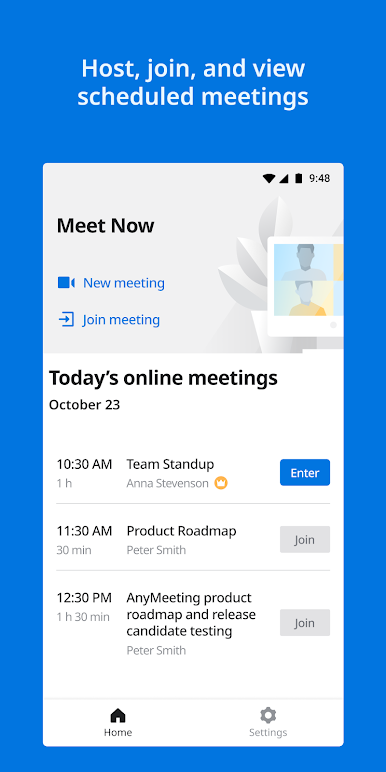
• View screen share presentations
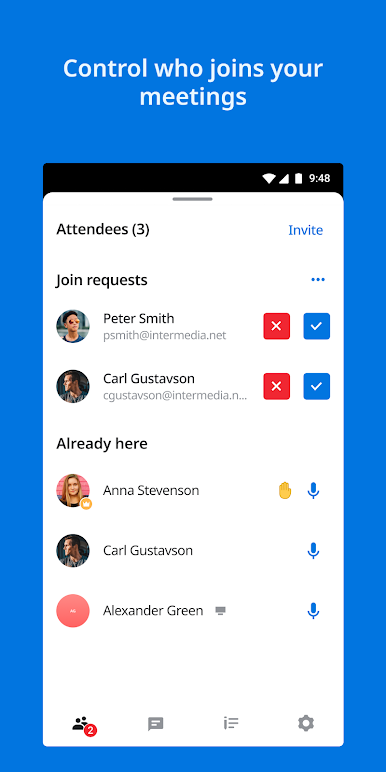
• Easily Mute attendees and lock meetings for an added layer of security
* NEW Waiting Room feature allows you to lock meetings and still allow late attendees
• Easy-to-use with no training required
• Works with WiFi and Cellular Networks
Questions about AnyMeeting and how to get your own account, please visit:
https://www.intermedia.net/anymeeting-video-conferencing
Please note that this Video Conference Meeting App is only compatible with a meeting hosted on
Intermedia AnyMeeting.
*Intermedia offers unlimited meetings without time restrictions over the span of an average work
day, up to 12 hours.
* Important Information
1. It is important that you understand the 911 policies before using this product. For more information on these policies, please see E911-Policy.
2. By downloading AnyMeeting Video Conferencing & Online Meeting, you agree to the terms of the End User License Agreement and acknowledge that you accept the Privacy Policy (see End User License Agreement and Privacy Policy).
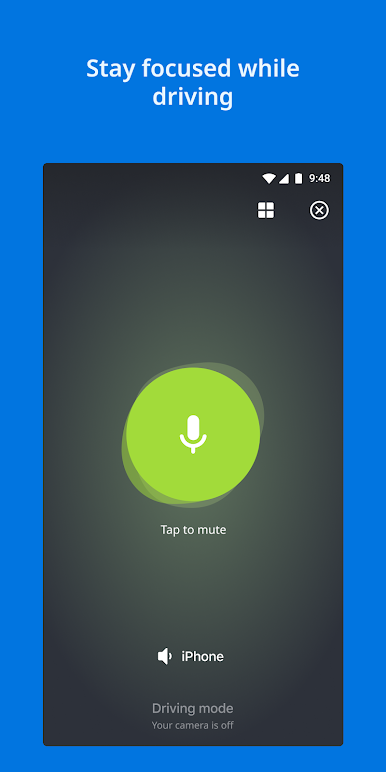
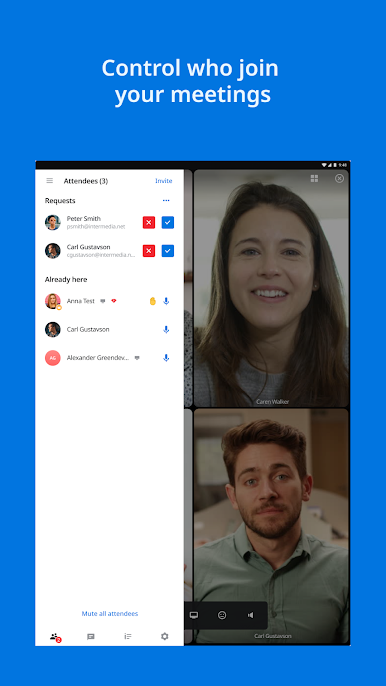
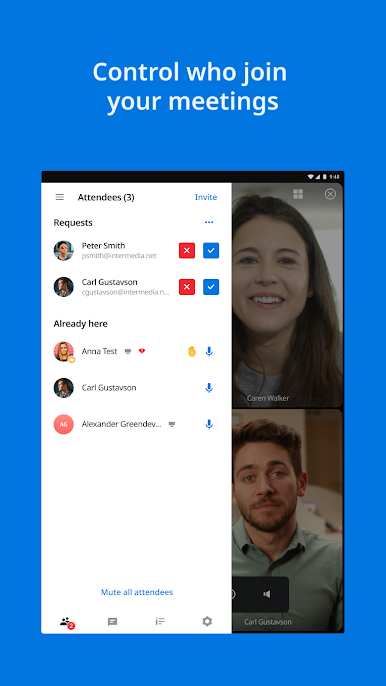

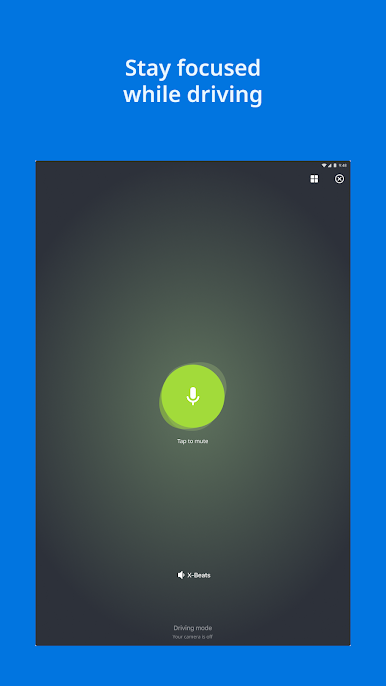
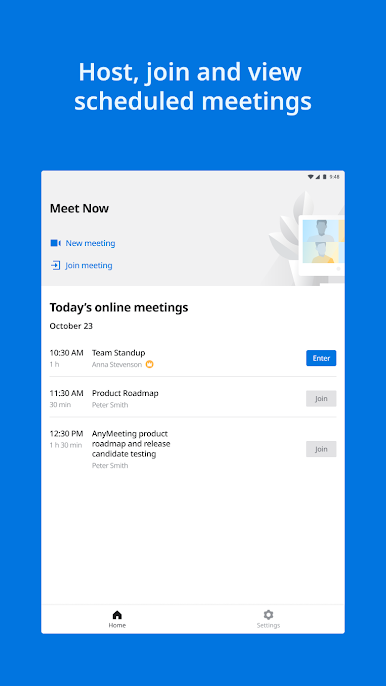


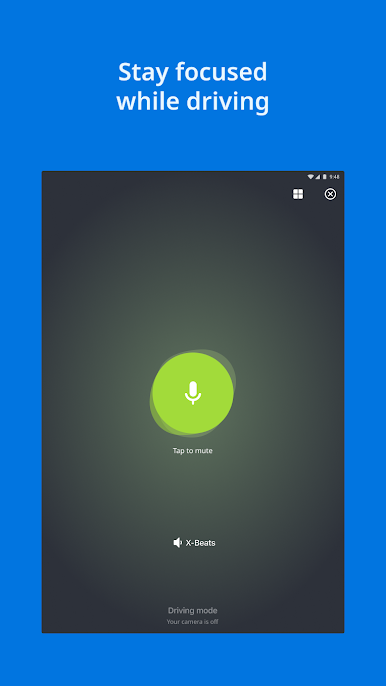
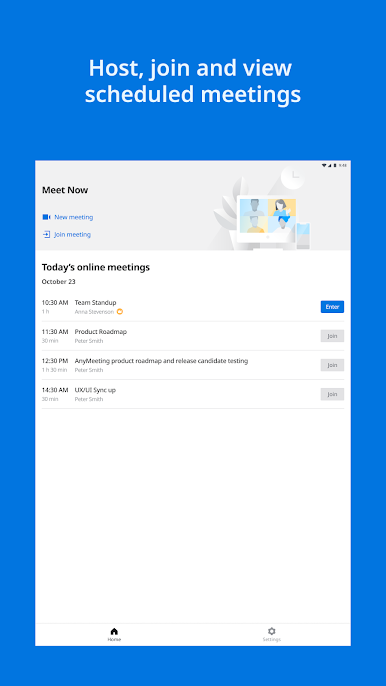


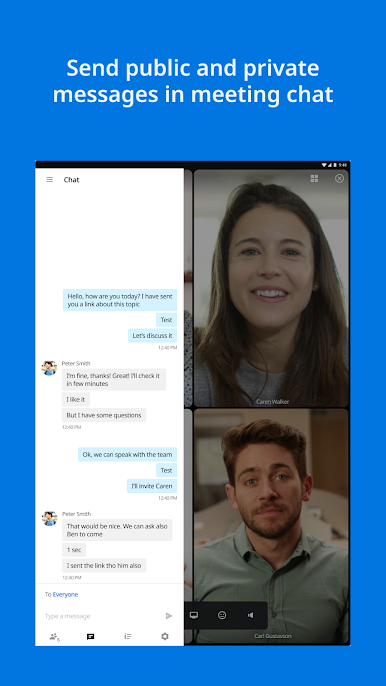

Spiele AnyMeeting: Online Meeting auf dem PC. Der Einstieg ist einfach.
-
Lade BlueStacks herunter und installiere es auf deinem PC
-
Schließe die Google-Anmeldung ab, um auf den Play Store zuzugreifen, oder mache es später
-
Suche in der Suchleiste oben rechts nach AnyMeeting: Online Meeting
-
Klicke hier, um AnyMeeting: Online Meeting aus den Suchergebnissen zu installieren
-
Schließe die Google-Anmeldung ab (wenn du Schritt 2 übersprungen hast), um AnyMeeting: Online Meeting zu installieren.
-
Klicke auf dem Startbildschirm auf das AnyMeeting: Online Meeting Symbol, um mit dem Spielen zu beginnen

