

Boxing Gym Story
Juega en PC con BlueStacks: la plataforma de juegos Android, en la que confían más de 500 millones de jugadores.

Página modificada el: Oct 22, 2025
Play Boxing Gym Story on PC or Mac
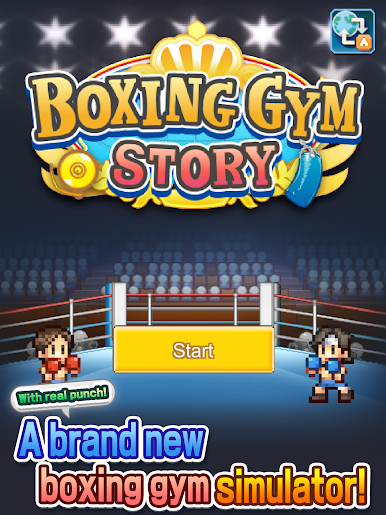
Bring your A-game to Boxing Gym Story, the Sports game sensation from Kairosoft. Give your gameplay the much-needed boost with precise game controls, high FPS graphics, and top-tier features on your PC or Mac with BlueStacks.
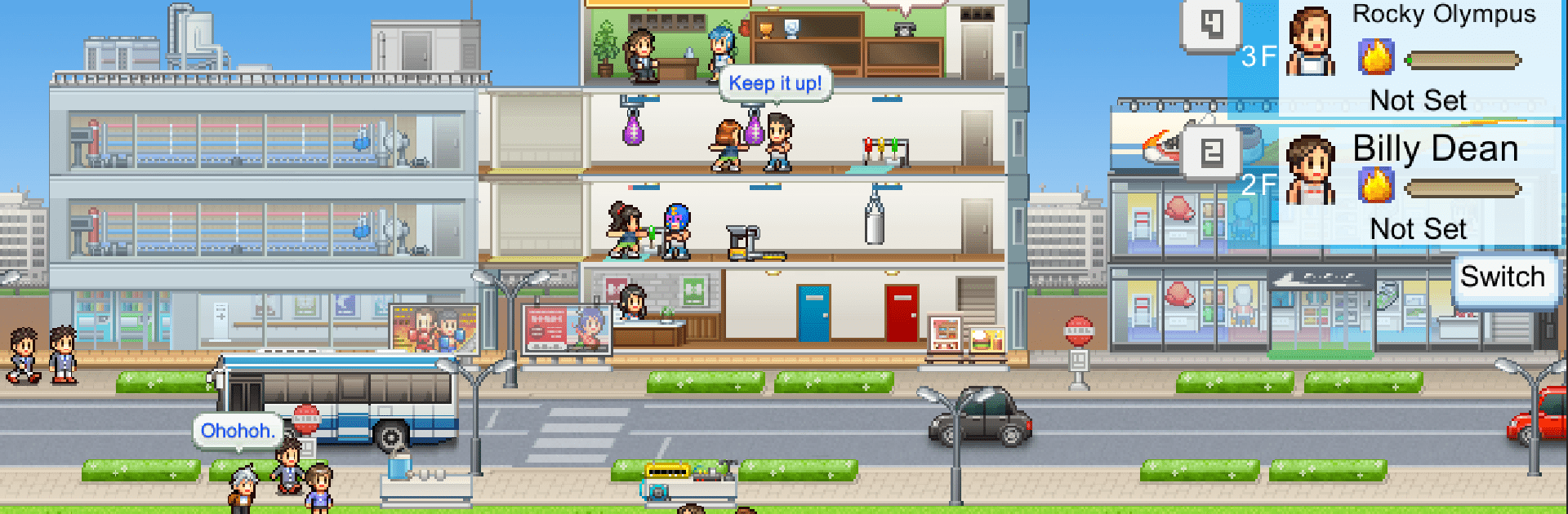
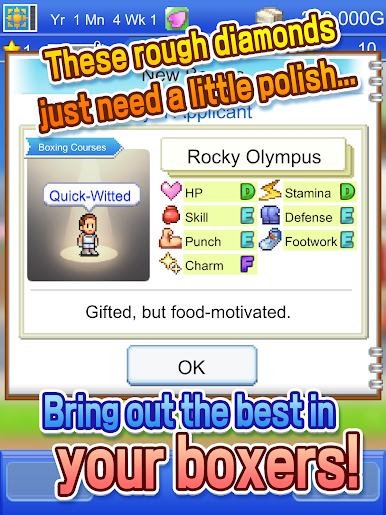
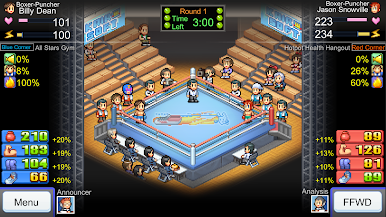
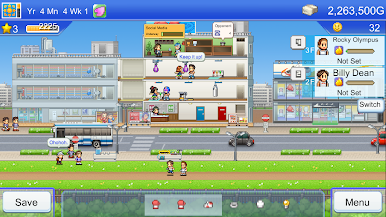
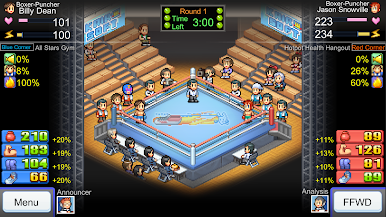
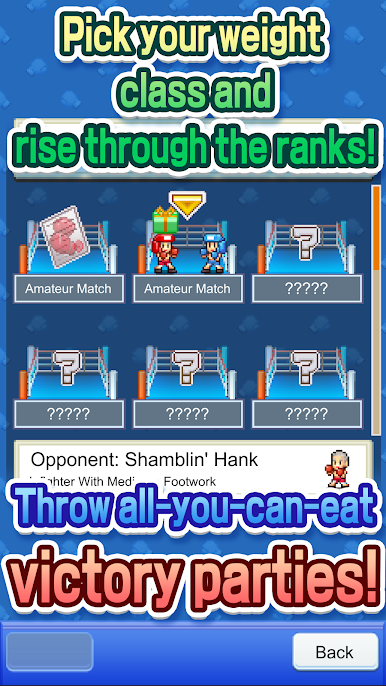
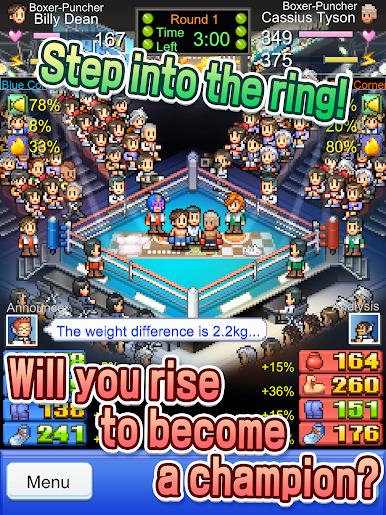
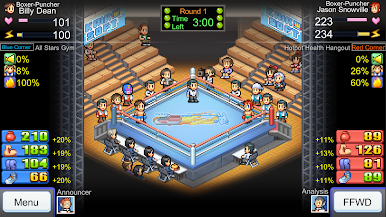
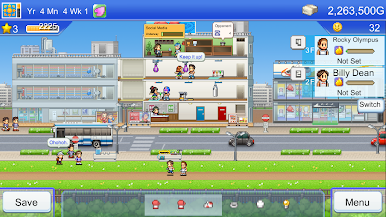
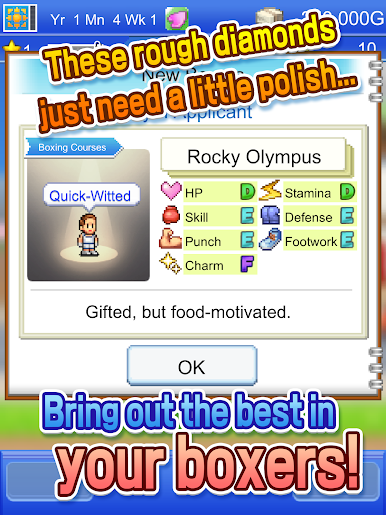
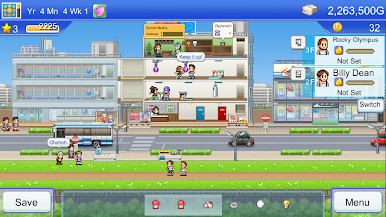
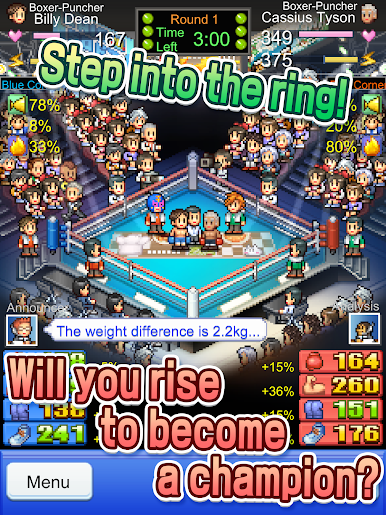
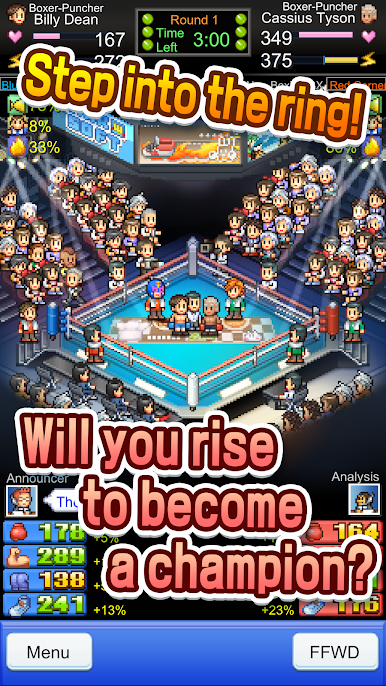
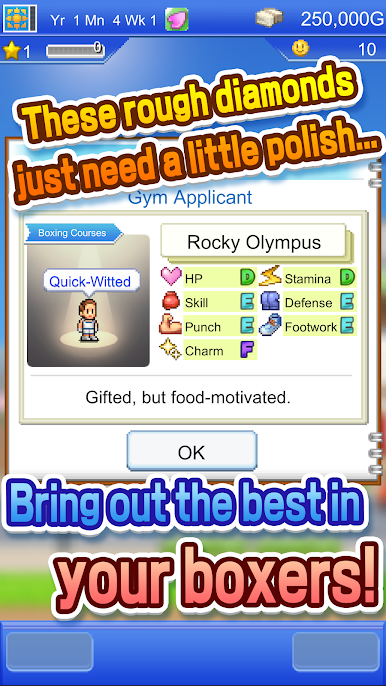
So, Boxing Gym Story is one of those chill management games where you’re running a small, struggling boxing gym and have to turn it into something a lot more impressive. There’s this whole loop of training up scrappy boxers, improving their skills, and hoping they can make it through each match, which is never really predictable. Matches always keep you a bit tense because you want your team to pull through but the outcome isn’t set in stone. Getting crowds hyped and building up your fanbase actually matters, so there’s this fun marketing side and not just training all day.
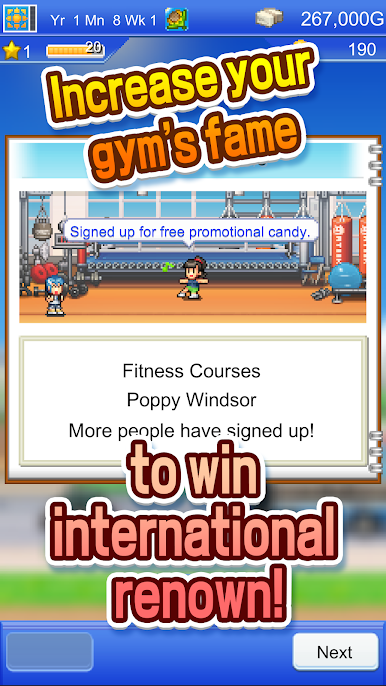
Then there’s the part where the gym itself can be fully tweaked—put in new equipment, fancier cafeterias, spa baths, whatever feels right for the gym’s vibe. It’s got the typical pixel art look Kairosoft is known for, so everything feels light and a little nostalgic. Hiring new trainers, balancing different boxers’ strengths, and expanding the place so more and better athletes drop by is a big part of the fun. There’s some strategy in how you deck out your facilities and which staff you bring in, but none of it gets stressful or fussy. Running it on PC with BlueStacks makes it so much easier to jump back and forth between menus, which helps with all the small decisions you make constantly. Boxing Gym Story has that classic “one more day” feel—easy to pick up, but it’s hard not to start planning out how to make the next champ.
Ready to top the leaderboard? We bet you do. Let precise controls and sharp visuals optimized on BlueStacks lead you to victory.





Juega Boxing Gym Story en la PC. Es fácil comenzar.
-
Descargue e instale BlueStacks en su PC
-
Complete el inicio de sesión de Google para acceder a Play Store, o hágalo más tarde
-
Busque Boxing Gym Story en la barra de búsqueda en la esquina superior derecha
-
Haga clic para instalar Boxing Gym Story desde los resultados de búsqueda
-
Complete el inicio de sesión de Google (si omitió el paso 2) para instalar Boxing Gym Story
-
Haz clic en el ícono Boxing Gym Story en la pantalla de inicio para comenzar a jugar

