


Foldplay: Folder Music Player
5억명 이상의 게이머가 신뢰하는 안드로이드 게임 플랫폼 BlueStacks으로 PC에서 플레이하세요.

Run Foldplay: Folder Music Player on PC or Mac
Multitask effortlessly on your PC or Mac as you try out Foldplay: Folder Music Player, a Music & Audio app by Axolotl9 on BlueStacks.
About the App
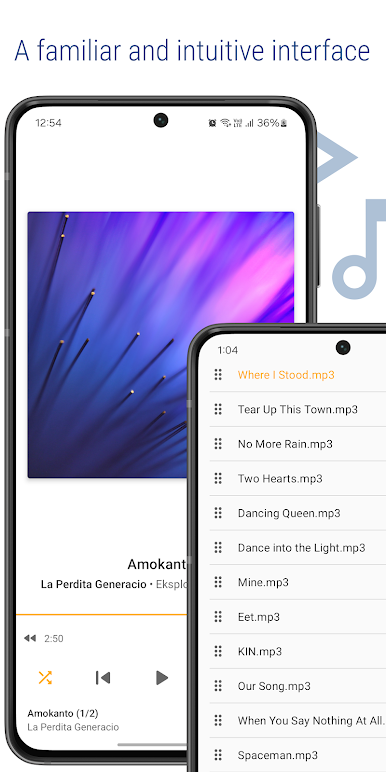
Looking for a hassle-free way to play your music right from your folders? Foldplay: Folder Music Player by Axolotl9 is all about straightforward listening, letting you access your music directly—no complicated setup or long scans. Just open a folder, pick your song, and hit play. Foldplay keeps things simple, whether you’re a playlist pro or someone who just wants to play a few tracks fast.
App Features
-
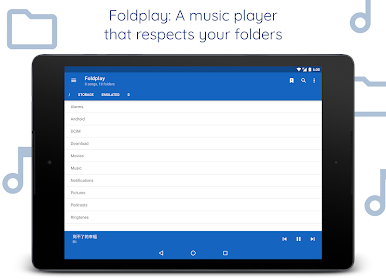
Folder-Based Browsing
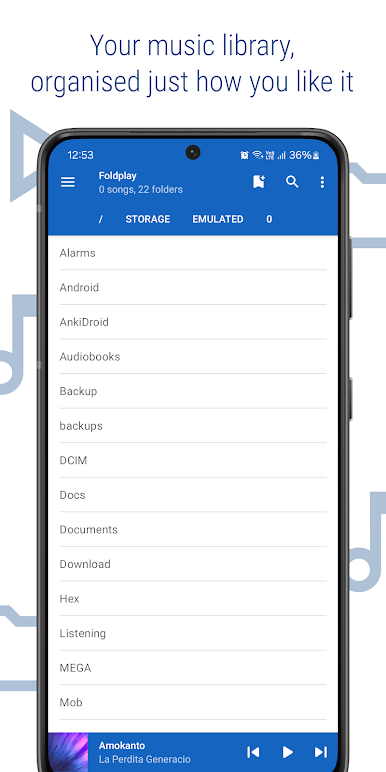
Browse through your music library exactly how you’ve organized it—by folders. No need to waste time with scanning or sorting; just jump straight to what you want. -
Essential Playback Controls
Quickly shuffle, repeat, or skip through your songs. Wanna find that one moment in a track? The seek feature’s right there. -
Optional Album Art & Info
If you like having album art and song details while listening, Foldplay’s got you covered. Prefer a clean look? Just turn it off. -
Playlists Made Easy
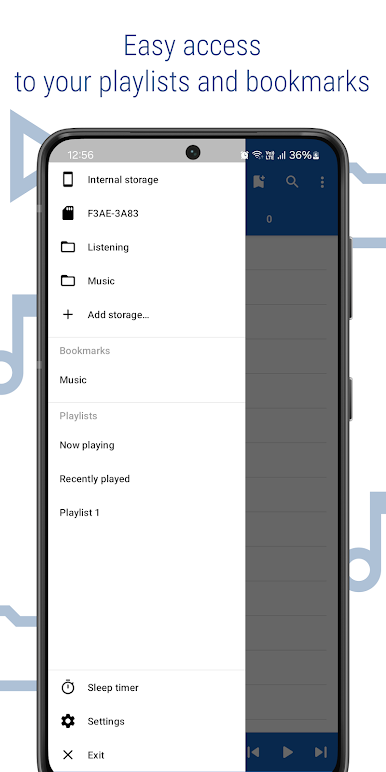
Long-press on any song or whole folders to build and manage playlists on the fly. Add, remove—whatever suits your mood. -
Handy Bookmarks
Favorite folders you return to often? Bookmark them for fast access in the sidebar; no more hunting around. -
Theme Customization
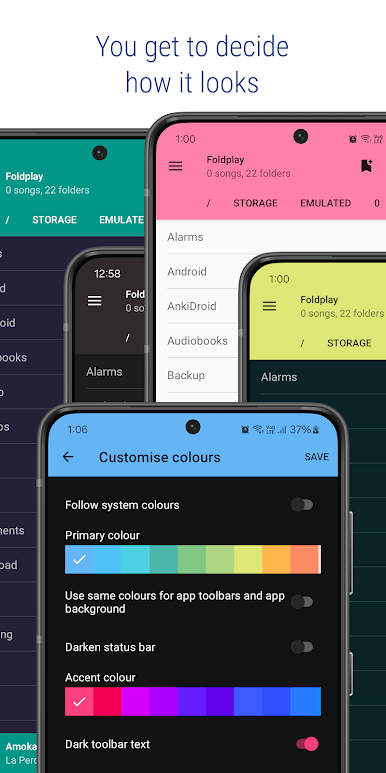
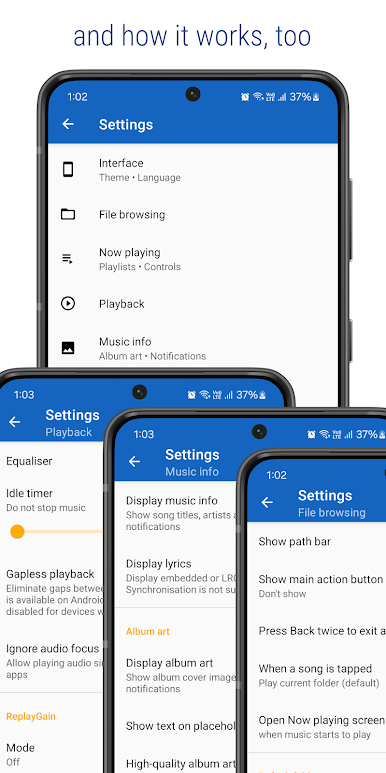
Light, dark, or pure black—take your pick. Foldplay lets you tweak colors, so the app matches your style. -
Sleep Timer Built In
Want your music to stop after a set time? Set a sleep timer and relax without worrying about stopping playback yourself. -
Quick Controls & Integration
Access your music right from widgets, notifications, or your headset. Plus, it plays nice with your favorite equalizer apps. -
Works Great on Any Screen Size
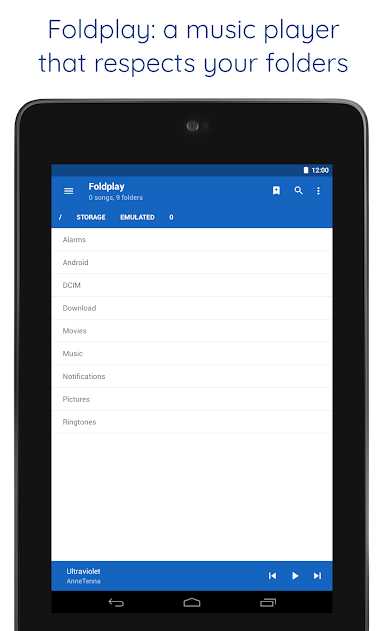
Whether you’re using a phone, tablet, or even trying out Foldplay on BlueStacks, the interface stays clean and responsive.
BlueStacks brings your apps to life on a bigger screen—seamless and straightforward.
PC에서 Foldplay: Folder Music Player 플레이해보세요.
-
BlueStacks 다운로드하고 설치
-
Google Play 스토어에 로그인 하기(나중에 진행가능)
-
오른쪽 상단 코너에 Foldplay: Folder Music Player 검색
-
검색 결과 중 Foldplay: Folder Music Player 선택하여 설치
-
구글 로그인 진행(만약 2단계를 지나갔을 경우) 후 Foldplay: Folder Music Player 설치
-
메인 홈화면에서 Foldplay: Folder Music Player 선택하여 실행

