


GPS navigateur GeoNET
Jouez sur PC avec BlueStacks - la plate-forme de jeu Android, approuvée par + 500M de joueurs.

Page Modifiée le: Feb 2, 2023
Run GeoNET. Maps & Friends on PC or Mac
Get freedom from your phone’s obvious limitations. Use GeoNET. Maps & Friends, made by GEOPHONE GROUP INTERNATIONAL Oy, a Maps & Navigation app on your PC or Mac with BlueStacks, and level up your experience.
About the App
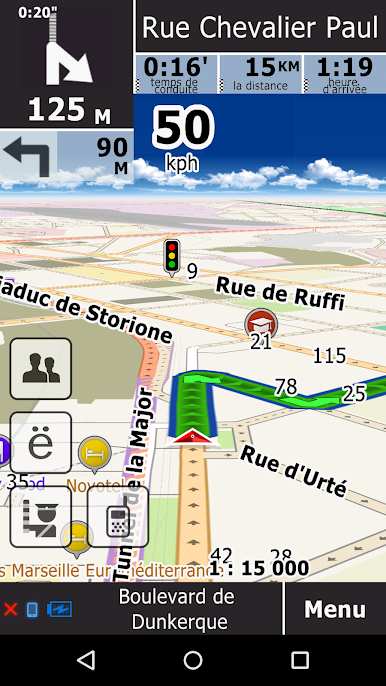
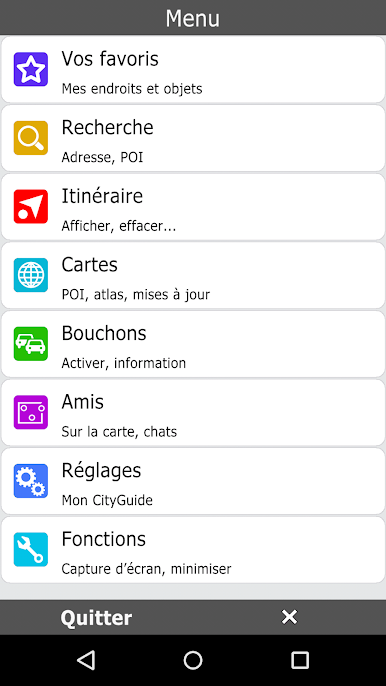
Looking for a navigation app that actually lets you pick the maps you want—and keeps you in the loop with real-time updates from other drivers? GeoNET. Maps & Friends makes finding your way around feel a bit more personal and way less complicated. Whether you’re a road trip regular, city walker, or someone who just likes knowing the smartest route before heading out, this app from GEOPHONE GROUP INTERNATIONAL Oy brings plenty of flexibility and a few surprises you won’t see everywhere.
App Features
-
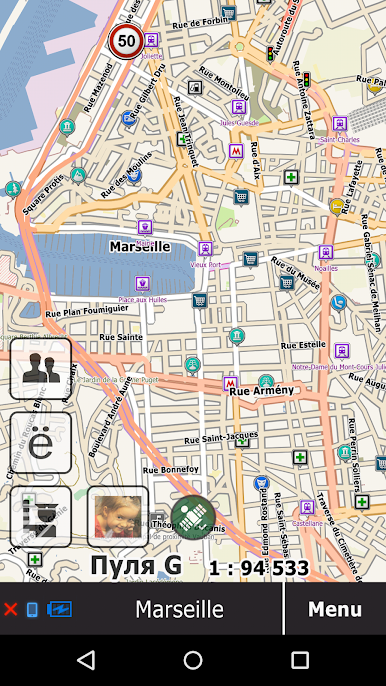
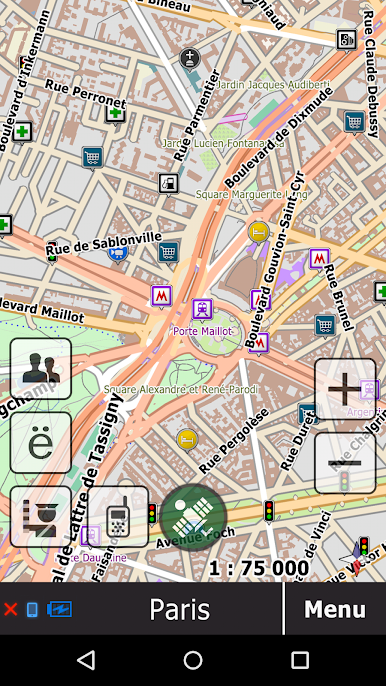
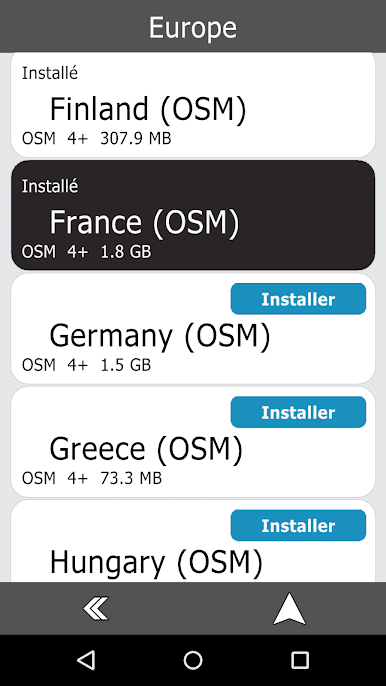
Map Variety, Your Choice
Pick from several map types, all from trusted sources. Think OpenStreetMap for free, community-driven details, or check out HERE maps and CityGuide ones for different perks. You can even switch between them for the same area—handy when you want fresh info or different points of interest. -
Offline Maps
No data? No problem. GeoNET. Maps & Friends lets you save lightweight vector maps straight to your device, so you can navigate even when you’re deep in the sticks or stuck in a subway tunnel with zero signal. -
Live Traffic and Alerts
Stay on top of what’s happening out there. Share updates on traffic jams or road hazards, see what other drivers are reporting, and get alerts about any incidents that could slow you down. The app’s traffic data is gathered from users and crunched on the cloud, helping you dodge jams and save time. -
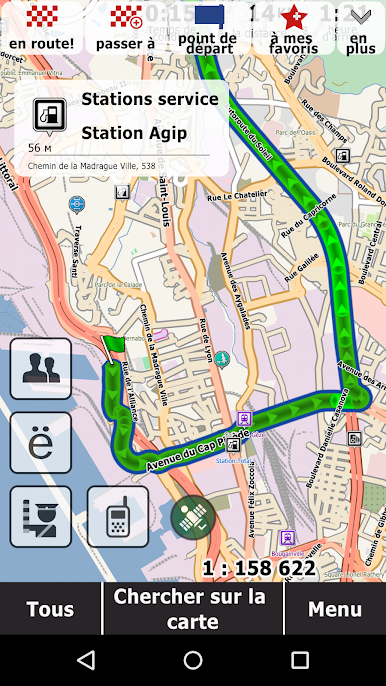
Fast, Smart Routing
Don’t just follow the crowd. GeoNET calculates alternative routes and picks out the best one based on fresh updates and current traffic. Want to avoid a newly added road sign or a last-minute street closure? The app adjusts routes as soon as things change. -
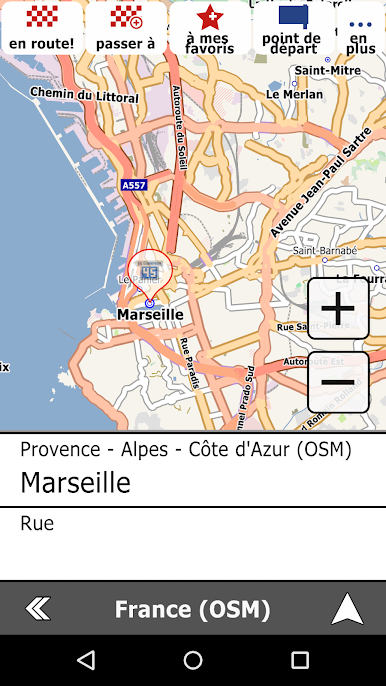
Quick Search Tools
Whether you’re after an address, a place to eat, or something specific in your region, searching is flexible. Narrow your options or search broadly—it’s your call. -
Push-To-Talk Chat
Need to coordinate with friends or just check in along the way? There’s a built-in push-to-talk live chat, so you can keep conversations rolling (hands-free) while you’re driving. -
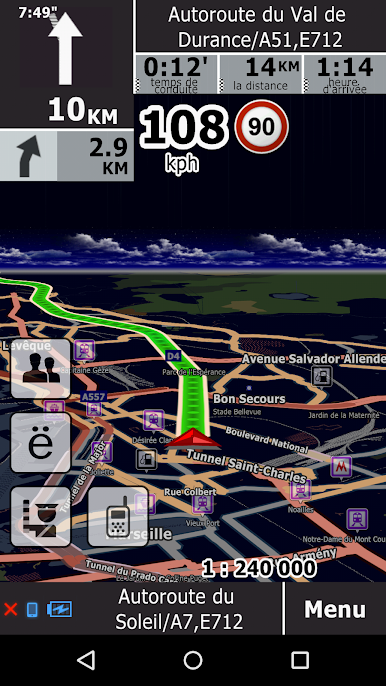
3D Maps and Speedy Graphics
Enjoy sharp map visuals thanks to the app’s high-powered map library. It’s quick, smooth, and supports 3D models for a more detailed look at where you’re headed.
GeoNET. Maps & Friends is easy to run on different devices. If you’re someone who likes using BlueStacks, you’ll get the same smart navigation experience with all your map choices and real-time features, right from your desktop.
Ready to experience GeoNET. Maps & Friends on a bigger screen, in all its glory? Download BlueStacks now.

Jouez à GPS navigateur GeoNET sur PC. C'est facile de commencer.
-
Téléchargez et installez BlueStacks sur votre PC
-
Connectez-vous à Google pour accéder au Play Store ou faites-le plus tard
-
Recherchez GPS navigateur GeoNET dans la barre de recherche dans le coin supérieur droit
-
Cliquez pour installer GPS navigateur GeoNET à partir des résultats de la recherche
-
Connectez-vous à Google (si vous avez ignoré l'étape 2) pour installer GPS navigateur GeoNET
-
Cliquez sur l'icône GPS navigateur GeoNET sur l'écran d'accueil pour commencer à jouer

