


このページには広告が含まれます
SmartWOD Workout Generator
健康とフィットネス | SmartWOD fitness apps
BlueStacksを使ってPCでプレイ - 5憶以上のユーザーが愛用している高機能Androidゲーミングプラットフォーム

Play SmartWOD Workout Generator on PC
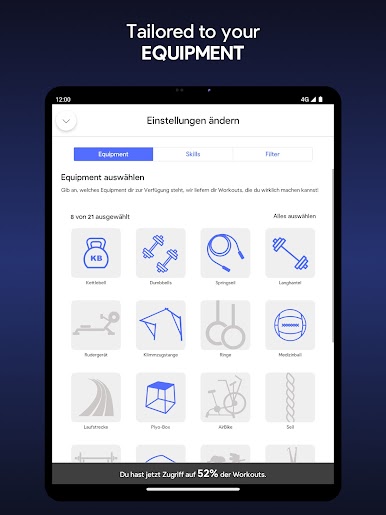
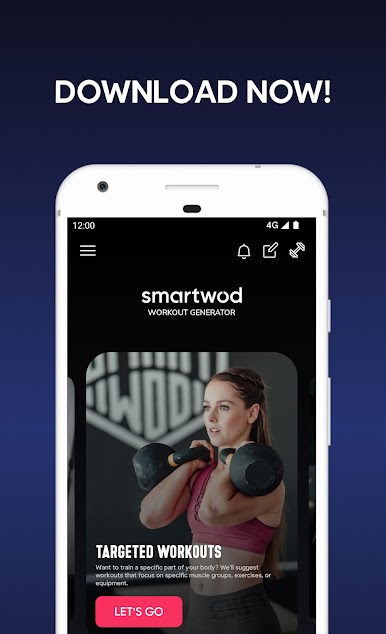
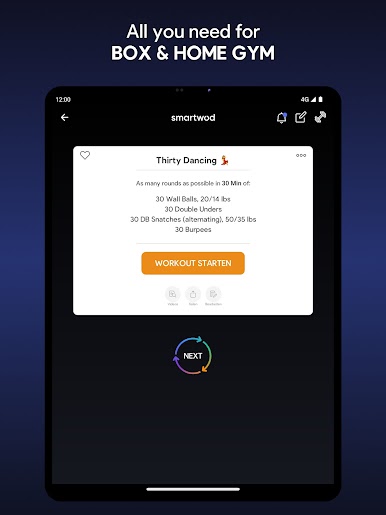
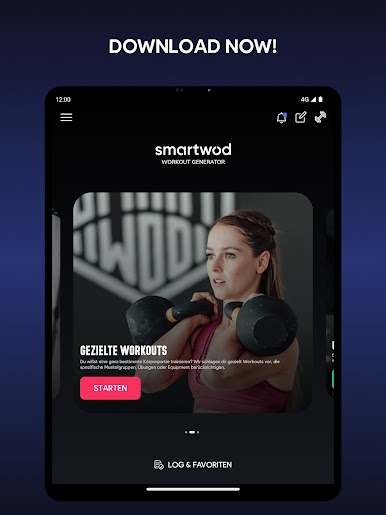
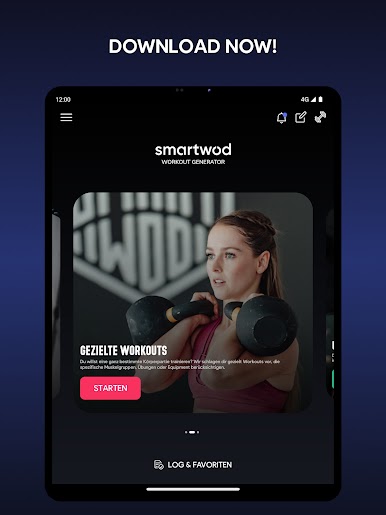
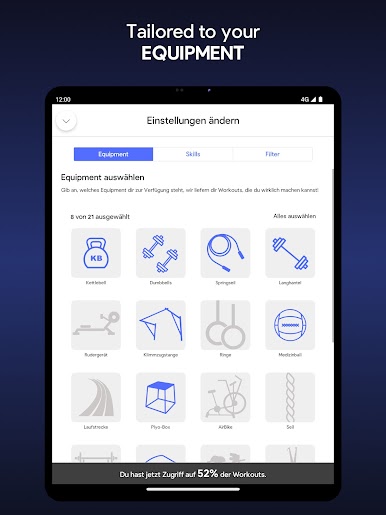
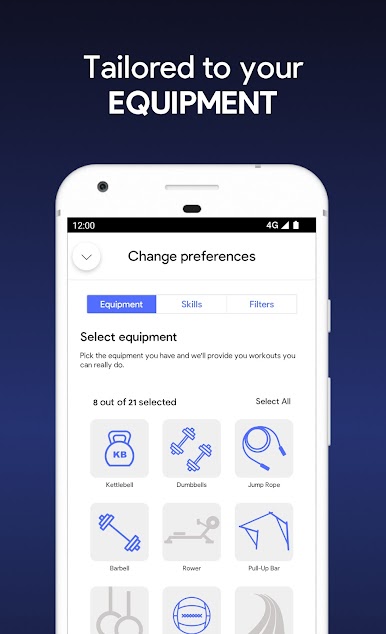
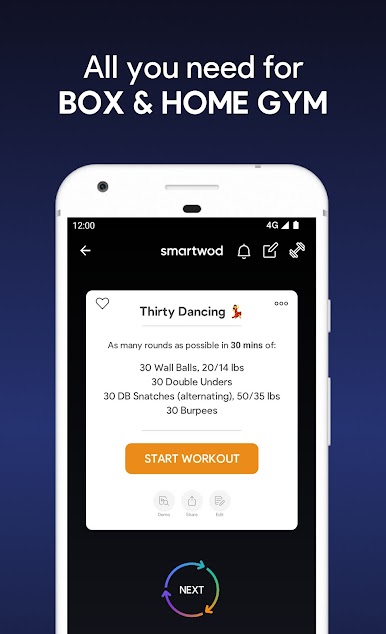
SmartWOD Workout Generator provides you random functional fitness workouts - based on the equipment you have available. Simply select the equipment, click on the "GO" button and browse through the workouts. Start the WOD ("workout of the day") and track your time directly within the app. As simple as that!
Working out while travelling and no barbell or no box in sight? No problem! SmartWOD Workout Generator will only use the equipment you have to generate a workout for you.
This is what you get:
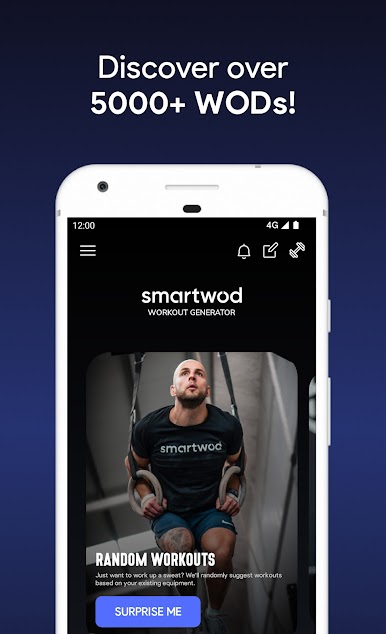
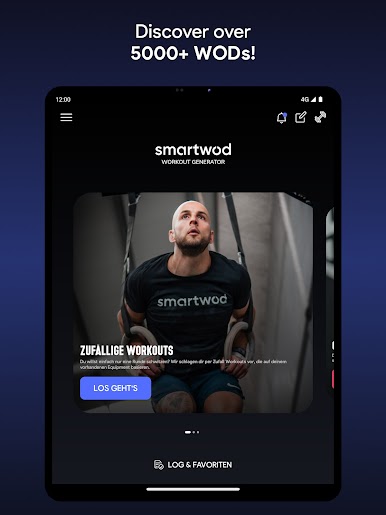
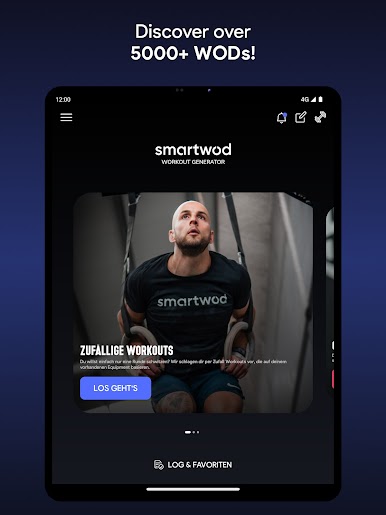
- WOD collection with more than 5000 workouts (more being added all the time!)
- Open workouts
- Benchmark WODs
- Partner WODs
- SmartWOD Special WODs (as seen on Instagram!)
- Bodyweight workouts
- Travel friendly workouts
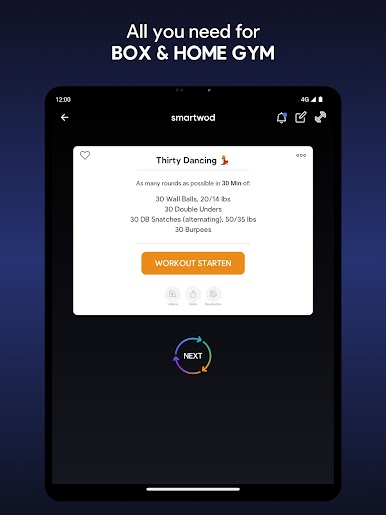
- Generator for AMRAP workouts
- Generator for EMOM workouts
- Generator for FOR TIME workouts
- Generator for TABATA workouts
- Chipper style workouts
- Simple navigation & easy to use app
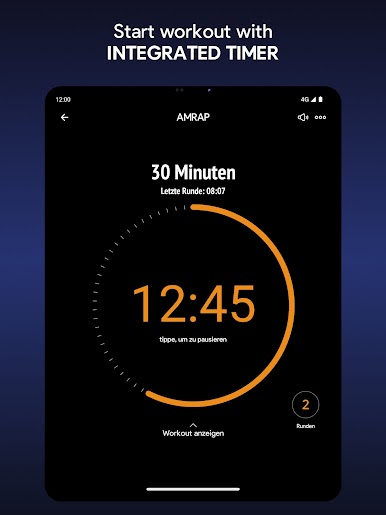
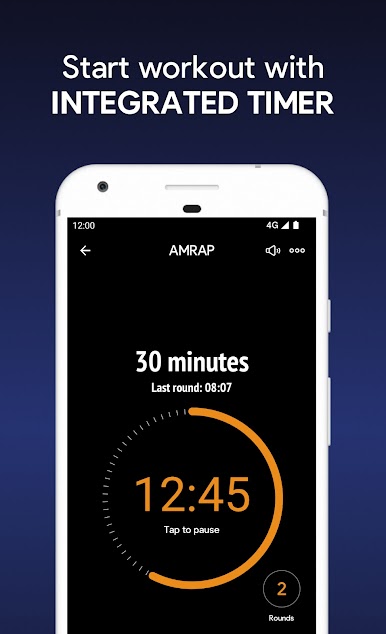
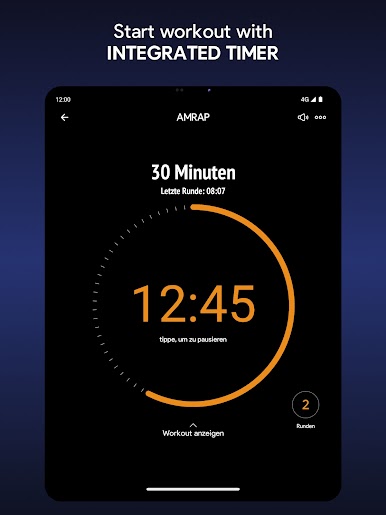
- Integrated timer for all the WOD types
- Integrated round counter for AMRAP and FOR TIME
- Integrated workout log
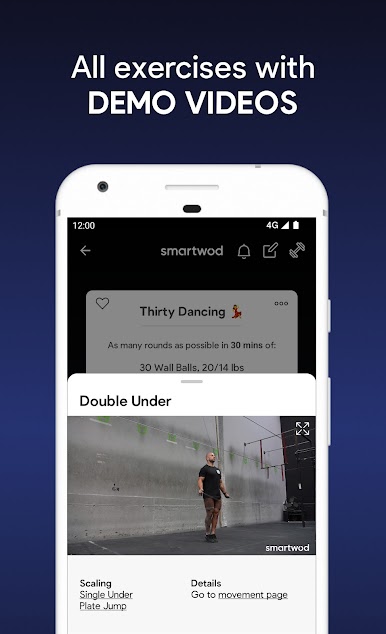
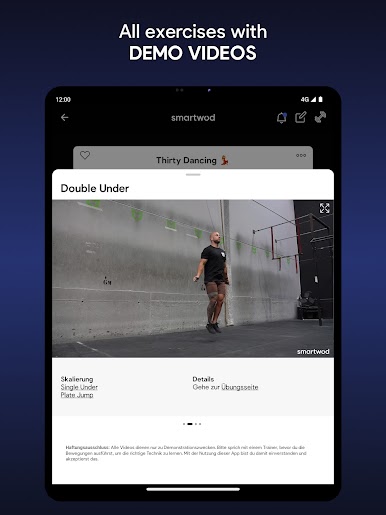
- Integrated exercise demonstration videos
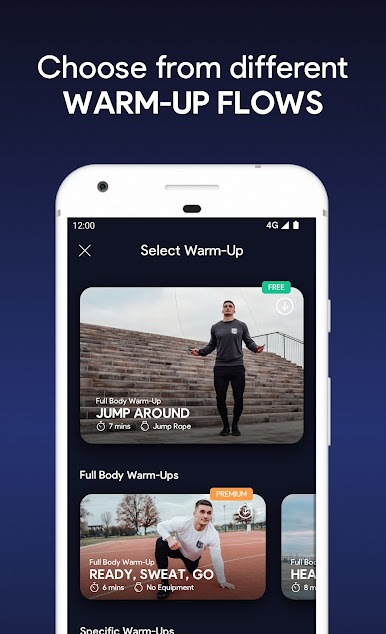
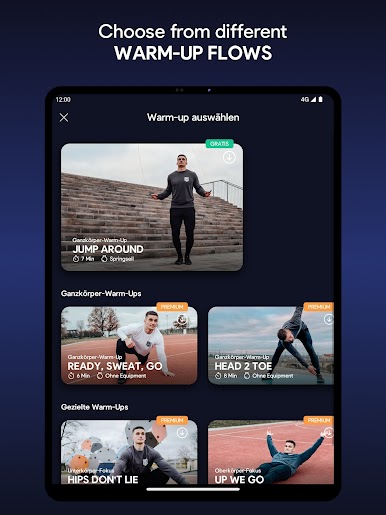
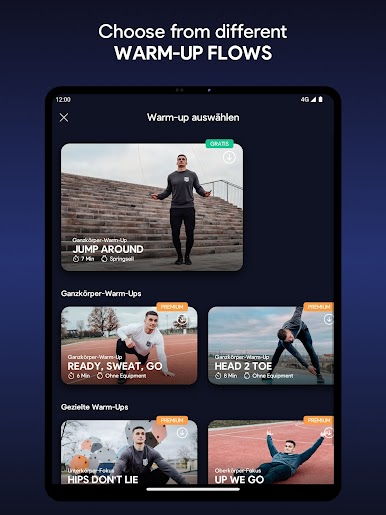
- Integrated warm-ups with videos & warm-up recommendations
- Possibility to manage skills to get workouts based on your abilities
- Possibility to create your own workout and start it with a timer
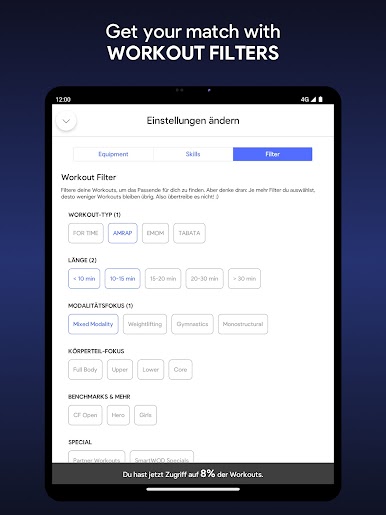
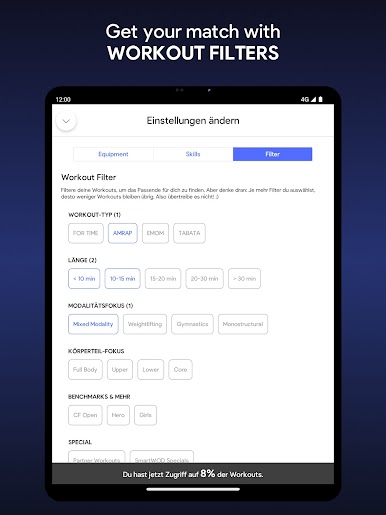
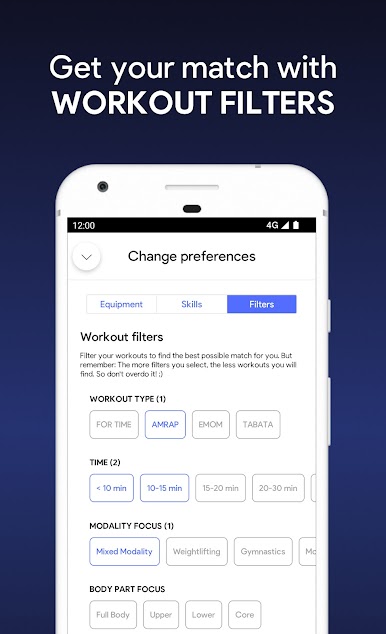
- Workout filters
Have fun sweating with SmartWOD!
Working out while travelling and no barbell or no box in sight? No problem! SmartWOD Workout Generator will only use the equipment you have to generate a workout for you.
This is what you get:
- WOD collection with more than 5000 workouts (more being added all the time!)
- Open workouts
- Benchmark WODs
- Partner WODs
- SmartWOD Special WODs (as seen on Instagram!)
- Bodyweight workouts
- Travel friendly workouts
- Generator for AMRAP workouts
- Generator for EMOM workouts
- Generator for FOR TIME workouts
- Generator for TABATA workouts
- Chipper style workouts
- Simple navigation & easy to use app
- Integrated timer for all the WOD types
- Integrated round counter for AMRAP and FOR TIME
- Integrated workout log
- Integrated exercise demonstration videos
- Integrated warm-ups with videos & warm-up recommendations
- Possibility to manage skills to get workouts based on your abilities
- Possibility to create your own workout and start it with a timer
- Workout filters
Have fun sweating with SmartWOD!
SmartWOD Workout GeneratorをPCでプレイ
-
BlueStacksをダウンロードしてPCにインストールします。
-
GoogleにサインインしてGoogle Play ストアにアクセスします。(こちらの操作は後で行っても問題ありません)
-
右上の検索バーにSmartWOD Workout Generatorを入力して検索します。
-
クリックして検索結果からSmartWOD Workout Generatorをインストールします。
-
Googleサインインを完了してSmartWOD Workout Generatorをインストールします。※手順2を飛ばしていた場合
-
ホーム画面にてSmartWOD Workout Generatorのアイコンをクリックしてアプリを起動します。

