

Teamer - Sports Team App
Play on PC with BlueStacks – the Android Gaming Platform, trusted by 500M+ gamers.

Page Modified on: Oct 27, 2025
Play Teamer - Sports Team App on PC or Mac
Explore a whole new adventure with Teamer – Sports Team App, a Sports game created by Teamer.net. Experience great gameplay with BlueStacks, the most popular gaming platform to play Android games on your PC or Mac.
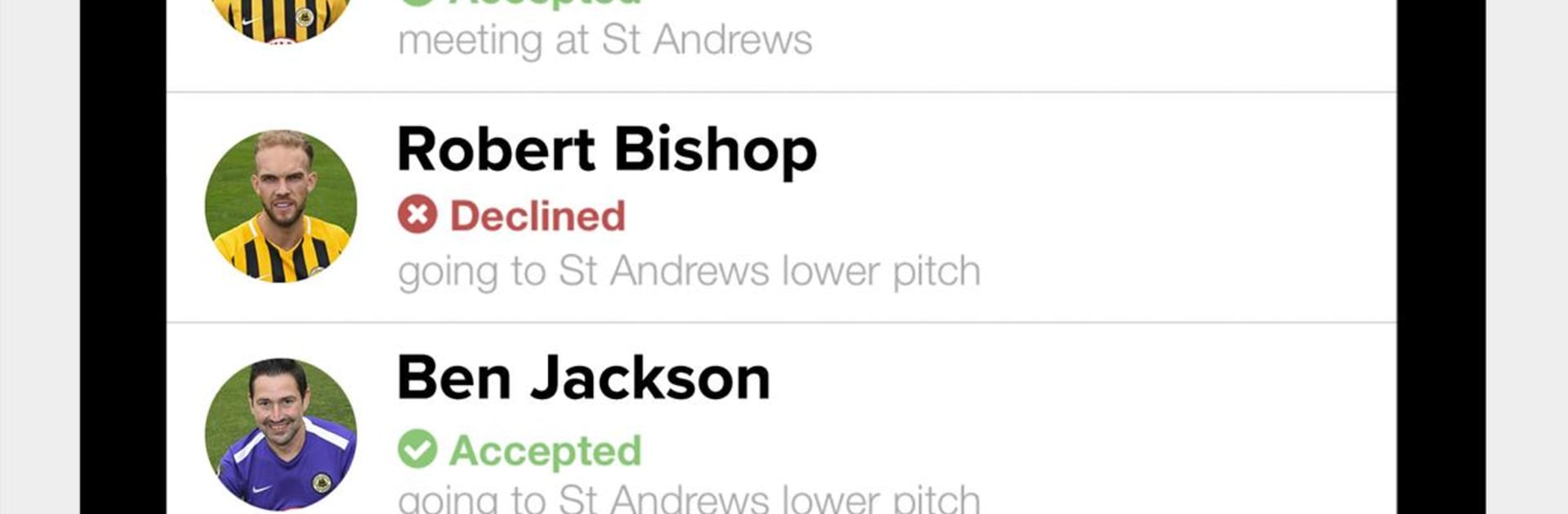
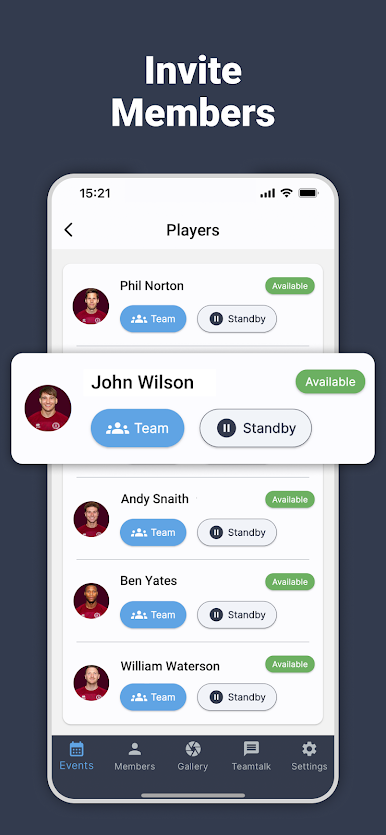
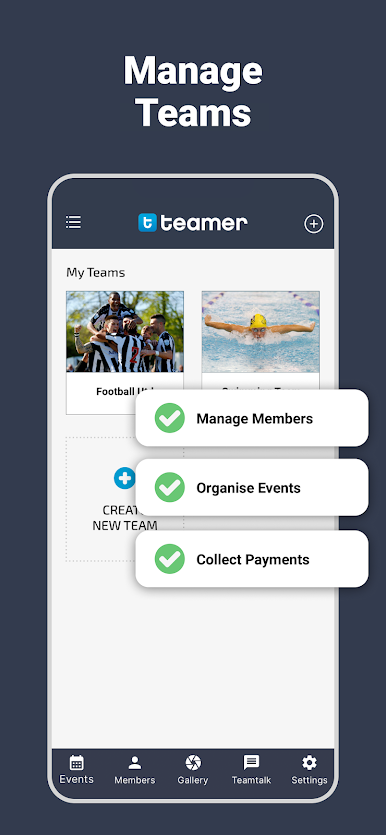
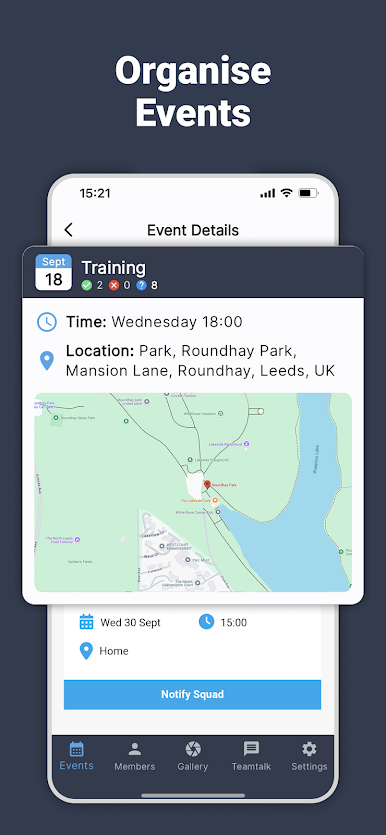
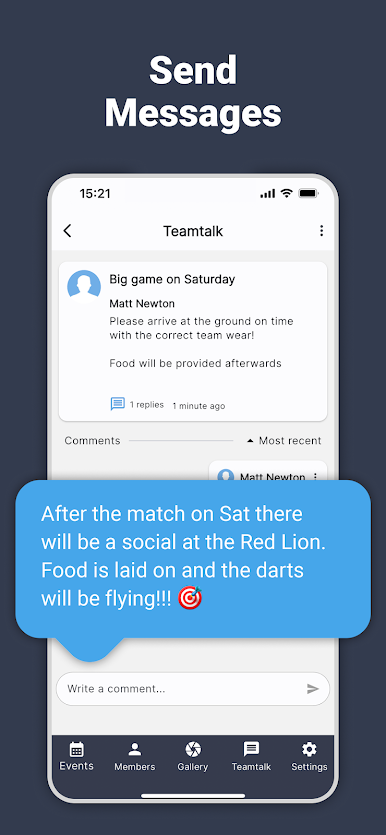
Teamer is not really a game, more like a clean control center for a sports team or club. It pulls all the boring stuff into one place so the coach, captain, and players actually know who is coming, where the match is, and what time to show up. Events go out with email and app alerts, people tap yes or no, and the organizer sees the list update straight away. If a match gets called off, there is a quick cancel button and everyone gets the message without hunting through a chaotic group chat. On PC through BlueStacks it feels even smoother, since typing longer messages is easier and the bigger screen makes the roster and calendar simple to scan at a glance.
What stands out is how practical it is when everyone is pitch side, or just rushing about. Member details are right there, so calling or emailing a player or parent is two clicks, and details can be fixed on the fly. The app keeps a history of past events so the season does not blur together, and there is a neat Player of the Match vote that adds a little fun after games. Photos and short clips can be posted to the team page so the whole squad sees the good moments without jumping between different apps. It suits anyone who wants less admin and fewer “did you get my message” headaches, whether running a youth team or a Sunday league side, and it is free to spin up a new team page without fuss.
Get ready for a buttery smooth, high-performance gaming action only on BlueStacks.



Play Teamer - Sports Team App on PC. It’s easy to get started.
-
Download and install BlueStacks on your PC
-
Complete Google sign-in to access the Play Store, or do it later
-
Look for Teamer - Sports Team App in the search bar at the top right corner
-
Click to install Teamer - Sports Team App from the search results
-
Complete Google sign-in (if you skipped step 2) to install Teamer - Sports Team App
-
Click the Teamer - Sports Team App icon on the home screen to start playing

