

WordBit Немецкий язык
Spiele auf dem PC mit BlueStacks - der Android-Gaming-Plattform, der über 500 Millionen Spieler vertrauen.

Seite geändert am: Nov 19, 2025
Run WordBit Немецкий язык (for Russian) on PC or Mac
What’s better than using WordBit Немецкий язык (for Russian) by WordBit? Well, try it on a big screen, on your PC or Mac, with BlueStacks to see the difference.
About the App
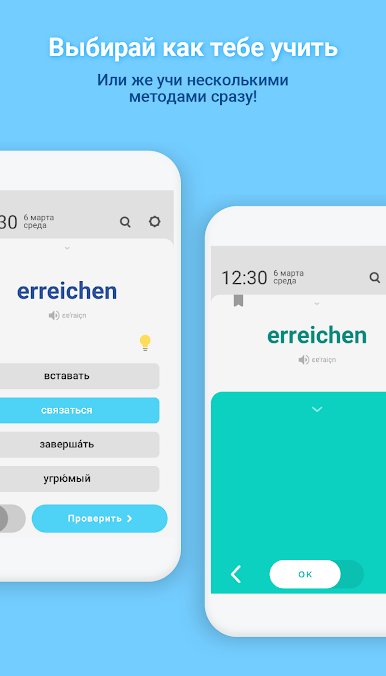
Ever find yourself wishing you had more time to pick up a new language? WordBit Немецкий язык (for Russian) turns those quick moments when you check your phone into instant practice with German. Whether you’re a beginner or looking to get more advanced, this app from WordBit slips learning right into your daily routine, using your phone’s lock screen in a clever way that doesn’t disrupt what you’re doing.
App Features
-
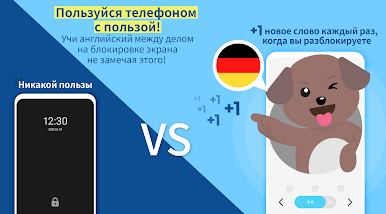
Learn While You Unlock
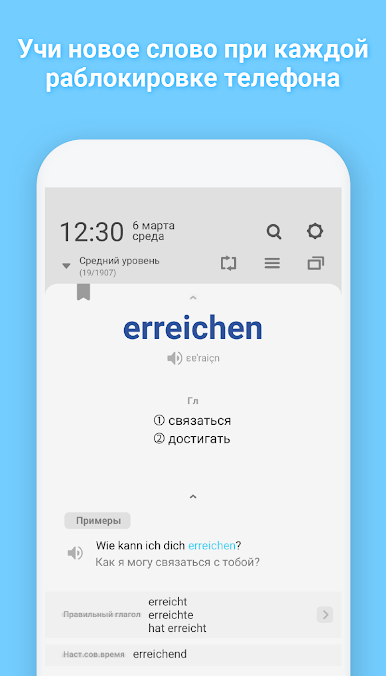
Each time you look at your phone—whether it’s to check the time, read a message, or browse online—WordBit Немецкий язык (for Russian) serves up a German word or phrase for you to practice. It’s surprising how much you can learn from all those little moments you didn’t even realize you had. -
Lock Screen-Optimized Content
The app fits its lessons to your lock screen, serving up bite-sized vocabulary and expressions that you can absorb in just a few seconds, so it blends right into your day. -
Real-World Examples
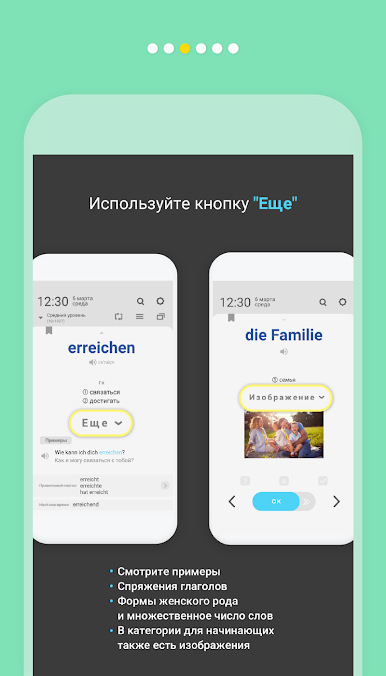
It doesn’t just throw words at you. There are practical example sentences, so you see exactly how phrases fit into actual conversation. -
Customizable by Level
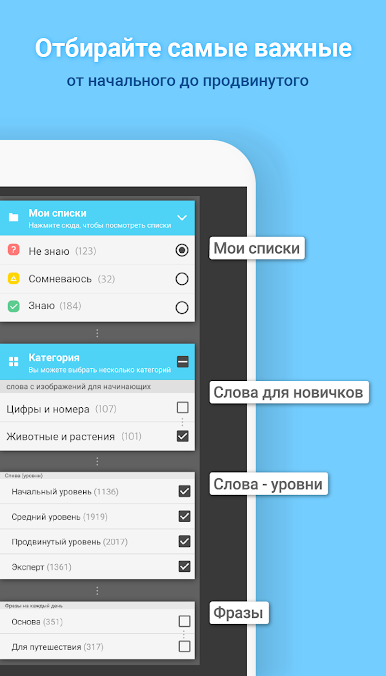
From basics to expert stuff, there’s a ton of vocab (over 10,000 words) grouped by difficulty. You can pick what’s right for your current skill—no need to slog through material you already know. -
Extra Info for Each Entry
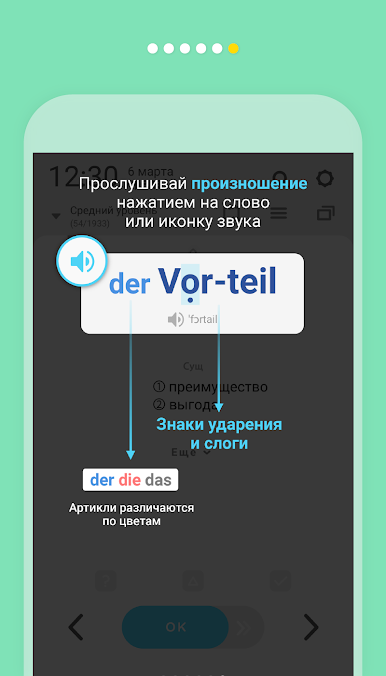
Get synonyms, antonyms, detailed grammar tips, highlighted articles for nouns, verb conjugation tables, and comparisons for adjectives—all without hunting anything down. -
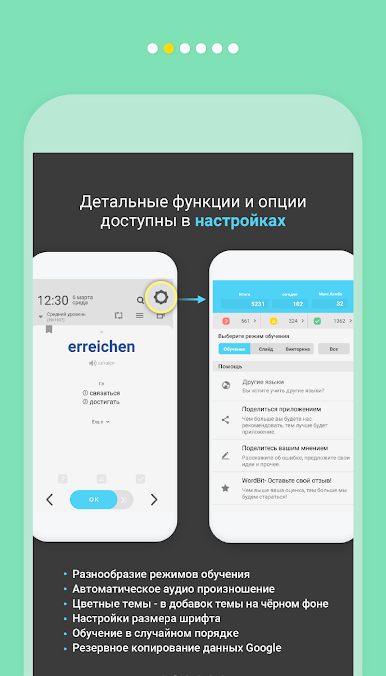
Handy Practice Modes
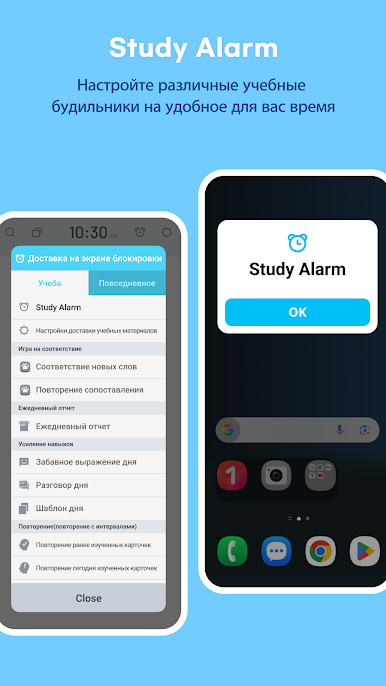
Quiz features and daily review modes make it easy to keep words fresh, and you can repeat as often as you want throughout the day. -
Personal Progress Tracking
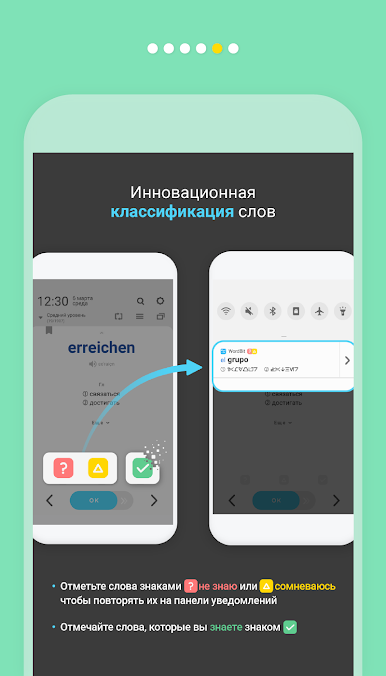
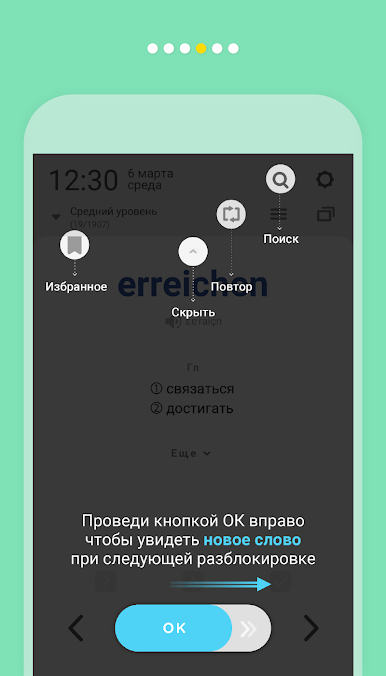
Mark words you’ve mastered, filter them out, and keep your study list focused on what you actually need. -
Easy Search and Visuals for Beginners
Just search for any word you’re curious about. Beginners also get lots of images to help anchor new vocab. -
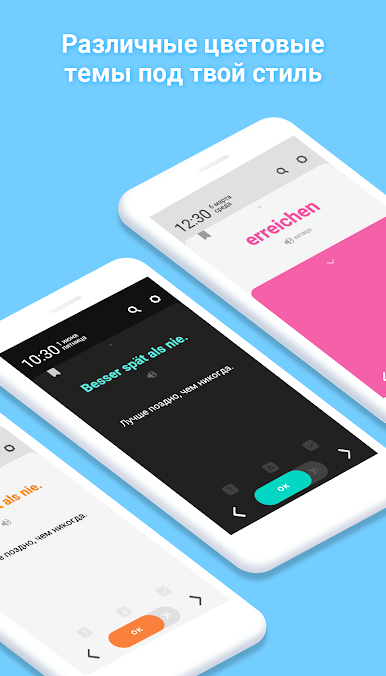
Themes to Suit Your Style
Sixteen color themes—including dark mode—let you make the app look the way you like. -
Pronunciation Help
Hear every word with built-in pronunciation (and accent marks for the sticklers). -
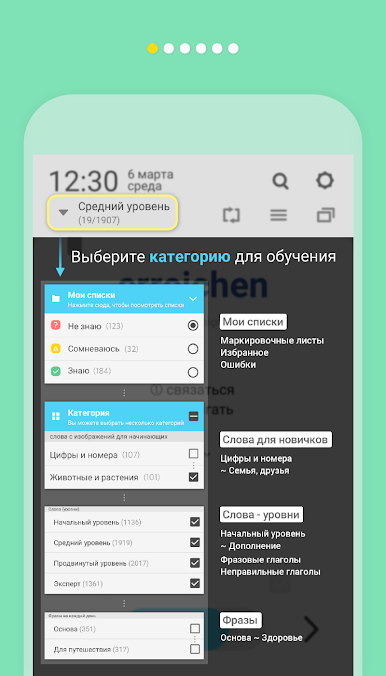
Organized by Useful Categories
You’ll find groups for everything—travel, food, numbers, animals, everyday life, idioms, proverbs, phrasal verbs, and more.
If you’re running this app on your PC, BlueStacks can help make those German lessons even more accessible.
Eager to take your app experience to the next level? Start right away by downloading BlueStacks on your PC or Mac.

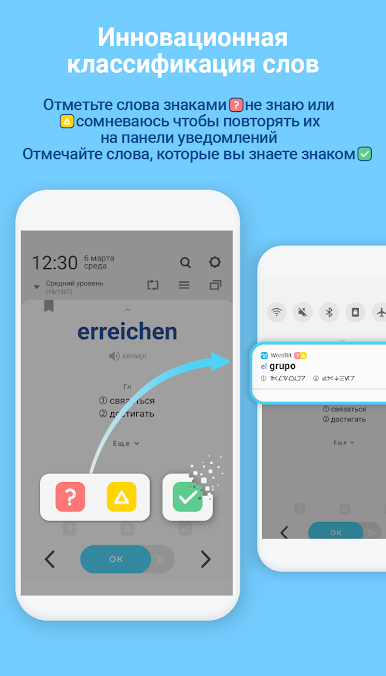
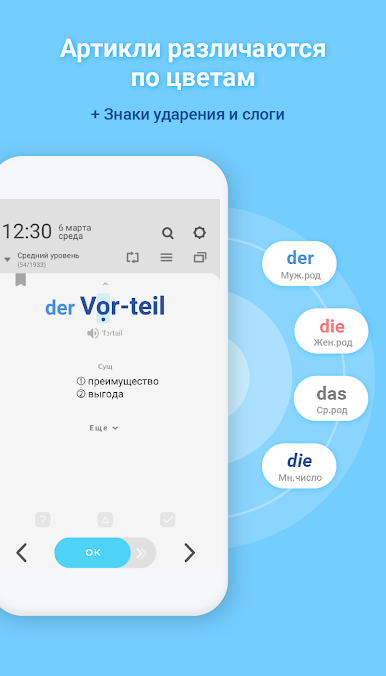
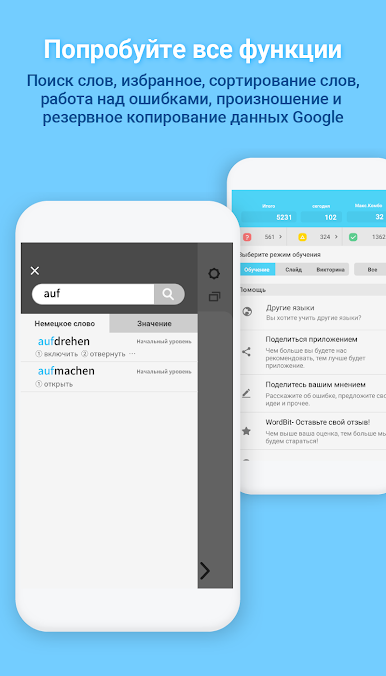
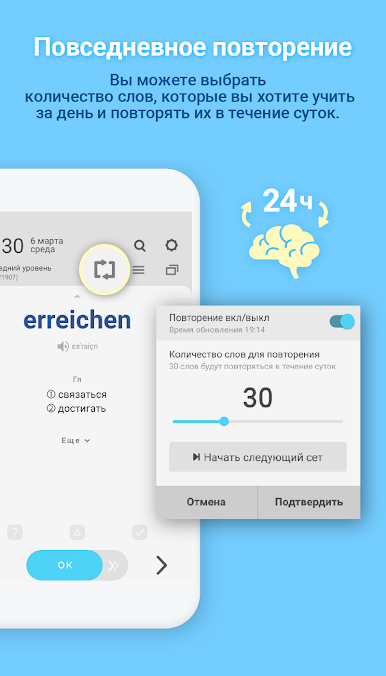
Spiele WordBit Немецкий язык auf dem PC. Der Einstieg ist einfach.
-
Lade BlueStacks herunter und installiere es auf deinem PC
-
Schließe die Google-Anmeldung ab, um auf den Play Store zuzugreifen, oder mache es später
-
Suche in der Suchleiste oben rechts nach WordBit Немецкий язык
-
Klicke hier, um WordBit Немецкий язык aus den Suchergebnissen zu installieren
-
Schließe die Google-Anmeldung ab (wenn du Schritt 2 übersprungen hast), um WordBit Немецкий язык zu installieren.
-
Klicke auf dem Startbildschirm auf das WordBit Немецкий язык Symbol, um mit dem Spielen zu beginnen

