

WordBit Almanca
เล่นบน PC ผ่าน BlueStacks - Android Gaming Platform ที่ได้รับความไว้วางใจจากเกมเมอร์ 500 ล้านคนทั่วโลก

Page Modified on: Nov 19, 2025
Run WordBit Almanca (Türkçe konuşanlar için) on PC or Mac
Why limit yourself to your small screen on the phone? Run WordBit Almanca (Türkçe konuşanlar için), an app by WordBit, best experienced on your PC or Mac with BlueStacks, the world’s #1 Android emulator.
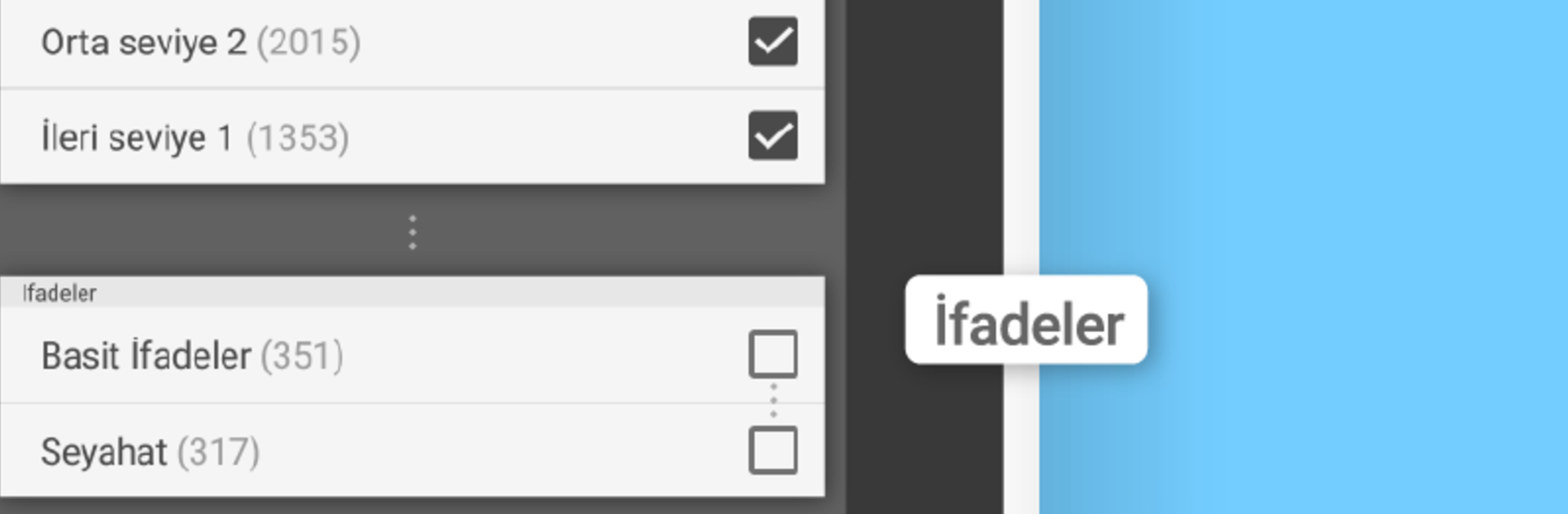
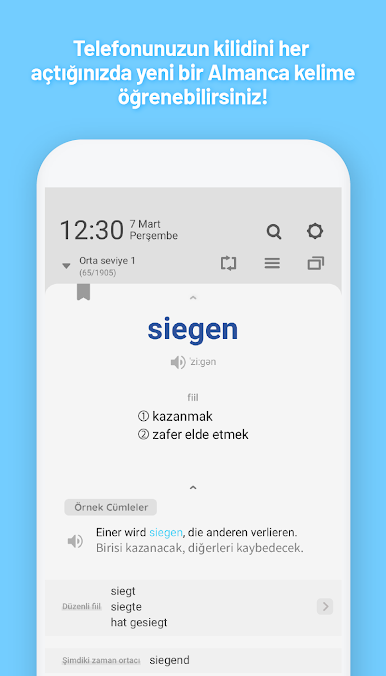
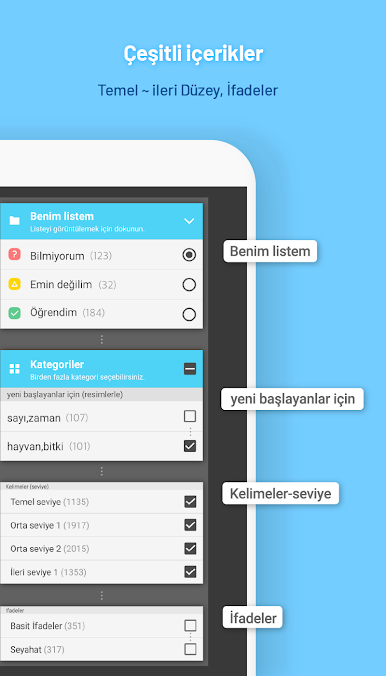
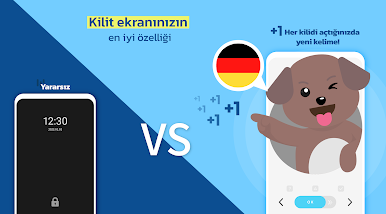
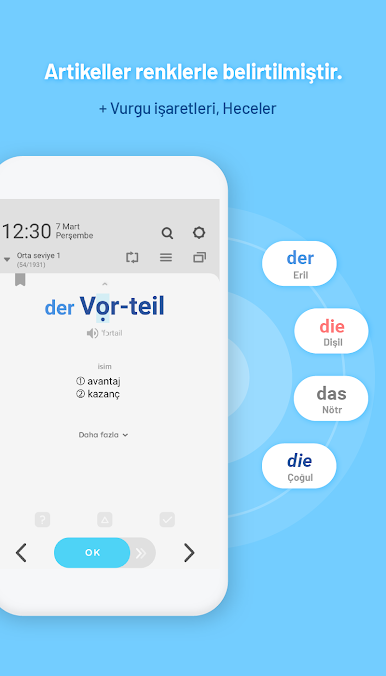
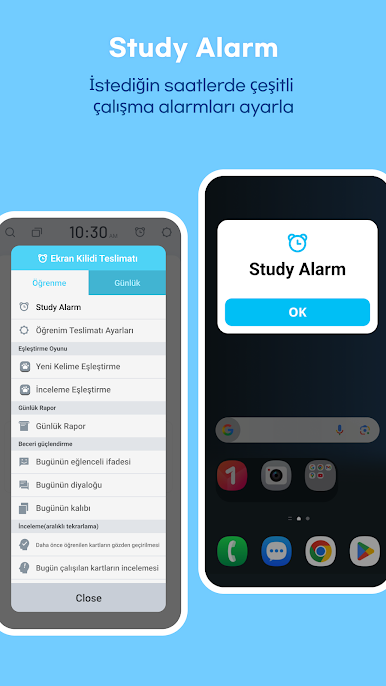
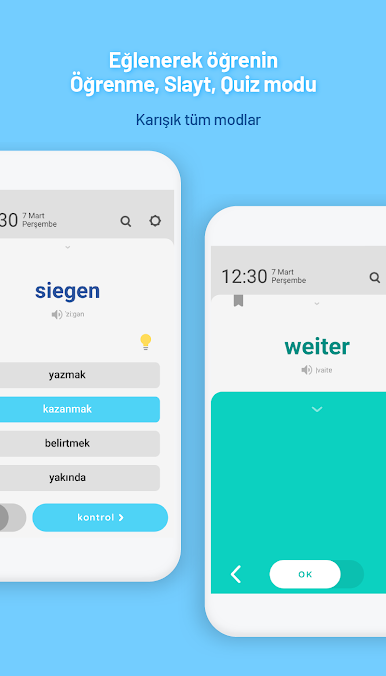
WordBit Almanca is built around a simple trick that actually feels useful. On a phone it shows a German word or phrase on the lock screen each time the screen wakes, so tiny moments add up without opening anything. The interface is in Turkish and it is clearly made for Turkish speakers learning German, with translations, examples, and audio that pronounce every word and idiom. There are decks by level from very basic to advanced, plus a picture set for total beginners, and phrase packs for travel and health. Study feels flexible: flashcards for quick swipes, a slide mode that just keeps rolling, and test mode when someone wants to check progress.
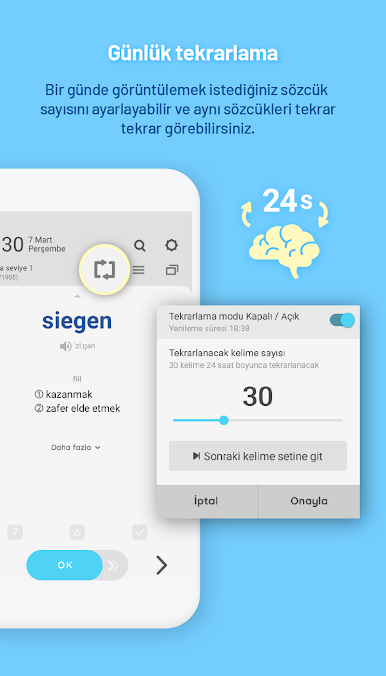
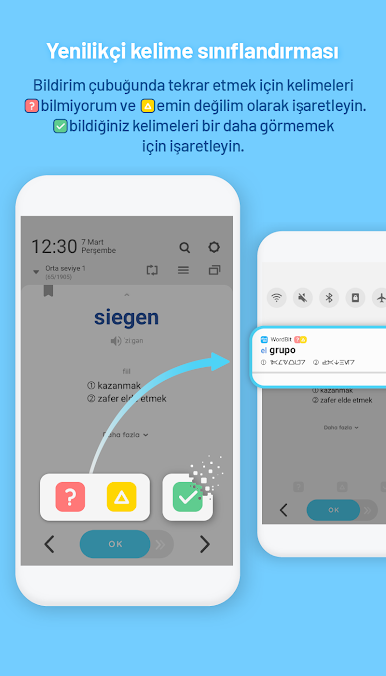
What stands out is the repetition system. There is a button to mark words for review, a list of favorites, skip for things already known, and it keeps track of wrong answers so the app can bring them back later. It even lets users pick from a bunch of color themes, and there is a share option that sends a word with a nice image to friends. It is free to use and there are thousands of entries, so anyone who sticks with it will cover a lot of ground without heavy effort. On PC with BlueStacks it turns into a clean flashcard and quiz app on a bigger screen. The lock screen trick is more of a phone feature, but the rest works well for quick sessions between tasks.
Eager to take your app experience to the next level? Start right away by downloading BlueStacks on your PC or Mac.

เล่น WordBit Almanca บน PC ได้ง่ายกว่า
-
ดาวน์โหลดและติดตั้ง BlueStacks บน PC ของคุณ
-
ลงชื่อเข้าใช้แอคเคาท์ Google เพื่อเข้าสู่ Play Store หรือทำในภายหลัง
-
ค้นหา WordBit Almanca ในช่องค้นหาด้านขวาบนของโปรแกรม
-
คลิกเพื่อติดตั้ง WordBit Almanca จากผลการค้นหา
-
ลงชื่อเข้าใช้บัญชี Google Account (หากยังไม่ได้ทำในขั้นที่ 2) เพื่อติดตั้ง WordBit Almanca
-
คลิกที่ไอคอน WordBit Almanca ในหน้าจอเพื่อเริ่มเล่น

