

WordBit الأسبانية
Jouez sur PC avec BlueStacks - la plate-forme de jeu Android, approuvée par + 500M de joueurs.

Page Modifiée le: Oct 15, 2025
Run WordBit الأسبانية on PC or Mac
Why limit yourself to your small screen on the phone? Run WordBit الأسبانية, an app by WordBit, best experienced on your PC or Mac with BlueStacks, the world’s #1 Android emulator.
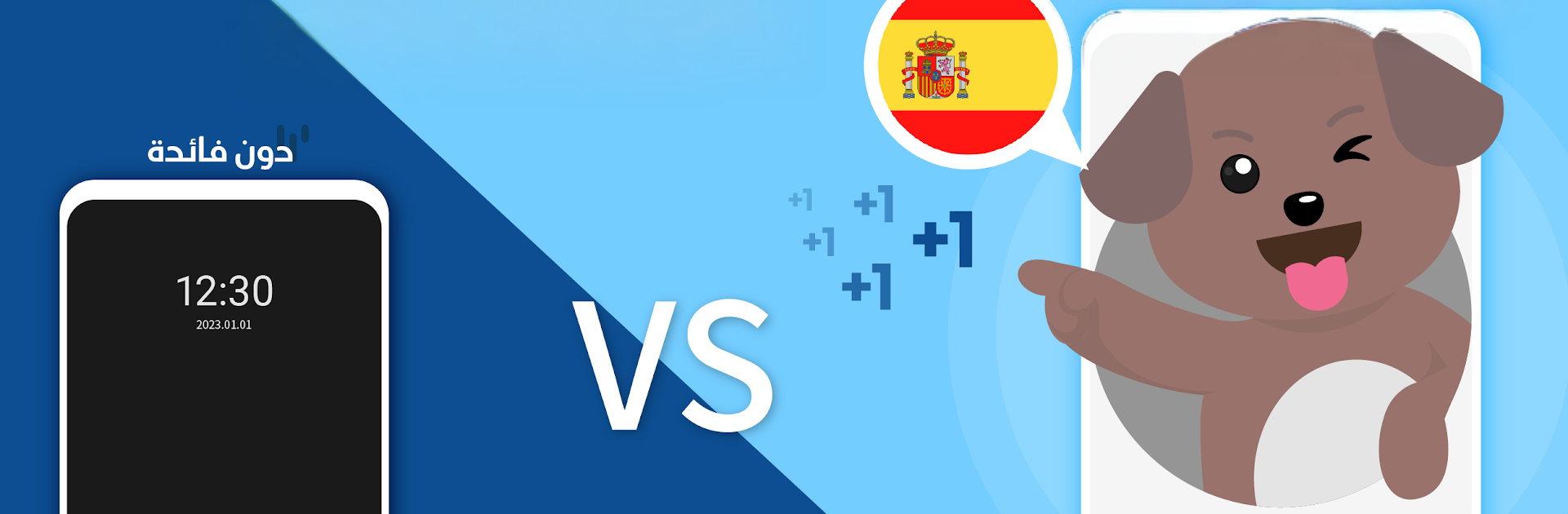
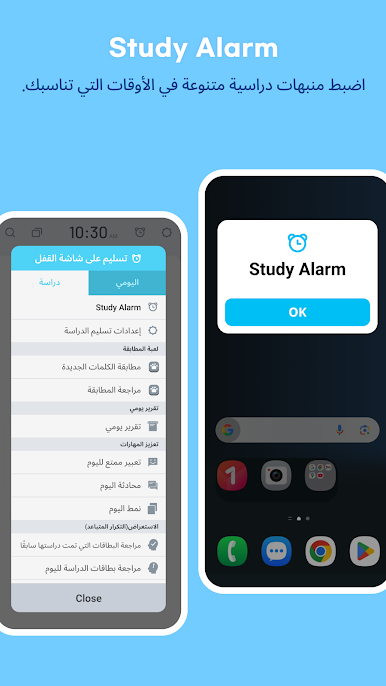
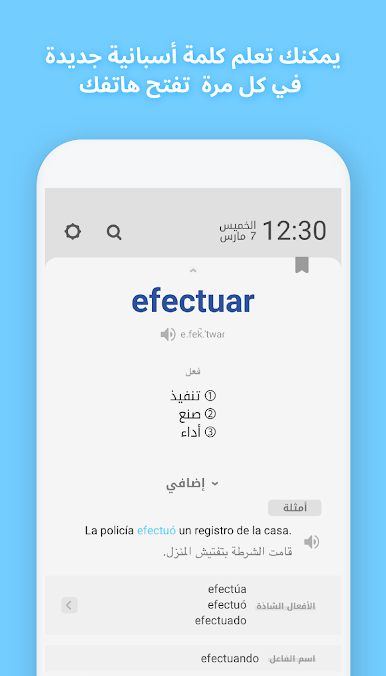
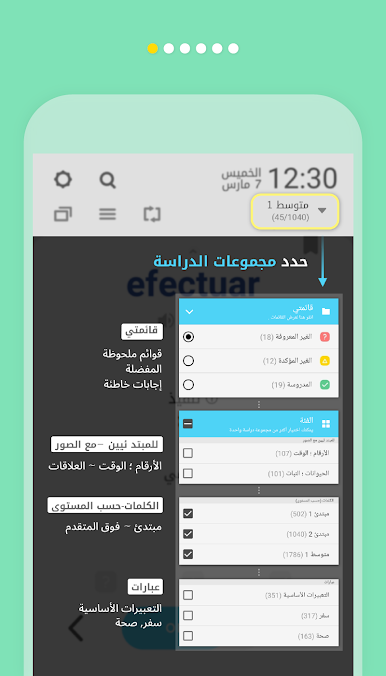
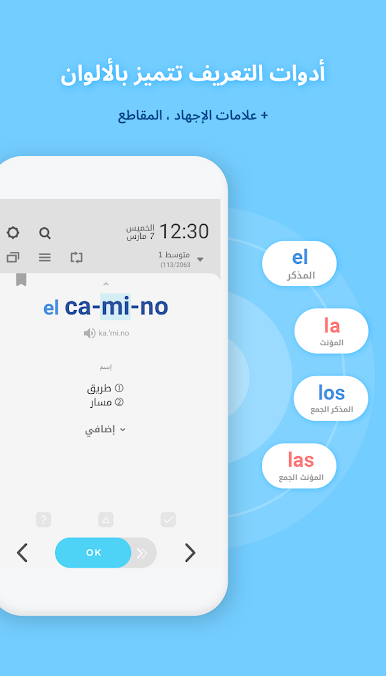
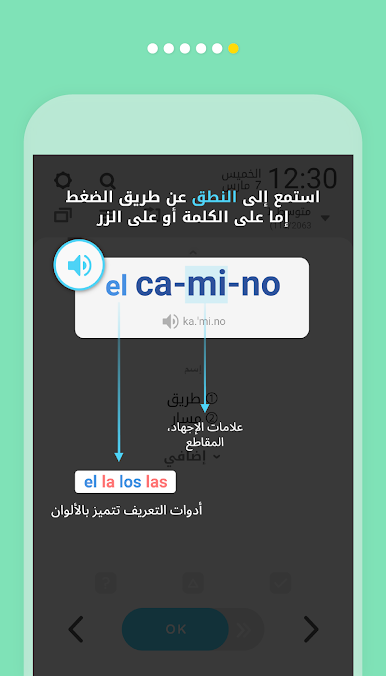
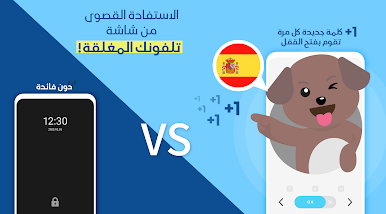
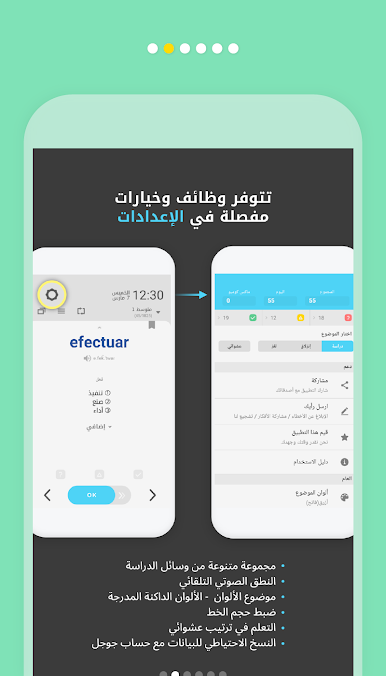
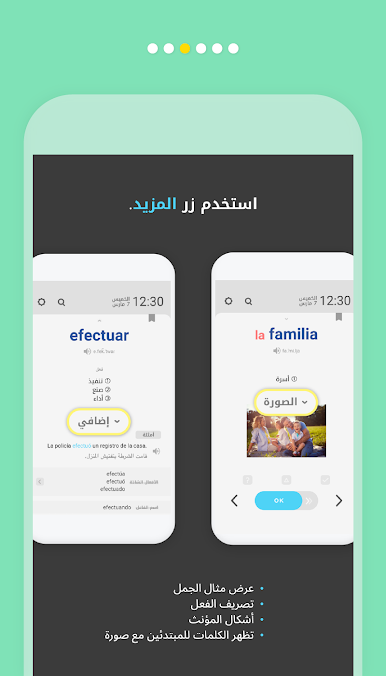
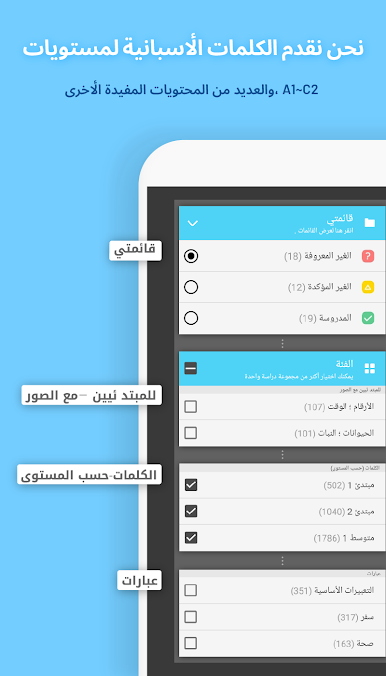
WordBit Spanish feels like a sneaky study buddy that shows up on the lock screen and turns those quick phone checks into tiny lessons. Every time the screen wakes, it throws a word or short phrase with pronunciation, stress marks, and a clean example sentence, so it does not feel heavy. There are levels from total beginner to advanced, plus sentence packs, idioms, and little proverbs that make the language sound more natural. Beginners get picture cards for basics like numbers, time, animals, food, and relationships, which helps when a word needs a visual hint. It also adds useful extras many apps skip, like synonyms and antonyms, noun gender and plural, verb conjugation tables in short or full views, and comparison forms for adjectives. The idea is repetition without pressure, and it honestly stacks up faster than expected.
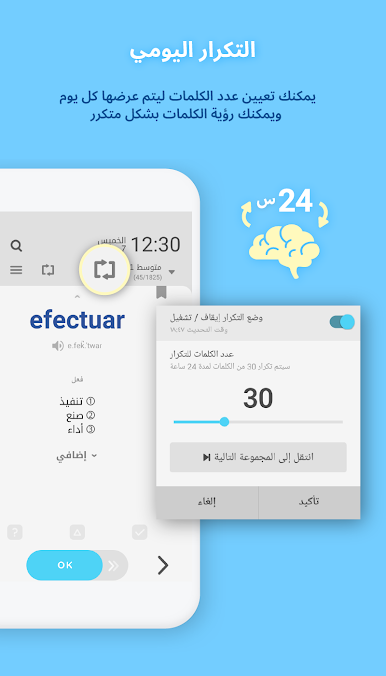
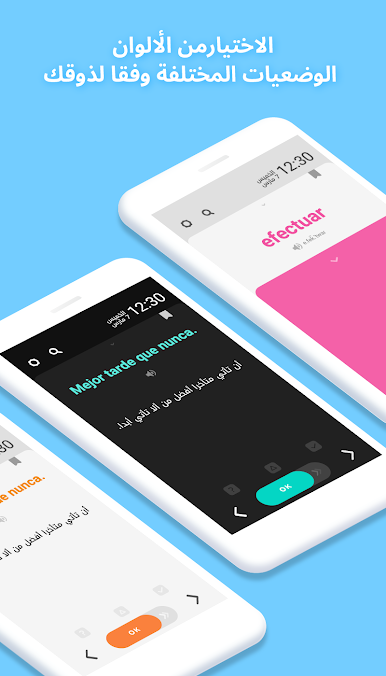
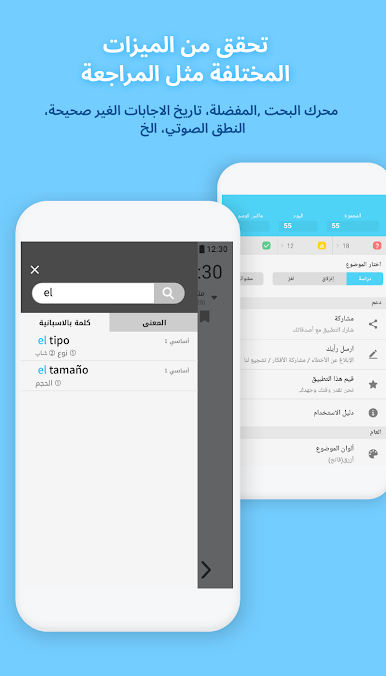
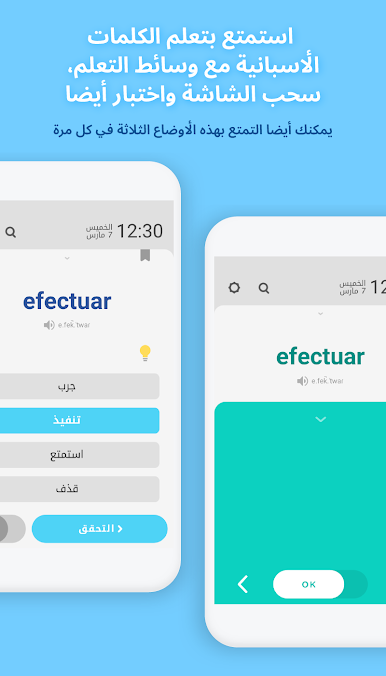
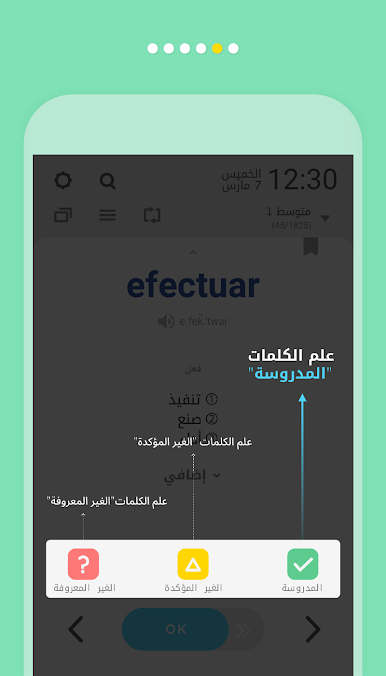
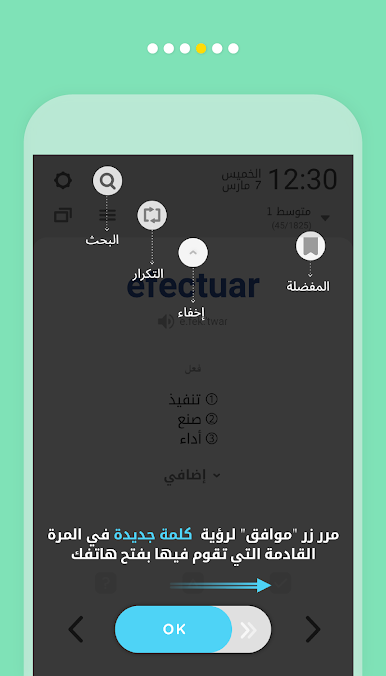
There are quick quizzes, a cover mode to test recall, and a daily review so tricky words keep coming back until they stick. Learned words can be marked as known and cleared out, and there is a simple search when someone wants to check a term on the spot. The interface offers a bunch of color themes, including dark, so glare is not an issue late at night. Settings let users pause the auto study when needed, because sometimes the screen just needs to stay clear. On PC with BlueStacks, it becomes more like a steady stream of flashcards while working or watching something, which makes background learning feel easy. Content is arranged well, rich but not noisy, and the bits on irregular verbs and small syntax tips save time hunting through grammer guides. It is not trying to be a full classroom, it just chips away at Spanish during those dozens of unlocks a day, which is exactly where most people lose time anyway.
BlueStacks gives you the much-needed freedom to experience your favorite apps on a bigger screen. Get it now.


Jouez à WordBit الأسبانية sur PC. C'est facile de commencer.
-
Téléchargez et installez BlueStacks sur votre PC
-
Connectez-vous à Google pour accéder au Play Store ou faites-le plus tard
-
Recherchez WordBit الأسبانية dans la barre de recherche dans le coin supérieur droit
-
Cliquez pour installer WordBit الأسبانية à partir des résultats de la recherche
-
Connectez-vous à Google (si vous avez ignoré l'étape 2) pour installer WordBit الأسبانية
-
Cliquez sur l'icône WordBit الأسبانية sur l'écran d'accueil pour commencer à jouer

