


WordBit الفرنسية
Mainkan di PC dengan BlueStacks – platform Game-Game Android, dipercaya oleh lebih dari 500 juta gamer.

Run WordBit الفرنسية (French for Arabic) on PC or Mac
Let BlueStacks turn your PC, Mac, or laptop into the perfect home for WordBit الفرنسية (French for Arabic), a fun Education app from WordBit.
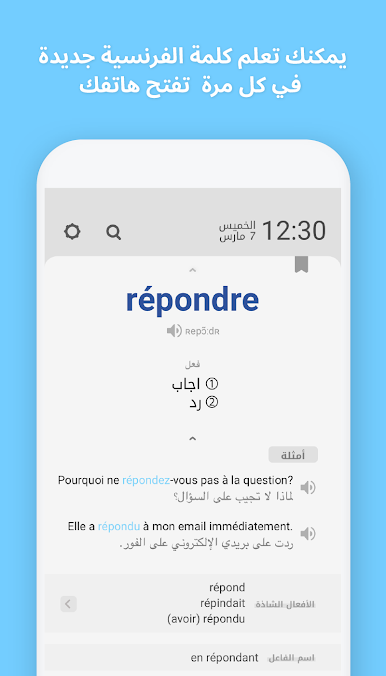
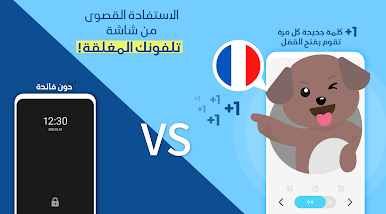
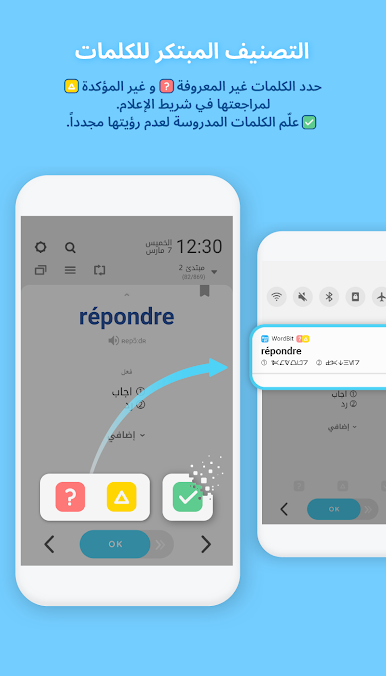
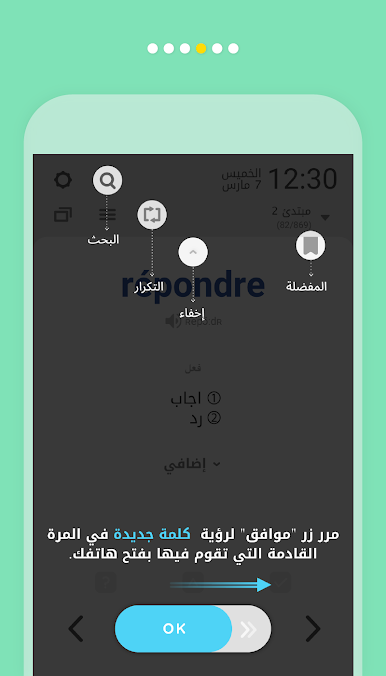
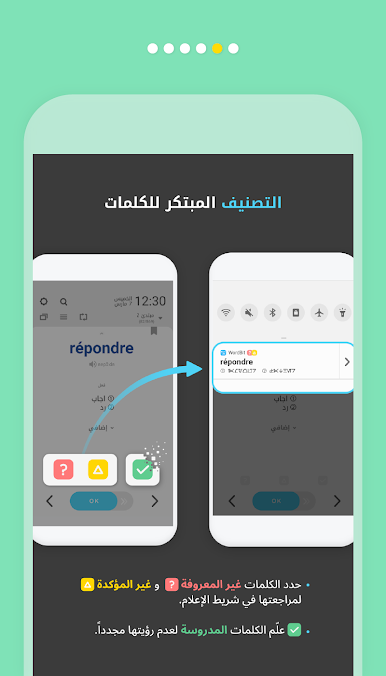
So WordBit الفرنسية is basically for people who want to learn French if their main language is Arabic, but it does things in a way that’s pretty unusual. Instead of making you sit for long sessions, it actually uses your phone’s lock screen to show you French words and phrases whenever you just glance at your phone. It’s set up so every time you unlock your device, there’s a quick French vocab or sentence right there. You don’t have to do anything extra, it just slips into your routine, and you start picking things up without really trying. The idea’s smart—teaching during those little wasted moments when you’re not really doing anything.
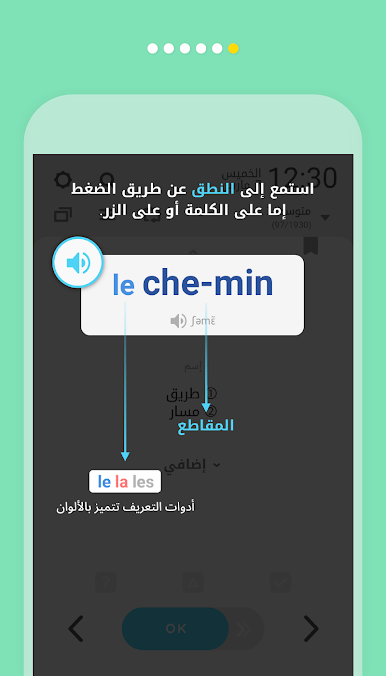
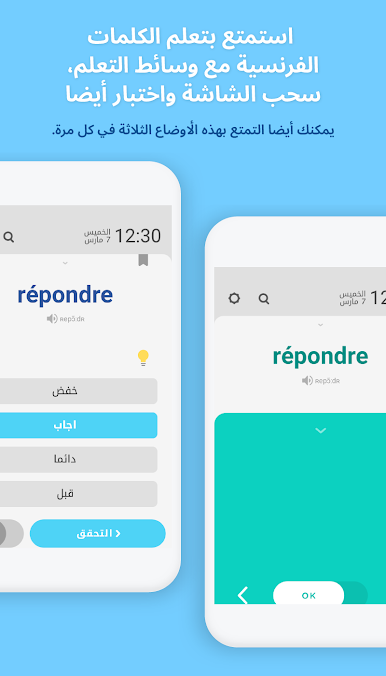
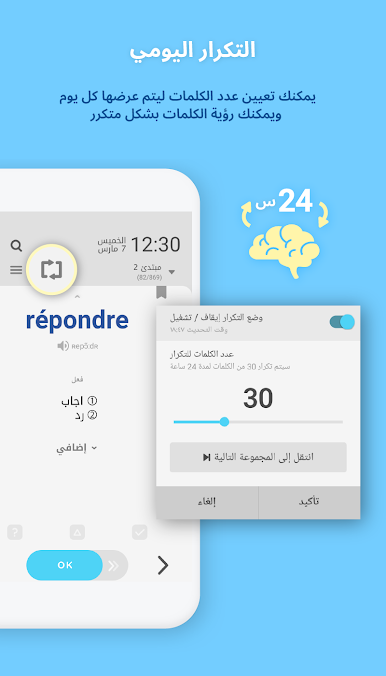
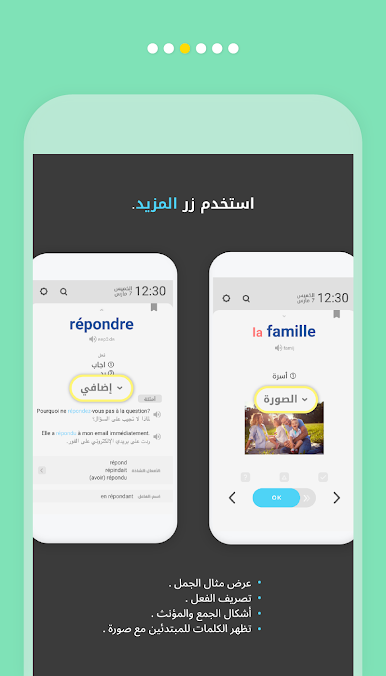
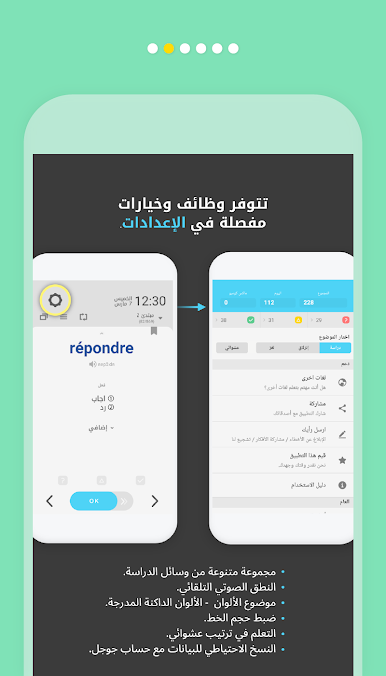
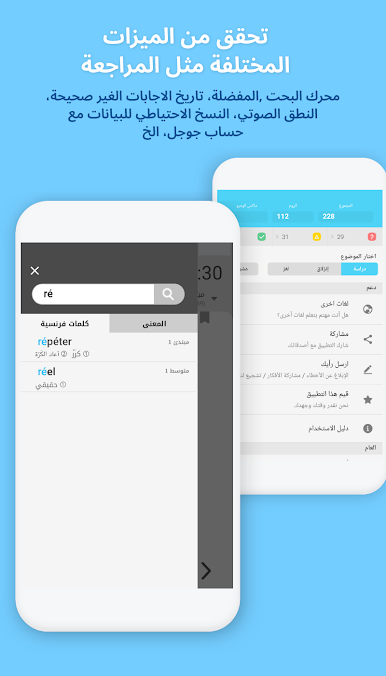
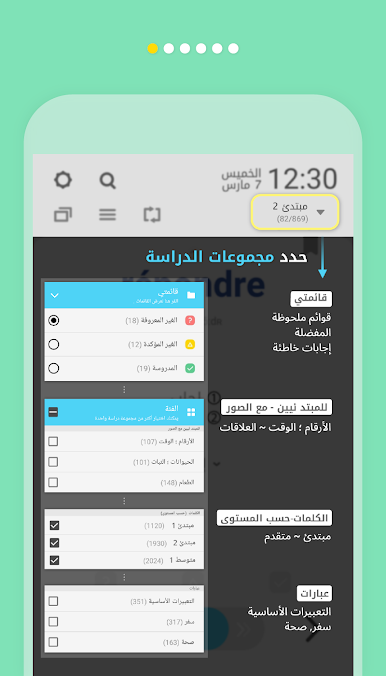
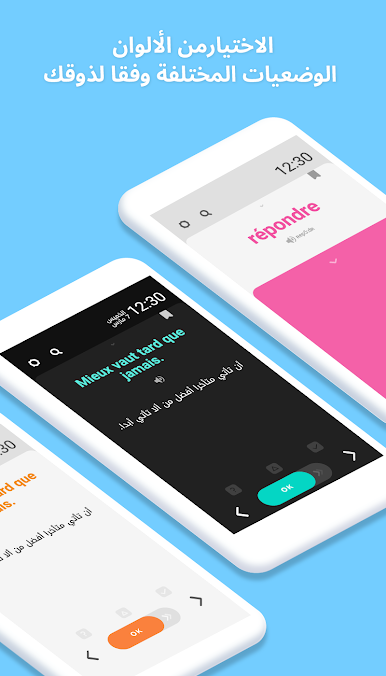
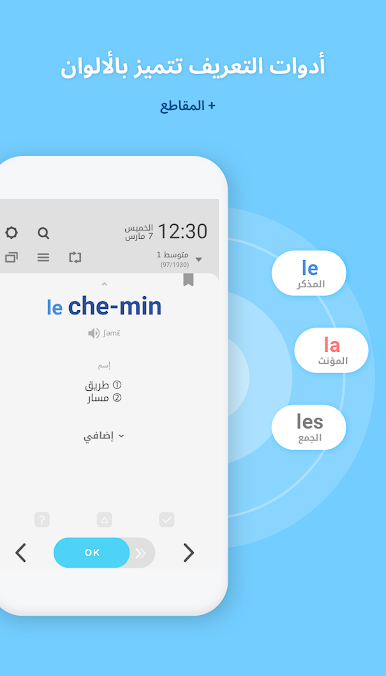
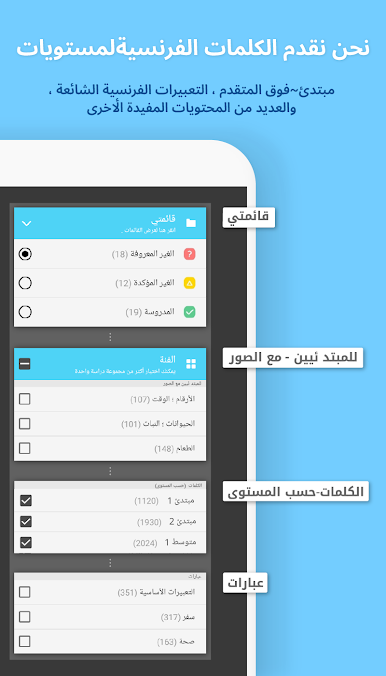
There’s a ton of different options in the app. Stuff like sentence examples so you can see how to actually use the words, vocab split by your level (beginner to advanced), quizzes, and daily repetition to help new words stick. If you’re the type who likes structure, it’s pretty organized: categories for everything, all sorted to make it simple to move up a level. There’s also little bonuses, like colored pictures for starters, audio to help you get the right pronunciation, and even grammar stuff like irregular verbs. Playing this on PC with BlueStacks makes everything bigger and easier to see, especially if you’re working on your vocab lists or want to take a quick look between emails or other things. For anyone who wants to squeeze in French learning during the day without making much effort, this app just fits right in.
Big screen. Bigger performance. Use BlueStacks on your PC or Mac to run your favorite apps.

Mainkan WordBit الفرنسية di PC Mudah saja memulainya.
-
Unduh dan pasang BlueStacks di PC kamu
-
Selesaikan proses masuk Google untuk mengakses Playstore atau lakukan nanti
-
Cari WordBit الفرنسية di bilah pencarian di pojok kanan atas
-
Klik untuk menginstal WordBit الفرنسية dari hasil pencarian
-
Selesaikan proses masuk Google (jika kamu melewati langkah 2) untuk menginstal WordBit الفرنسية
-
Klik ikon WordBit الفرنسية di layar home untuk membuka gamenya

