

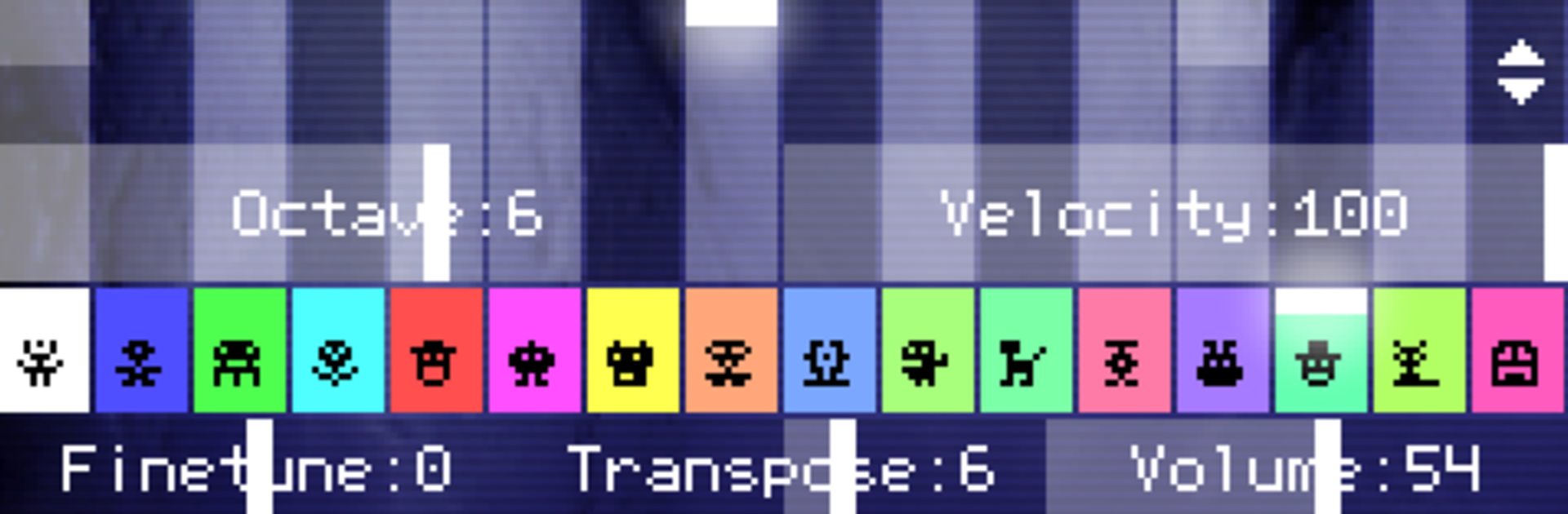
PixiTracker 1Bit
Mainkan di PC dengan BlueStacks – platform Game-Game Android, dipercaya oleh lebih dari 500 juta gamer.

Run PixiTracker 1Bit on PC or Mac
Let BlueStacks turn your PC, Mac, or laptop into the perfect home for PixiTracker 1Bit, a fun Music & Audio app from Alexander Zolotov.
About the App
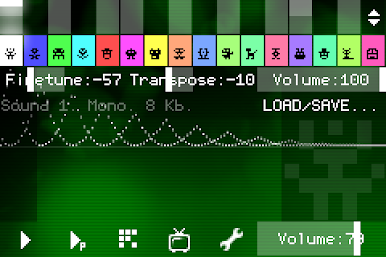
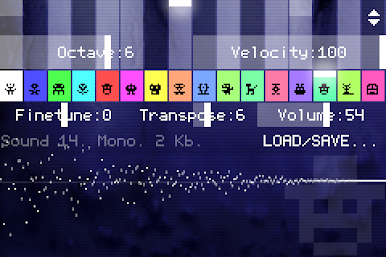
Ever wanted to mess around with music-making, even if you’ve never touched an instrument? PixiTracker 1Bit by Alexander Zolotov makes it easy—and honestly a bit addictive—to whip up chiptunes, retro sketches, and all sorts of quirky sound ideas. You don’t need to know music theory or have fancy equipment; it’s about experimenting and having fun. Just pick it up, tap around, and before you know it, you’re making something that sounds like it came straight from an old-school computer game.
App Features
-
True 1-Bit Sound
Explore a world where every note is digital and crisp. PixiTracker 1Bit gives you that classic, crunchy vibe from vintage microcomputers—think black-and-white pixel art, but for your ears. -
Pattern-Based Sequencer
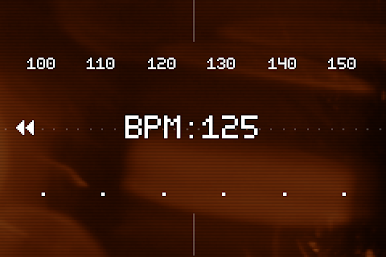
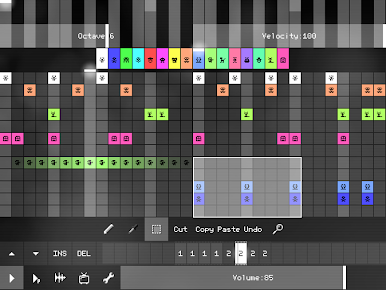
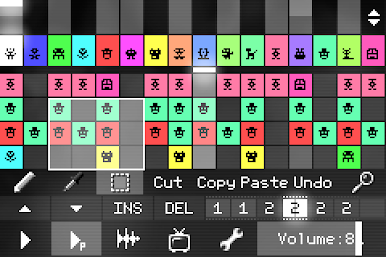
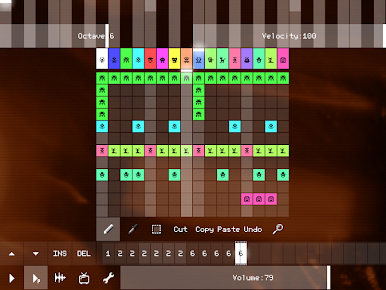
Laying down beats or melodies is super simple thanks to the built-in tracker. Arrange your music in patterns—no need for complex setups. You can build full tracks by playing around with these snippets. -
Unique Sound Packs
You’ll get several ready-to-go sound packs. Each one offers a different flavor, so you’re not stuck with just one set of blips and beeps. It keeps things interesting, no matter what you want to make. -
Record Your Own Sounds
Want to get personal? There’s a sound recorder built in. Capture audio straight from your microphone or line-in and twist it into your next track. -
WAV and XM Export/Import
Finished a sketch you’re proud of? Export your creation as a WAV file or the XM format—great for sharing or finishing up using a different tracker or music player. Importing’s just as straightforward, so you can bring your own samples in, too. -
Open Source Player
If you’re into tinkering or making your own music apps in Pixilang, the open source player is there for you to dive into and mess around with. -
Seamless Use Across Devices
Whether you’re tapping away on your phone or putting in some work on BlueStacks, PixiTracker 1Bit stays easy to use, giving you a smooth experience no matter where you’re creating.
Big screen. Bigger performance. Use BlueStacks on your PC or Mac to run your favorite apps.
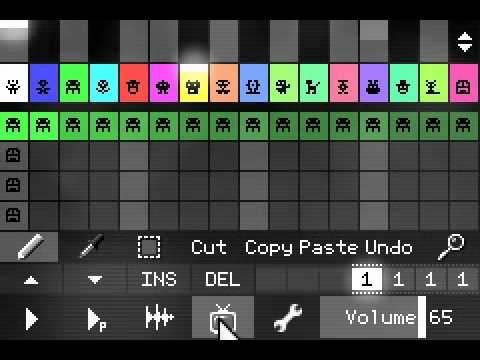
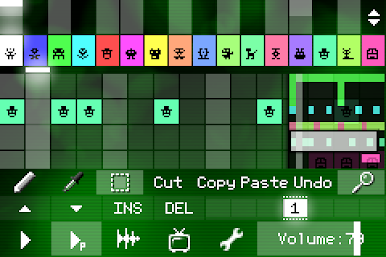
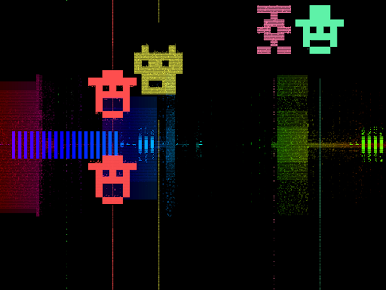
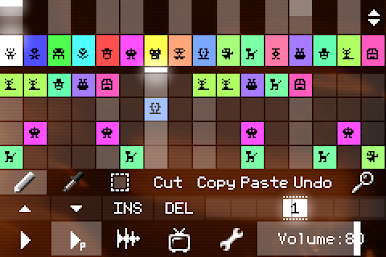
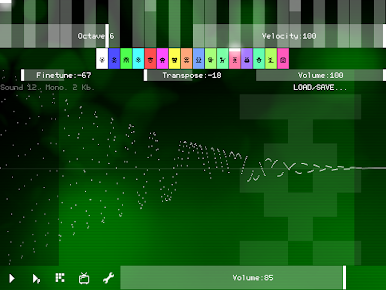
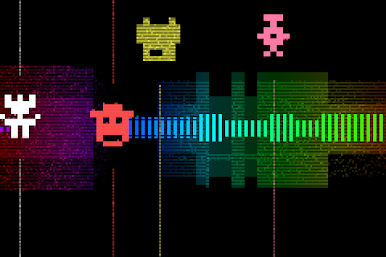
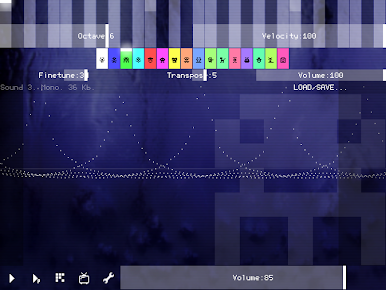
Mainkan PixiTracker 1Bit di PC Mudah saja memulainya.
-
Unduh dan pasang BlueStacks di PC kamu
-
Selesaikan proses masuk Google untuk mengakses Playstore atau lakukan nanti
-
Cari PixiTracker 1Bit di bilah pencarian di pojok kanan atas
-
Klik untuk menginstal PixiTracker 1Bit dari hasil pencarian
-
Selesaikan proses masuk Google (jika kamu melewati langkah 2) untuk menginstal PixiTracker 1Bit
-
Klik ikon PixiTracker 1Bit di layar home untuk membuka gamenya

