

선박 등화
5억명 이상의 게이머가 신뢰하는 안드로이드 게임 플랫폼 BlueStacks으로 PC에서 플레이하세요.

Run Vessel Lights on PC or Mac
Multitask effortlessly on your PC or Mac as you try out Vessel Lights, a Education app by Maarten Pennings on BlueStacks.
About the App
Vessel Lights is your go-to companion for figuring out those tricky navigation lights you see on ships and boats. Whether you’re studying for an exam, brushing up for night sailing, or just plain curious about maritime rules, this Education app by Maarten Pennings makes what could be a dry subject actually pretty approachable. You’ll get to explore how different vessels display their lights, all in a way that’s hands-on, interactive, and straightforward—perfect for both beginners and folks who know a thing or two.
App Features
-
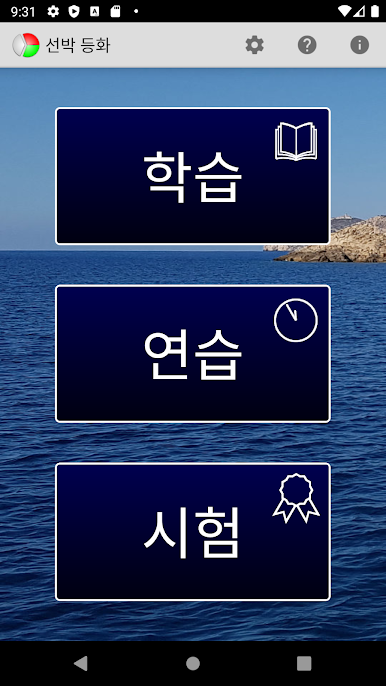
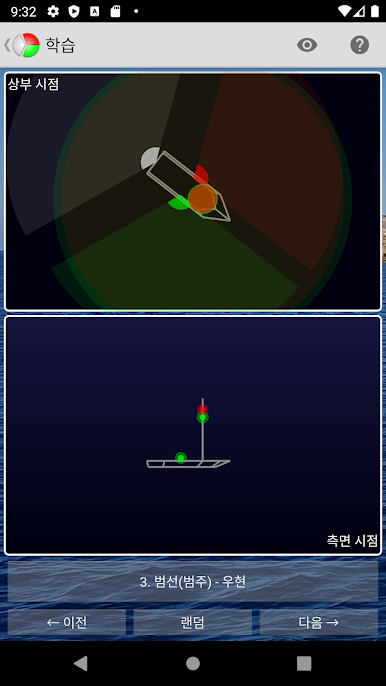
Explore Vessel Lights
Jump into “Study” mode and check out how different boats and ships look at night. Swipe around to rotate the vessels and see their navigation lights from every angle—side, top, you name it. -
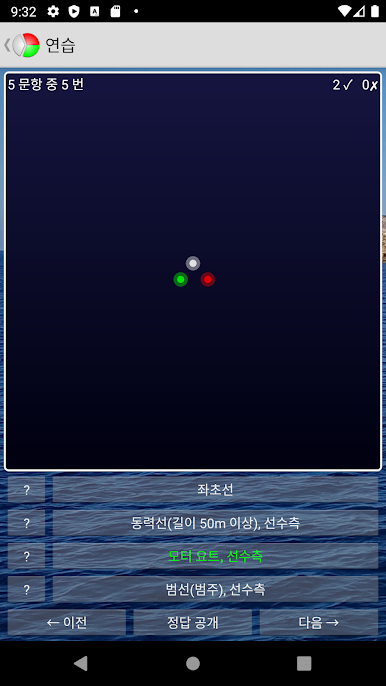
Practice What You’ve Learned
Test yourself in “Practice” mode. The app throws random vessels at you (from any view), and you pick the right lights out of a set of choices. Stuck? You can get hints or take a closer look before answering. -
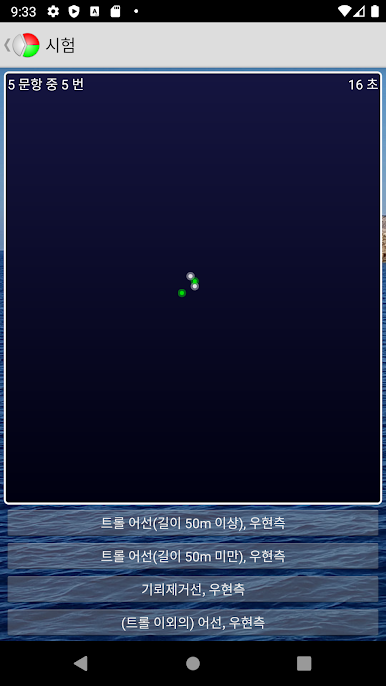
Realistic Examination
Think you’ve got it down? The “Examination” stage serves up random vessels from tough angles, and there’s no peeking at the answers this time. There’s even a timer, so it feels just like the real thing. -
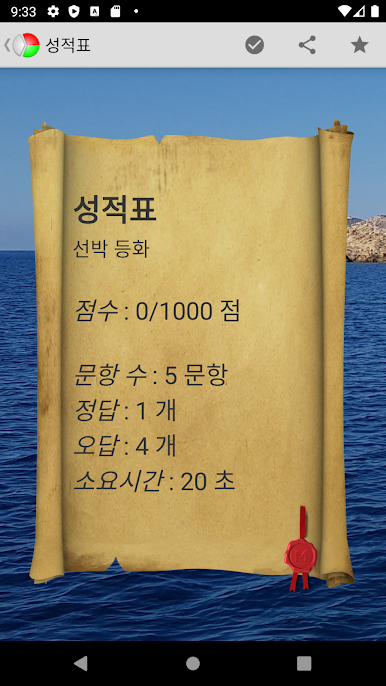
Answer Review
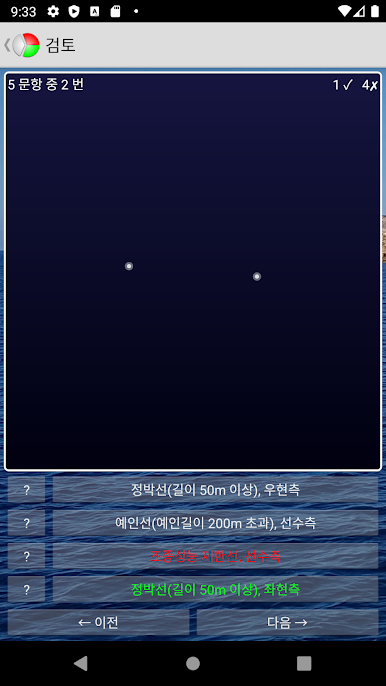
After the test, check out a report that breaks down your results. Uniquely, you can go back and see exactly what you got right or wrong so you know where you stand. -
Customizable Settings
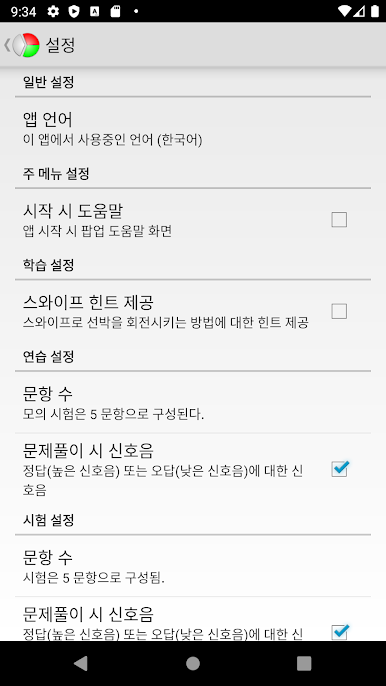
Pick how many questions to get in your exam, change language settings, or decide whether you want sound effects for correct or wrong answers. -
No Permissions Needed
Vessel Lights doesn’t bug you for your data. No permissions to worry about—just install and start learning. -
Share Your Results
Finished your test and feeling proud (or want a rematch)? Share your scores with friends easily.
If you prefer learning on a bigger screen or using your keyboard and mouse, you can run Vessel Lights with BlueStacks for a flexible study setup. Perfect for navigation lights practice, brushing up on ColRegs, or just feeding your maritime curiosity.
BlueStacks gives you the much-needed freedom to experience your favorite apps on a bigger screen. Get it now.
PC에서 선박 등화 플레이해보세요.
-
BlueStacks 다운로드하고 설치
-
Google Play 스토어에 로그인 하기(나중에 진행가능)
-
오른쪽 상단 코너에 선박 등화 검색
-
검색 결과 중 선박 등화 선택하여 설치
-
구글 로그인 진행(만약 2단계를 지나갔을 경우) 후 선박 등화 설치
-
메인 홈화면에서 선박 등화 선택하여 실행

