

おすもうさん拾った
BlueStacksを使ってPCでプレイ - 5憶以上のユーザーが愛用している高機能Androidゲーミングプラットフォーム

Play Squishy Business on PC or Mac
Explore a whole new adventure with Squishy Business, a Casual game created by HARAPECORPORATION Inc.. Experience great gameplay with BlueStacks, the most popular gaming platform to play Android games on your PC or Mac.
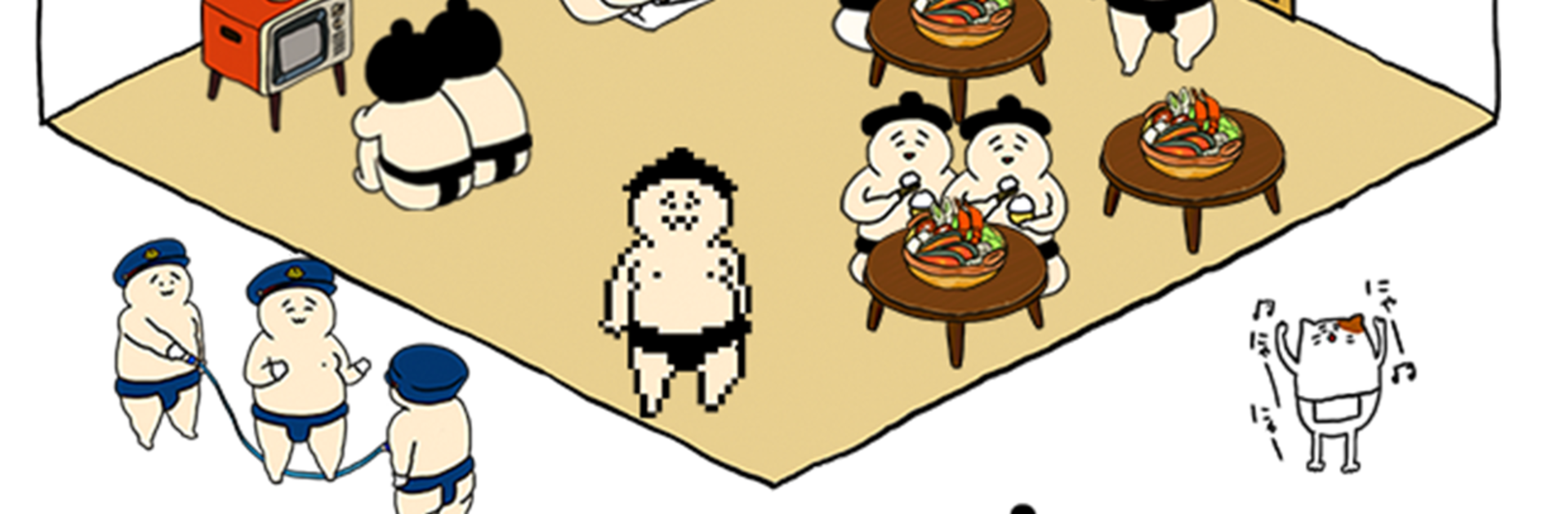
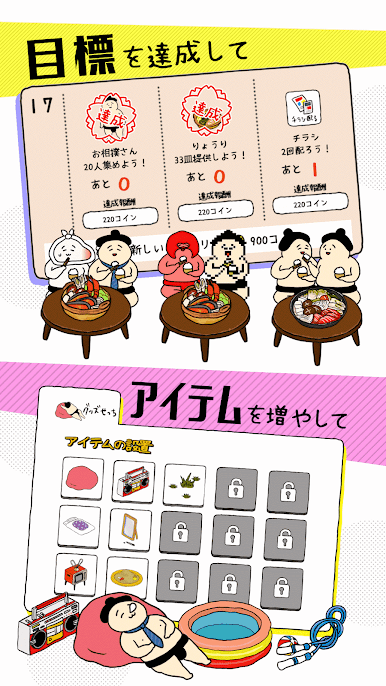
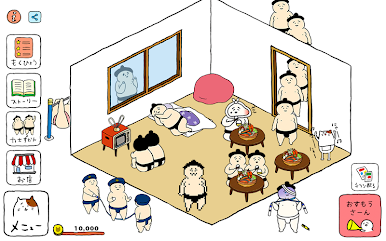
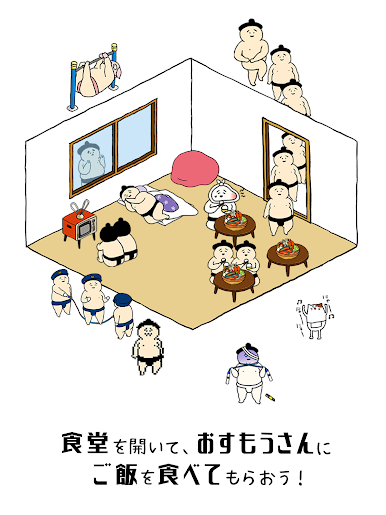
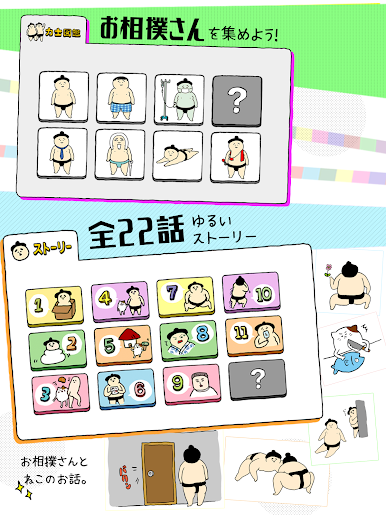
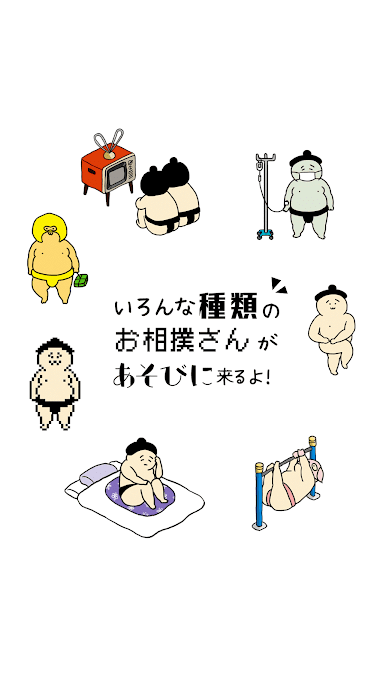
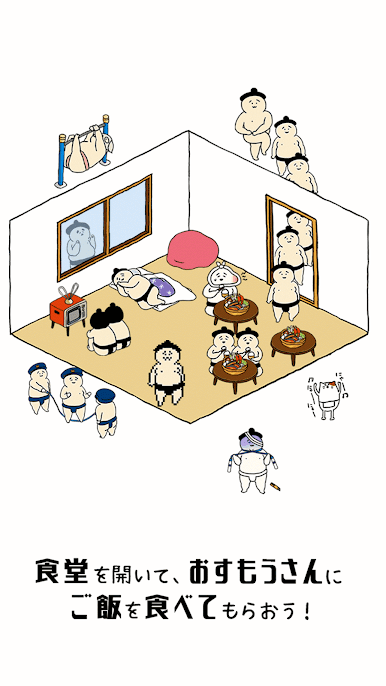
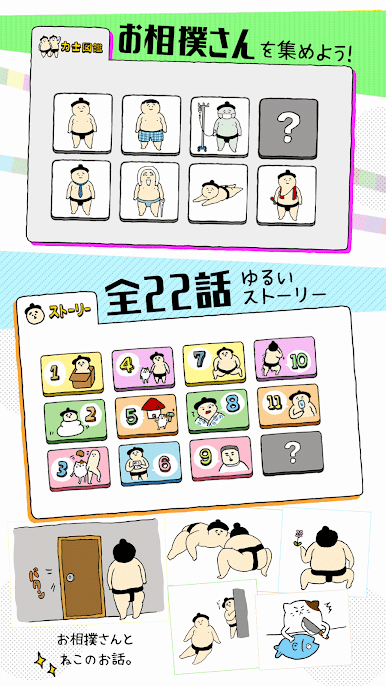
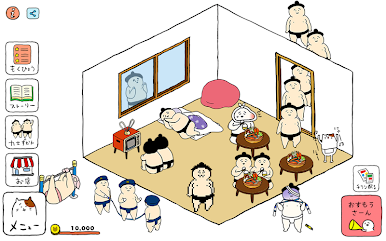
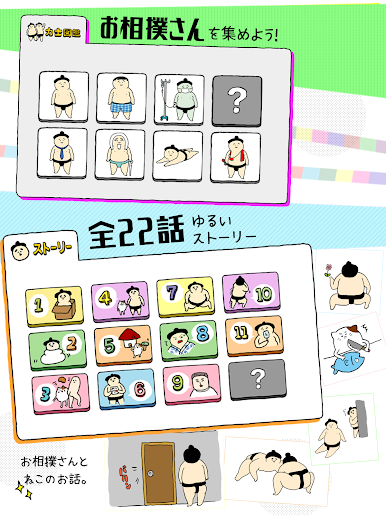
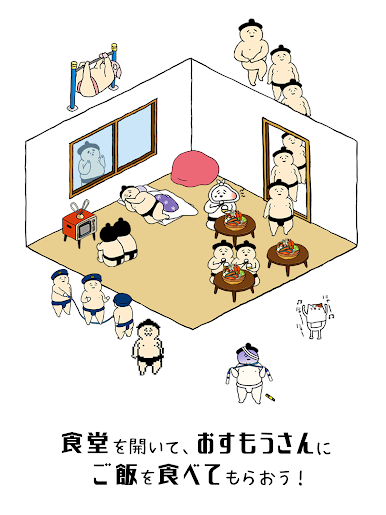
Squishy Business is a cozy little management game where a hungry sumo wanders in and a scheming cat decides the fix is to open a restaurant just for them. The whole thing has this laid-back, playful tone, with round, cheerful art and short manga-style story bits that pop up as goals get checked off. It feels soft and silly without being empty, like a snack of a game that still gives something to chew on.
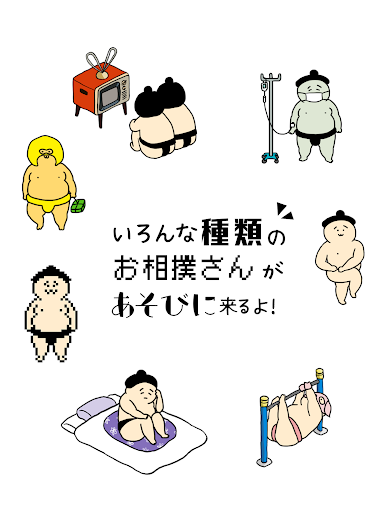
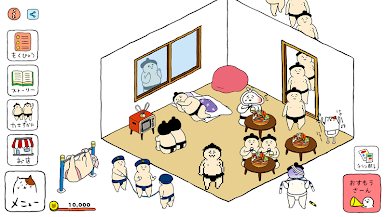
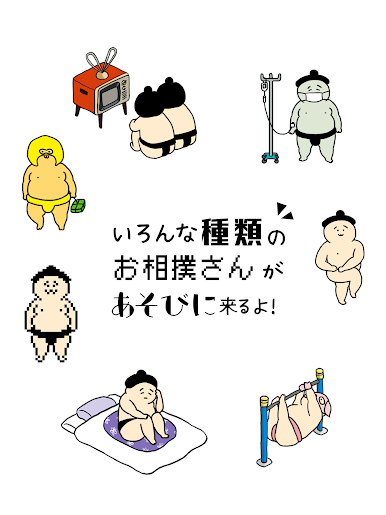
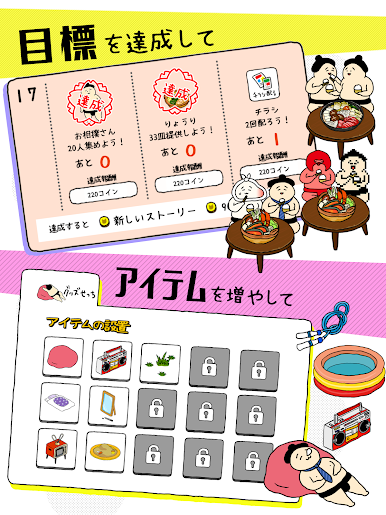
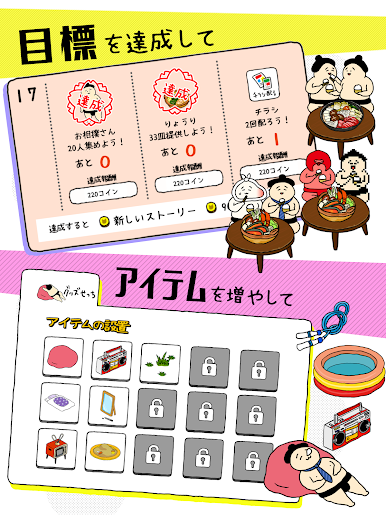
Players set up a tiny eatery and keep these big-hearted patrons happy by decorating with things that are, well, squishy. Cushions, hammocks, seasonal decor, little touches that make the place feel welcoming. The fun twist is that certain items invite certain characters, so the furniture is not just for looks. Put down the right thing, and different sumo will start showing up, each with their own quirks. Money from satisfied guests goes into remodeling and landscaping, so the space grows from a small corner into a fuller, brighter hangout. It moves at an easy pace and leans more into arranging, collecting, and watching oddball visitors than into stressful timers.
On PC with BlueStacks, it plays nicely with simple mouse clicks, and the bigger screen makes the cartoony panels and chunky characters pop. There are little notes about sumo traditions tucked in, which is a neat bonus. Small heads-up: game data does not transfer between devices, so choosing where to start matters a bit.
Get ready for a buttery smooth, high-performance gaming action only on BlueStacks.
おすもうさん拾ったをPCでプレイ
-
BlueStacksをダウンロードしてPCにインストールします。
-
GoogleにサインインしてGoogle Play ストアにアクセスします。(こちらの操作は後で行っても問題ありません)
-
右上の検索バーにおすもうさん拾ったを入力して検索します。
-
クリックして検索結果からおすもうさん拾ったをインストールします。
-
Googleサインインを完了しておすもうさん拾ったをインストールします。※手順2を飛ばしていた場合
-
ホーム画面にておすもうさん拾ったのアイコンをクリックしてアプリを起動します。

