


LED Scroller & LED Banner App
เล่นบน PC ผ่าน BlueStacks - Android Gaming Platform ที่ได้รับความไว้วางใจจากเกมเมอร์ 500 ล้านคนทั่วโลก

Page Modified on: May 21, 2024
Run LED Scroller & LED Banner App on PC or Mac
Upgrade your experience. Try LED Scroller & LED Banner App, the fantastic Tools app from GeniusTools Labs, from the comfort of your laptop, PC, or Mac, only on BlueStacks.
About the App
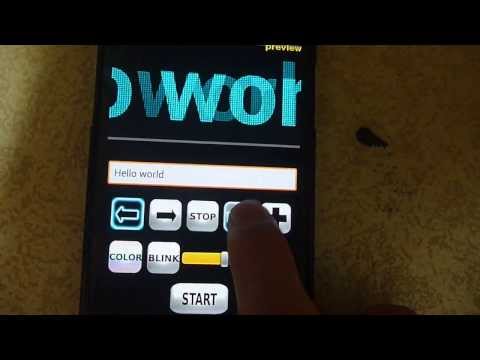
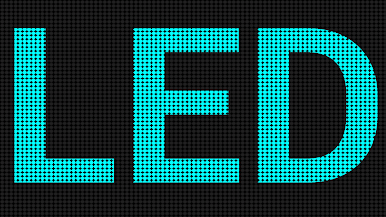
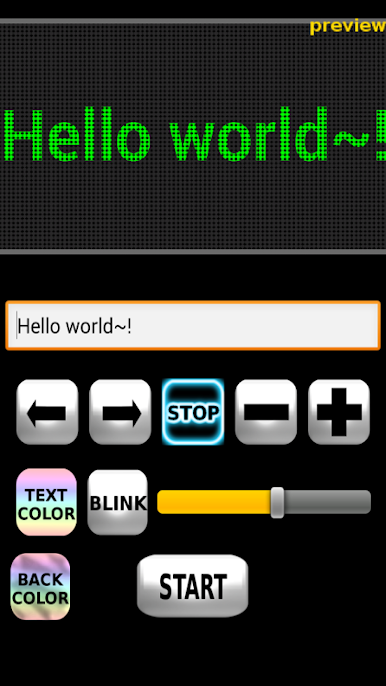
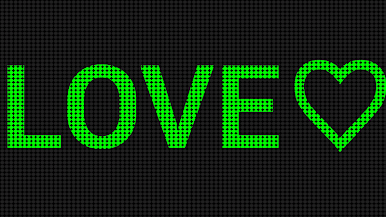
Want to turn your message into a showstopper? With LED Scroller & LED Banner App by GeniusTools Labs, you can transform your phone into a lively LED display board—no extra tech skills required. Whether you’re at a buzzing concert, trying to catch someone’s eye in a crowd, or just want to jazz up a party message, this handy app lets you say it big, bold, and bright. Expect an easygoing, adaptable tool that makes your words impossible to miss.
App Features
-
Customizable Text Display
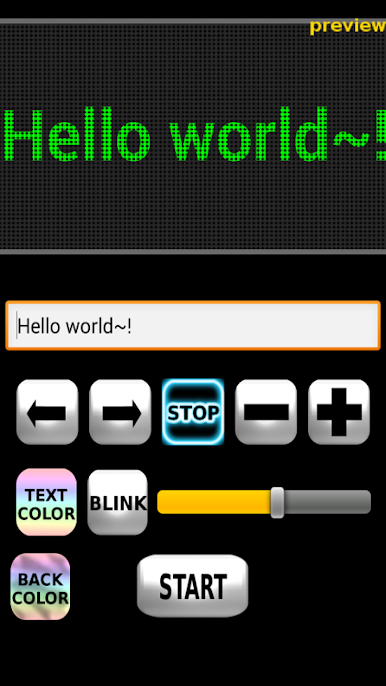
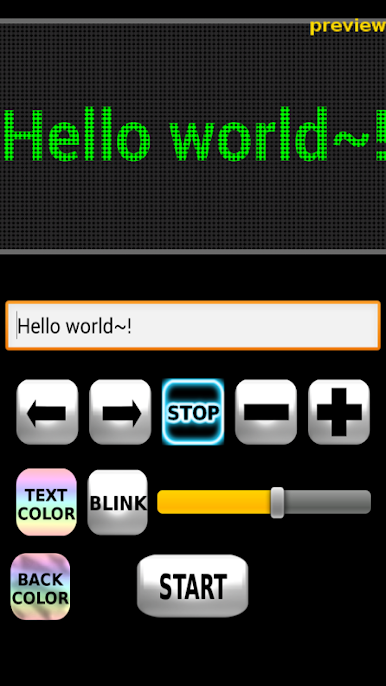
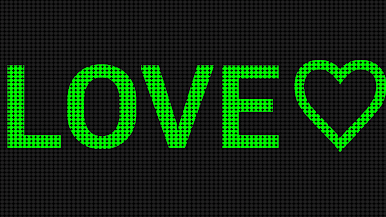
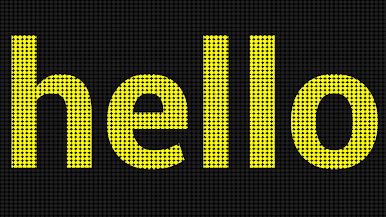
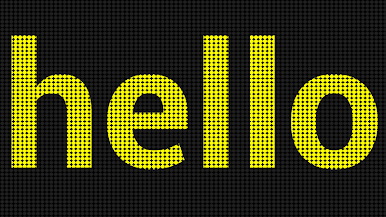
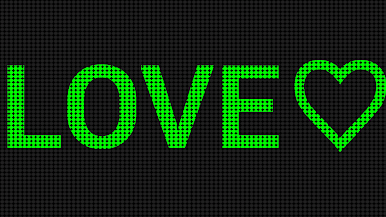
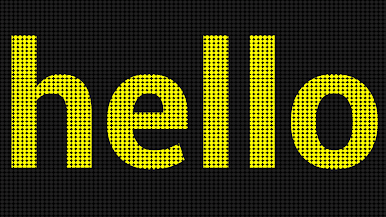
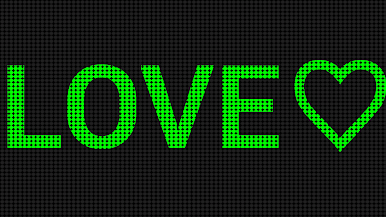
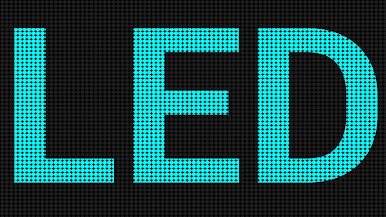
Set your message to scroll across the screen just how you like it. Pick your favorite colors, tweak the speed, and dial up (or down) the brightness. There’s even the option to switch up display styles for whatever mood or event you’re going for. -
Super Simple Controls
You don’t need a manual to get started. Type in your message, choose your style, and tap to display—no extra steps or confusing menus in the way. -
Anytime, Anywhere Messaging
Great for noisy places or dark rooms where words just get lost otherwise. Just flash your phone and your LED banner does the talking, whether you’re at a club, parade, or just across a table at a packed café. -
Versatile for Events and Ads
Use it to announce specials in your shop, share a quick note at school, or broadcast a fun slogan at a gathering. Event organizers and business owners love how easy it is to grab attention. -
Battery Friendly
Enjoy bold, animated banners without worrying your phone will call it quits halfway through the night. It’s all the dazzle, with minimal battery drain. -
Real LED Signboard Vibes
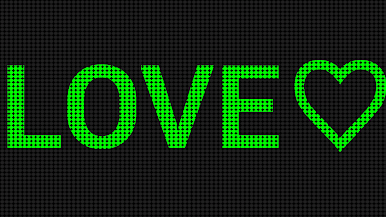
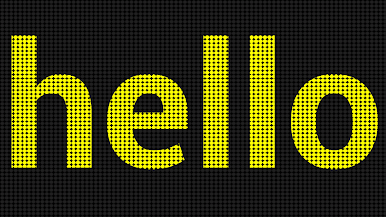
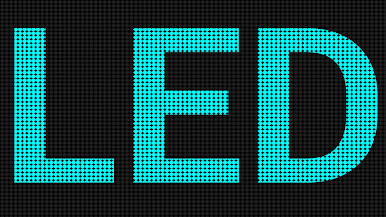
Those classic scrolling marquee effects? They’re right here. It’s got that nostalgic, vibrant look that’s hard to ignore.
You can even try using it on BlueStacks for an eye-catching display on your computer screen.
Switch to BlueStacks and make the most of your apps on your PC or Mac.





เล่น LED Scroller & LED Banner App บน PC ได้ง่ายกว่า
-
ดาวน์โหลดและติดตั้ง BlueStacks บน PC ของคุณ
-
ลงชื่อเข้าใช้แอคเคาท์ Google เพื่อเข้าสู่ Play Store หรือทำในภายหลัง
-
ค้นหา LED Scroller & LED Banner App ในช่องค้นหาด้านขวาบนของโปรแกรม
-
คลิกเพื่อติดตั้ง LED Scroller & LED Banner App จากผลการค้นหา
-
ลงชื่อเข้าใช้บัญชี Google Account (หากยังไม่ได้ทำในขั้นที่ 2) เพื่อติดตั้ง LED Scroller & LED Banner App
-
คลิกที่ไอคอน LED Scroller & LED Banner App ในหน้าจอเพื่อเริ่มเล่น

