


Notepad Kansai Cats
Play on PC with BlueStacks – the Android Gaming Platform, trusted by 500M+ gamers.

Page Modified on: Oct 14, 2025
Play Notepad Kansai Cats on PC
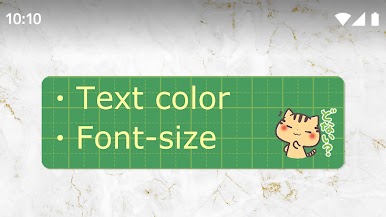
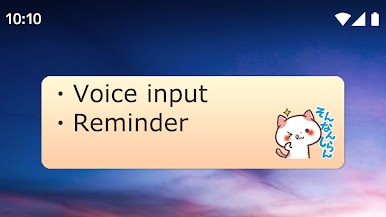
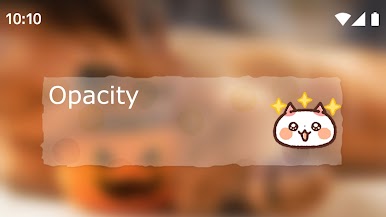
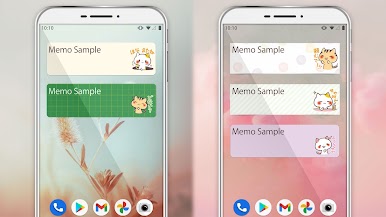
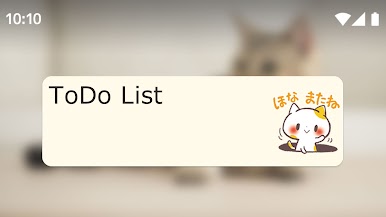
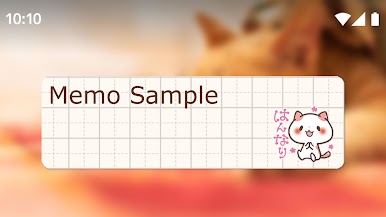
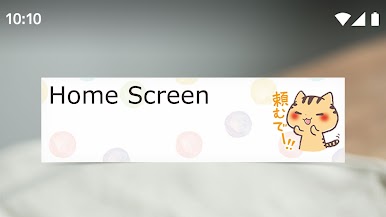
This is a memo pad widget of "Kansai Cats".
Please tap on the widget, and you can write memo on it.
This application is a widget for your home screen and you can enjoy personalizing it. Keep pressing the home screen till an additional menu of widgets appears. Pick out “Sticky Notes Kansai Cats” from a list of widgets.
Let's play GACHA [Capsule Toys]. You'll get cute sticky note widgets.
(C)C.C.MAKIART
https://twitter.com/ccmakiart/status/574525185107173376
Powered by ARTSPLANET

Play Notepad Kansai Cats on PC. It’s easy to get started.
-
Download and install BlueStacks on your PC
-
Complete Google sign-in to access the Play Store, or do it later
-
Look for Notepad Kansai Cats in the search bar at the top right corner
-
Click to install Notepad Kansai Cats from the search results
-
Complete Google sign-in (if you skipped step 2) to install Notepad Kansai Cats
-
Click the Notepad Kansai Cats icon on the home screen to start playing

