


Emu48 for Android
เล่นบน PC ผ่าน BlueStacks - Android Gaming Platform ที่ได้รับความไว้วางใจจากเกมเมอร์ 500 ล้านคนทั่วโลก

Page Modified on: Nov 21, 2025
Play Emu48 for Android on PC or Mac
Join millions to experience Emu48 for Android, an exciting Educational game from Regis Cosnier. With BlueStacks App Player, you are always a step ahead of your opponent, ready to outplay them with faster gameplay and better control with the mouse and keyboard on your PC or Mac.
About the Game
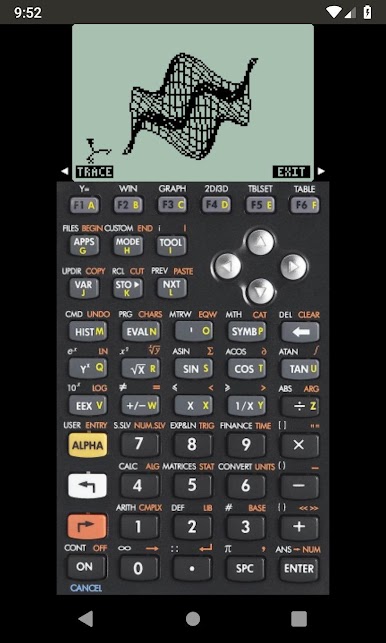
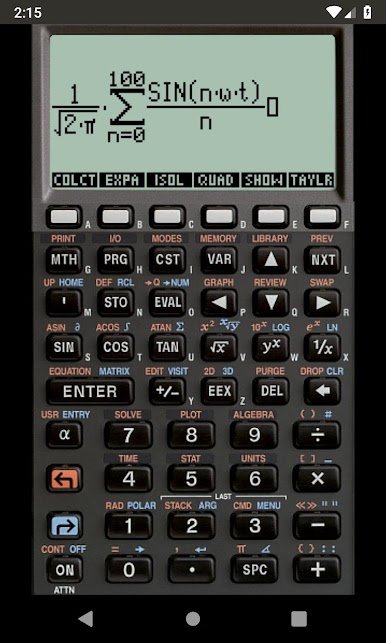
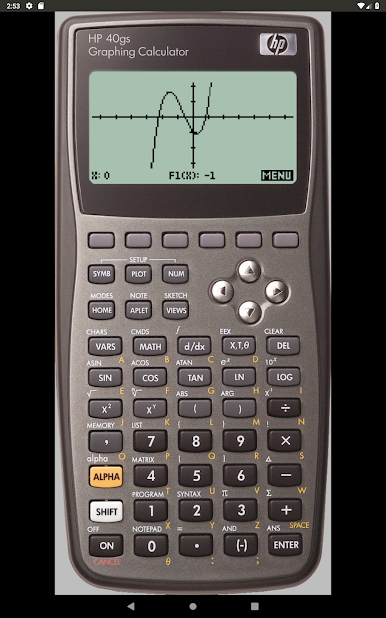
Ever missed the old-school feel of those classic calculators? Emu48 for Android, developed by Regis Cosnier, brings those legendary calculator experiences to your phone or tablet. Whether you’re brushing up on math problems, running through engineering formulas, or just geeking out over calculator nostalgia, this app lets you carry powerful tools right in your pocket. It’s designed for anyone who wants to emulate authentic HP calculator models, all in a neat, touch-friendly package. You can even get a bit technical if you want – customization and file loading are totally in your hands.
Game Features
-
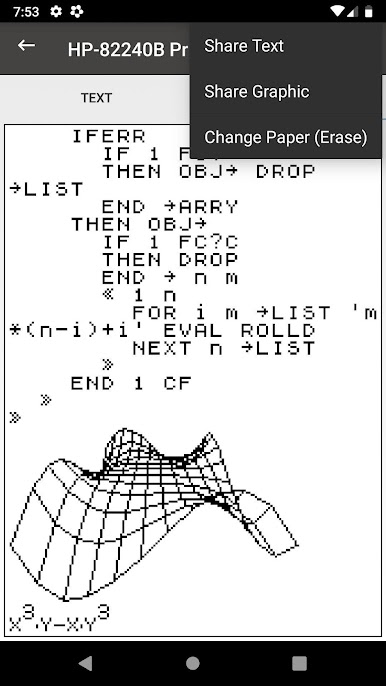
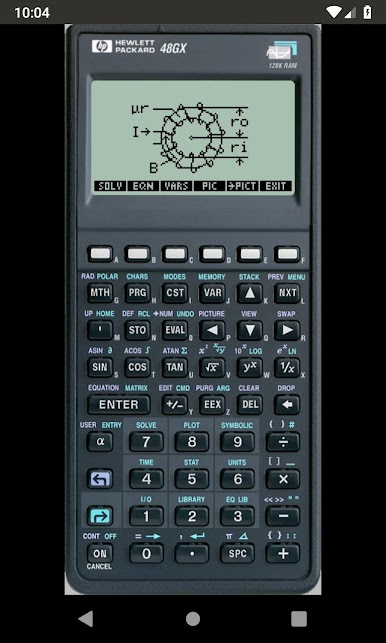
Classic Calculator Emulation
Relive the experience of using beloved HP calculators, all within a single app. The emulation is true to the originals, making it handy for learning, practice, or a bit of nerdy fun. -
Easy KML and State File Support
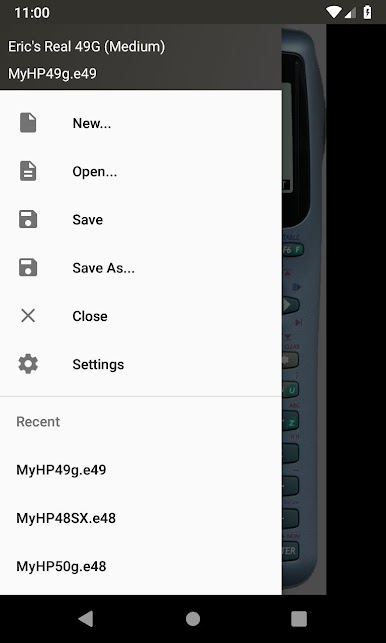
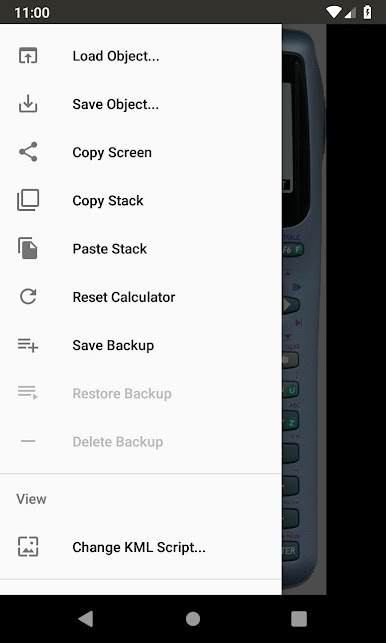
Load up KML files with their detailed faceplates – a few popular ones are even built in. Want to import your own? Just select a folder and you’re set. You can also save and reopen state files just like the classic Windows version. -
Simple, No-Nonsense Permissions
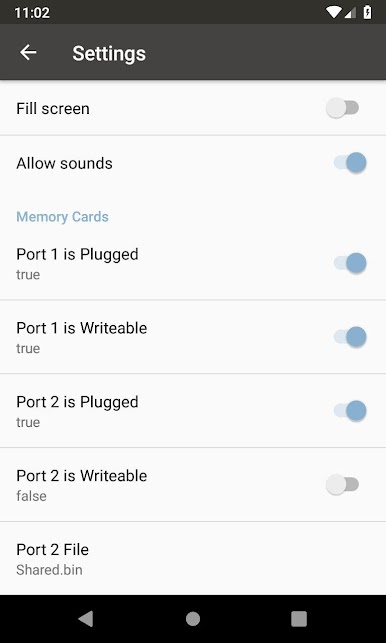
The app doesn’t bug you with annoying permission requests. You open files or KML folders straight from your device storage using Android’s secure system. -
Quick Start Menu
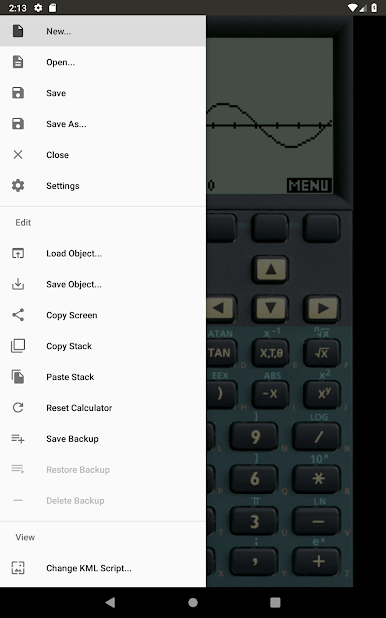
Getting started is straightforward: just tap the menu, create a new session, and select your calculator of choice. Advanced users can also dive into custom folder selections for even more flexibility. -
Open Source Spirit
It’s all under the GPL license, so those interested in how Emu48 for Android works can check out the code, tinker, or even contribute if that’s your thing. -
Optimized for Android
Emu48 for Android is built to make use of your device’s full capability and works especially well on BlueStacks for a bigger, desktop-style view. -
Bonus Embedded Scripts and Faceplates
You’ll find Eric’s Real scripts and a few other fan-favorite faceplates preloaded, so you can start tapping away right after installation.
Ready to top the leaderboard? We bet you do. Let precise controls and sharp visuals optimized on BlueStacks lead you to victory.
เล่น Emu48 for Android บน PC ได้ง่ายกว่า
-
ดาวน์โหลดและติดตั้ง BlueStacks บน PC ของคุณ
-
ลงชื่อเข้าใช้แอคเคาท์ Google เพื่อเข้าสู่ Play Store หรือทำในภายหลัง
-
ค้นหา Emu48 for Android ในช่องค้นหาด้านขวาบนของโปรแกรม
-
คลิกเพื่อติดตั้ง Emu48 for Android จากผลการค้นหา
-
ลงชื่อเข้าใช้บัญชี Google Account (หากยังไม่ได้ทำในขั้นที่ 2) เพื่อติดตั้ง Emu48 for Android
-
คลิกที่ไอคอน Emu48 for Android ในหน้าจอเพื่อเริ่มเล่น

