

GeoGebra CAS (数式処理)
BlueStacksを使ってPCでプレイ - 5憶以上のユーザーが愛用している高機能Androidゲーミングプラットフォーム

Run GeoGebra CAS Calculator on PC or Mac
Why limit yourself to your small screen on the phone? Run GeoGebra CAS Calculator, an app by GeoGebra, best experienced on your PC or Mac with BlueStacks, the world’s #1 Android emulator.
About the App
GeoGebra CAS Calculator from GeoGebra is a flexible, no-nonsense math workspace built for the Education crowd—students, teachers, and anyone curious about how functions behave. It helps you visualize ideas, check your steps, and experiment without getting stuck in menus. Prefer a bigger canvas? You can open it on your computer with BlueStacks for more room to work.
App Features
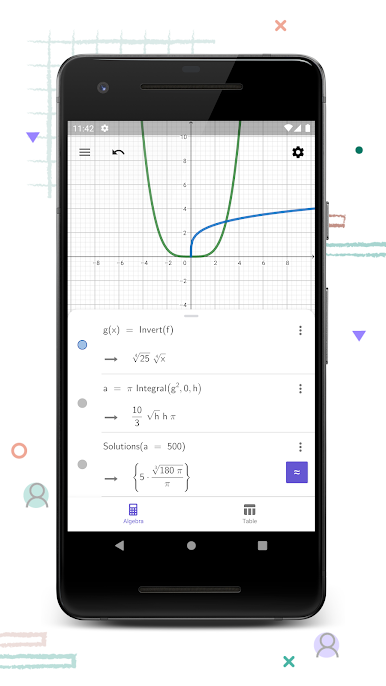
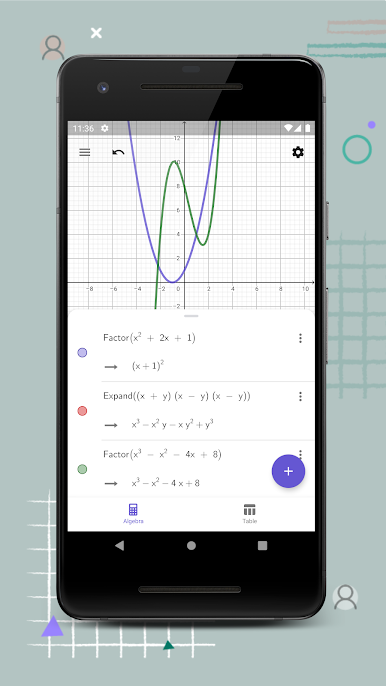
- Interactive Graphing: Plot standard functions along with polar and parametric curves to see how equations shape up in real time.
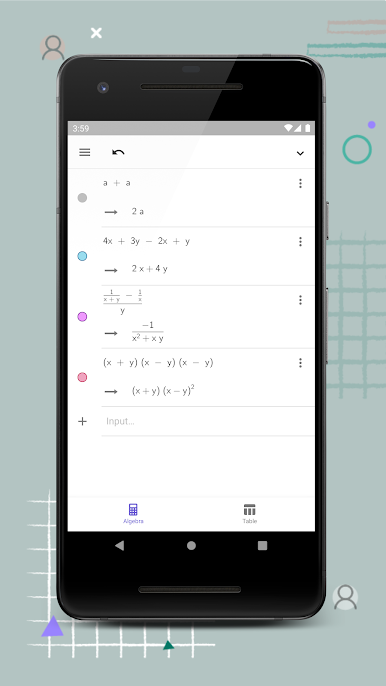
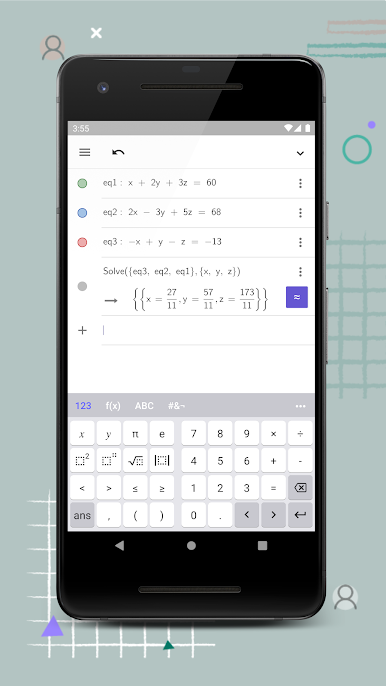
- Equation Solver: Tackle simple to advanced equations using a robust symbolic engine that shows what’s going on behind the scenes.
- Sliders for Exploration: Add sliders to tweak parameters and instantly watch transformations—great for understanding shifts, stretches, and more.
- Key Points, Auto-Found: Quickly identify roots, minima, maxima, and intersections so you can focus on interpreting results, not hunting for them.
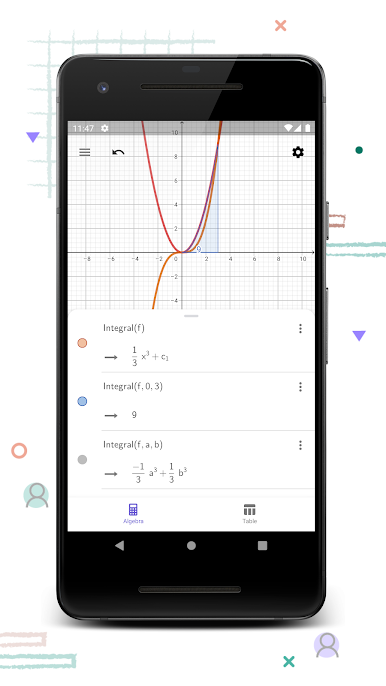
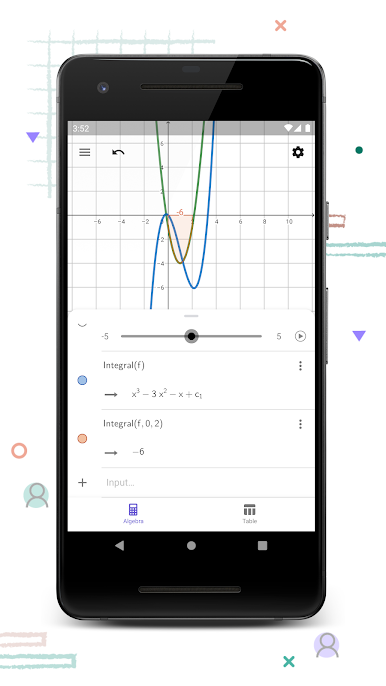
- Calculus Tools: Compute derivatives and integrals to test your work or explore new problems without switching apps.
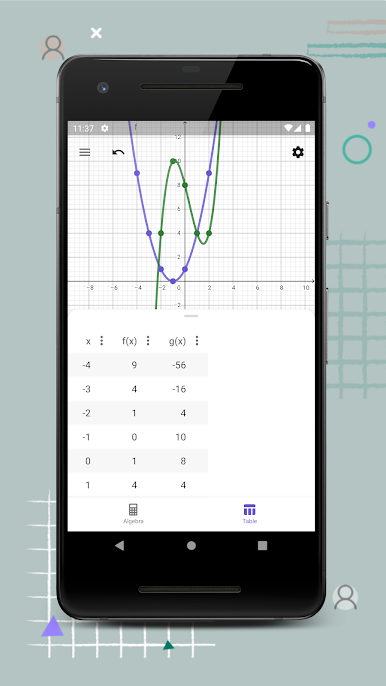
- Data and Regression: Fit best‑fit lines and run basic regression to analyze data and spot trends with minimal setup.
- Built-In Learning: Search free learning activities right inside the app to practice concepts and see examples that actually click.
- Save and Share: Store your work and share results with classmates or teachers for feedback, collaboration, or just to keep everything organized.
BlueStacks gives you the much-needed freedom to experience your favorite apps on a bigger screen. Get it now.
GeoGebra CAS (数式処理)をPCでプレイ
-
BlueStacksをダウンロードしてPCにインストールします。
-
GoogleにサインインしてGoogle Play ストアにアクセスします。(こちらの操作は後で行っても問題ありません)
-
右上の検索バーにGeoGebra CAS (数式処理)を入力して検索します。
-
クリックして検索結果からGeoGebra CAS (数式処理)をインストールします。
-
Googleサインインを完了してGeoGebra CAS (数式処理)をインストールします。※手順2を飛ばしていた場合
-
ホーム画面にてGeoGebra CAS (数式処理)のアイコンをクリックしてアプリを起動します。

