


PrivacyWall
5억명 이상의 게이머가 신뢰하는 안드로이드 게임 플랫폼 BlueStacks으로 PC에서 플레이하세요.

Run PrivacyWall on PC or Mac
Upgrade your experience. Try PrivacyWall, the fantastic Tools app from Secure Browser, from the comfort of your laptop, PC, or Mac, only on BlueStacks.
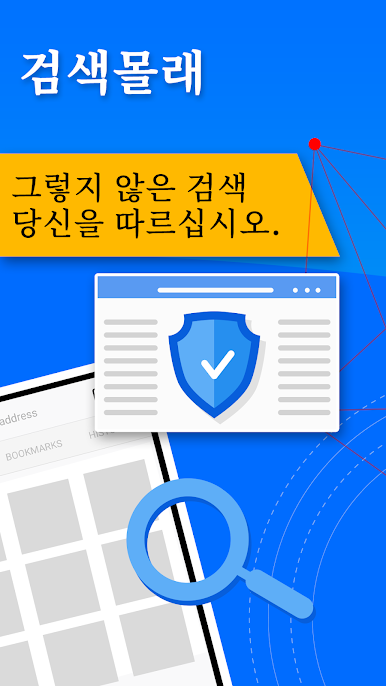
So PrivacyWall is kind of like having a regular search engine in your pocket, except it’s actually focused on not tracking every move you make online. Right off the bat, it feels a bit lighter and faster than lots of other browsers, maybe because it nixes all the extra trackers running in the background. There’s a button to flip on this tracking protection stuff, and once it’s on, the app pretty much keeps snoops at bay—no more feeling like every search turns into targeted ads following you everywhere. The private browsing works like you’d expect: no history, no cookies sticking around after you’re done.
Using PrivacyWall on PC through BlueStacks is actually pretty smooth; all the basics are here—tabs, bookmarks, even a quick way to clear out everything from history to cached files with one click. Nothing feels hidden or complicated, which is nice. There’s a little setting to tell sites not to track you from place to place, and the focus really seems to be on letting people browse and search kind of freely, without feeling watched. For anyone who just wants something simple where privacy actually feels like a priority, this does the job without making anything difficult or getting in the way.
Big screen. Bigger performance. Use BlueStacks on your PC or Mac to run your favorite apps.




PC에서 PrivacyWall 플레이해보세요.
-
BlueStacks 다운로드하고 설치
-
Google Play 스토어에 로그인 하기(나중에 진행가능)
-
오른쪽 상단 코너에 PrivacyWall 검색
-
검색 결과 중 PrivacyWall 선택하여 설치
-
구글 로그인 진행(만약 2단계를 지나갔을 경우) 후 PrivacyWall 설치
-
메인 홈화면에서 PrivacyWall 선택하여 실행

