


Tasks.org: to-do list & tasks
在電腦上使用BlueStacks –受到5億以上的遊戲玩家所信任的Android遊戲平台。

Run Tasks.org: Open-source To-Do Lists & Reminders on PC or Mac
Get freedom from your phone’s obvious limitations. Use Tasks.org: Open-source To-Do Lists & Reminders, made by Tasks.org, a Productivity app on your PC or Mac with BlueStacks, and level up your experience.
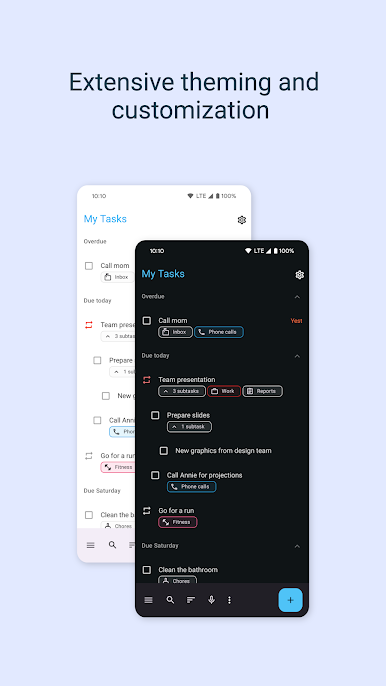
This one’s actually a to-do list app with a clean, practical feel, but there’s a lot under the hood once you start using it—especially on PC with BlueStacks. The first thing most people notice is there are no ads popping up or tracking stuff going on. It’s just focused on keeping lists and reminders in one place without distractions, plus it respects privacy, which isn’t always the case with other apps.
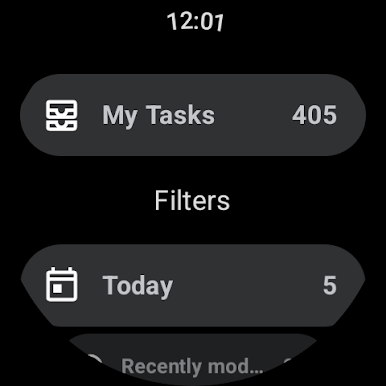
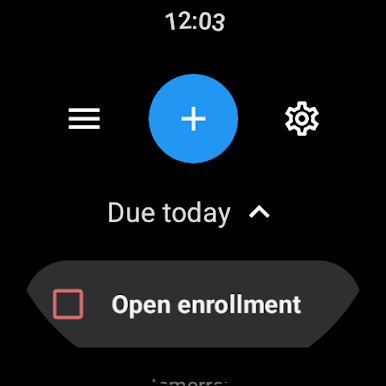
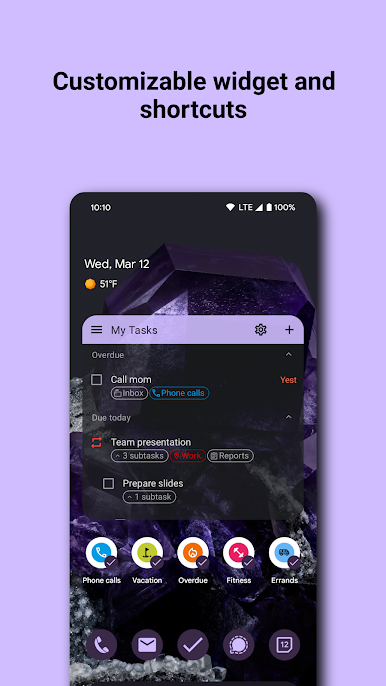
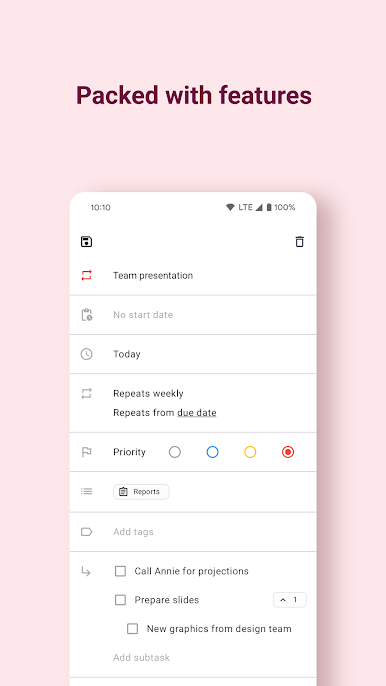
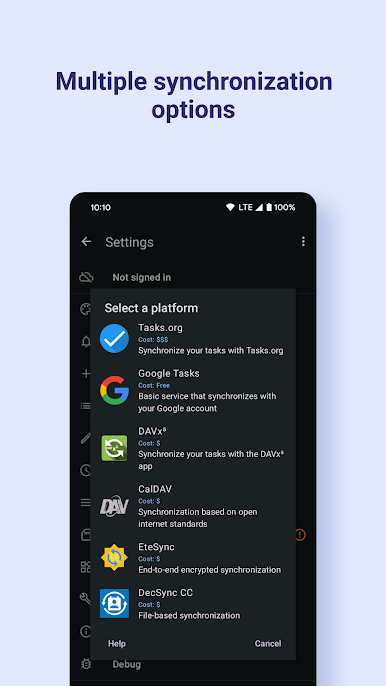
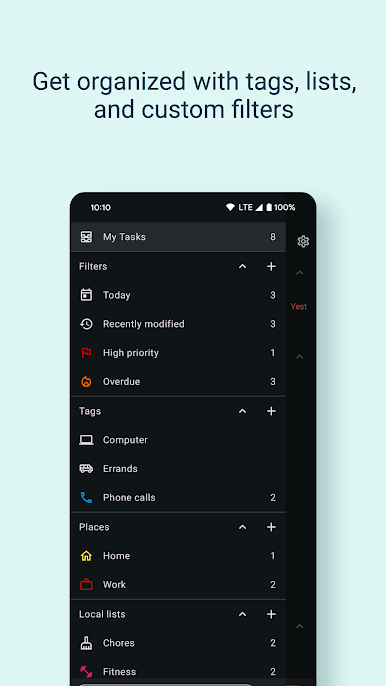
Tasks has the usual list-making options—set reminders, check stuff off, all that—but it also gets more detailed if you want. Things like nested subtasks that can go as deep as you need, different ways to sort and organize everything, and custom labels or icons for lists. There’s good support for syncing across different services too, so someone who uses Google Tasks or Nextcloud or any of those can keep things updated everywhere. Sharing lists with others is possible if a group is working together, and there are options for recurring reminders, location-based alerts, or putting things on a calendar automatically. There are helpful search and filter features, and if you’re into customization, there are plenty of tweaks for widgets and colors. A useful detail is it quietly backs up everything for you, and if you want to keep things totally offline, it can do that too. It feels stable and responsive running on a PC thanks to BlueStacks, making it easy to keep tasks visible while doing other things. Some people will really appreciate how open and flexible everything feels, without extra noise or stuff getting in the way.
Big screen. Bigger performance. Use BlueStacks on your PC or Mac to run your favorite apps.
在電腦上遊玩Tasks.org: to-do list & tasks . 輕易上手.
-
在您的電腦上下載並安裝BlueStacks
-
完成Google登入後即可訪問Play商店,或等你需要訪問Play商店十再登入
-
在右上角的搜索欄中尋找 Tasks.org: to-do list & tasks
-
點擊以從搜索結果中安裝 Tasks.org: to-do list & tasks
-
完成Google登入(如果您跳過了步驟2),以安裝 Tasks.org: to-do list & tasks
-
在首頁畫面中點擊 Tasks.org: to-do list & tasks 圖標來啟動遊戲

