

Remote RDP
Play on PC with BlueStacks – the Android Gaming Platform, trusted by 500M+ gamers.

Page Modified on: Mar 22, 2021
Run Remote RDP on PC or Mac
What’s better than using Remote RDP by Yongtao Wang? Well, try it on a big screen, on your PC or Mac, with BlueStacks to see the difference.
About the App
Ever wish you could access your desktop without leaving the couch? Remote RDP, from Yongtao Wang in the Tools category, makes it smooth and straightforward to connect your phone or tablet to your Windows PC. It handles all the important stuff—keyboard, mouse, audio, and even file transfers—so you’re in control, wherever you are. Whether you’re fixing something on your work computer or just messing around on your home setup, this app’s got your back.
App Features
-
Full Keyboard & Mouse Support
Feel like you’ve got a real PC in your hands—Remote RDP lets you use the full keyboard (yes, all the keys) and mouse, so nothing’s missing. -
Works with Tons of Windows Versions
Connect easily to all sorts of Windows systems, from the old-school classics to newer versions like Windows 7, 8, and even Windows 2012. -
Secure Connections
Keep your data safe with strong 128-bit and TLS (SSL) encryption, because security isn’t just for the paranoid. -
Audio Tricks
Hear everything happening on your remote machine right from your phone. Support for multiple audio formats means no weird hiccups. -
File Transfers Made Simple
Want to send a file to your remote computer or grab one from it? Attach your SD Card and swap files with a few taps. -
Copy & Paste
Skip emailing yourself text—just copy from one device and paste into the other. -
Session Recovery
Worried about dropping your connection? The app auto-reconnects to keep your session going. -
Custom Shortcuts & Data Export
Set up shortcut keys that work for you. Plus, saving your settings to your SD Card makes migrating a breeze. -
Smart Touch Controls
From zooming in like you do in your browser, to supporting gesture-based taps, it’s designed with your fingers in mind. -
Mouse Wheel, Pinch Zoom & More
Scroll, zoom, and move around your desktop with simple, intuitive touch gestures. -
Bandwidth-Friendly
Audio streaming doesn’t have to drain your data plan. Remote RDP uses way less bandwidth than most RDP clients. -
International Keyboard Ready
No matter what language you’re typing in, the app’s got you covered with full keyboard support. -
Tablet Optimized
Looks and works great on tablets, with support for external keyboards and mice, and custom screen resolutions.
You can even run Remote RDP on your PC or Mac through BlueStacks for a smooth desktop feel, if you’re not keen on sticking to your phone or tablet.
Big screen. Bigger performance. Use BlueStacks on your PC or Mac to run your favorite apps.
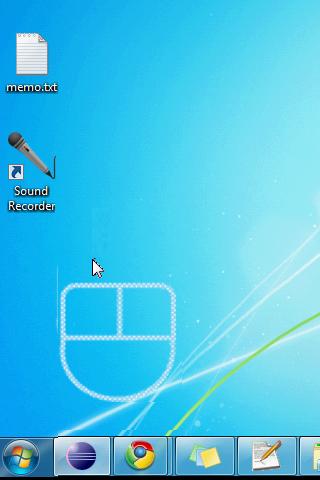
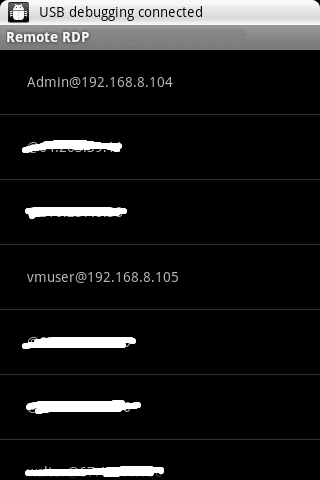
Play Remote RDP on PC. It’s easy to get started.
-
Download and install BlueStacks on your PC
-
Complete Google sign-in to access the Play Store, or do it later
-
Look for Remote RDP in the search bar at the top right corner
-
Click to install Remote RDP from the search results
-
Complete Google sign-in (if you skipped step 2) to install Remote RDP
-
Click the Remote RDP icon on the home screen to start playing

