


Word Cross Pics - Puzzle Games
Graj na PC z BlueStacks – Platforma gamingowa Android, która uzyskała zaufanie ponad 500 milionów graczy!

Strona zmodyfikowana w dniu: Apr 14, 2020
Play Word Cross Pics - Puzzle Games on PC or Mac
Explore a whole new adventure with Word Cross Pics – Puzzle Games, a Word game created by Fantasy Games Ltd. Experience great gameplay with BlueStacks, the most popular gaming platform to play Android games on your PC or Mac.
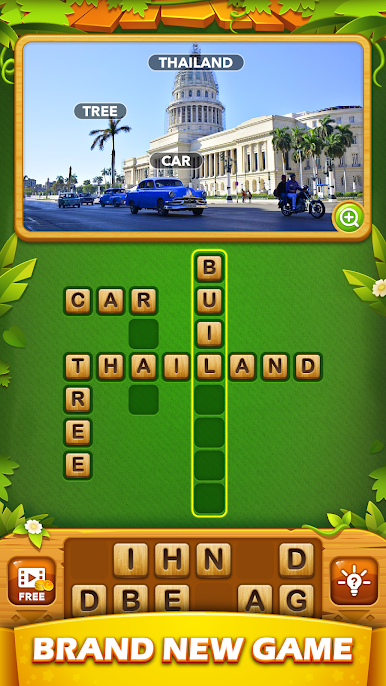
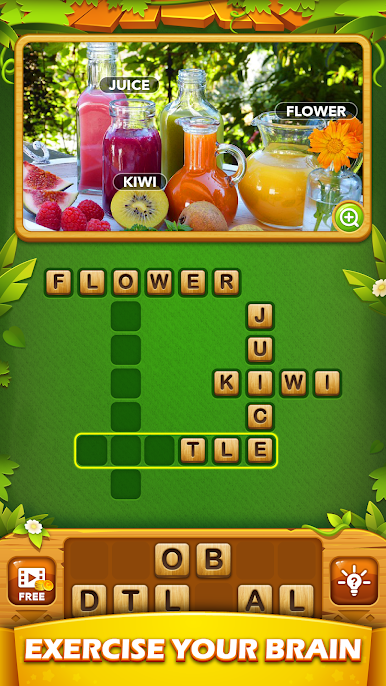
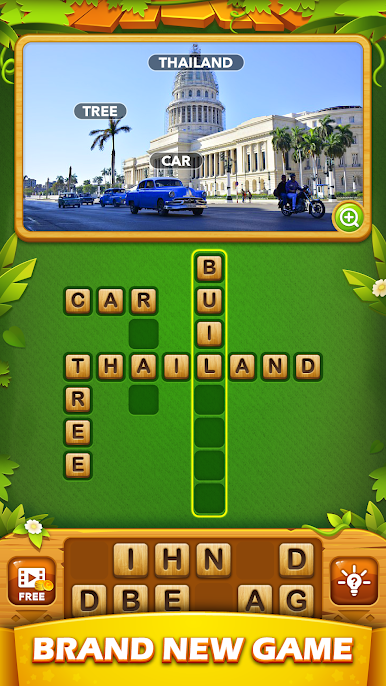
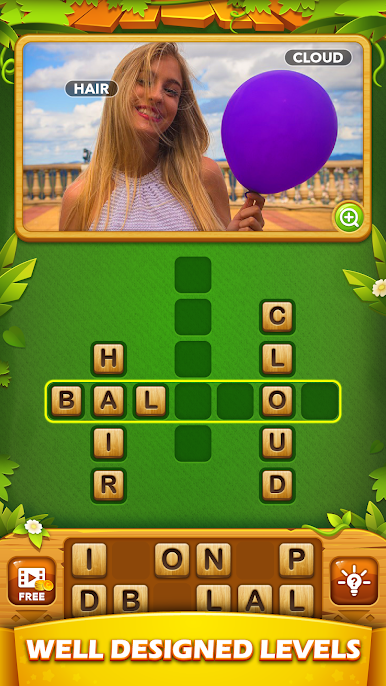
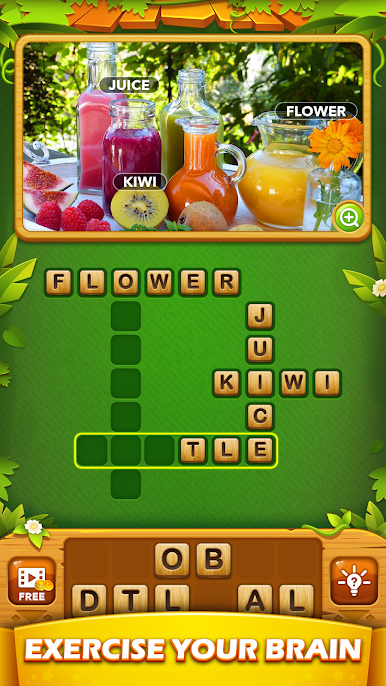
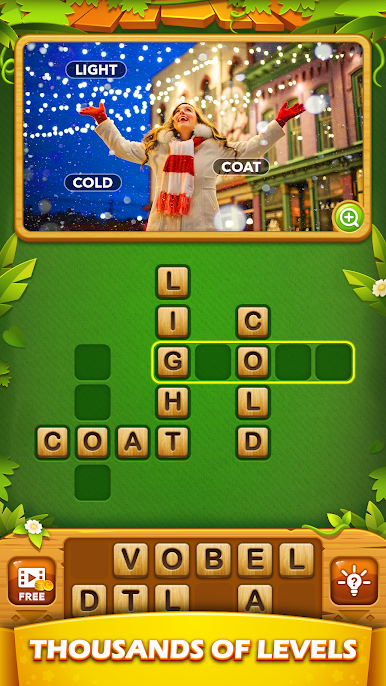
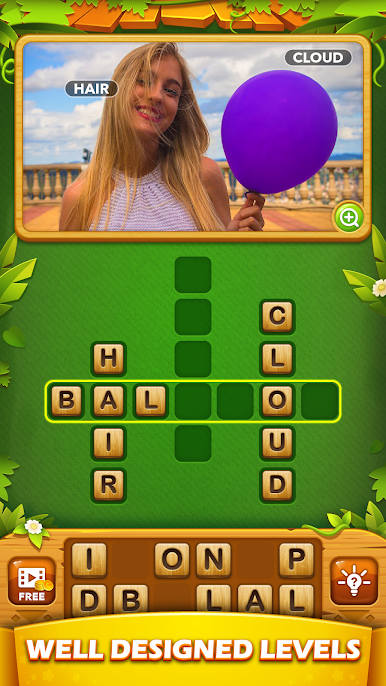
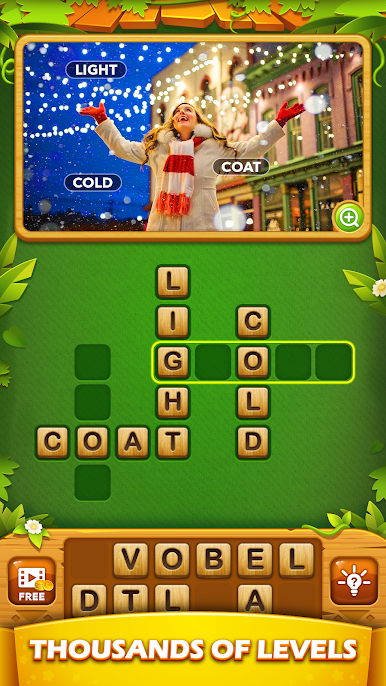
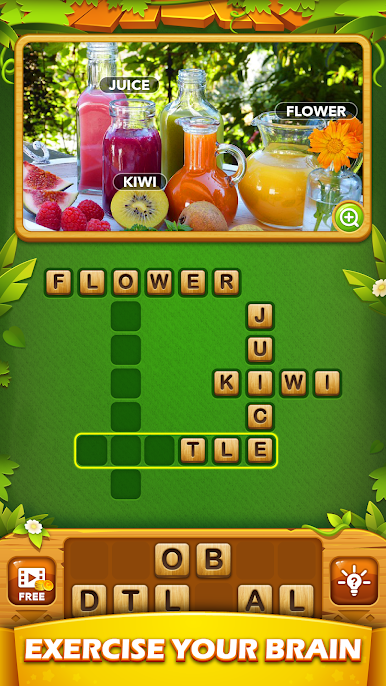
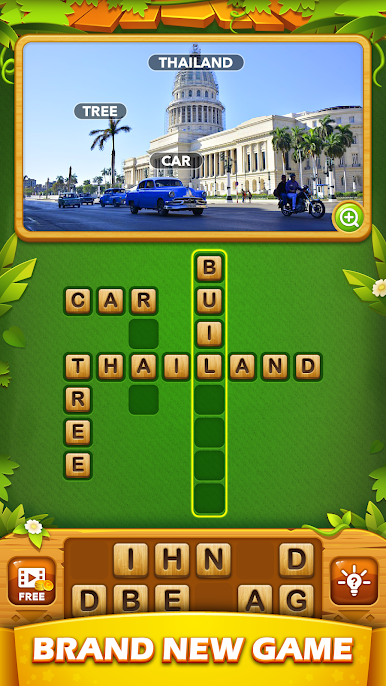
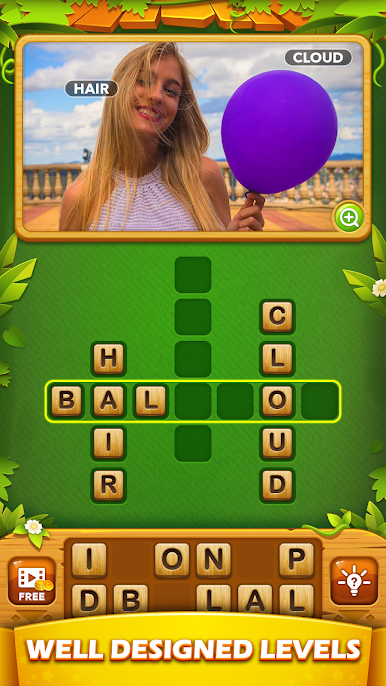
Word Cross Pics – Puzzle Games is a photo based crossword where every answer comes from what is in the picture. A level pops up with a clean image and a crossword grid, and the job is to study the scene, notice details, and fill the board with words that match what is shown. It feels relaxed because there is no timer breathing down the neck, yet there is still that nice snap of satisfaction when a tricky word finally fits. Early puzzles go easy, then the challenge creeps up as the photos and word sets get broader, which keeps the brain awake without turning it into homework.
There are a lot of levels to work through, well past the casual weekend range, and new packs roll in often enough that it does not go stale. It is free, it suits kids, teens, and adults, and it is a steady way to grow vocabulary since the pictures push players toward terms they might not use every day. The photos are bright and varied, and the simple effects keep it pleasant to look at for a while. On a PC with BlueStacks, the bigger screen makes small details easier to spot, and typing answers feels smooth. It has that pick up and play rhythm, perfect for a calm break or a longer session when the mood hits, just picture driven word finding with no pressure attached.
Make your gaming sessions memorable with precise controls that give you an edge in close combats and visuals that pop up, bringing every character to life.
Zagraj w Word Cross Pics - Puzzle Games na PC. To takie proste.
-
Pobierz i zainstaluj BlueStacks na PC
-
Zakończ pomyślnie ustawienie Google, aby otrzymać dostęp do sklepu Play, albo zrób to później.
-
Wyszukaj Word Cross Pics - Puzzle Games w pasku wyszukiwania w prawym górnym rogu.
-
Kliknij, aby zainstalować Word Cross Pics - Puzzle Games z wyników wyszukiwania
-
Ukończ pomyślnie rejestrację Google (jeśli krok 2 został pominięty) aby zainstalować Word Cross Pics - Puzzle Games
-
Klinij w ikonę Word Cross Pics - Puzzle Games na ekranie startowym, aby zacząć grę

