


English irregular verbs
العب على الكمبيوتر الشخصي مع BlueStacks - نظام أندرويد للألعاب ، موثوق به من قبل أكثر من 500 مليون لاعب.

Run English irregular verbs on PC or Mac
Why limit yourself to your small screen on the phone? Run English irregular verbs, an app by Livango, best experienced on your PC or Mac with BlueStacks, the world’s #1 Android emulator.
About the App
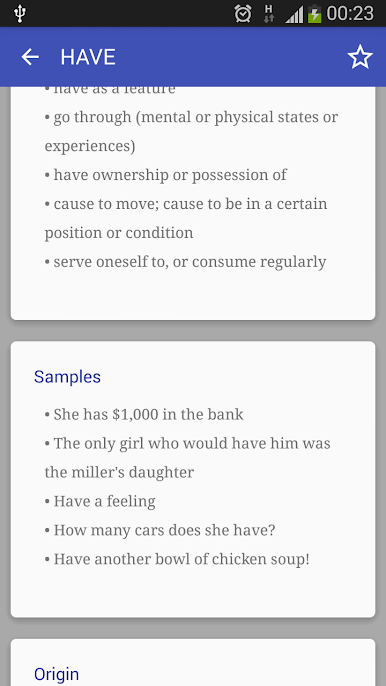
If English irregular verbs always trip you up, you’re definitely not alone. English irregular verbs from Livango makes brushing up on all those tricky verb forms a lot less exhausting—and actually kind of fun. Designed for learners of all levels, this Education app keeps things simple and practical, letting you practice at your own pace and get the hang of those “break, broke, broken” situations without feeling bored or overwhelmed.
App Features
- Most-Used First: You’ll start with the verbs you’ll actually see and hear all the time—no more wasting effort on obscure words right away.
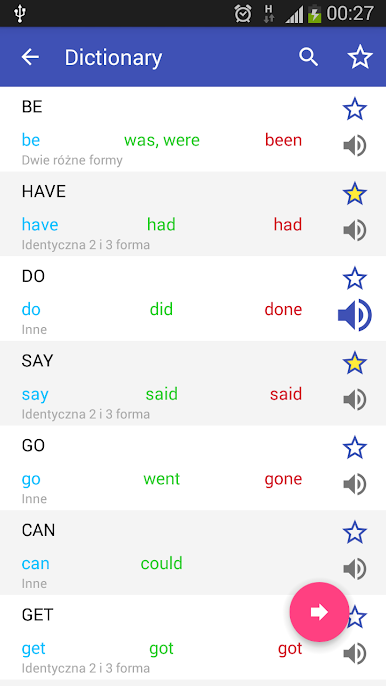
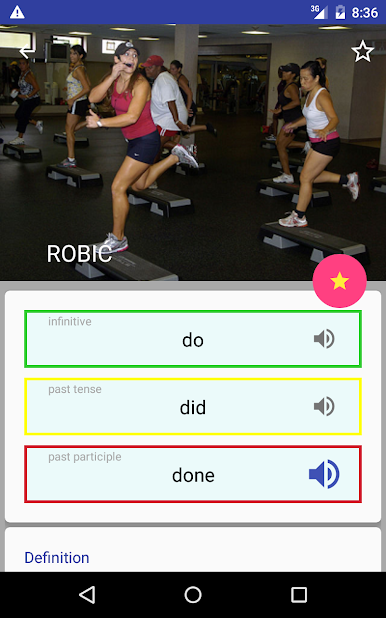
- Listen and Learn: Not sure how to say a verb? The built-in lector reads them out loud so you can nail down pronunciation as you go.
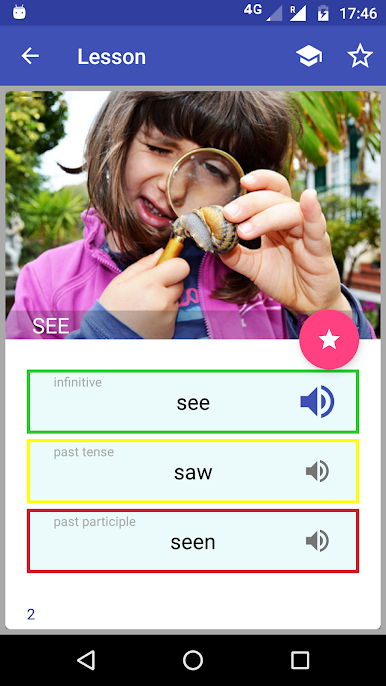
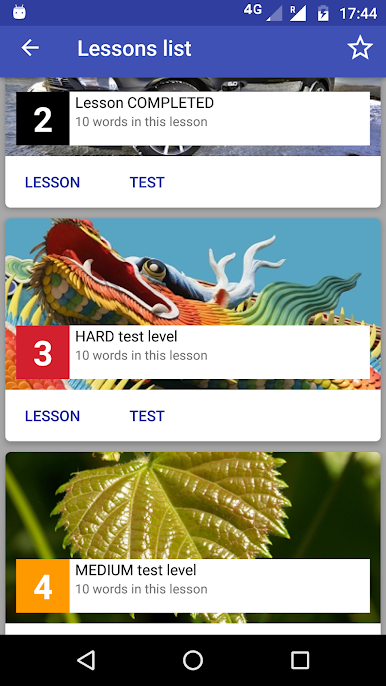
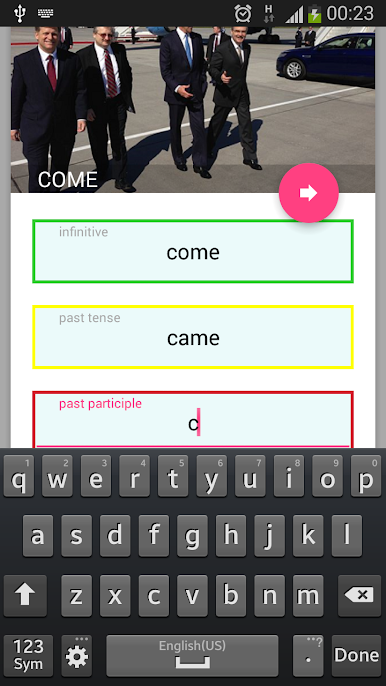
- Flashcard Practice: Flip through handy flashcards grouped into bite-sized lessons. It’s way less daunting than burying your head in a textbook.
- Custom Favorites List: Got a few verbs that just won’t stick? Tag them as favorites so you can revisit them as often as you need.
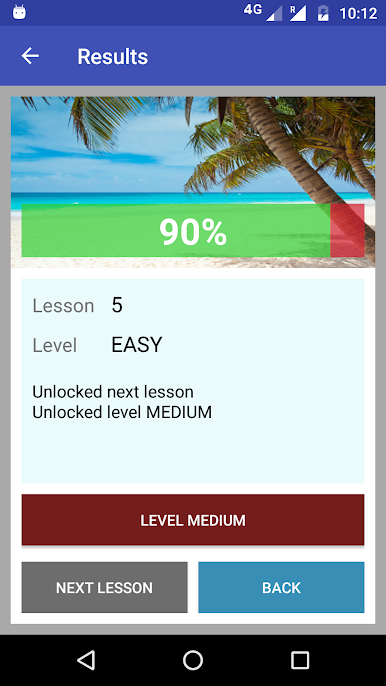
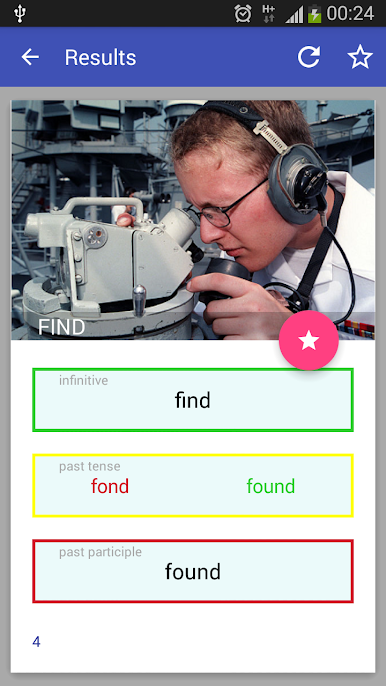
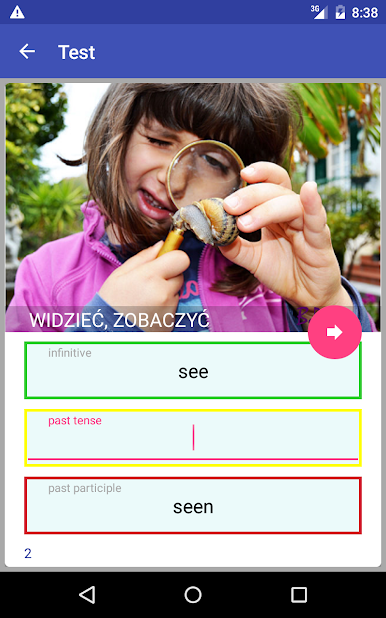
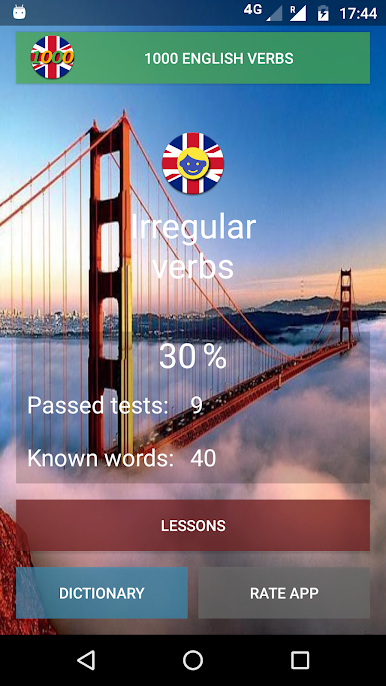
- Track Your Progress: After practicing, take quick tests to see how you’re doing. There are three levels, so you can work your way up or just test yourself for fun.
- Totally Free: All features are available without any cost.
- Fits Your Schedule: Whether you have just a couple minutes or a longer study session, the flexible lesson structure works for both.
- Compatible with BlueStacks: Prefer studying on a bigger screen? You can use English irregular verbs on your computer by running it with BlueStacks.
Eager to take your app experience to the next level? Start right away by downloading BlueStacks on your PC or Mac.
العب English irregular verbs على جهاز الكمبيوتر. من السهل البدء.
-
قم بتنزيل BlueStacks وتثبيته على جهاز الكمبيوتر الخاص بك
-
أكمل تسجيل الدخول إلى Google للوصول إلى متجر Play ، أو قم بذلك لاحقًا
-
ابحث عن English irregular verbs في شريط البحث أعلى الزاوية اليمنى
-
انقر لتثبيت English irregular verbs من نتائج البحث
-
أكمل تسجيل الدخول إلى Google (إذا تخطيت الخطوة 2) لتثبيت English irregular verbs
-
انقر على أيقونة English irregular verbs على الشاشة الرئيسية لبدء اللعب

