Toon Blocks
Spiele auf dem PC mit BlueStacks - der Android-Gaming-Plattform, der über 500 Millionen Spieler vertrauen.
Seite geändert am: Dec 2, 2025
Play Toon Blocks: Build Anything on PC or Mac
From the innovators and creators at Marek Dobrowolski, Toon Blocks: Build Anything is another fun addition to the World of Educational games. Go beyond your mobile screen and play it bigger and better on your PC or Mac. An immersive experience awaits you.
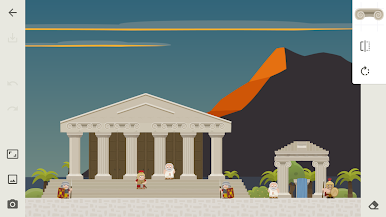
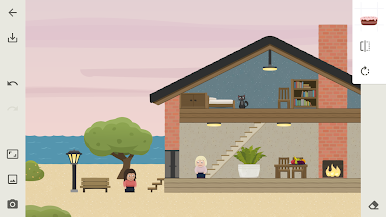
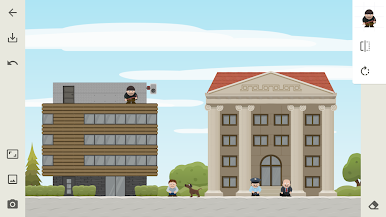
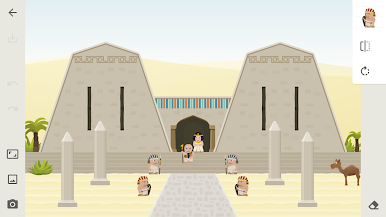
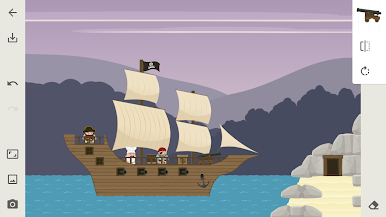
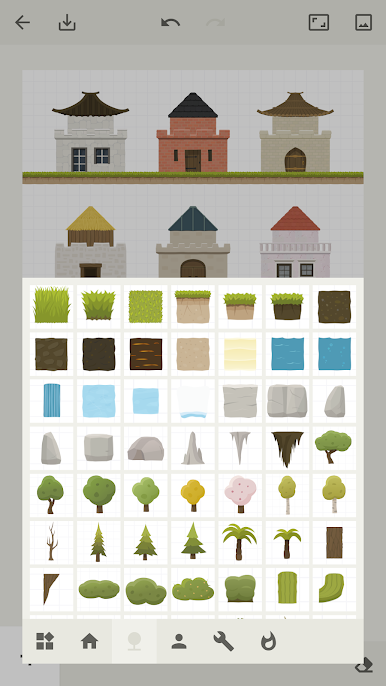
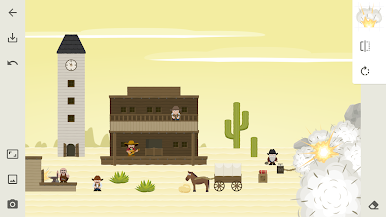
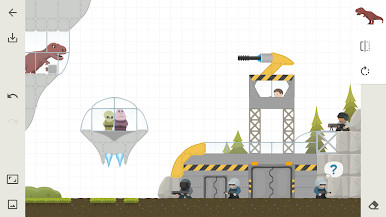
Toon Blocks is basically a chilled sandbox where players stack chunky, cartoony pieces to make whatever pops into their head. It feels like digital building blocks meet a simple comic maker. The tools are very direct, so no art skills are needed. Pieces snap together, rotate cleanly, and materials switch from brick to stone to wood without any fuss. One minute it is a tiny cottage, the next it is a full medieval castle with a goofy robot parked out front. Ships, space stuff, dinosaurs, pirates, even old warriors show up as props, so scenes start to look like little comic panels by the time the decorations and backgrounds go in. There are comic style effects too, the kind that make a scene pop with color and motion.
What stands out is how quickly a blank space turns into a toy set. Drop in characters, tweak a backdrop, add a few silly details, and it suddenly has a story. The physics playground is a nice touch as well. Blocks tumble, roll, and bounce, so builds are not just for show, they react a bit like a real desk toy. On PC with BlueStacks, dragging parts with a mouse feels neat and precise, and the bigger screen makes arranging tiny bits less of a squint. It is relaxed, creative, and oddly satisfying to keep tweaking until everything lines up.
Make your gaming sessions memorable with precise controls that give you an edge in close combats and visuals that pop up, bringing every character to life.
Spiele Toon Blocks auf dem PC. Der Einstieg ist einfach.
-
Lade BlueStacks herunter und installiere es auf deinem PC
-
Schließe die Google-Anmeldung ab, um auf den Play Store zuzugreifen, oder mache es später
-
Suche in der Suchleiste oben rechts nach Toon Blocks
-
Klicke hier, um Toon Blocks aus den Suchergebnissen zu installieren
-
Schließe die Google-Anmeldung ab (wenn du Schritt 2 übersprungen hast), um Toon Blocks zu installieren.
-
Klicke auf dem Startbildschirm auf das Toon Blocks Symbol, um mit dem Spielen zu beginnen