


Je Parle Espagnol Audio Cours
Juega en PC con BlueStacks: la plataforma de juegos Android, en la que confían más de 500 millones de jugadores.

Página modificada el: Aug 12, 2024
Juega Je Parle Espagnol Audio Cours en PC
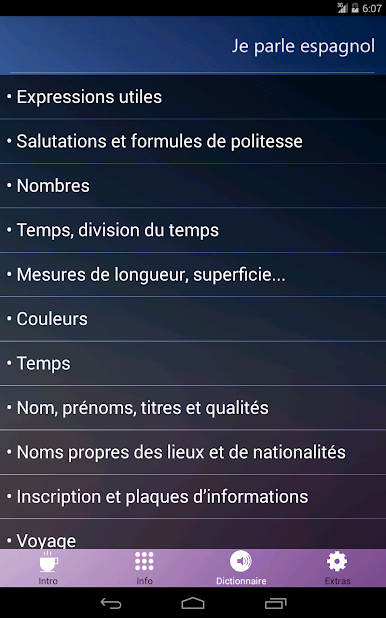
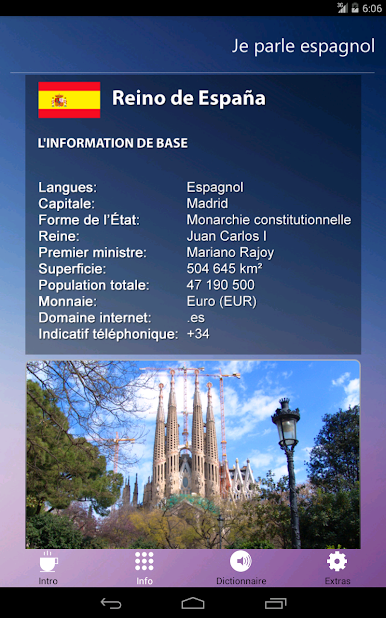
El material léxico se basa en el vocabulario básico dividido en grupos de asignaturas relacionadas e incluye las más útiles y la estructura gramatical más común que permite la comunicación en situaciones específicas. Aquí encontrarás:
- Frases útiles
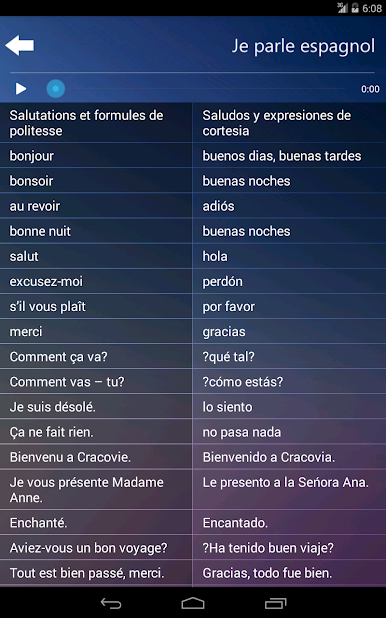
- Las expresiones de saludo y cortesía
- Números
- Tiempo
- Longitud, cuadrado, peso
- Color
- el tiempo
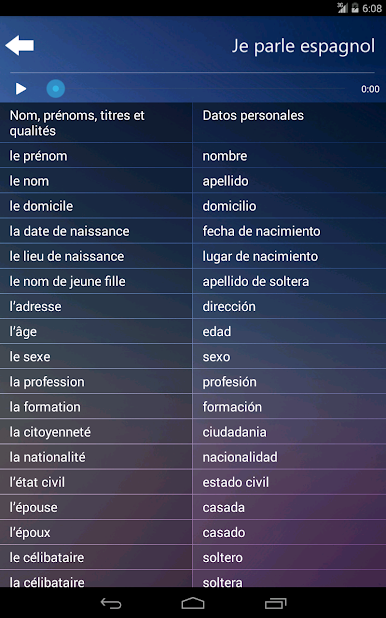
- Datos personales
- Nombres Geográficos, nacionalidades
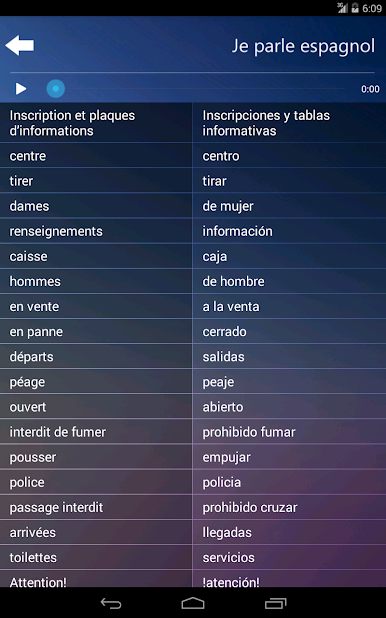
- Paneles informativos
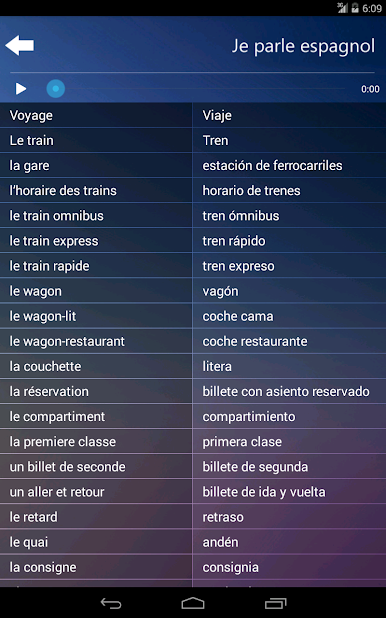
- el viaje
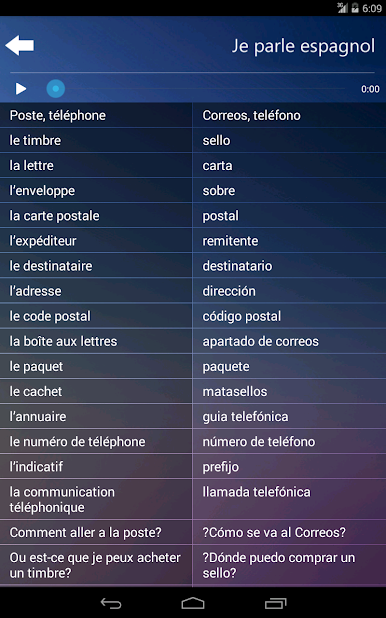
- Correo, teléfono
- Alojamiento
- Lugares de interés
- Restaurante, bar, café
- las tiendas
- Doctor, farmacia
- Deporte, ocio
Esta aplicación contiene preguntas, respuestas, palabras y frases que permiten la comunicación en situaciones normales asociados con los viajes y la vida en el extranjero y se pueden utilizar como soporte básico para el lenguaje.
Todas las oraciones y todas las palabras están en versión de audio, es fácil de aprender la pronunciación correcta.
Esperamos que este mini-curso será muy útil y animamos a aprender idiomas extranjeros sistémicamente.
Juega Je Parle Espagnol Audio Cours en la PC. Es fácil comenzar.
-
Descargue e instale BlueStacks en su PC
-
Complete el inicio de sesión de Google para acceder a Play Store, o hágalo más tarde
-
Busque Je Parle Espagnol Audio Cours en la barra de búsqueda en la esquina superior derecha
-
Haga clic para instalar Je Parle Espagnol Audio Cours desde los resultados de búsqueda
-
Complete el inicio de sesión de Google (si omitió el paso 2) para instalar Je Parle Espagnol Audio Cours
-
Haz clic en el ícono Je Parle Espagnol Audio Cours en la pantalla de inicio para comenzar a jugar

