このページには広告が含まれます
Je Parle Espagnol Audio Cours

Je Parle Espagnol Audio Cours

教育 | RosMedia Education

BlueStacksを使ってPCでプレイ - 5憶以上のユーザーが愛用している高機能Androidゲーミングプラットフォーム

ページ更新日: Aug 12, 2024

Run Je Parle Espagnol Audio Cours on PC or Mac

What’s better than using Je Parle Espagnol Audio Cours by RosMedia Education? Well, try it on a big screen, on your PC or Mac, with BlueStacks to see the difference.

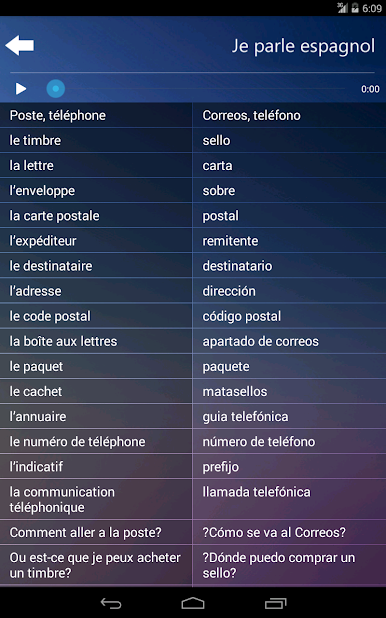
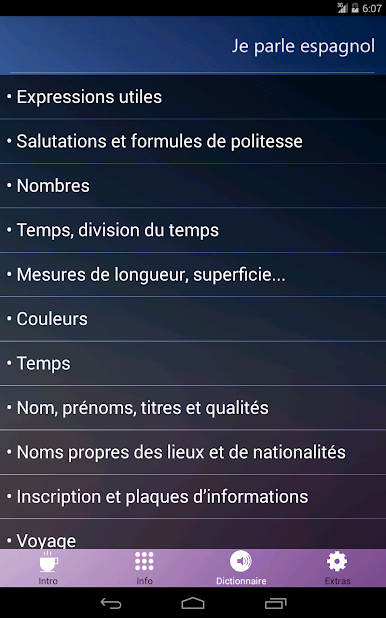
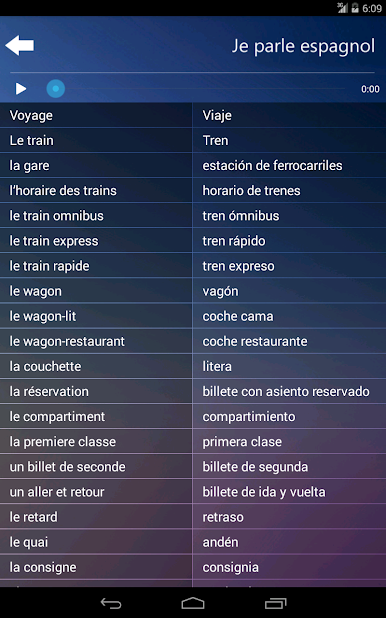
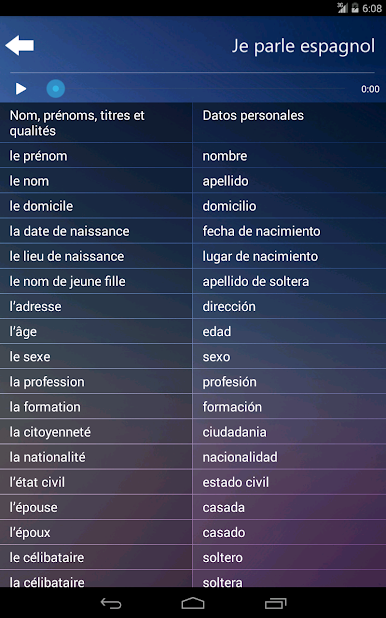
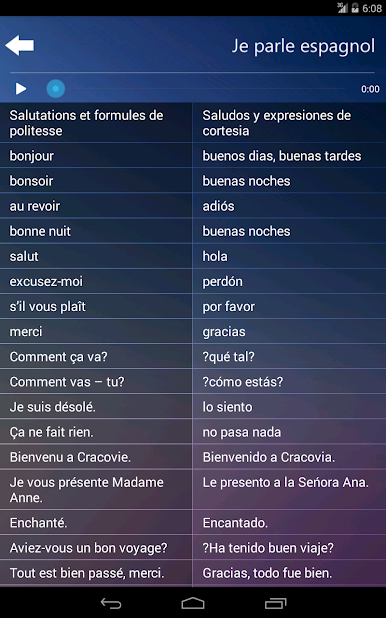
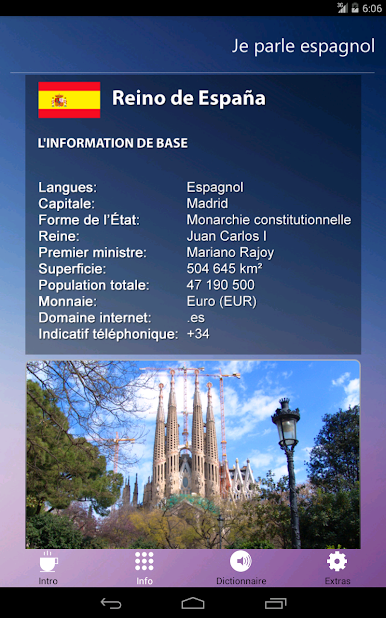
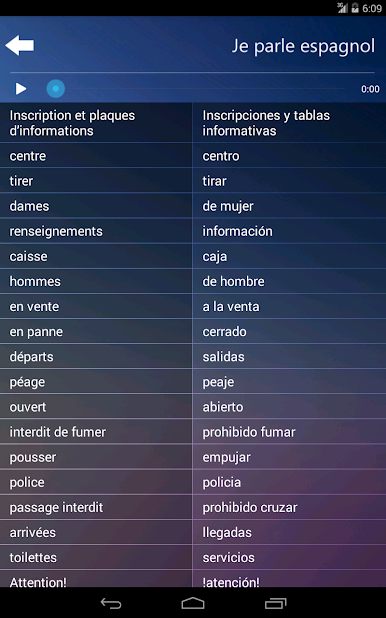
Je Parle Espagnol Audio Cours feels like a no-nonsense Spanish phrasebook built for people who speak French. It is very practical. Everything is grouped by real-life situations, so it is easy to jump into greetings, directions, restaurants, shopping, even things like measurements, weather, or reading signs. Each entry comes with a native Spanish audio clip, which makes copying the pronunciation simple without second guessing. It is not a grammar-heavy course, more a handy mini guide that shows the most useful patterns and everyday phrases, with short question and answer lines that actually help when someone needs to say something fast.

The app downloads its audio, so it works fine offline or in airplane mode, which makes it a strong pick for travel or a first few weeks abroad. On BlueStacks, the larger screen makes browsing categories less fiddly, and clicking to replay a tricky word a few times is comfortable while keeping notes on the side. It is clearly made for French speakers learning Spanish, so the explanations lean on French. That is great if someone already reads French well. The selection covers a lot of ground for daily life: personal info, nationalities, time and numbers, transport, hotels, sightseeing, calling by phone, post office, food and drinks, shopping, a quick doctor or pharmacy visit, and some leisure and sport terms. There is no fluff, no pressure, just a straightforward toolkit that focuses on saying things correctly and getting by without mobile data.

Ready to experience Je Parle Espagnol Audio Cours on a bigger screen, in all its glory? Download BlueStacks now.

Je Parle Espagnol Audio CoursをPCでプレイ

  • BlueStacksをダウンロードしてPCにインストールします。

  • GoogleにサインインしてGoogle Play ストアにアクセスします。(こちらの操作は後で行っても問題ありません)

  • 右上の検索バーにJe Parle Espagnol Audio Coursを入力して検索します。

  • クリックして検索結果からJe Parle Espagnol Audio Coursをインストールします。

  • Googleサインインを完了してJe Parle Espagnol Audio Coursをインストールします。※手順2を飛ばしていた場合

  • ホーム画面にてJe Parle Espagnol Audio Coursのアイコンをクリックしてアプリを起動します。

動画の視聴