


Bluetooth Terminal HC-05
5억명 이상의 게이머가 신뢰하는 안드로이드 게임 플랫폼 BlueStacks으로 PC에서 플레이하세요.

Run Bluetooth Terminal HC-05 on PC or Mac
Multitask effortlessly on your PC or Mac as you try out Bluetooth Terminal HC-05, a Communication app by mightyIT on BlueStacks.
About the App
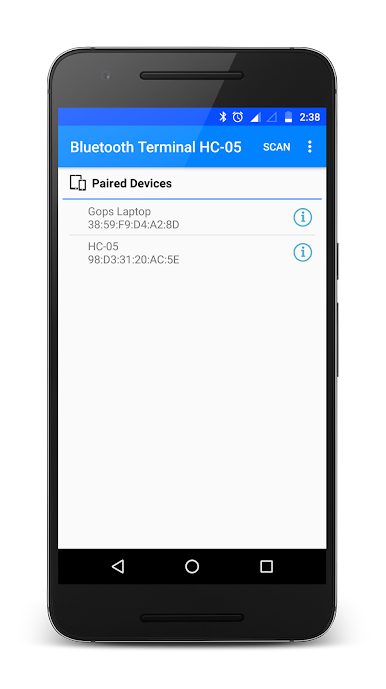
Ever wanted an easy way to talk to your microcontrollers from your phone? Bluetooth Terminal HC-05 by mightyIT makes it simple—just connect your device using an HC-05 or HC-06 Bluetooth module, and you’re set. It’s handy for anyone who tinkers with electronics, whether you’re debugging a project or just sending quick commands to your board. No confusing setup required; you get straight into experimenting, communicating, and solving problems.
App Features
-
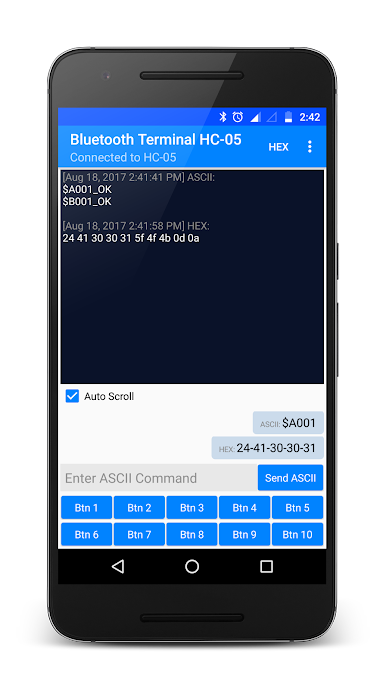
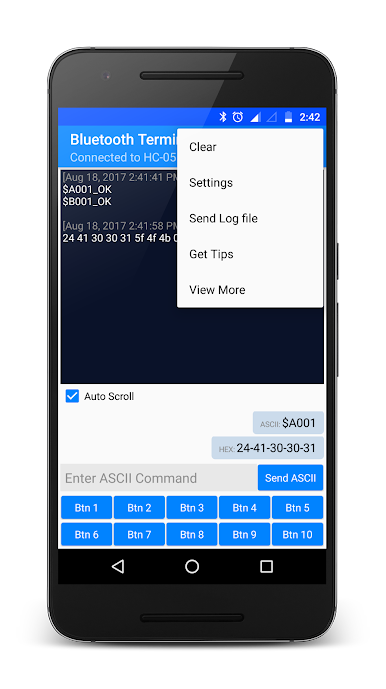
Separate Send & Receive Panels
Switch quickly between sending commands and watching responses—no juggling screens or losing track of what’s happening. -
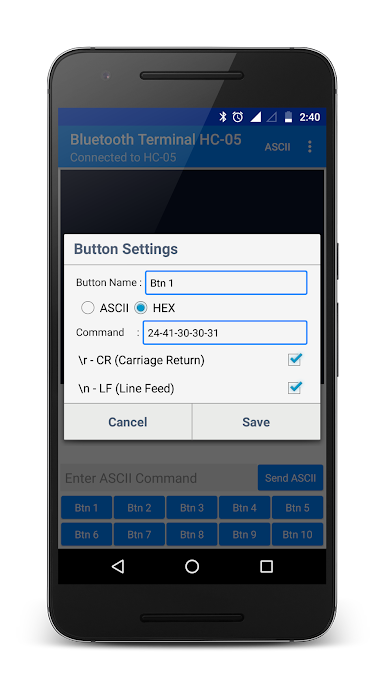
Custom Buttons for Repeated Commands
If you’re tired of typing the same thing over and over, you can create your own shortcut buttons for the commands you use the most. -
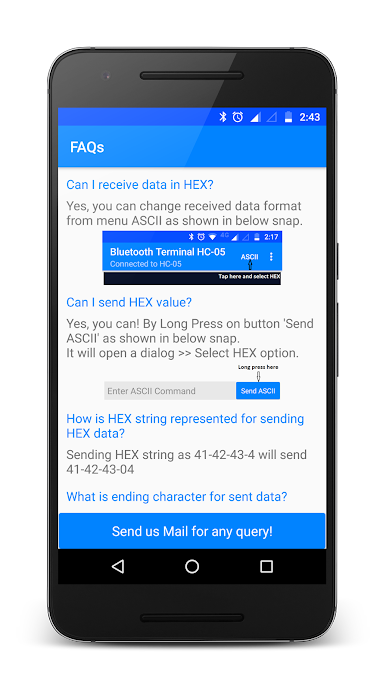
Data Display & Control Options
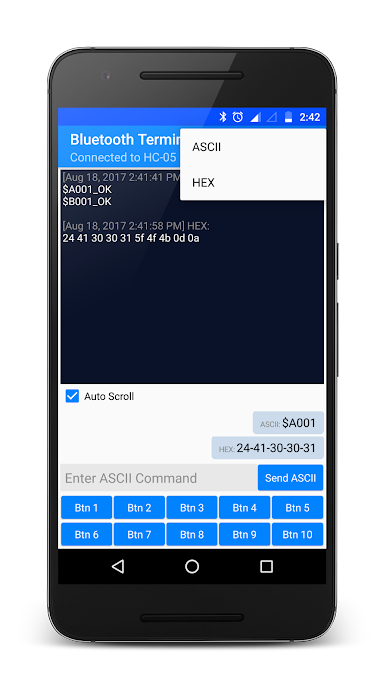
Watch incoming data in either HEX or ASCII—whichever makes more sense for your workflow. Outgoing data can be sent as HEX or ASCII too. -
Flexible Line Endings
Decide if you want to tag on r, n, or both to your messages. You can change this up on the fly with a long press. -
Copy & Share with a Tap
Need that sent message or piece of data later? Just long-press it to copy, or send the full log of your Bluetooth session straight from the app. -
Screen On/Off Toggle
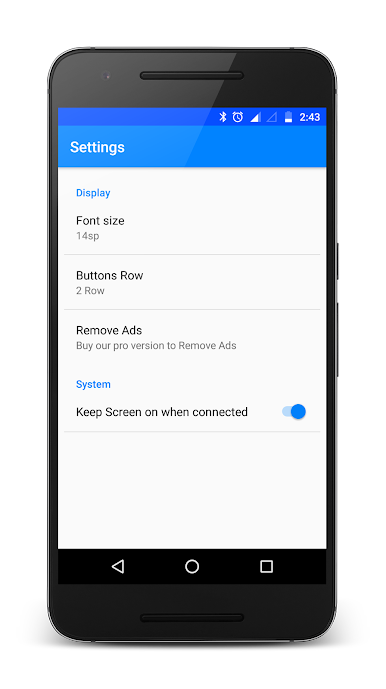
Keep your screen awake during a long session, or let it turn off when you’re finished tinkering. -
Ad-Free Upgrade
Prefer your workspace without distractions? There’s an ad-free option for uninterrupted focus.
Bluetooth Terminal HC-05 fits right into your toolbox on Android devices and runs smoothly even if you fire it up through BlueStacks on a computer. Perfect for anyone who likes a hands-on approach to electronics and communication.
BlueStacks gives you the much-needed freedom to experience your favorite apps on a bigger screen. Get it now.
PC에서 Bluetooth Terminal HC-05 플레이해보세요.
-
BlueStacks 다운로드하고 설치
-
Google Play 스토어에 로그인 하기(나중에 진행가능)
-
오른쪽 상단 코너에 Bluetooth Terminal HC-05 검색
-
검색 결과 중 Bluetooth Terminal HC-05 선택하여 설치
-
구글 로그인 진행(만약 2단계를 지나갔을 경우) 후 Bluetooth Terminal HC-05 설치
-
메인 홈화면에서 Bluetooth Terminal HC-05 선택하여 실행

