


ميسّر المتون
العب على الكمبيوتر الشخصي مع BlueStacks - نظام أندرويد للألعاب ، موثوق به من قبل أكثر من 500 مليون لاعب.

Run ميسّر المتون on PC or Mac
Let BlueStacks turn your PC, Mac, or laptop into the perfect home for ميسّر المتون, a fun Education app from SamerAbdAlRahmanQadi.
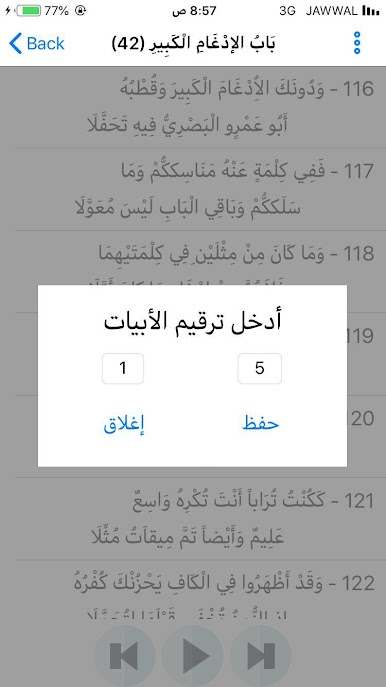
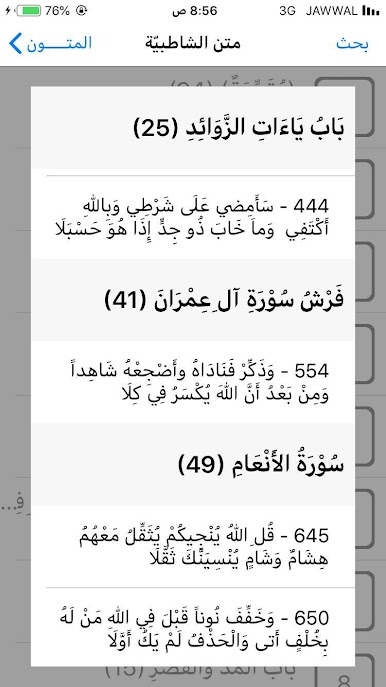
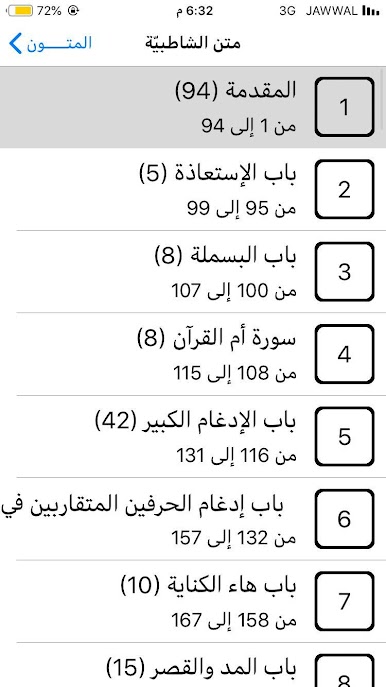
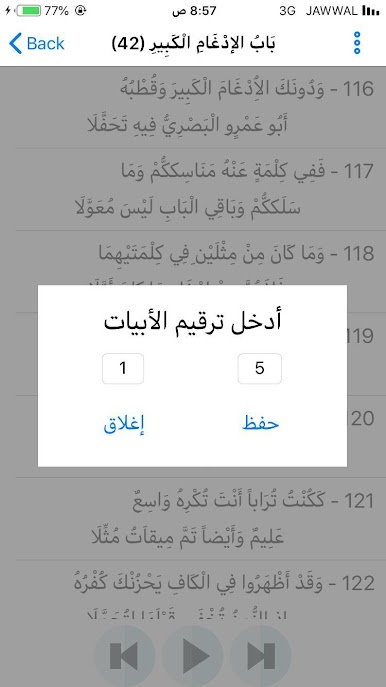
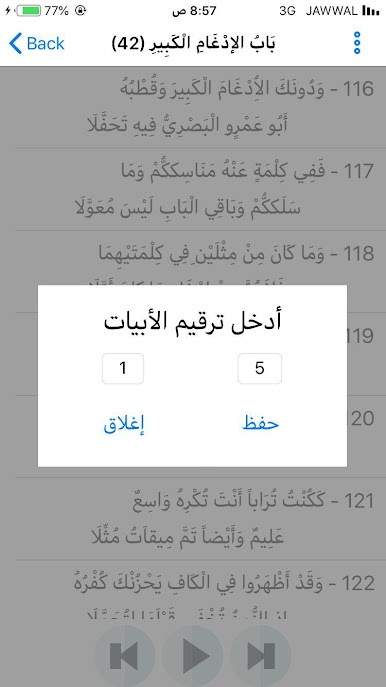
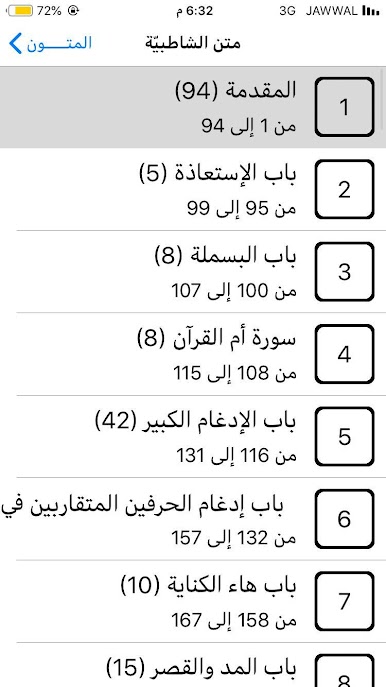
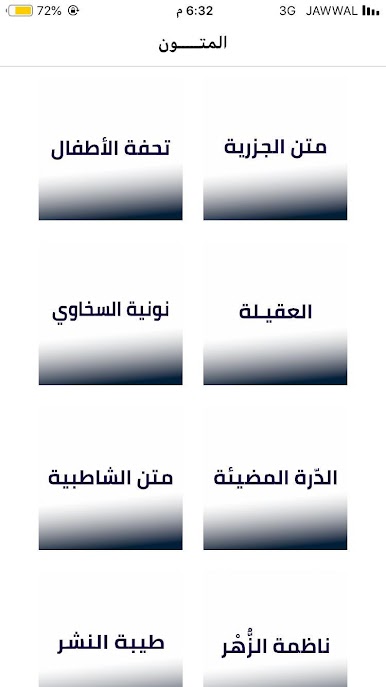
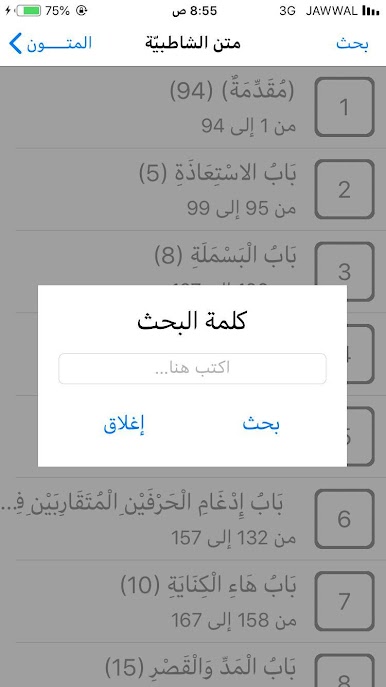
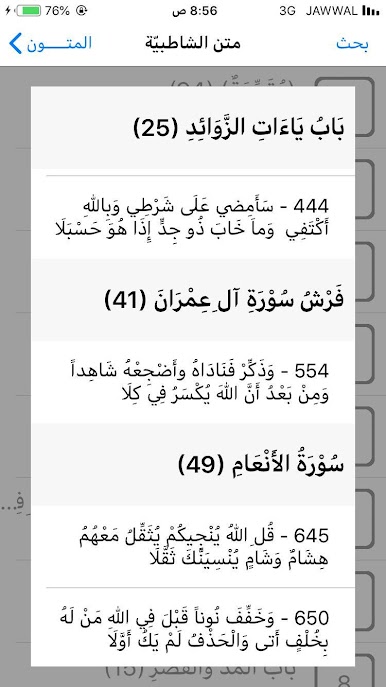
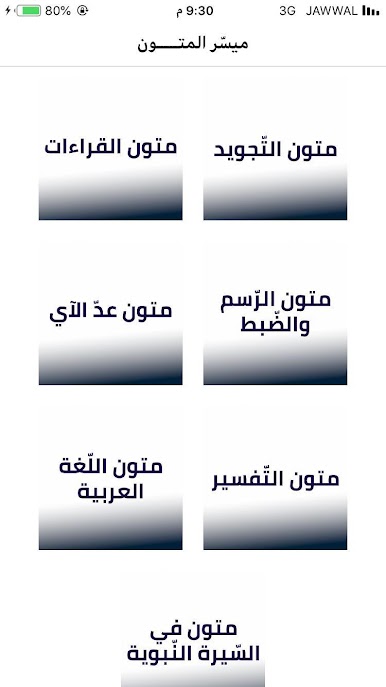
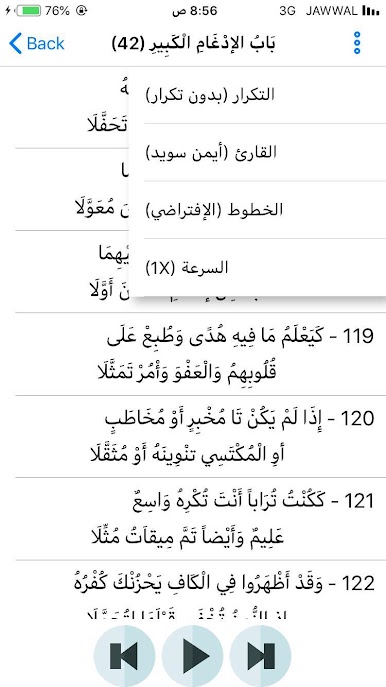
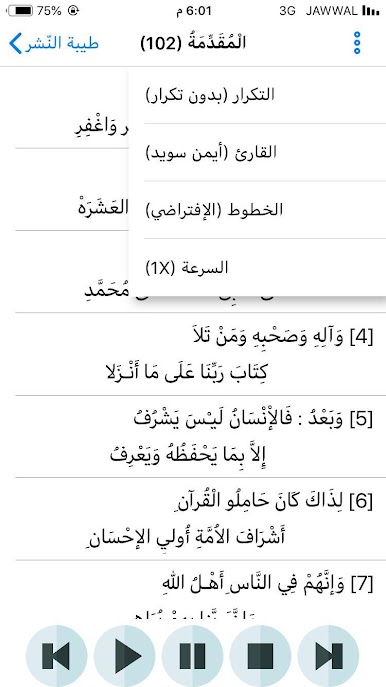
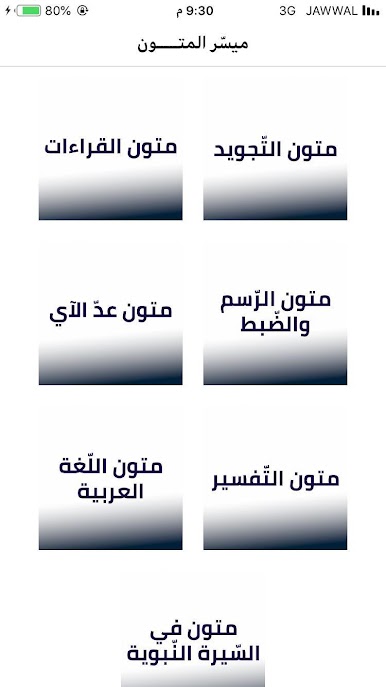
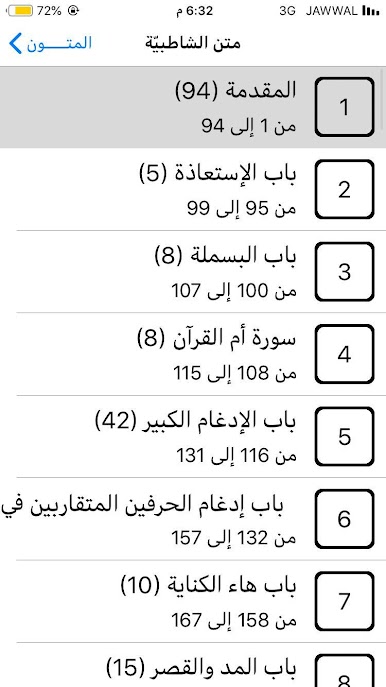
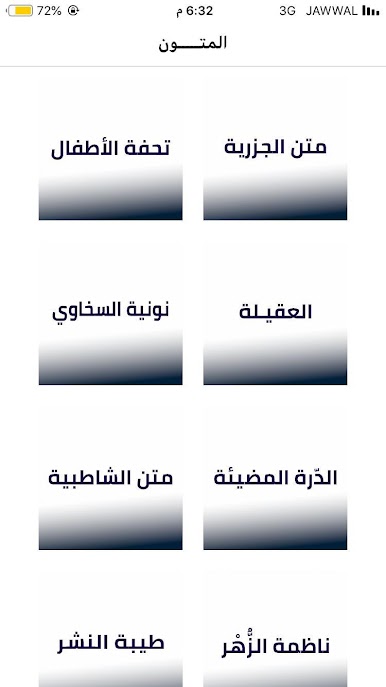
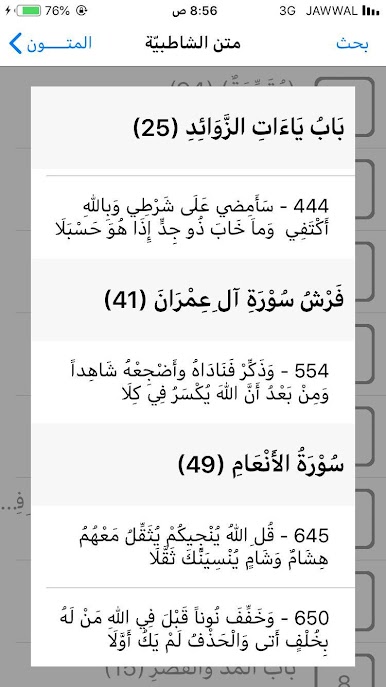
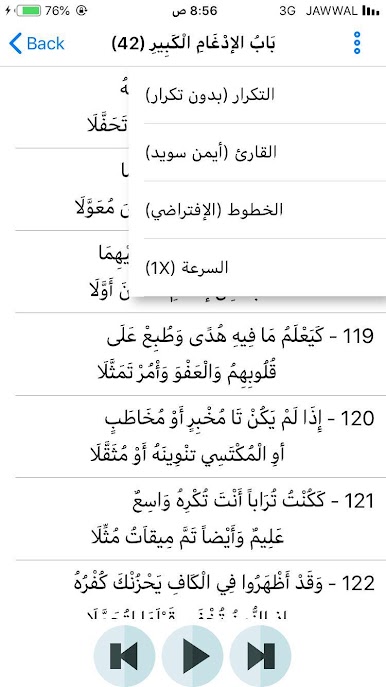
So, there’s this app called ميسّر المتون, and it’s all about Arabic Islamic texts – the kind you’ll see in tajweed, tafsir, and more. It basically groups together a bunch of famous matn (those core summary texts) by category. Stuff like learning rules of Quran recitation, the different Qira’at, and also things about Arabic grammar, sira, aqeedah, all split into their own sections. Each text is available to listen to, and you get a few different voice recordings from well-known reciters, like Ayman Suwayd and Mishary Alafasy, which makes the learning process pretty clear and easy to follow.
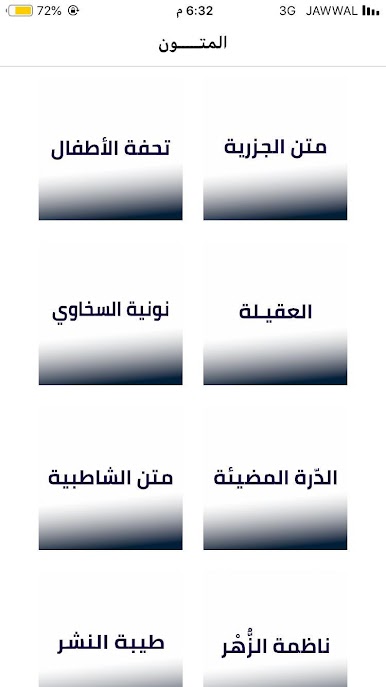
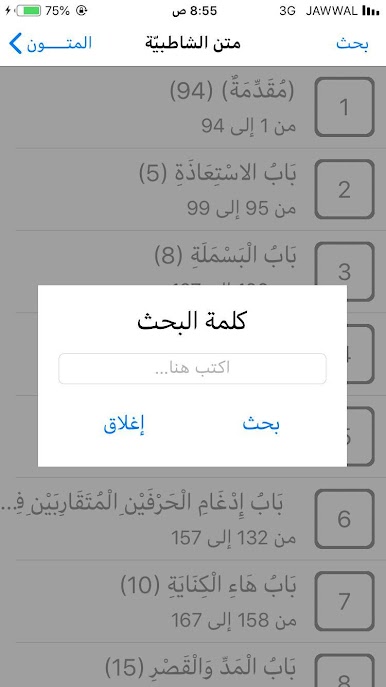
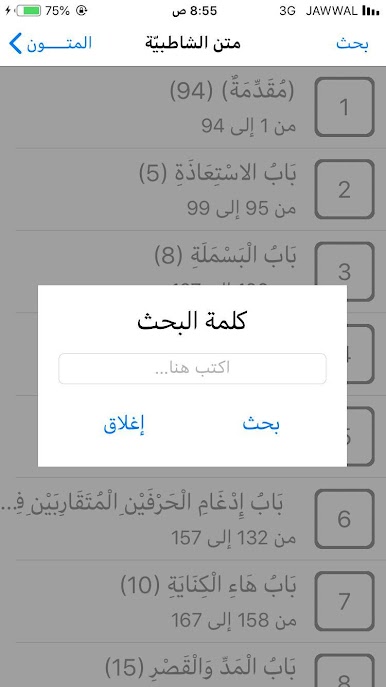
What’s cool is, on PC with BlueStacks, everything feels a bit roomier to browse than on a phone. The lists are neat, and you can just click into whatever topic you’re working on, whether it’s “Tuhfat al-Atfal” for tajweed or the Alfiyyahs for language and hadith. Some recordings—like certain famous ones of al-Jazariyah or al-Tayyibah—are downloadable, so listening offline is possible too. The app seems to add new material over time, so it stays useful even if you spend a lot of time with it. If someone wants to brush up or memorize classic texts in an organized way, and have audio help as well, the design is simple and straightforward. There aren’t lots of bells and whistles, but honestly, that just helps keep the focus on the material.
Ready to experience ميسّر المتون on a bigger screen, in all its glory? Download BlueStacks now.



العب ميسّر المتون على جهاز الكمبيوتر. من السهل البدء.
-
قم بتنزيل BlueStacks وتثبيته على جهاز الكمبيوتر الخاص بك
-
أكمل تسجيل الدخول إلى Google للوصول إلى متجر Play ، أو قم بذلك لاحقًا
-
ابحث عن ميسّر المتون في شريط البحث أعلى الزاوية اليمنى
-
انقر لتثبيت ميسّر المتون من نتائج البحث
-
أكمل تسجيل الدخول إلى Google (إذا تخطيت الخطوة 2) لتثبيت ميسّر المتون
-
انقر على أيقونة ميسّر المتون على الشاشة الرئيسية لبدء اللعب

