


Learn Python
Play on PC with BlueStacks – the Android Gaming Platform, trusted by 500M+ gamers.

Page Modified on: Dec 5, 2025
Run Learn Python on PC or Mac
Why limit yourself to your small screen on the phone? Run Learn Python, an app by Online learning & growth institute, best experienced on your PC or Mac with BlueStacks, the world’s #1 Android emulator.
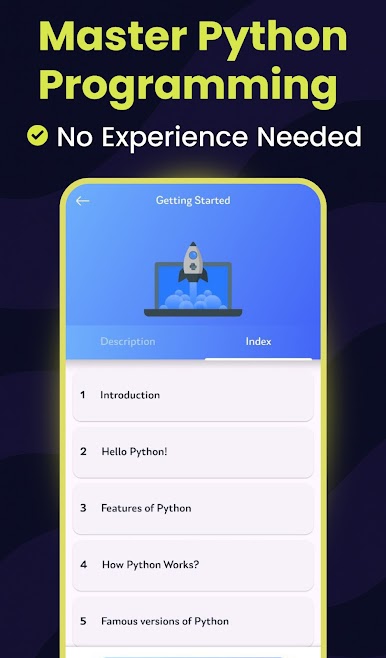
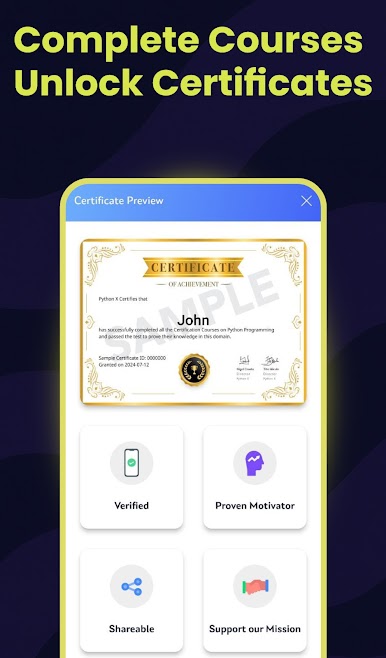
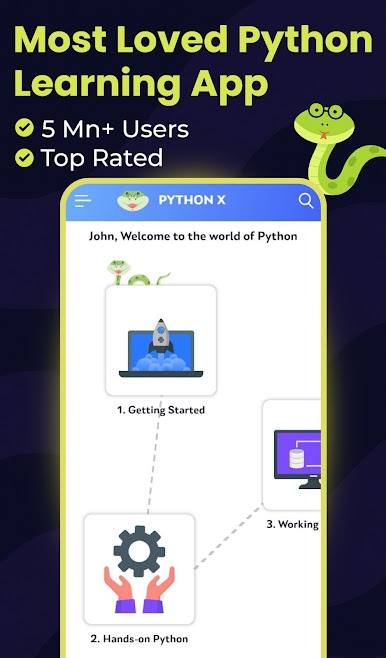
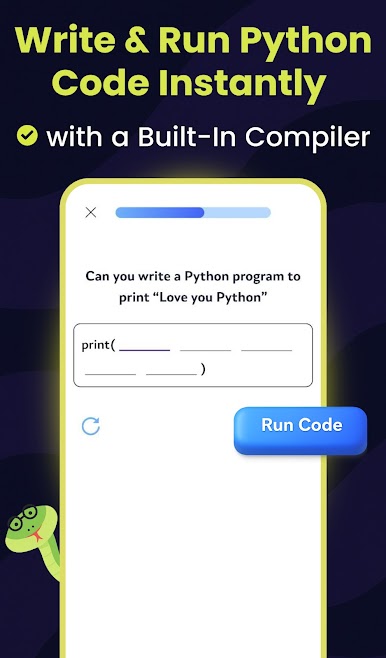
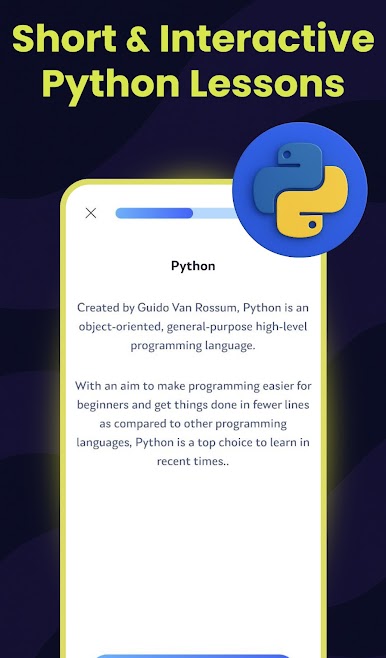
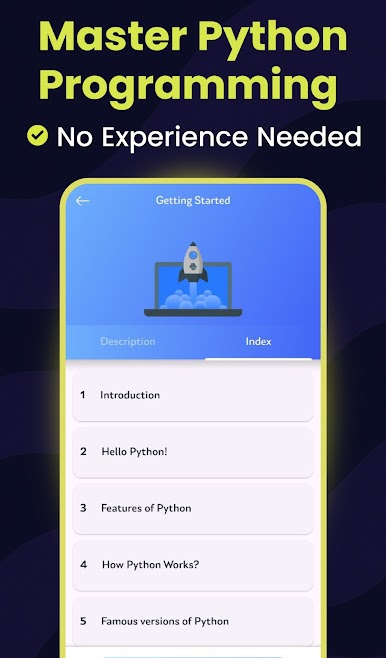
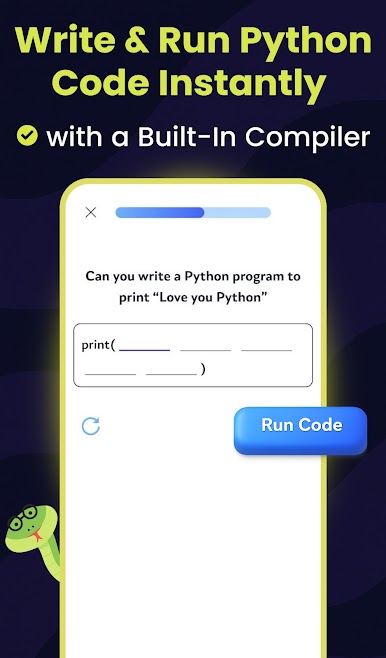
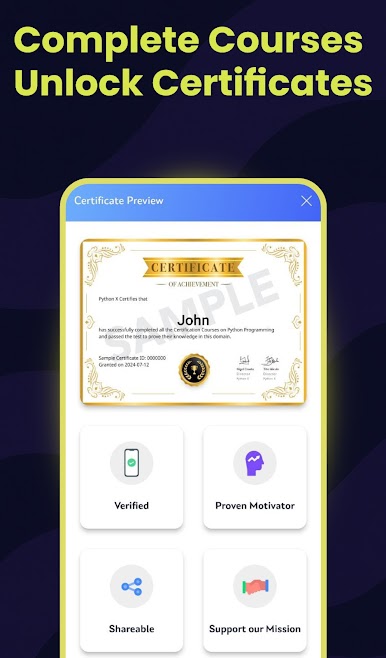
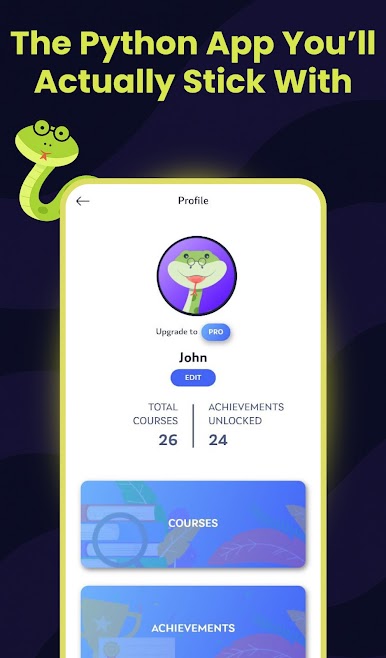
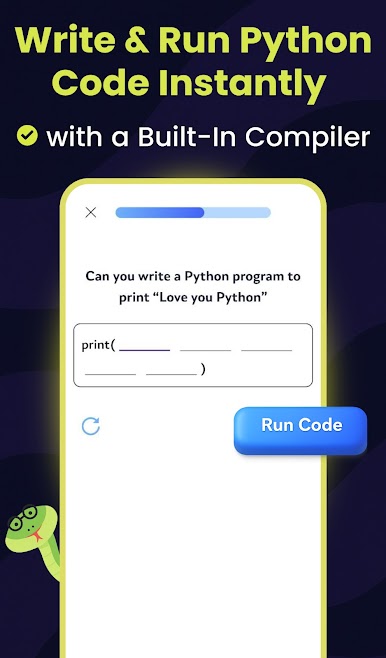
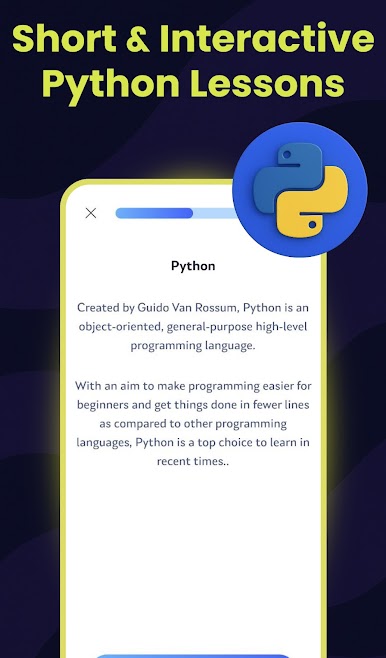
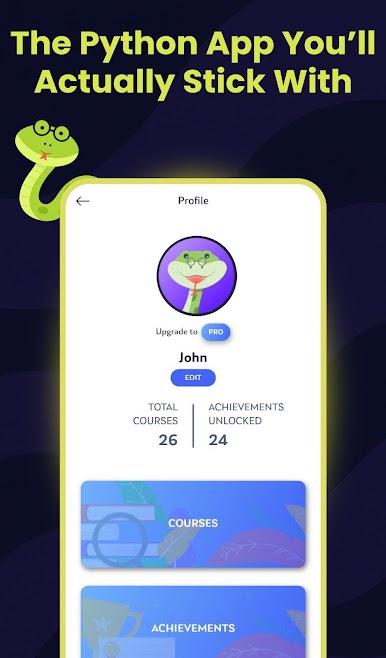
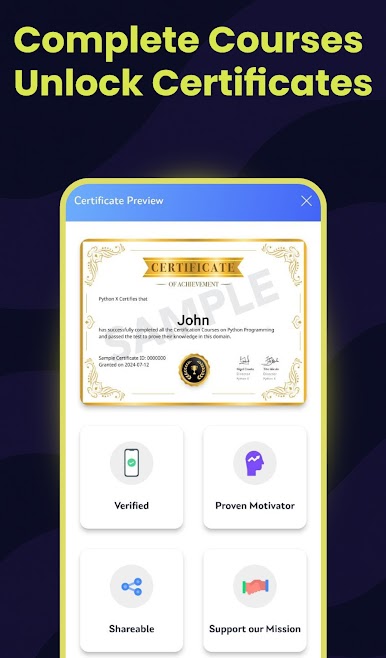
Learn Python feels like a tidy little course that lives on the phone, only it works nicely on a PC with BlueStacks too. It opens to short lessons with plain explanations, then nudges into a quick quiz or a tiny coding task so things stick. There is a built-in Python runner, so code executes right there with no setup pain, which takes a lot of stress out of learning. The layout is simple, progress is clear, and there is a certificate at the end if someone likes that proof. There is even a speech option that reads lessons out loud, which is oddly relaxing when eyes are tired.
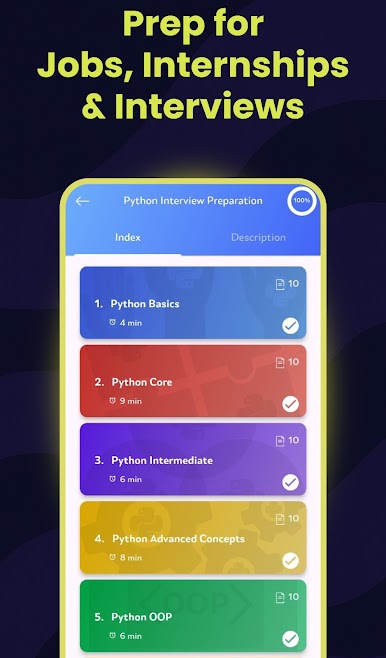
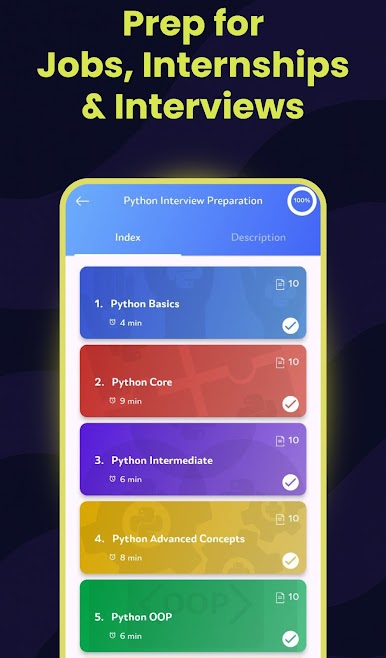
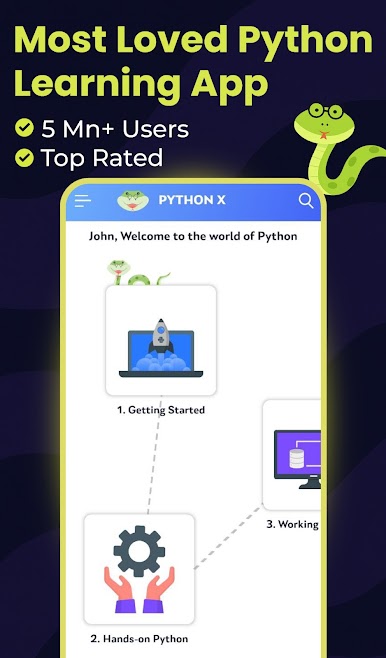
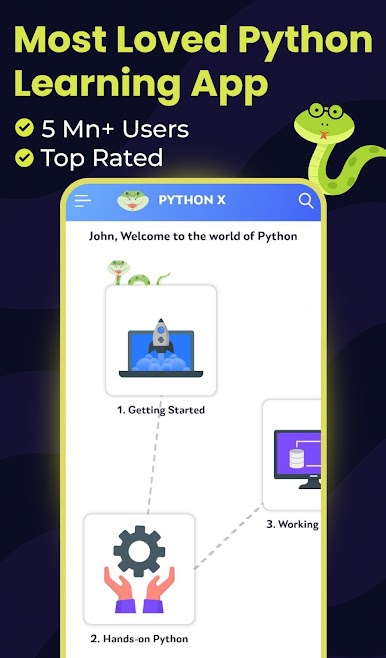
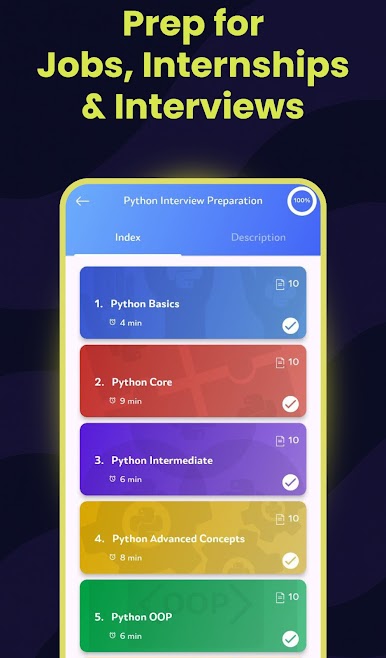
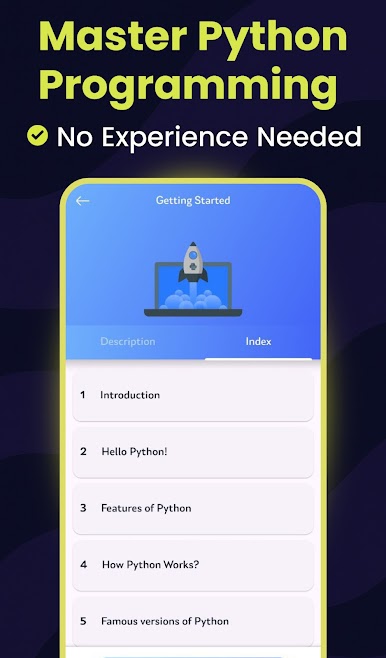
The content goes wider than expected. It starts with basics and hands-on syntax, then moves through data handling, math bits, decisions, numbers and strings, loops, lists, tuples, dictionaries, sets, functions, files, exceptions, modules, object oriented programming, multithreading, database work, and a small GUI intro. Between topics there are practice questions, hundreds of examples to poke at, and a few mini projects like a supermarket cashier, a library manager, and an employee CRUD app, so it is not just theory. There is an interview prep section with common questions that helps with revising. On BlueStacks, typing code with a full keyboard is faster, copy paste is easier, and the bigger screen makes reading the code blocks feel less cramped. It suits beginners who want a slow ramp, and also anyone who needs a refresher without digging through long tutorials.
BlueStacks gives you the much-needed freedom to experience your favorite apps on a bigger screen. Get it now.
Play Learn Python on PC. It’s easy to get started.
-
Download and install BlueStacks on your PC
-
Complete Google sign-in to access the Play Store, or do it later
-
Look for Learn Python in the search bar at the top right corner
-
Click to install Learn Python from the search results
-
Complete Google sign-in (if you skipped step 2) to install Learn Python
-
Click the Learn Python icon on the home screen to start playing

