


Natural Scientific Calculator
Jogue no PC com BlueStacks - A Plataforma de Jogos Android, confiada por mais de 500 milhões de jogadores.

Página modificada em: Jun 7, 2019
Run Natural Scientific Calculator on PC or Mac
Multitask effortlessly on your PC or Mac as you try out Natural Scientific Calculator, a Tools app by Stultus Studios on BlueStacks.
About the App
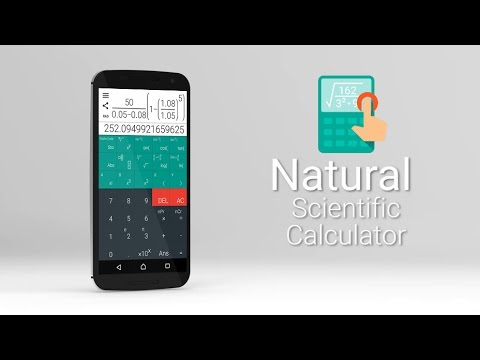
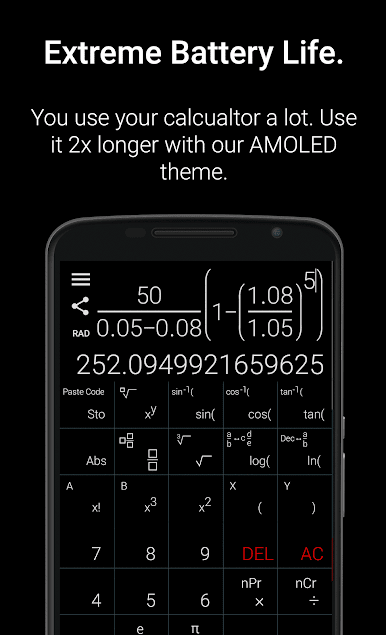
Ever wish your calculator just felt a bit more… natural? Natural Scientific Calculator by Stultus Studios gives you a pretty cool way to crunch numbers without feeling stuck in a time warp. It’s all about jotting down math like you do on real paper, with the bonus of helpful digital tools. Whether you’re a student, a pro, or just dealing with complicated equations, this app brings a smart, fresh take to your calculation routine.
App Features
-
Intuitive Rove Navigation
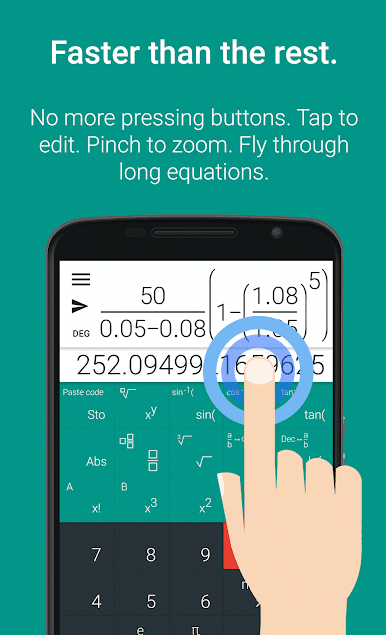
Swipe your way through equations instead of awkwardly tapping arrow keys. Need to fix a number error in the middle of a long line? Just drag your finger to the exact spot. -
Natural Input Style
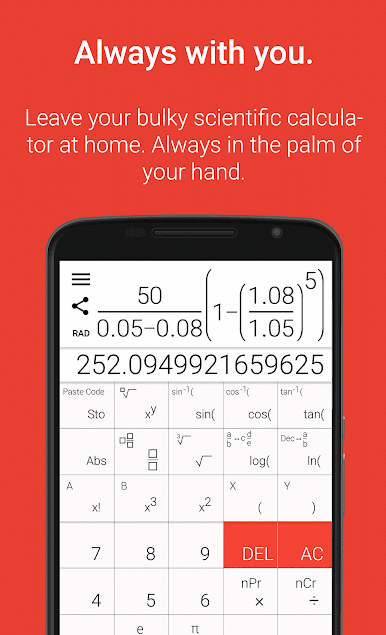
Type math like you’d actually write it—fractions, exponents, big roots, the works. Forget scrunched-up single-line stuff; it’s what your old-school calculator wishes it could do. -
Pinch to Zoom and Edit
Zoom in and out with a pinch, so you get a clean overview or focus on the tough parts of your equation. Editing long calculations just got way less painful. -
History & Favorites
Tired of re-entering the same brain-busting equations? Save your favorites or check your history, then reuse tricky formulas anytime with a single tap. -
Seamless Sharing
Stuck on a problem, or want to show off your solution? Quickly send equations to friends or classmates for help or feedback. -
Material Design Look
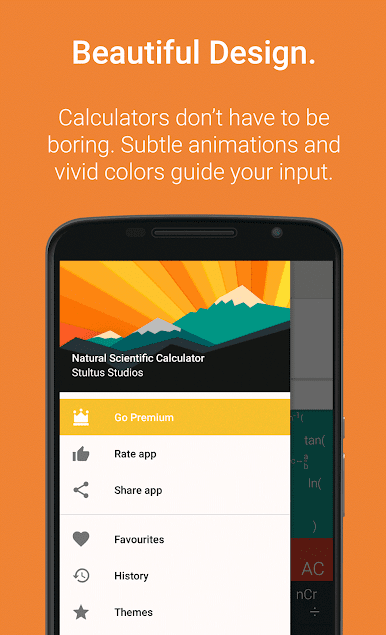
No more boring calculator screens. Enjoy bright, animated visuals—and if you grab the Productivity Pack, try out themes like the quiet “Starless Night” for extra style. -
Science-Class Essentials
Packed with features: radians and degrees, decimal/fraction conversions, permutations, combinations, roots, constants, logs, and all your favorite trig functions—yeah, it’ll handle those huge numbers and complex questions. -
Precision
Crunch numbers to up to 2,048 decimal places (for non-trigonometric stuff) if you’re a stickler for accuracy.
And if you’re running Android apps with BlueStacks, you’ll find everything feels smooth and just as crisp on your setup.
BlueStacks brings your apps to life on a bigger screen—seamless and straightforward.

Jogue Natural Scientific Calculator no PC. É fácil começar.
-
Baixe e instale o BlueStacks no seu PC
-
Conclua o login do Google para acessar a Play Store ou faça isso mais tarde
-
Procure por Natural Scientific Calculator na barra de pesquisa no canto superior direito
-
Clique para instalar Natural Scientific Calculator a partir dos resultados da pesquisa
-
Conclua o login do Google (caso você pulou a etapa 2) para instalar o Natural Scientific Calculator
-
Clique no ícone do Natural Scientific Calculator na tela inicial para começar a jogar

