

Битвы за контейнеры
Graj na PC z BlueStacks – Platforma gamingowa Android, która uzyskała zaufanie ponad 500 milionów graczy!

Strona zmodyfikowana w dniu: Aug 28, 2025
Play Wars for the containers. on PC or Mac
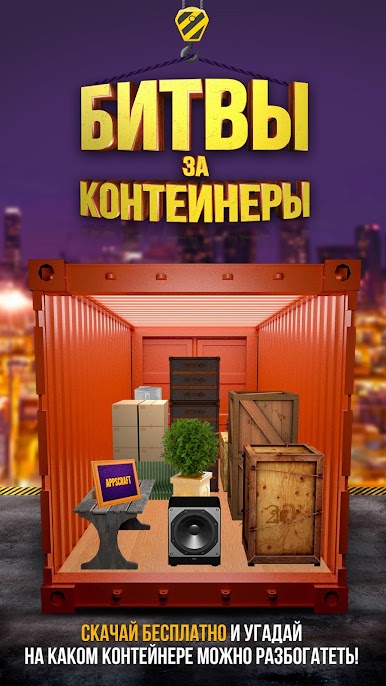
Bring your A-game to Wars for the containers., the Strategy game sensation from Appscraft Games. Give your gameplay the much-needed boost with precise game controls, high FPS graphics, and top-tier features on your PC or Mac with BlueStacks.
About the Game
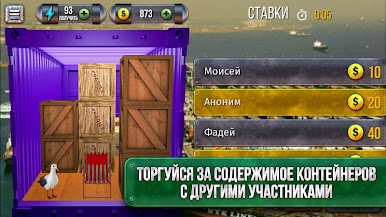
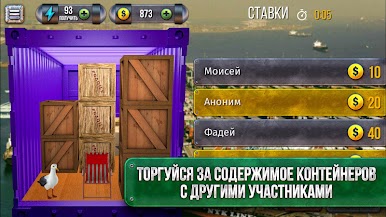
Ever thought you could strike it rich by buying up mystery containers at bustling sea ports? Wars for the containers throws you into the exciting, sometimes wild world of high-stakes auctions and sharp trading. As you travel from one massive port to another, you’ll be bidding against all kinds of clever folks, never quite sure what surprises you’ll pull out next.
Game Features
-
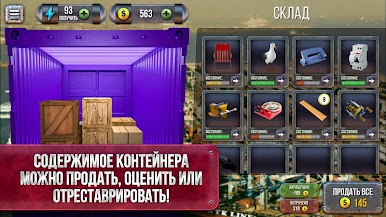
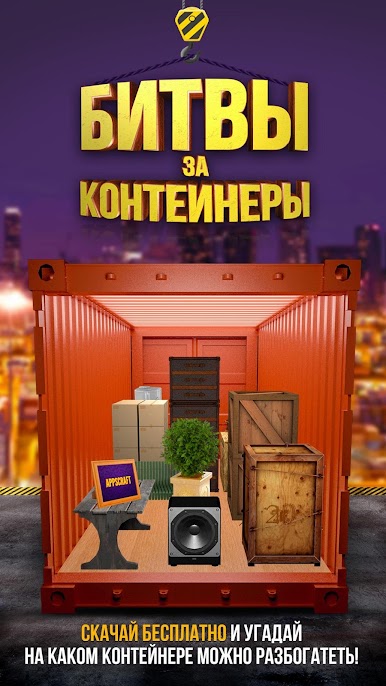
Over a Thousand Surprises
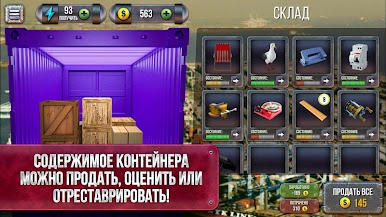
Each container is like a wrapped present—crack it open and it could be anything from something tiny and quirky to a literal helicopter. Collect, sell, trade, and see what treasures or odd finds you come across. It’s a real mix. -
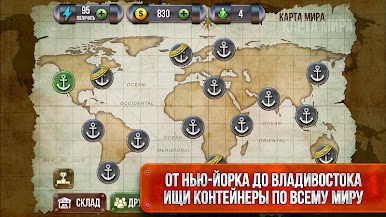
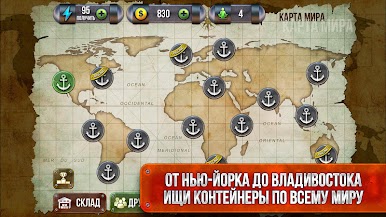
Fifteen Unique Sea Ports
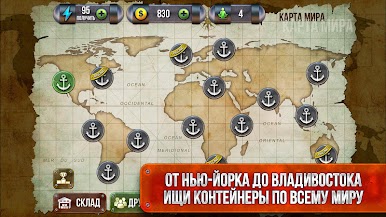
Pack your virtual bags—you’ll be visiting 15 famous sea ports, and each one’s got its own vibe (and a fresh batch of strange, rare items). -
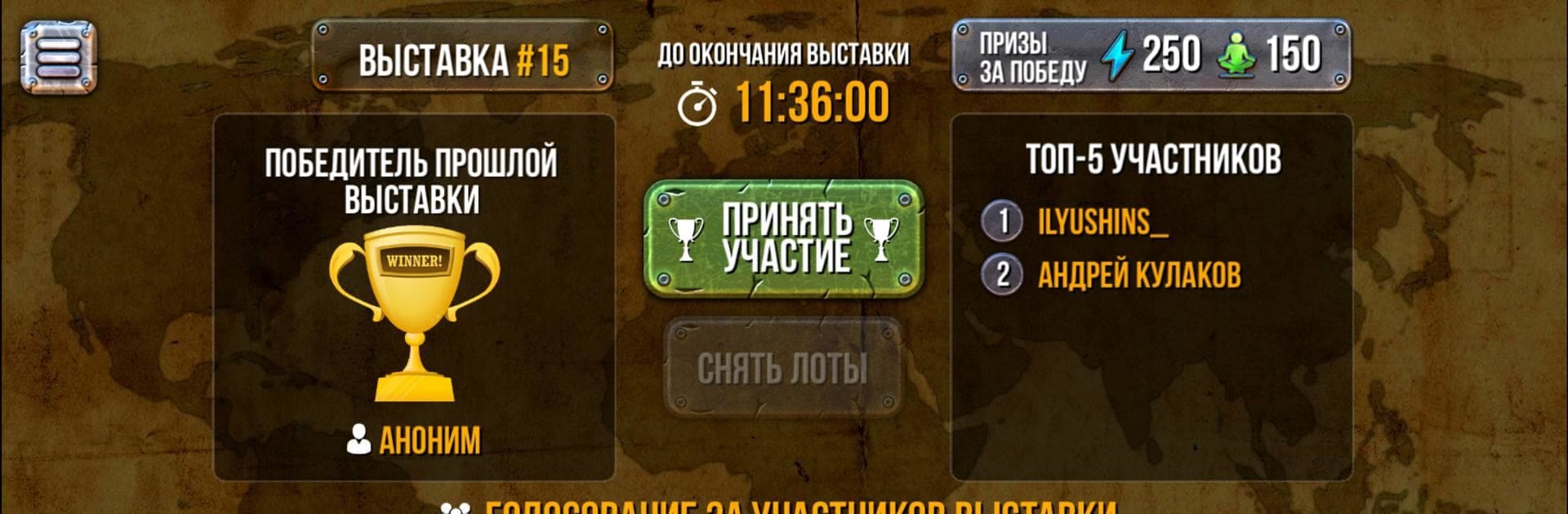
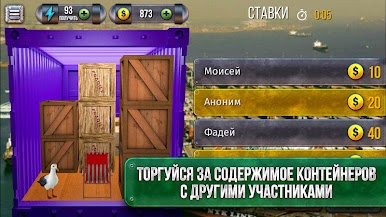
Real-Time Bargaining
At some ports, the action heats up as you negotiate with actual other players. It’s all about quick wits and sharper deals. -
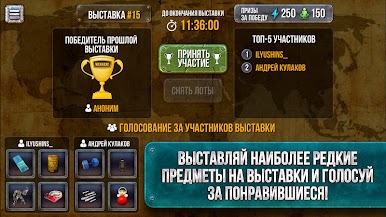
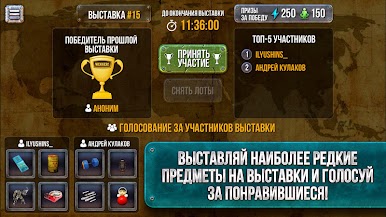
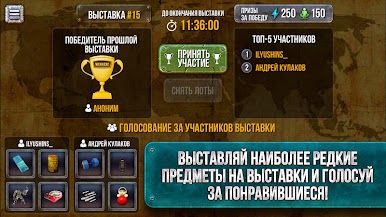
Daily Exhibitions
Show off your weirdest or rarest finds every day in game exhibitions. Other players? Yeah, they might get a little jealous. -
BlueStacks Friendly
If you prefer checking out your loot on a bigger screen, the game works smoothly with BlueStacks—so spread out your containers and enjoy those auctions in style.
Get ready for a buttery smooth, high-performance gaming action only on BlueStacks.

Zagraj w Битвы за контейнеры na PC. To takie proste.
-
Pobierz i zainstaluj BlueStacks na PC
-
Zakończ pomyślnie ustawienie Google, aby otrzymać dostęp do sklepu Play, albo zrób to później.
-
Wyszukaj Битвы за контейнеры w pasku wyszukiwania w prawym górnym rogu.
-
Kliknij, aby zainstalować Битвы за контейнеры z wyników wyszukiwania
-
Ukończ pomyślnie rejestrację Google (jeśli krok 2 został pominięty) aby zainstalować Битвы за контейнеры
-
Klinij w ikonę Битвы за контейнеры na ekranie startowym, aby zacząć grę

